
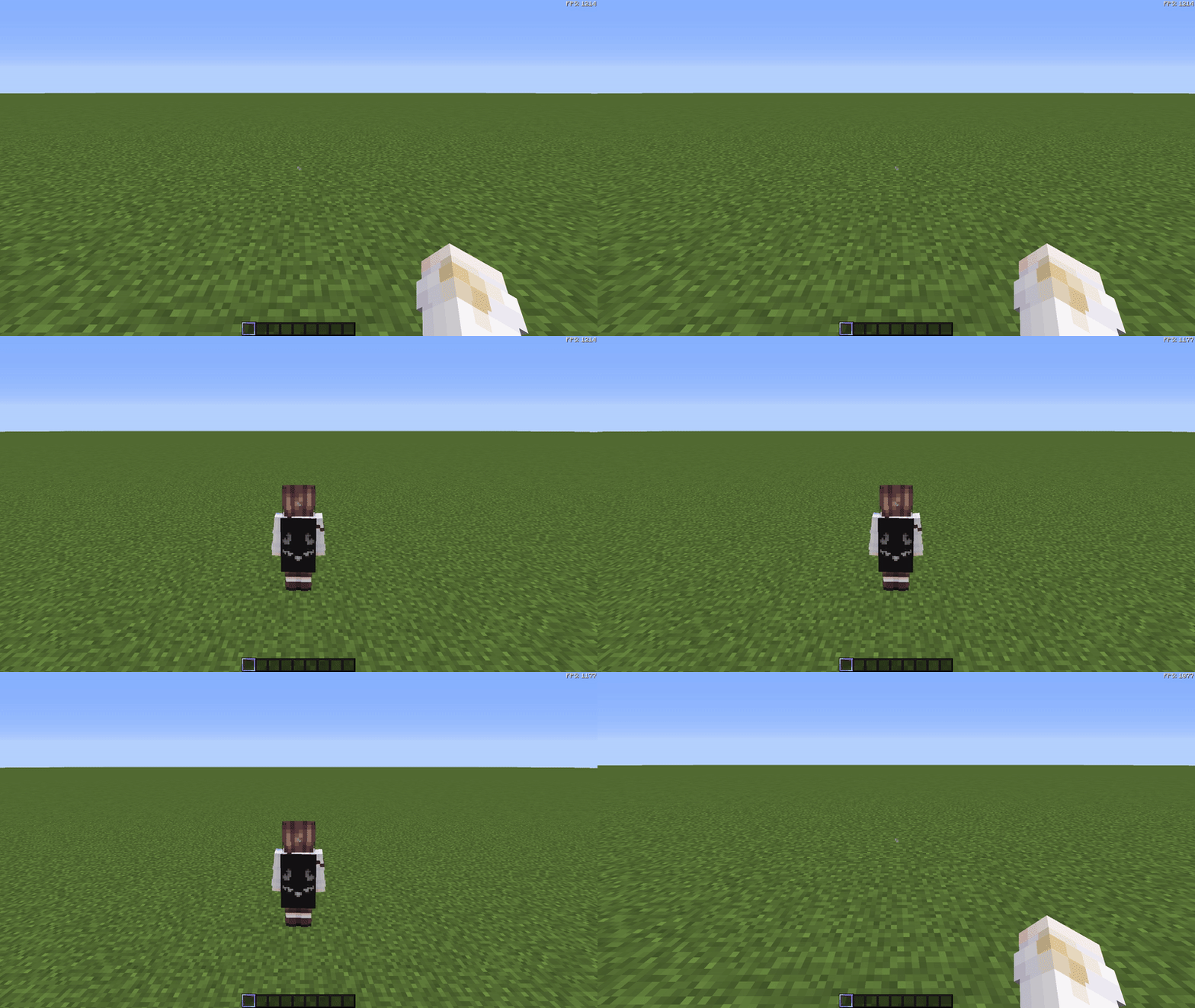
The DisableFrontView mod enhances gameplay immersion by disabling the front-facing third-person camera view (front perspective). When toggling the third-person perspective using the F5 key, this mod ensures you can only switch between the first-person view and the rear-facing third-person view.
This mod is ideal for players who prefer a streamlined and consistent camera experience or find the front perspective distracting during gameplay.
Additionally, the mod includes a fully customizable configuration GUI that allows you to toggle the mod's functionality on or off without restarting the game.
Features:
- Disables front-facing third-person perspective (F5 key).
- Fully customizable configuration via in-game GUI.
- Simple and lightweight design compatible with Forge 1.8.9.
- Edition: Minecraft Java
- File type: .jar
- Minecraft version listed: 1.8.9
- How to install: Install the matching mod loader (Forge, Fabric or NeoForge) for your Minecraft version. → Download the .jar. → Put it in the .minecraft/mods folder and launch that loader profile.
- Where to get it: Opens on Modrinth — not every file is mirrored on our own servers.
Install steps are the general flow for this file type — How to install Minecraft Java mods & modpacks walks through it step by step.
- Ships as DisableFrontView-1.8.9-v1.0.0.jar — drop this file into the mods folder
- Download size: 8 KB
- Download link checked 5 Sept 2026 — working
These come from our own check of the pack file, not from the source page.