
Really Bad mod
Bad Mod is a chaotic and poorly designed Minecraft mod that introduces unbalanced gameplay, numerous bugs, and frustrating features, making the game…
⬇ Download on Modrinth
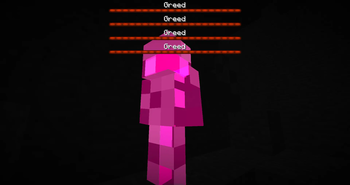
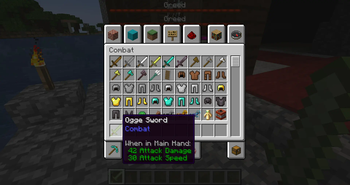
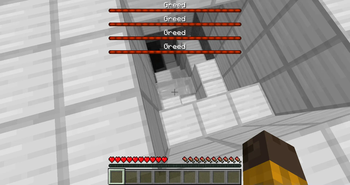
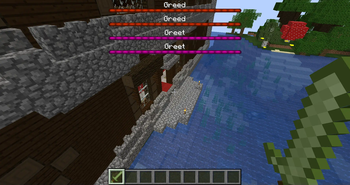
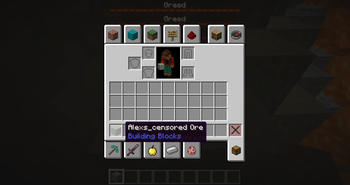
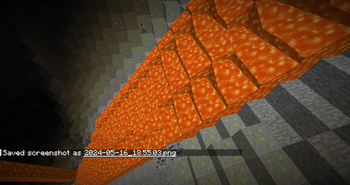
Bad Mod is a testament to how not to design a Minecraft mod. It brings a variety of unwelcome changes that make the game almost unplayable:
Excessive Mobs: The mod randomly increases the spawn rates of hostile mobs to ridiculous levels, making survival nearly impossible. Players find themselves constantly overwhelmed by hordes of alexas, Greeds and greets. Unbalanced Mechanics: Bad Mod introduces new mechanics that are poorly thought out and unbalanced. For instance, it adds overpowered weapons and armor that break the game’s progression, while also introducing pointless and detrimental items that clutter the inventory. Performance Issues: Due to the excessive number of entities and poorly optimized code, the mod causes significant lag and performance issues, making the game stutter and freeze frequently. Numerous Bugs: Bad Mod is riddled with bugs, including frequent crashes. These bugs make the game frustrating and often unplayable. Lack of Coherent Theme: The mod seems to lack any coherent theme or vision. It randomly adds various elements without any consideration for balance, cohesion, or the overall player experience. Annoying Features: The mod includes features that are more annoying than fun, such as random explosions, constant rain, and items that troll the player by exploding when picked up. Overall, Bad Mod is a prime example of a mod that detracts from the core enjoyment of Minecraft, turning it into a chaotic and frustrating experience without offering any meaningful enhancements or fun features. 💀️
Why are u here
- Edition: Minecraft Java
- File type: .jar
- Minecraft version listed: 1.20.1
- How to install: Install the matching mod loader (Forge, Fabric or NeoForge) for your Minecraft version. → Download the .jar. → Put it in the .minecraft/mods folder and launch that loader profile.
- Where to get it: Opens on Modrinth — not every file is mirrored on our own servers.
Install steps are the general flow for this file type — How to install Minecraft Java mods & modpacks walks through it step by step.
- Ships as bad_mod-1.0.4-fabric-1.20.1.jar — drop this file into the mods folder
- Download size: 6.9 MB
- Download link checked 5 Sept 2026 — working
These come from our own check of the pack file, not from the source page.