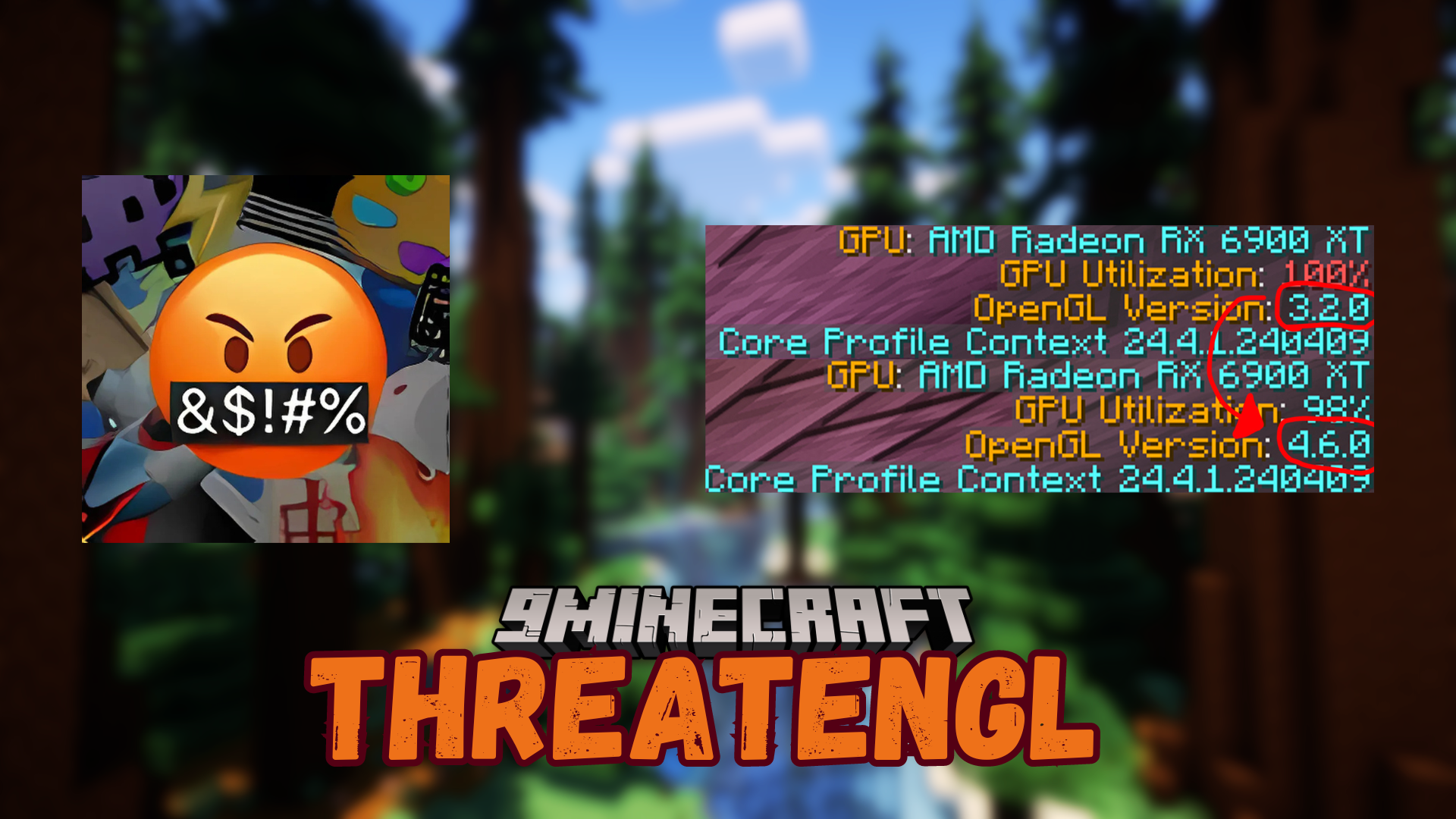
ThreatenGL Mod (1.21.11, 1.20.1) – Forces The Game to Use The Latest OpenGL
Java mod listed for Minecraft 1.20–1.21. Downloads from the MC Java Mods app on Android.
⬇ Download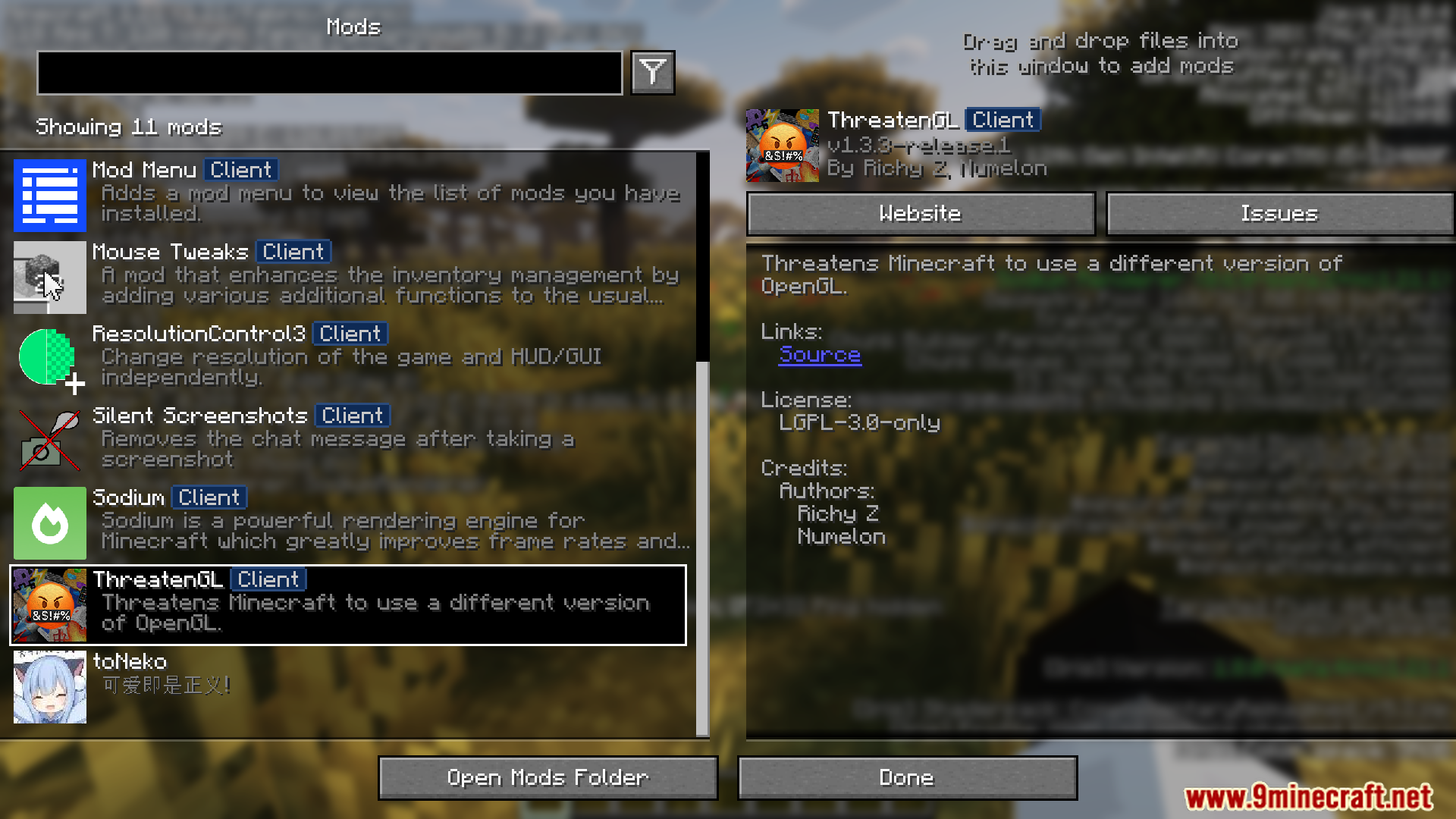
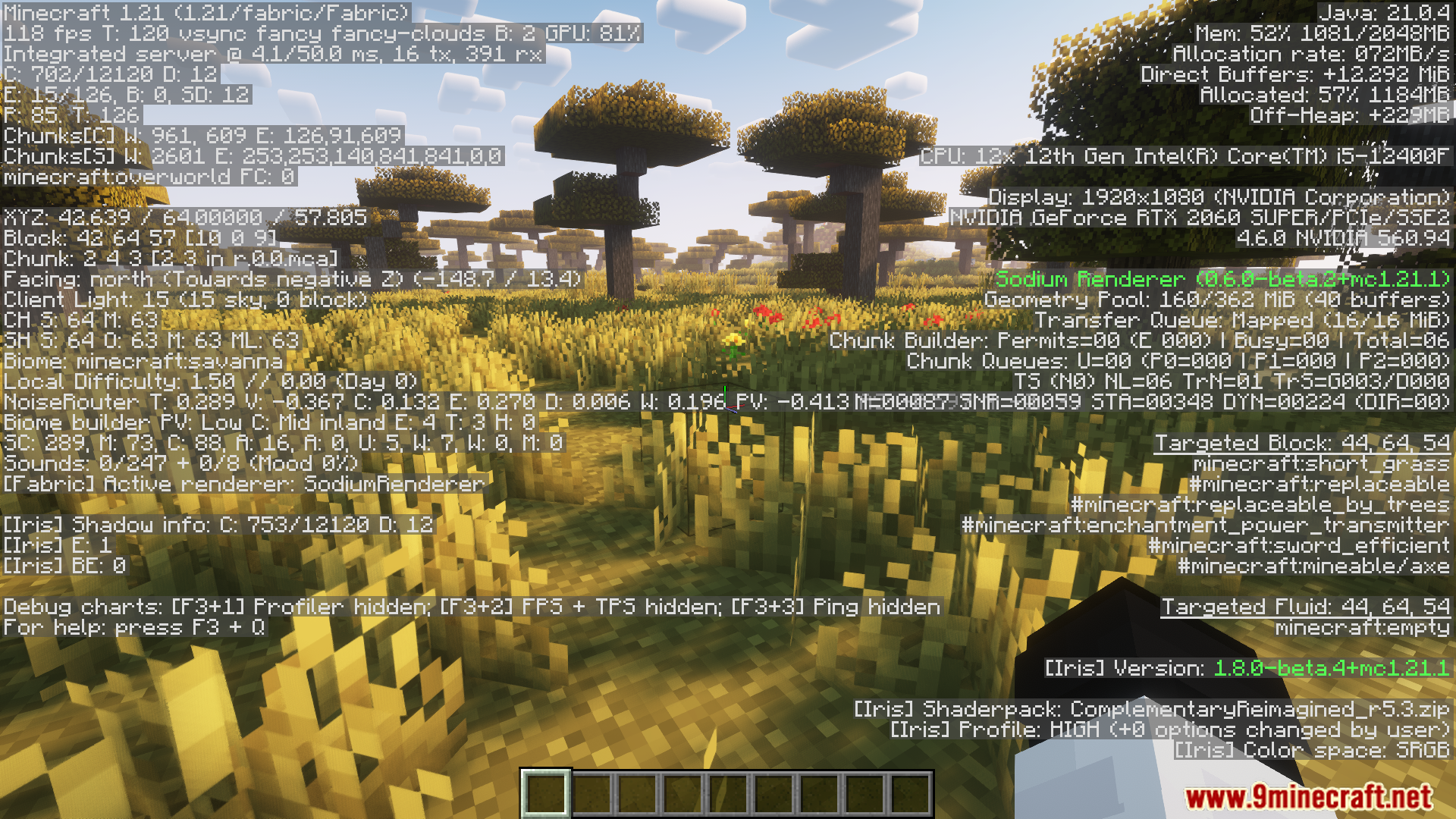
ThreatenGL Mod forces the game to use the more modern OpenGL version 4.6 instead of the older 3.2. By making this change, the mod aims to improve gameplay performance with smoother gameplay and higher frame rates, especially on newer devices. ThreatenGL modifies Minecraft’s graphics settings to take advantage of OpenGL 4.6, which some GPUs use to enhance performance. The mod only works if the hardware supports OpenGL 4.6, and on macOS, it forces OpenGL 4.1.
Features:
- Forces Minecraft to use OpenGL version 4.6 for better performance.
- Improves gameplay with smoother frame rates on supported devices.
- Tweaks the game’s graphics settings to take advantage of modern OpenGL.
- Works on hardware that supports OpenGL 4.6.
- On macOS, it forces OpenGL 4.1 due to system limitations.
Screenshots:
ThreatenGL Mod Download Links
- Edition: Minecraft Java
- File type: .jar
- Minecraft versions listed: 1.21.11, 1.20.1
- How to install: Install the matching mod loader (Forge, Fabric or NeoForge) for your Minecraft version. → Download the .jar. → Put it in the .minecraft/mods folder and launch that loader profile.
- Where to get it: In MC Java Mods, or directly above on this page.
Install steps are the general flow for this file type — How to install Minecraft Java mods & modpacks walks through it step by step.
- Downloads as 2838.mcaddon
- Download size: 51 KB
- Download link checked 25 Sept 2026 — working
- Mirrored on our own servers — the download does not depend on the original host
These come from our own check of the pack file, not from the source page.