

IMPORTANT: requires MelonLib 1.2 or above!
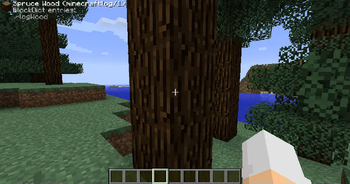
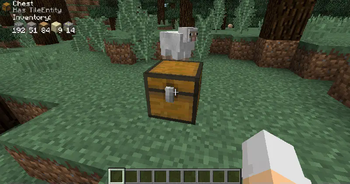
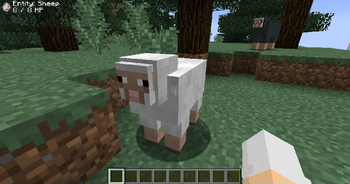
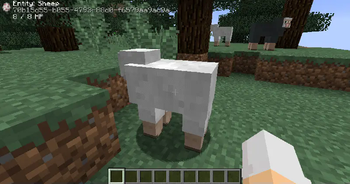
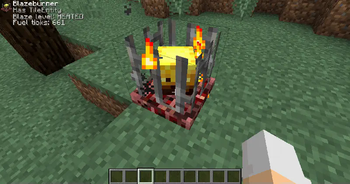
Block Display is a lightweight mod that displays information about a block or entity in the top left corner.
Apart from showing the block icon, the name is also shows along with whether or not it has a TileEntity. And if the block has an inventory, it will display the contents of it too.
Additionally, if advanced item tooltips are enabled, more advanced information is displayed.
For Mod Developers:
If you want to add custom information for your block, use the APIBlockDisplay found in MelonLib. This way, others do not need to install this mod if they do not want to!
- Edition: Minecraft Java
- File type: .jar
- Minecraft version listed: 1.12.2
- How to install: Install the matching mod loader (Forge, Fabric or NeoForge) for your Minecraft version. → Download the .jar. → Put it in the .minecraft/mods folder and launch that loader profile.
- Where to get it: Opens on Modrinth — not every file is mirrored on our own servers.
Install steps are the general flow for this file type — How to install Minecraft Java mods & modpacks walks through it step by step.
- Ships as block_display-1.12.2-1.0.jar — drop this file into the mods folder
- Download size: 21 KB
- Download link checked 5 Sept 2026 — working
These come from our own check of the pack file, not from the source page.