ModsJava
fzPaint
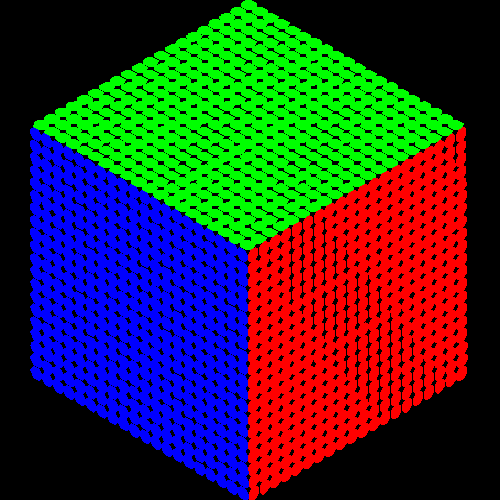
A creative painting mod for Minecraft Fabric that allows you to paint blocks with custom colors and create pixel art using the Paint Brush tool.
⬇ Download on Modrinth
fzPaint



A creative painting mod for Minecraft Fabric that allows you to paint blocks with custom colors and create pixel art using the Paint Brush tool.
Features
- Paint Brush Tool: A special tool to paint blocks with custom colors
- Pixel Art Support: Create detailed 16x16 pixel art on block faces
- Color Customization: Choose from millions of colors to paint your blocks
- Persistent Painting: Your paintings are saved and persist across game sessions
- Easy to Use: Simple and intuitive painting interface
Installation
- Download and install Fabric Loader
- Download Fabric API
- Download fzPaint from Modrinth
- Place both Fabric API and fzPaint JAR files in your .minecraft/mods folder
- Launch Minecraft with the Fabric profile
How to Use
- Get the Paint Brush from the Creative Inventory (Tools tab)
- Right-click on any block face to open the painting interface
- Choose your color or create pixel art
- Save your masterpiece!
Requirements
- Minecraft 1.21.1
- Fabric Loader 0.17.3 or higher
- Fabric API 0.116.7 or higher
- Java 21 or higher
Contributing
Contributions are welcome! Feel free to open issues or submit pull requests.
Contact
- Modrinth: fzPaint on Modrinth
Made with ❤️ for the Minecraft community
Quick facts
- Edition: Minecraft Java
- File type: .jar
- Minecraft version listed: 1.21.1
- How to install: Install the matching mod loader (Forge, Fabric or NeoForge) for your Minecraft version. → Download the .jar. → Put it in the .minecraft/mods folder and launch that loader profile.
- Where to get it: Opens on Modrinth — not every file is mirrored on our own servers.
Install steps are the general flow for this file type — How to install Minecraft Java mods & modpacks walks through it step by step.
Verified by MCModsHub
- Ships as fzpaint-1.1.1.jar — drop this file into the mods folder
- Download size: 76 KB
- Download link checked 5 Sept 2026 — working
These come from our own check of the pack file, not from the source page.