
W.I.T.L
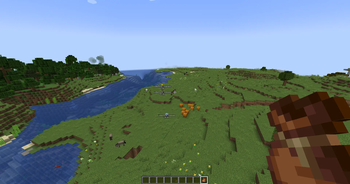
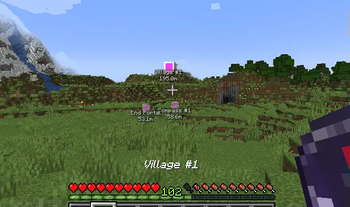
Stands for: "Where Is That Lodestone". A small client-side mod which turns Lodestone Compasses into Markers in your world for you to see!
⬇ Download on Modrinth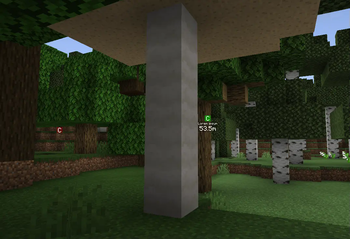
W.I.T.L (Where Is That Lodestone)
A simple client-side Vanilla+ mod which lets you save Waypoint Markers by using a lodestone and a compass.
Once a marker has been made, renaming the compass will change the display name of the marker.
Compatibility
So far this mod only works directly with Xaero's Minimap, not World Map. I may possibly increase this list of compatibility in the future.
So far I have not found any conflicts, but please if you do, send them as an issue here!
Disclaimer!
This mod is still a WORK IN PROGRESS and in such, all displays of the markers is not final and subject to change. The plan for markers is to have them change icon dependent on what the item's name is, so changing the name changes the marker icon.
- Edition: Minecraft Java
- File type: .jar
- Minecraft version listed: 1.20.4
- How to install: Install the matching mod loader (Forge, Fabric or NeoForge) for your Minecraft version. → Download the .jar. → Put it in the .minecraft/mods folder and launch that loader profile.
- Where to get it: Opens on Modrinth — not every file is mirrored on our own servers.
Install steps are the general flow for this file type — How to install Minecraft Java mods & modpacks walks through it step by step.
- Ships as WITL-alpha-v0.1.3.jar — drop this file into the mods folder
- Download size: 29 KB
- Download link checked 5 Sept 2026 — working
These come from our own check of the pack file, not from the source page.