
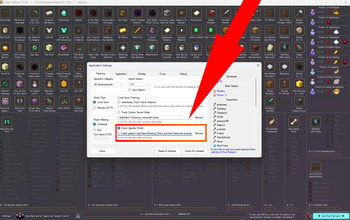

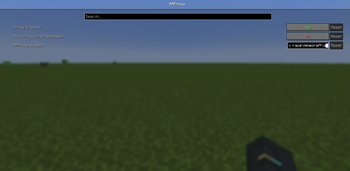
Proxy to let AATool work with multiplayer servers, without requiring direct server access.
NOT SPEEDRUN LB COMPLIANT
Setting up with AATool
When you join a server, you will get a message in chat telling you that the proxy is running, with a copyable link to the folder.
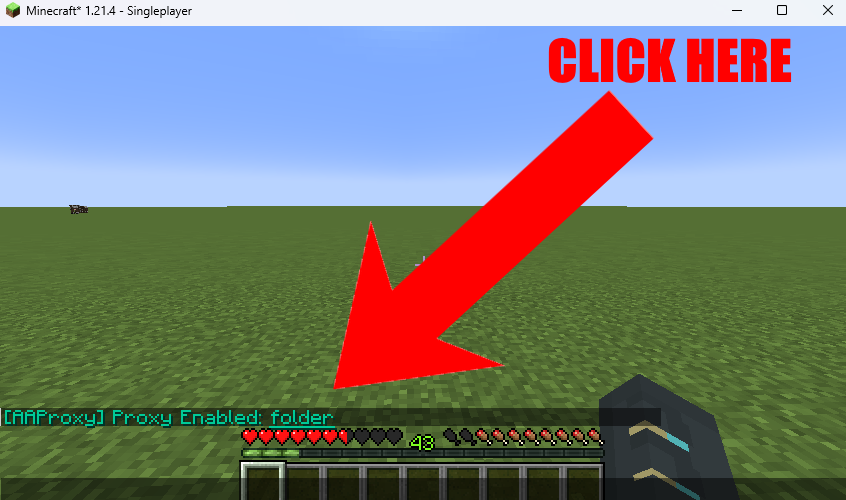
Paste that location into the 'Track Specific World' Setting in AATool
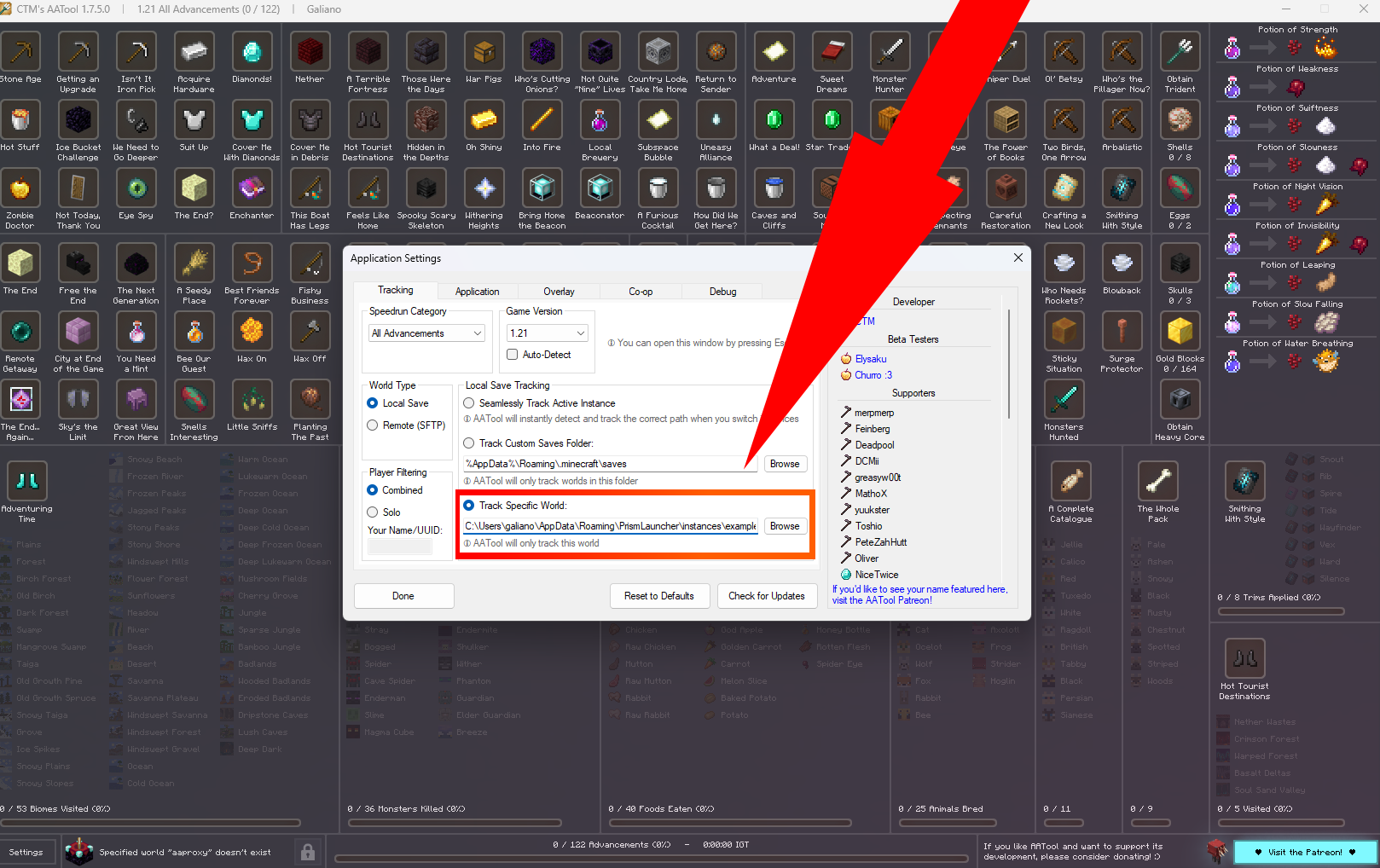
If tracking successfully, you will see the following:
You only need to do this one time; on the first server you join.
Config
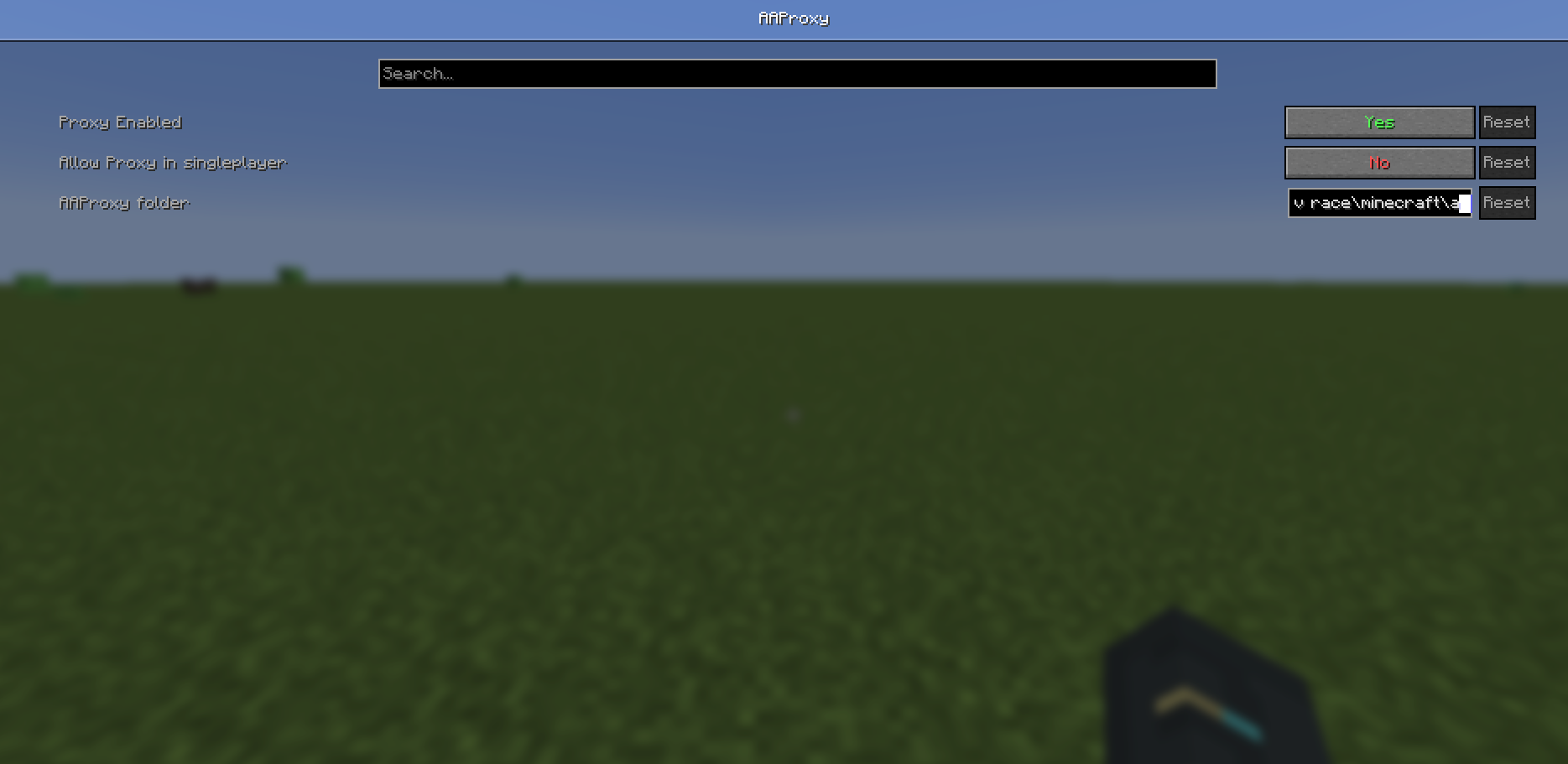
- Enable / disable the proxy with F6 (rebindable in controls)
- Or in Mod menu config screen
Quick facts
- Edition: Minecraft Java
- File type: .jar
- Minecraft version listed: 1.21.10
- How to install: Install the matching mod loader (Forge, Fabric or NeoForge) for your Minecraft version. → Download the .jar. → Put it in the .minecraft/mods folder and launch that loader profile.
- Where to get it: Opens on Modrinth — not every file is mirrored on our own servers.
Install steps are the general flow for this file type — How to install Minecraft Java mods & modpacks walks through it step by step.
Verified by MCModsHub
- Ships as aatool_proxy-1.0.0+1.21.10.jar — drop this file into the mods folder
- Download size: 14 KB
- Download link checked 5 Sept 2026 — working
These come from our own check of the pack file, not from the source page.