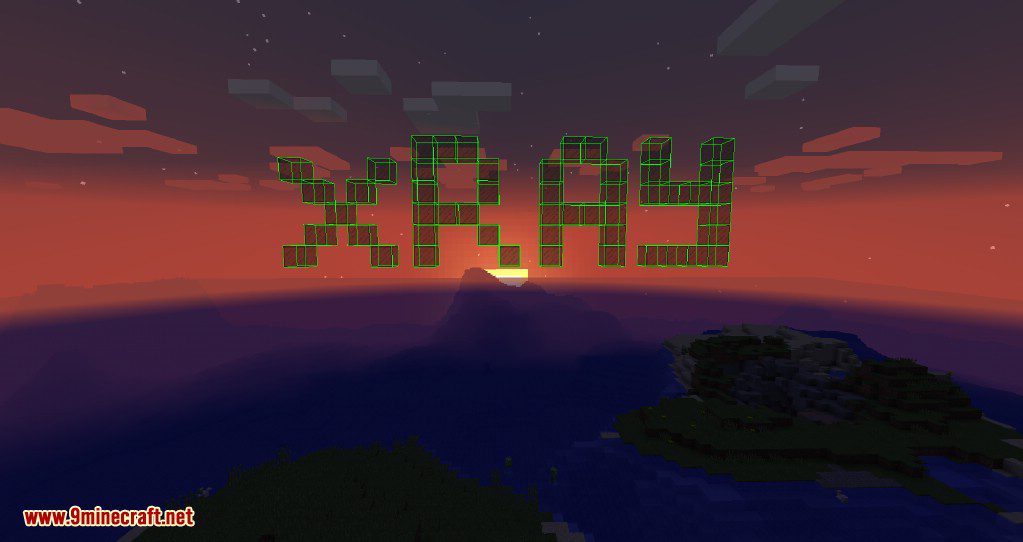
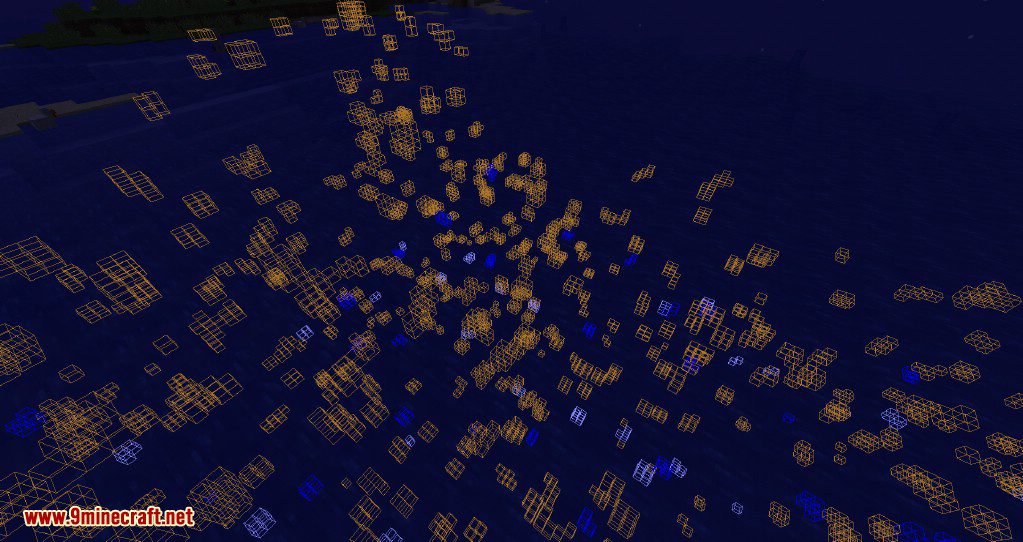
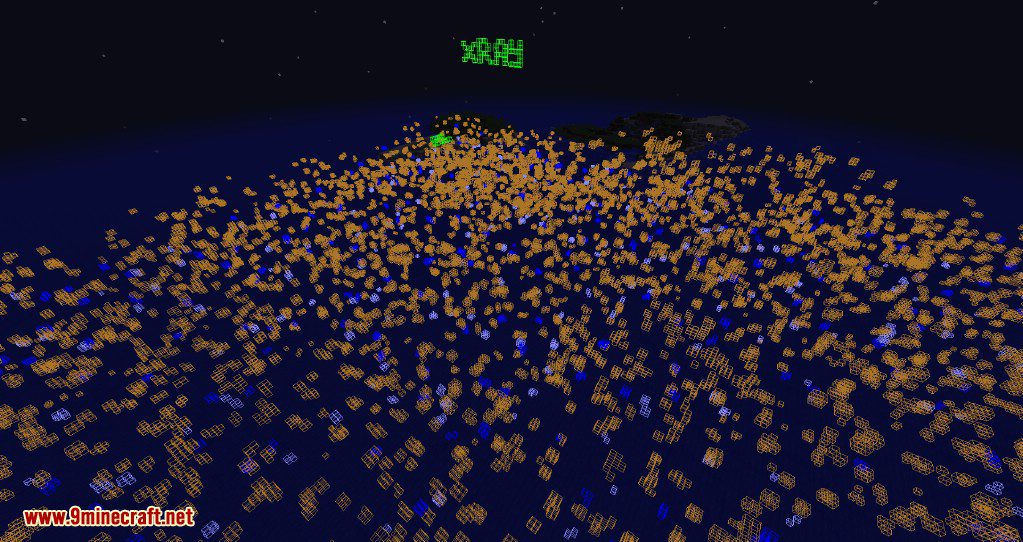
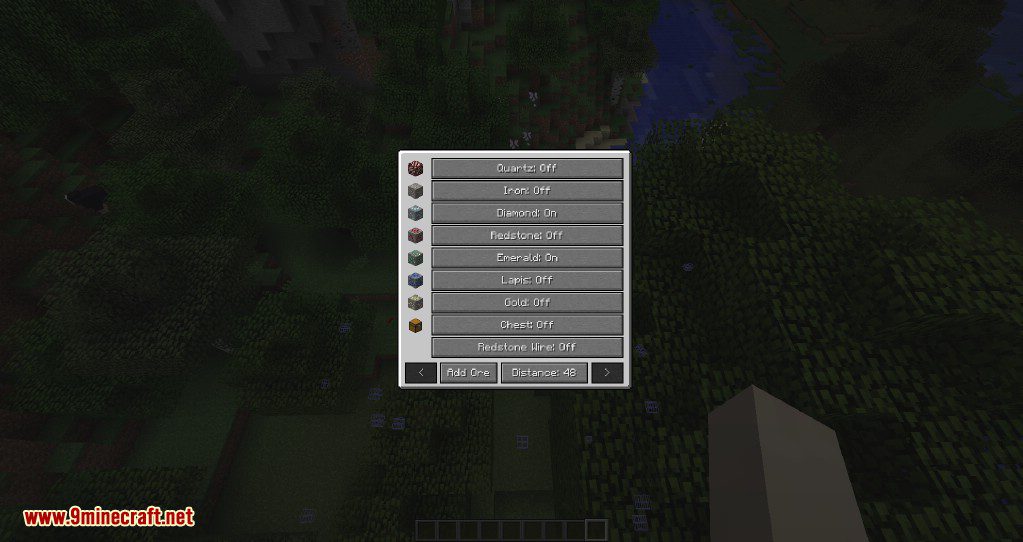
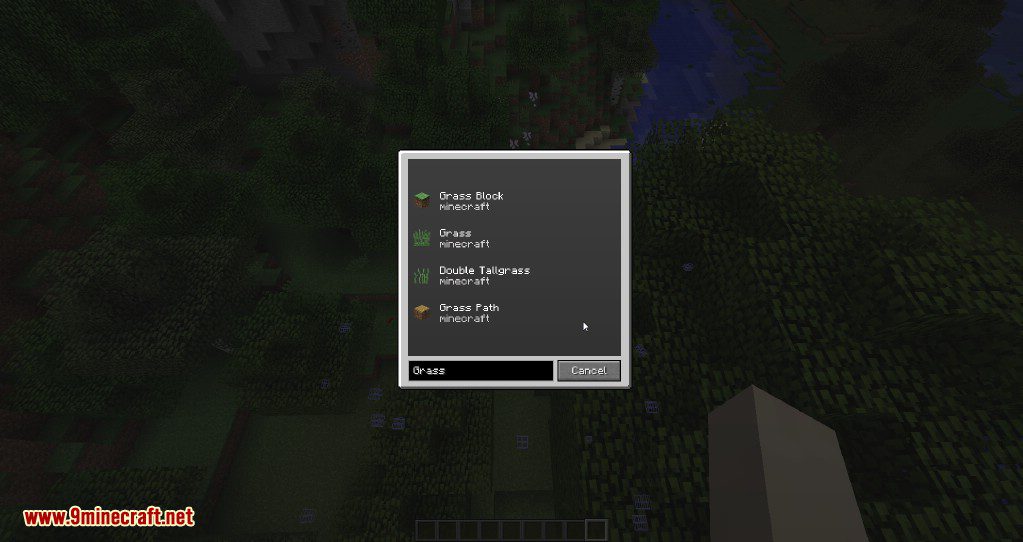
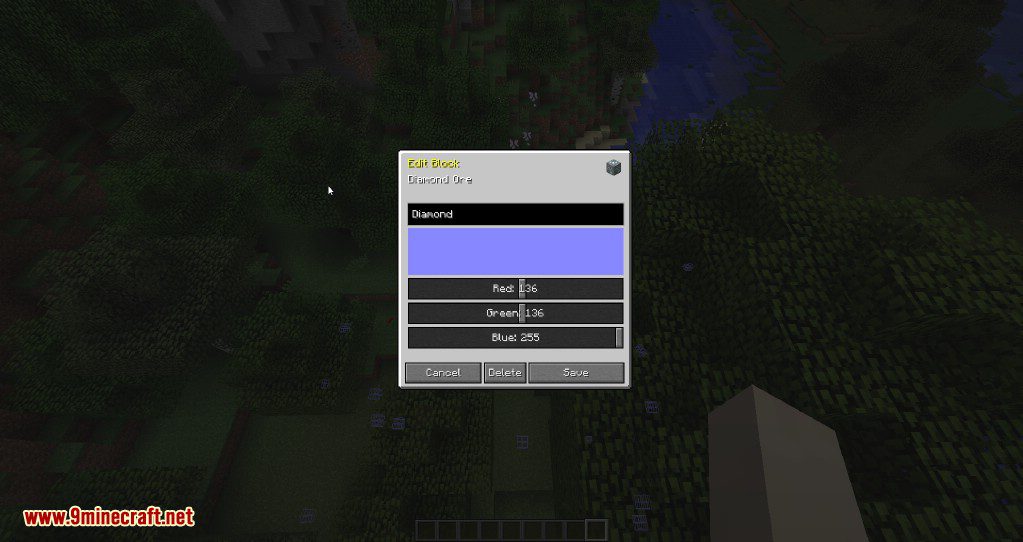

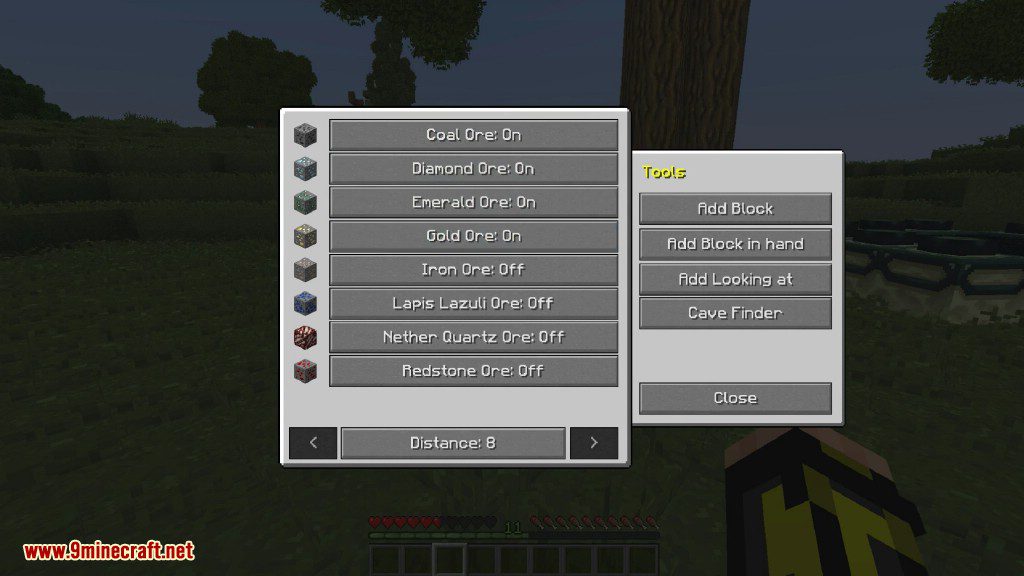
Advanced XRay Mod is an excellent X-Ray mod that allows you to see ores through blocks. Using its interface, you can select the desired ores, set a distance within which they will be displayed, and add ores from external mods to the list. It won’t make all or most of the blocks around you disappear making it difficult to function. Instead it highlights the desired blocks around the world based on a set block distance.
Minecraft Forge based XRay mod designed to aid players who don’t like the ore searching process. Be careful using this mod in any servers since many see it as a form of cheating and you may be banned but for personal or agreed upon usage, it’s really a great improvement on the standard XRay mod.
Features:
- Built using Forge.
- Simple and Clean UI For Adding, Deleting and Editing the blocks you want to see.
- Full RGB Colour selector.
- Searchable List to find Blocks.
- Add Blocks from your hand.
- Add Blocks you’re looking at.
- Rightclick Editing with support for custom Meta Data.
- Ore Dictionary Support.
- Partial! Requires more work but it can do some mods ores.
- Looks for help with this feature.
Screenshots:
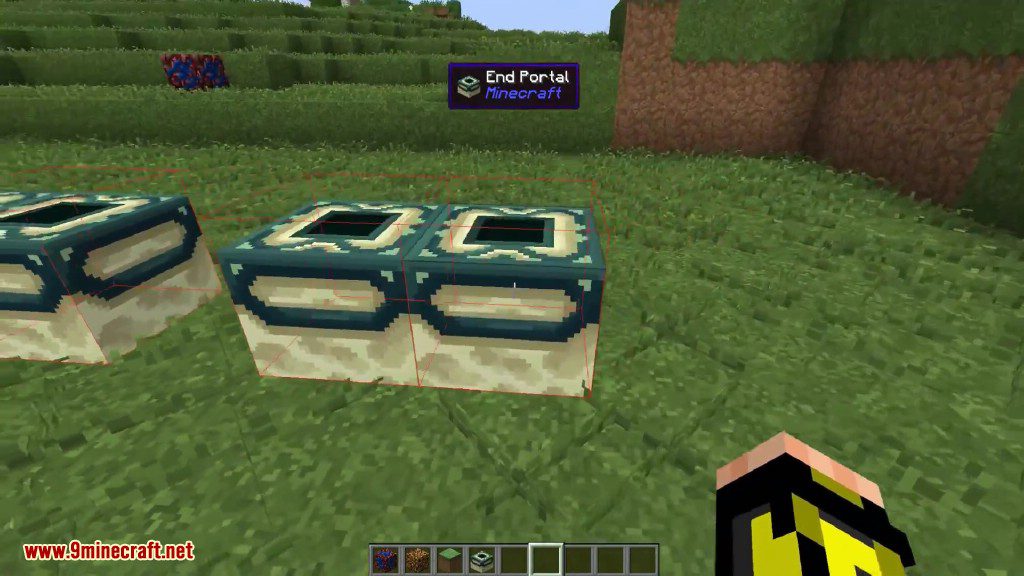
Shows outlines around the specific blocks
You can render blocks as far as 200+ radius
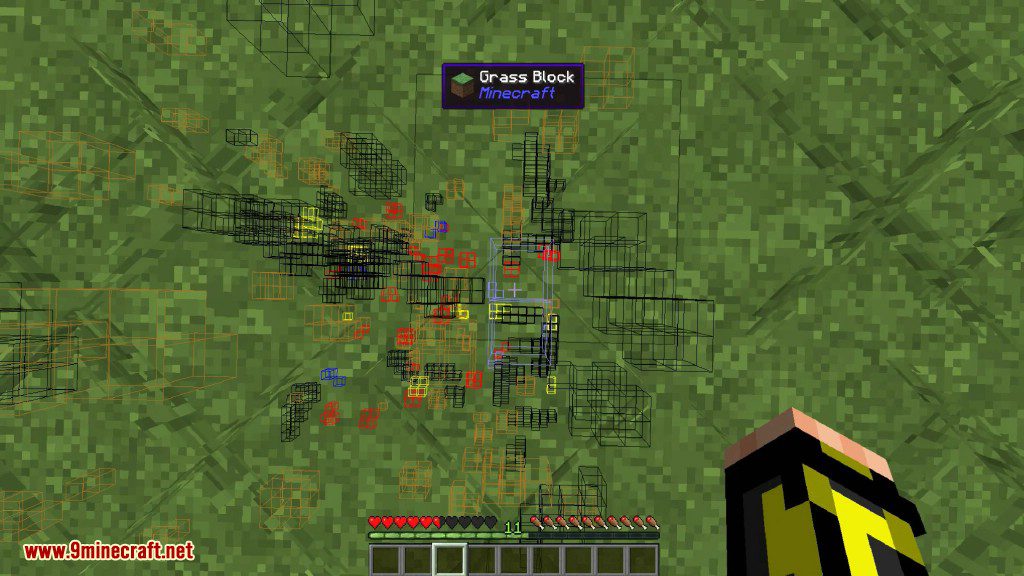
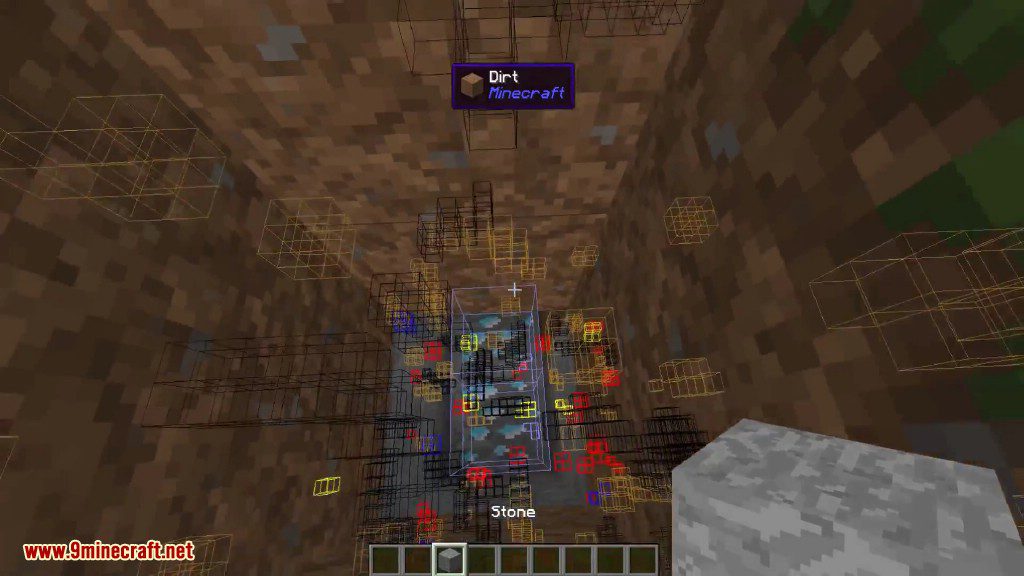
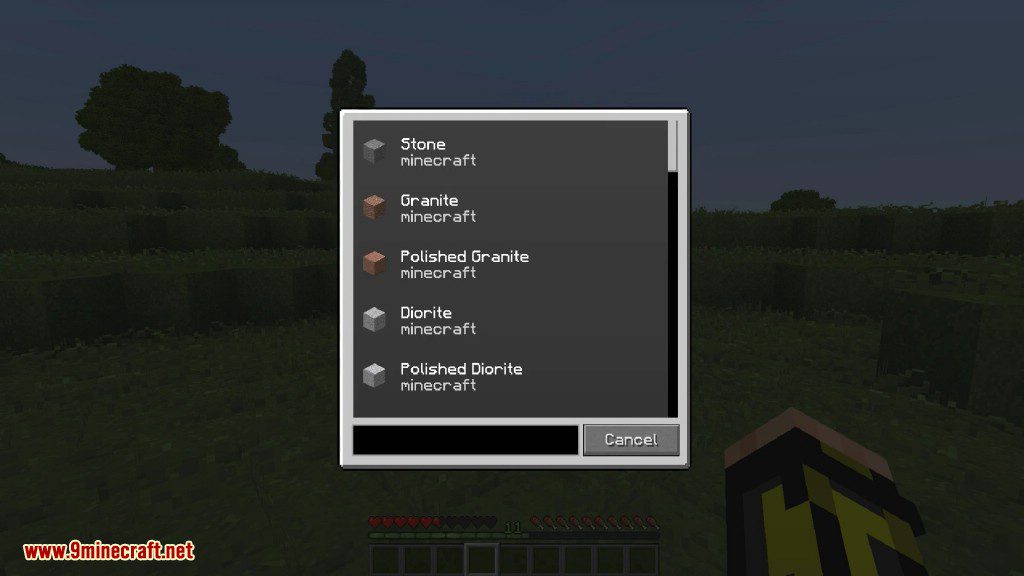
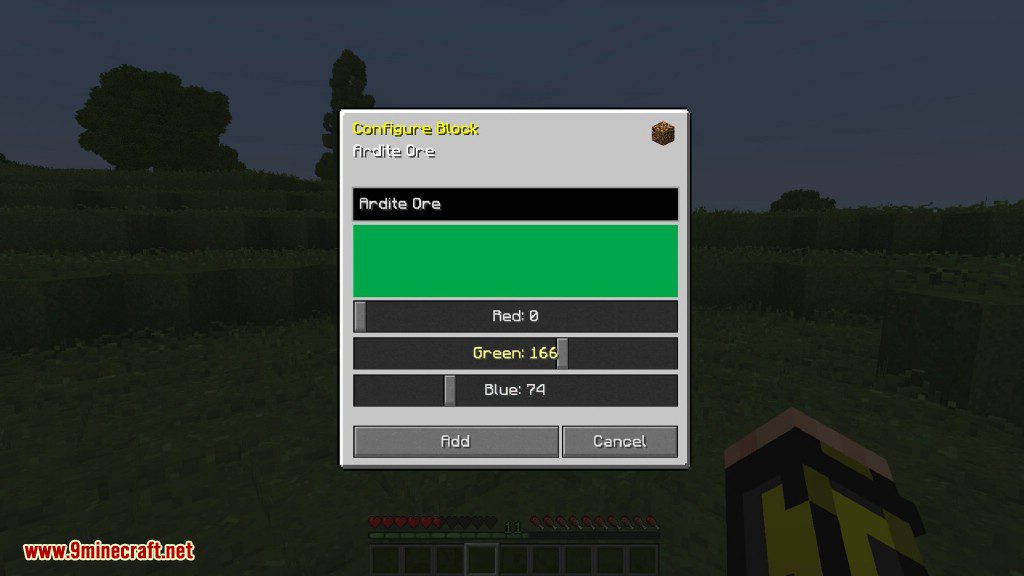
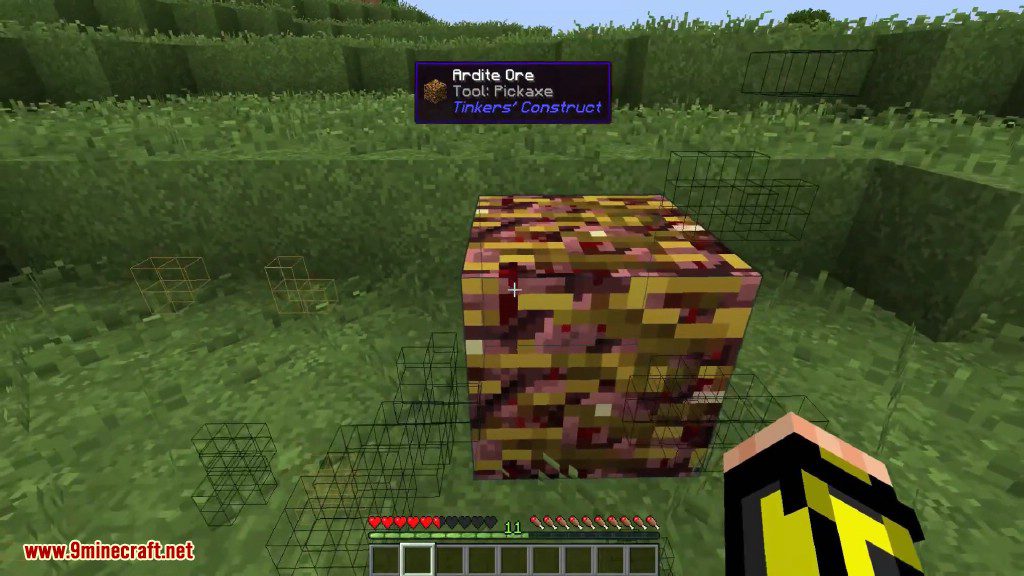
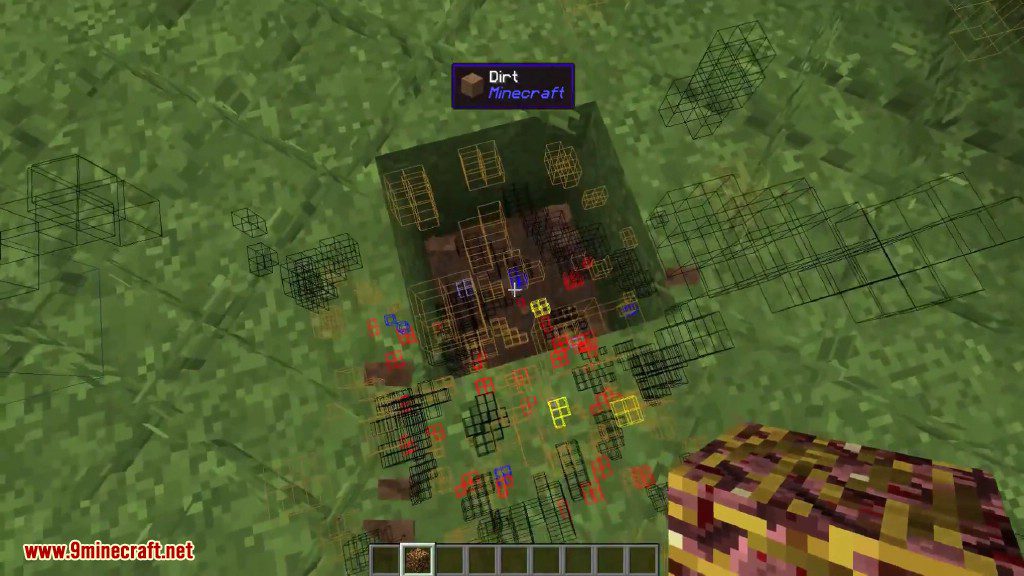
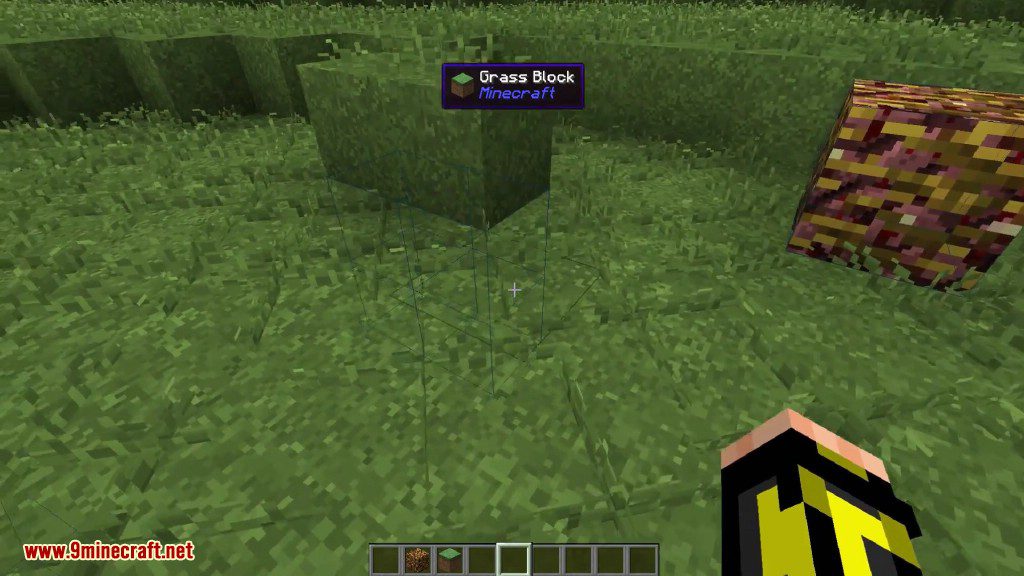


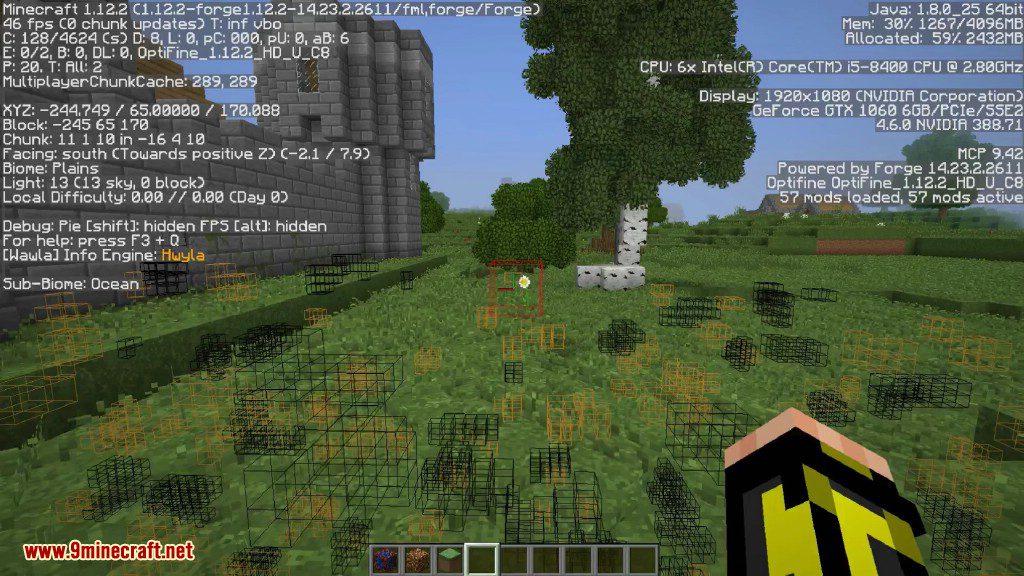
How to use:
Using XRay
- Press
[Default] Backslashto toggle Xray on and off - Press
[Default] Zto open the in-game GUI
Adding Ores
- Open the GUI Editor pressing
[Default] Z - Select the method you’d like to use to add a block, either From hand, What you can see, or By searching a list
- Modify the Name, Color, and anything else you’d like to change
- Click add and Enable the Block
Editing Ores
- Right click on any item in the GUI and edit as needed
- Click save and the changed will be applied
Advanced XRay Mod Download Links
- Edition: Minecraft Java
- File type: .jar
- Minecraft version listed: 1.20.1
- How to install: Install the matching mod loader (Forge, Fabric or NeoForge) for your Minecraft version. → Download the .jar. → Put it in the .minecraft/mods folder and launch that loader profile.
- Where to get it: In MC Java Mods, or directly above on this page.
Install steps are the general flow for this file type — How to install Minecraft Java mods & modpacks walks through it step by step.
- Downloads as 28431.mcaddon
- Download size: 212 KB
- Download link checked 26 Sept 2026 — working
- Mirrored on our own servers — the download does not depend on the original host
These come from our own check of the pack file, not from the source page.