
Stop abusing F3
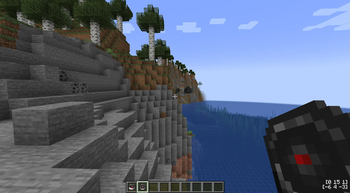
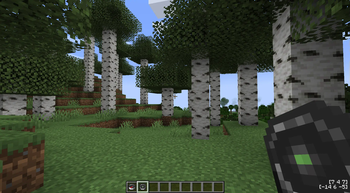
Removes the coordinates and chunk info from the debug menu and adds them to the compass and the new chunkometer (which also shows slime chunks)…
⬇ Download on Modrinth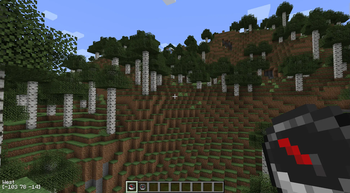
SaF3
Opening F3 to check my coords all the time takes me out of the game more than Id like to admit. Saf3 removes the coordinates and chunk info from the debug menu and adds them to the compass and the new chunkometer (which also shows slime chunks) respectively to keep you immersed in your beautiful world, instead of having you stare at a cluttered debug screen all the time.
Configuration
The HUD and the functionality of the compass and chunkometer can be configured independently. A positive position value indicates a position from the left/top, while a negative value calculates the position from right/bottom.
- Edition: Minecraft Java
- File type: .jar
- Minecraft version listed: 1.20.4
- How to install: Install the matching mod loader (Forge, Fabric or NeoForge) for your Minecraft version. → Download the .jar. → Put it in the .minecraft/mods folder and launch that loader profile.
- Where to get it: Opens on Modrinth — not every file is mirrored on our own servers.
Install steps are the general flow for this file type — How to install Minecraft Java mods & modpacks walks through it step by step.
- Ships as saf3-1.0.0.jar — drop this file into the mods folder
- Download size: 27 KB
- Download link checked 5 Sept 2026 — working
These come from our own check of the pack file, not from the source page.