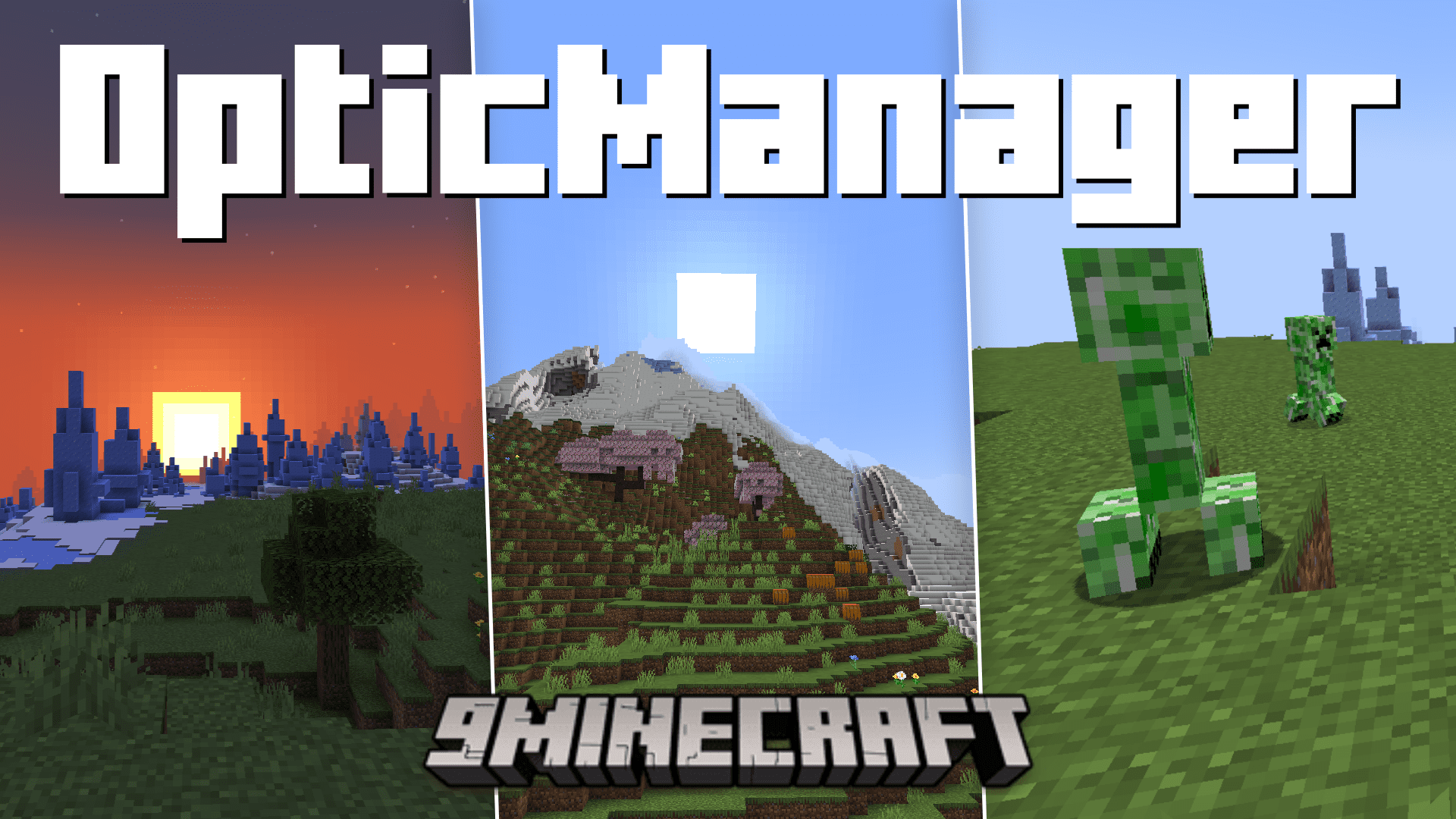



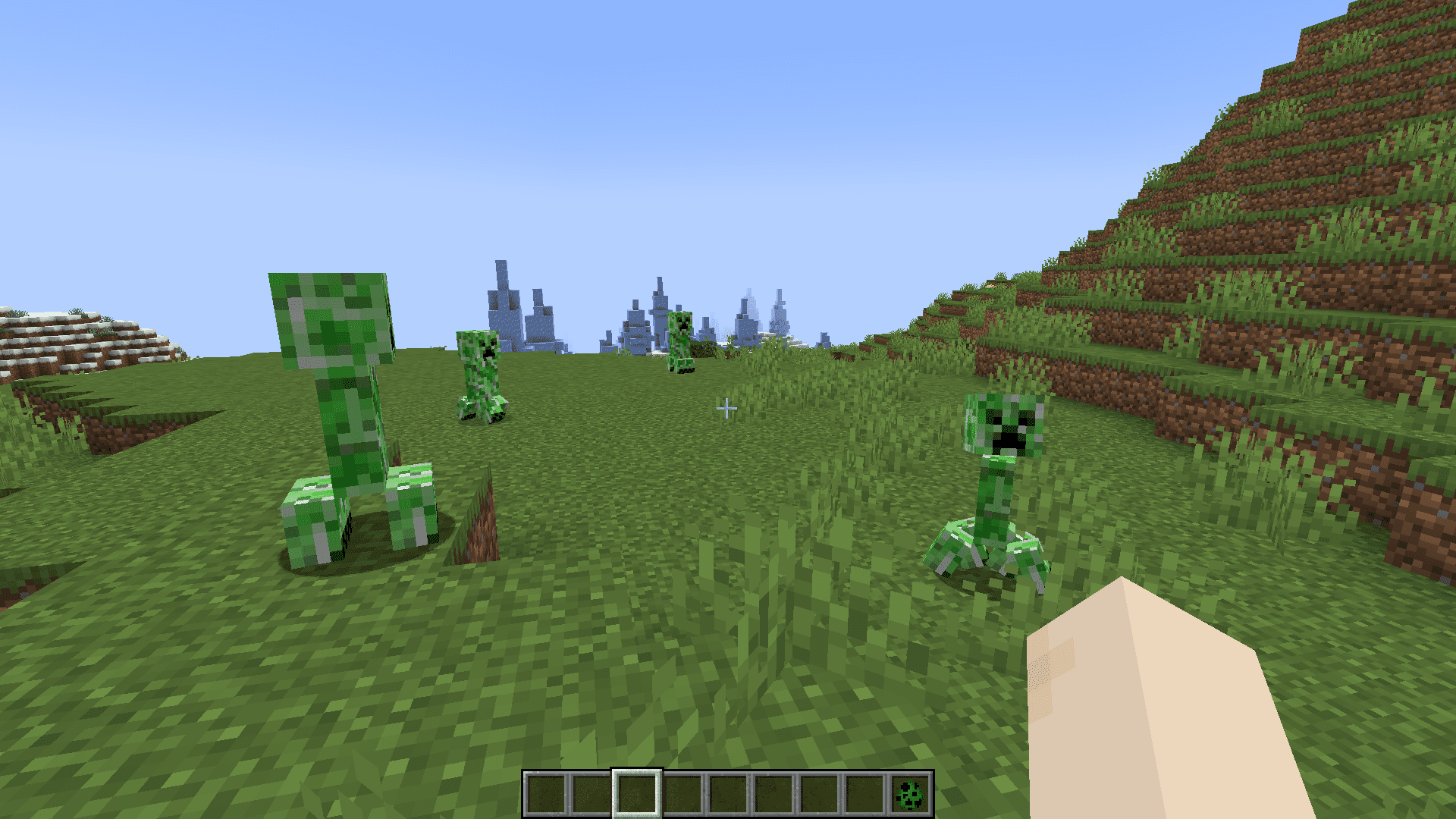
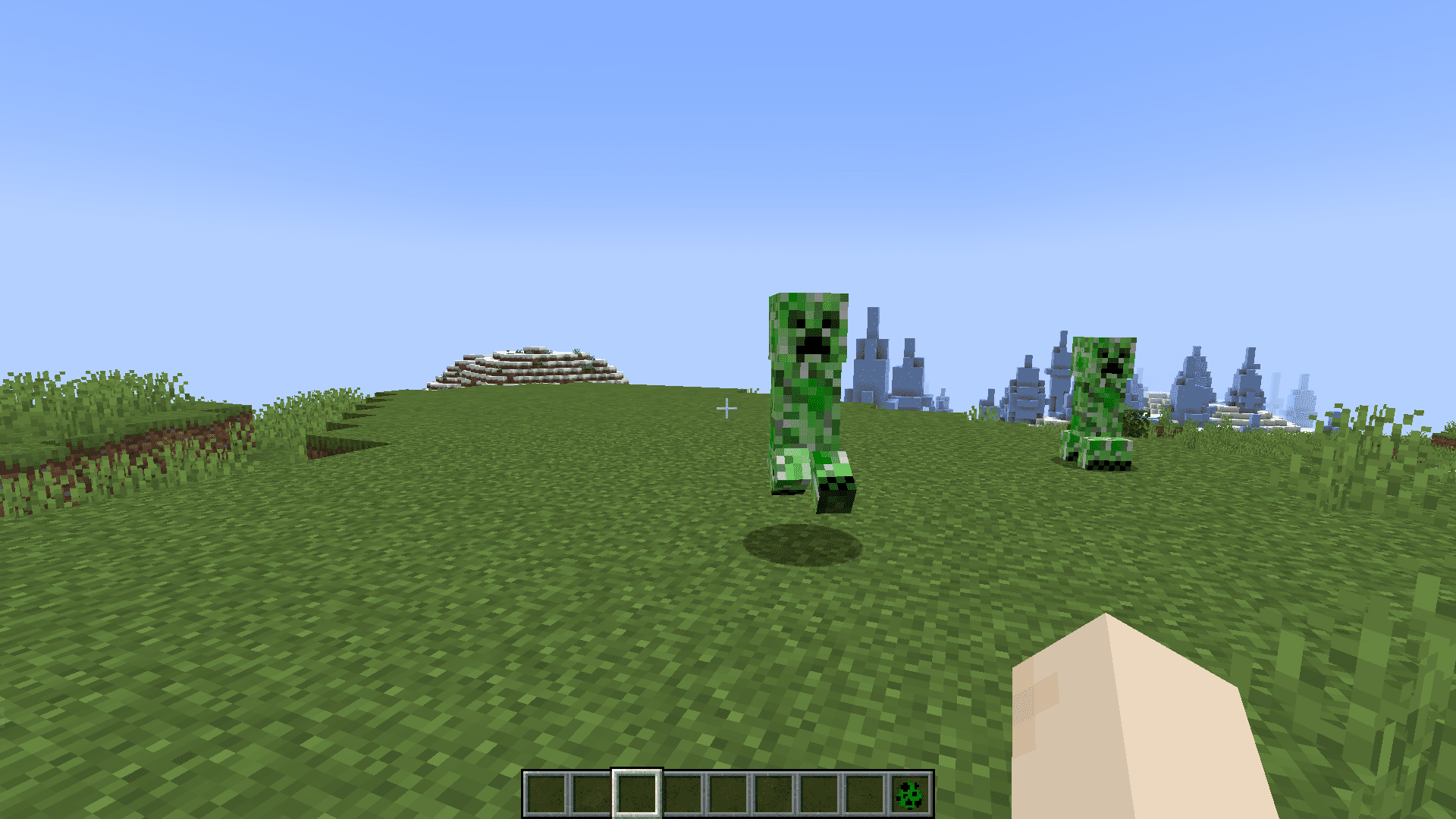
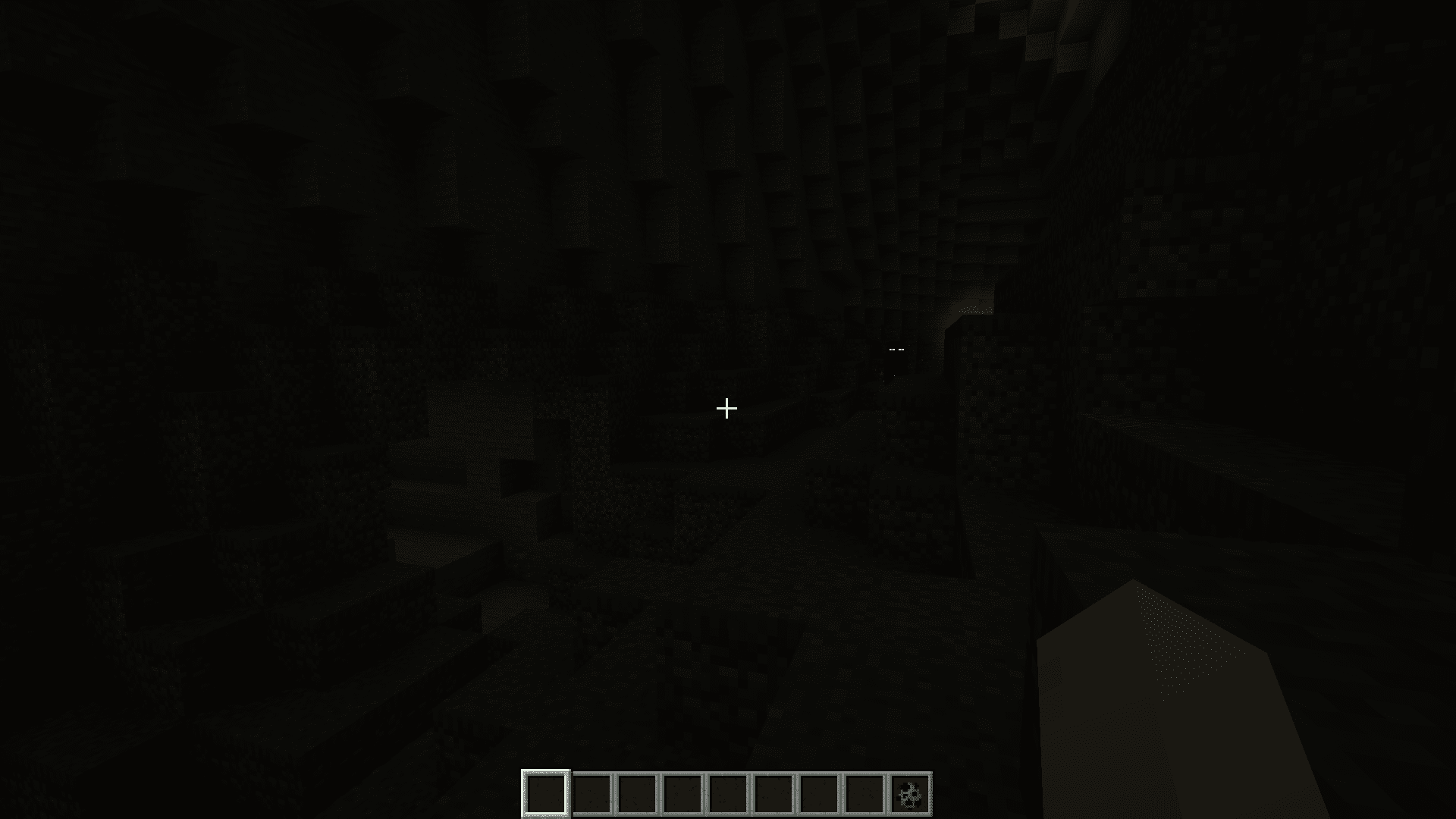
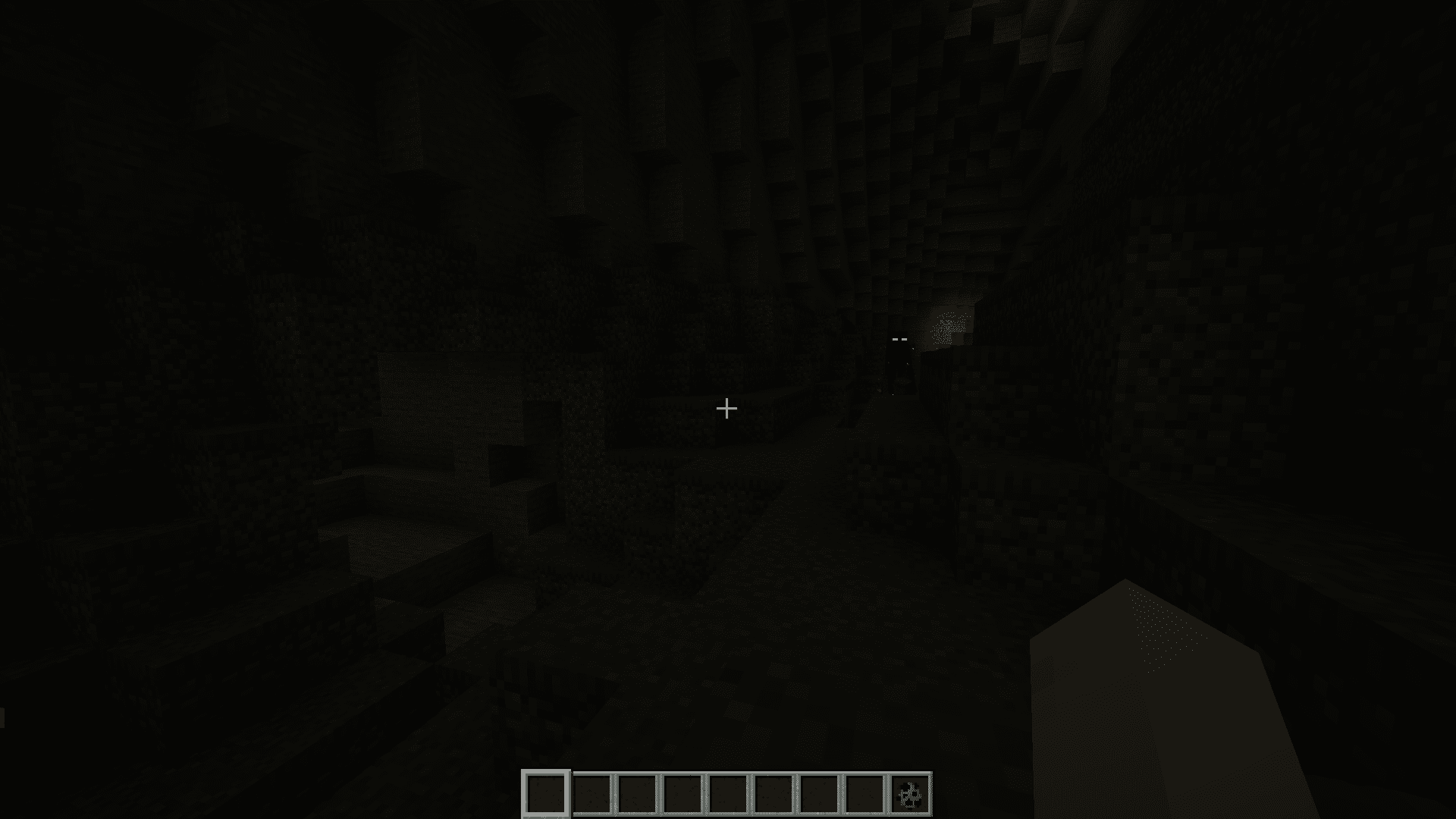
OpticManager Mod allows you to synchronize client settings for all the players online in a Minecraft server. This helps ensure that all the players experience the same settings when it comes to certain specific game settings, like brightness, name tag visibility, etc. This mod also allows you to modify the day-night cycle.
Features:
- OpticManager enables seamless synchronization of client settings across a server, ensuring a consistent gaming experience for all players.
- This mod offers the flexibility to customize the day and night cycle in your Minecraft world, allowing you to tailor the game’s lighting conditions to your liking.
- OpticManager is designed to work harmoniously with all types of mods, including those that alter sleep mechanics and other gameplay behaviors.
Configurable Settings:
- Brightness: Adjust the brightness levels to enhance visibility and atmosphere in your Minecraft world.
- Day & Night Time: Fine-tune the duration of day and night phases according to your preferences.
- Day & Night Light Factor: Customize the intensity of light during day and night cycles to set the perfect mood.
- Day & Night Brightness: Control the overall brightness levels specifically during the day and night, allowing for immersive gameplay.
- Visible Nametag: Choose whether to display player nametags, giving you control over the level of immersion in your server.
- Hide Chat: OpticManager offers the option to hide the in-game chat for a distraction-free experience.
- Admin Exclusive Configuration: Ensure that only administrators have the authority to make changes to these critical configurations, maintaining server control and integrity.
Screenshots:
OpticManager Mod Download Links
Quick facts
- Edition: Minecraft Java
- File type: .jar
- Minecraft version listed: 1.20.1
- How to install: Install the matching mod loader (Forge, Fabric or NeoForge) for your Minecraft version. → Download the .jar. → Put it in the .minecraft/mods folder and launch that loader profile.
- Where to get it: In MC Java Mods, or directly above on this page.
Install steps are the general flow for this file type — How to install Minecraft Java mods & modpacks walks through it step by step.
Verified by MCModsHub
- Downloads as 28444.mcaddon
- Download size: 14 KB
- Download link checked 25 Sept 2026 — working
- Mirrored on our own servers — the download does not depend on the original host
These come from our own check of the pack file, not from the source page.