
Freeze Observers
Java mod listed for Minecraft 1.20. Downloads from the MC Java Mods app on Android.
⬇ Download on ModrinthFreeze Observers
This simple fabric mod for Minecraft that implements a new gamerule that toggles the functionality of observers by preventing them from sending a redstone signal. This is super helpful when building with observers to stop them from accidentally triggering pistons, droppers, and other redstone components before they're ready.
How do I use this?
Use the following command
/gamerule freezeObservers true
to stop observers from emitting a redstone signal.
This mod is compatible with World Edit and Litematica, making it easy to copy and paste redstone without triggering or updating any observers.
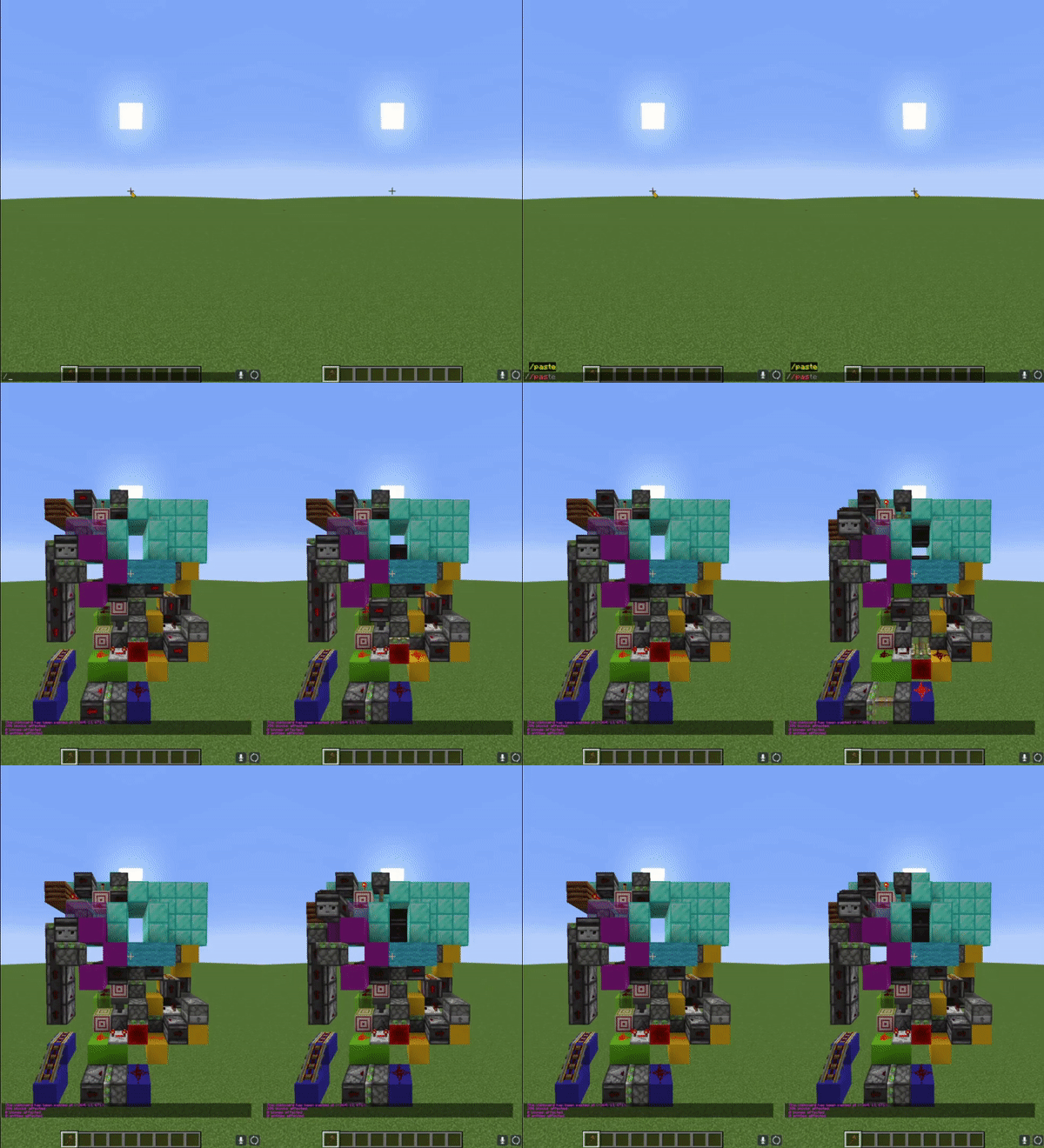
How it works
This mod is really simple, and just makes observers always output a signal of 0 when the gamerule is enabled. This means observers themselves will no longer give any output, but are still detected by other observers and other block update detectors.
This is a vanilla compatible mod, meaning only the server host needs to have the mod installed for players to use this.
Installation Instructions (Single Player Worlds)
- Go to the FabricMC website and download the latest installer
- Run the JAR, a window will pop up. Choose the correct version of Minecraft and loader, and click on "Install".
- A new game version and profile will be created in the launcher's menu, which you can now use to launch Fabric.
- Go to Modrinth or Curseforge and download Fabric API.
- Place the Fabric API Jar and the mod Jar into your "mods" folder
- Run the newly installed profile from step 3
- Edition: Minecraft Java
- File type: .jar
- Minecraft version listed: 1.20.2
- How to install: Install the matching mod loader (Forge, Fabric or NeoForge) for your Minecraft version. → Download the .jar. → Put it in the .minecraft/mods folder and launch that loader profile.
- Where to get it: Opens on Modrinth — not every file is mirrored on our own servers.
Install steps are the general flow for this file type — How to install Minecraft Java mods & modpacks walks through it step by step.
- Ships as freeze-observers-1.20.2-1.0.0.jar — drop this file into the mods folder
- Download size: 23 KB
- Download link checked 6 Nov 2026 — working
These come from our own check of the pack file, not from the source page.