
ARC Rooms (The Classrooms)
Java mod listed for Minecraft 1.20. Downloads from the MC Java Mods app on Android.
⬇ Download on Modrinth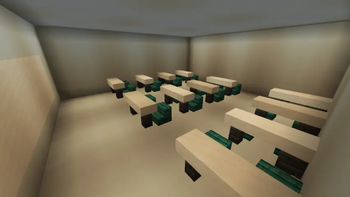
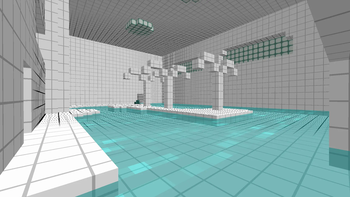
Wait, Where am I ?
This mod adds some monsters, items, and dimensions related to the video game "The Classrooms".
There are 5 playable rooms and 2 future rooms.
Playable Rooms
The Classrooms

Exit
Find the elevator, which leads to The Library Rooms.
Monster
- Cursed Doll
- Cloaked Figure
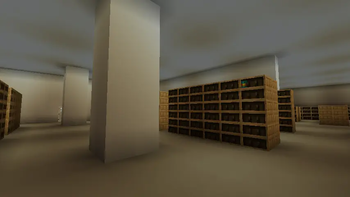
The Library Rooms

Exit
After opening the door, the player has to escape through the exit, which leads to an elevator. The elevator will take the player to The Bathrooms.
Monster
- Screecho the Clown
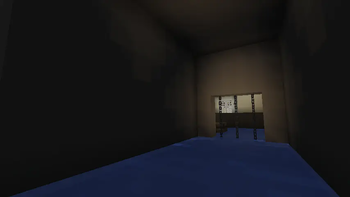
The Bathrooms
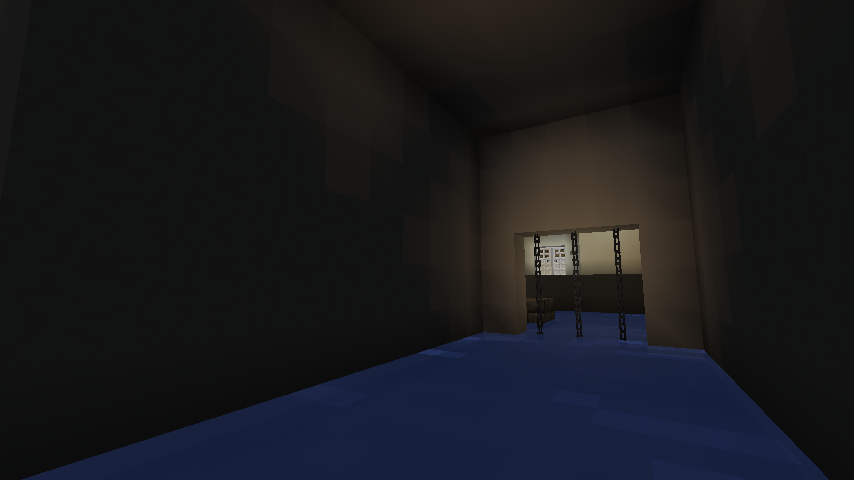
Exit
The player first needs to raise the water level by finding and turning on the lever. Then, they will have to find the large room featuring a plank, and jump on it to reach the elevator. It will then take the player to The Darkrooms.
Monster
- Gangler
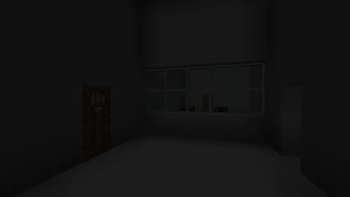
The Darkrooms

Exit
The player first needs to cut off the power. By entering the slide, the player will go to The Poolrooms.
Monster
- Cursed Doll
- Smiley
The Poolrooms

Exit
The first step in achieving that is collecting the Level 1 Keycard, Broken Goggles. These objects spawn on balconies, which can be accessed by slides. After having acquired all 2 items, the player must find the Spiral Stair Room. Then, the player has to push the stone button with Level 1 Keycard, which will break GlassBlock Wall. The staircase leads to the Blast Furnace Room, a room that contains the button required to unlock the gate that blocks the exit. Putting the Broken Goggles inside will transmute them into a Googles. The player can then push the stone button located on the spiral staircase's middle, and leave the room to look for the exit. Once found, they can safely traverse through the mist to reach the back of the iron gate, where they will find a deep pit. Jumping into it leads to the next level, The Playrooms.
Monster
- Whispering Wyrm
Future Rooms
The Playrooms
SpoilerMonster
- Tenant
- Necropede
The Kidrooms
SpoilerMonster
- Joey
Known Bugs
- Level loaded unsuccessfully : Please reload the world or use "Reset Level".
- Edition: Minecraft Java
- File type: .jar
- Minecraft version listed: 1.20.1
- How to install: Install the matching mod loader (Forge, Fabric or NeoForge) for your Minecraft version. → Download the .jar. → Put it in the .minecraft/mods folder and launch that loader profile.
- Where to get it: Opens on Modrinth — not every file is mirrored on our own servers.
Install steps are the general flow for this file type — How to install Minecraft Java mods & modpacks walks through it step by step.
- Ships as classrooms_1.20.1_1.2.1.jar — drop this file into the mods folder
- Download size: 14.9 MB
- Download link checked 16 Oct 2026 — working
These come from our own check of the pack file, not from the source page.