ModsJava
Dragonforged Mod (1.20.1) – Fight Giant Bosses in a Dark Fantasy Dimension
Java mod listed for Minecraft 1.20. Downloads from the MC Java Mods app on Android.
⬇ Download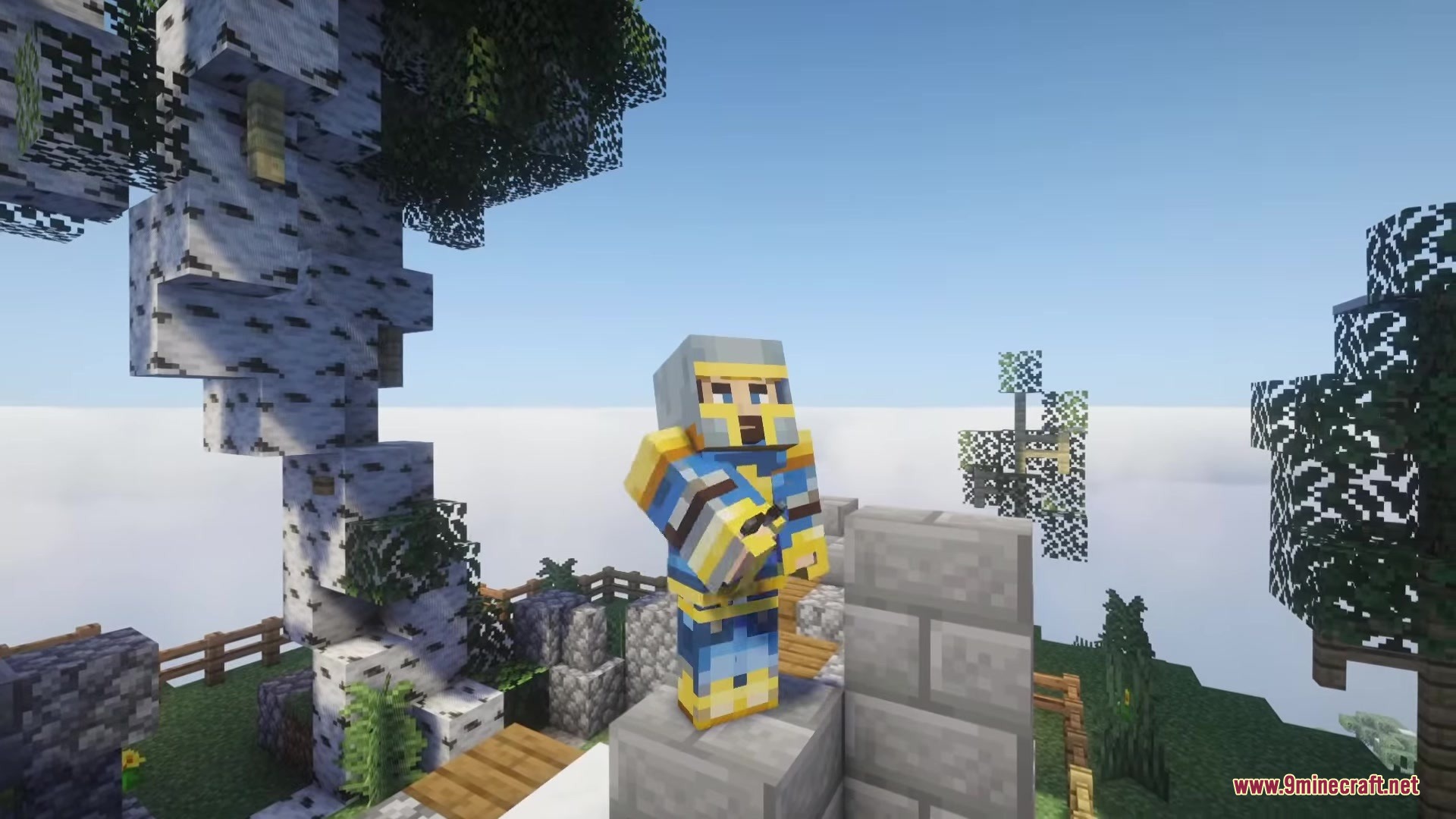
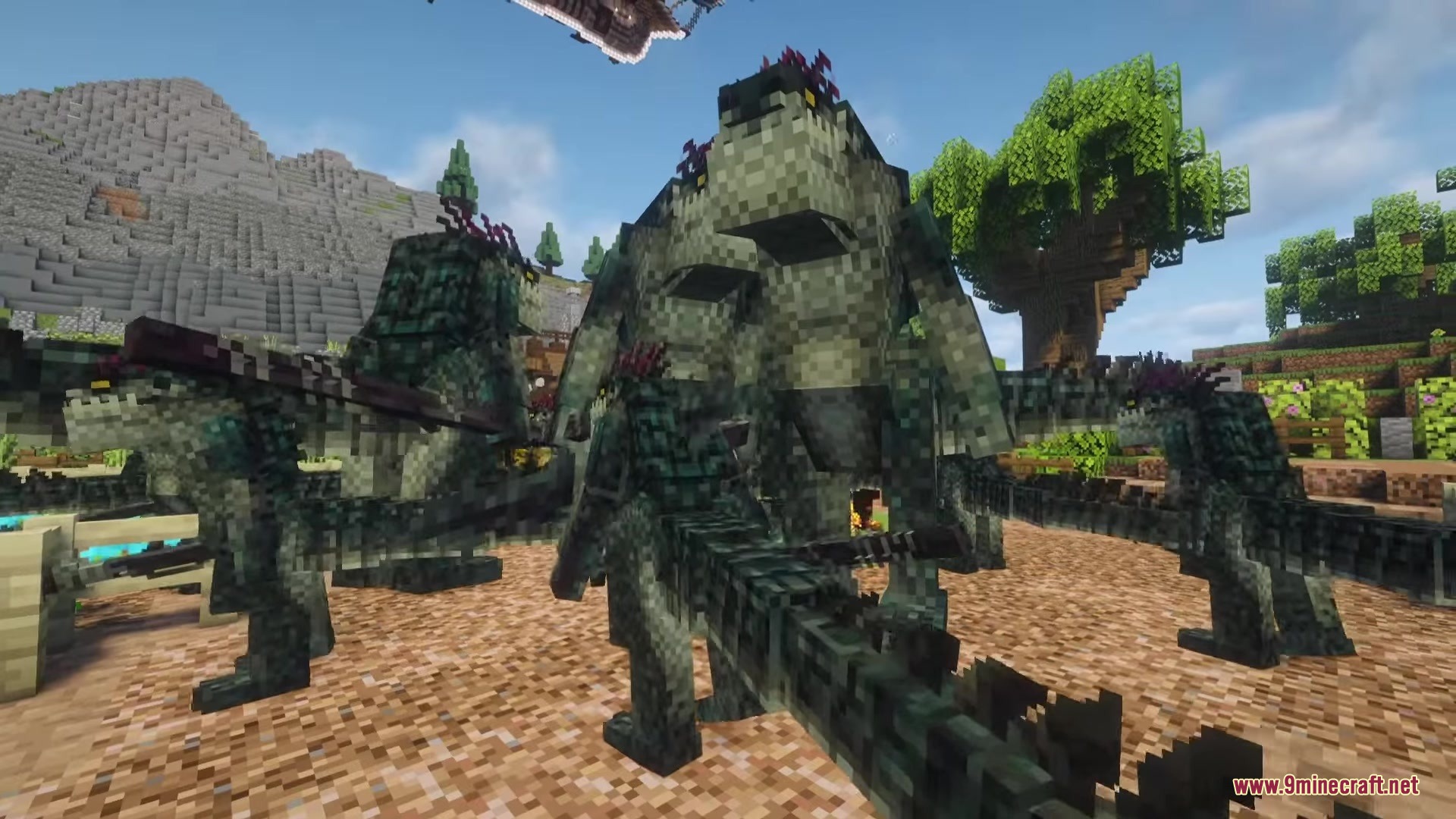
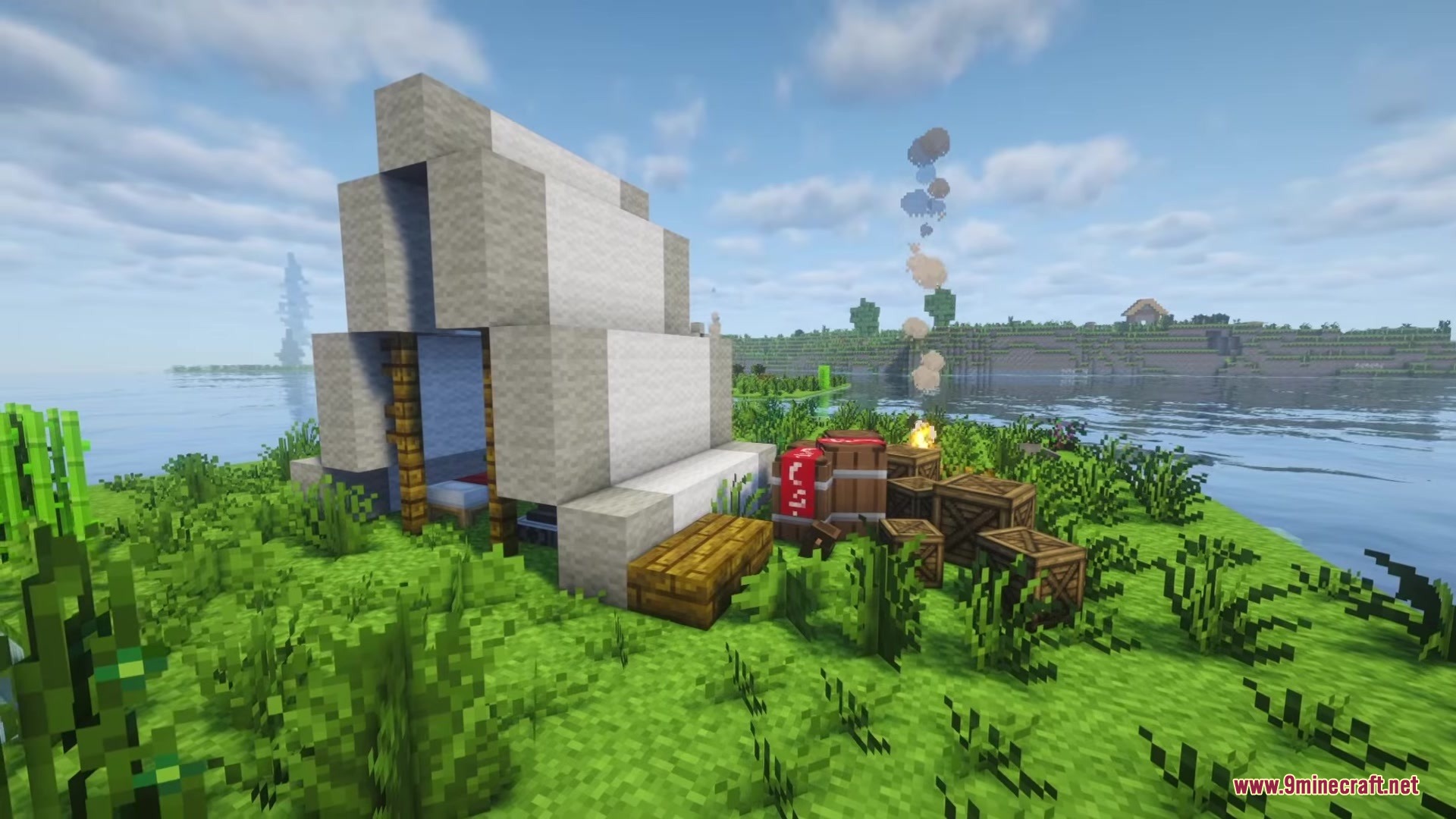
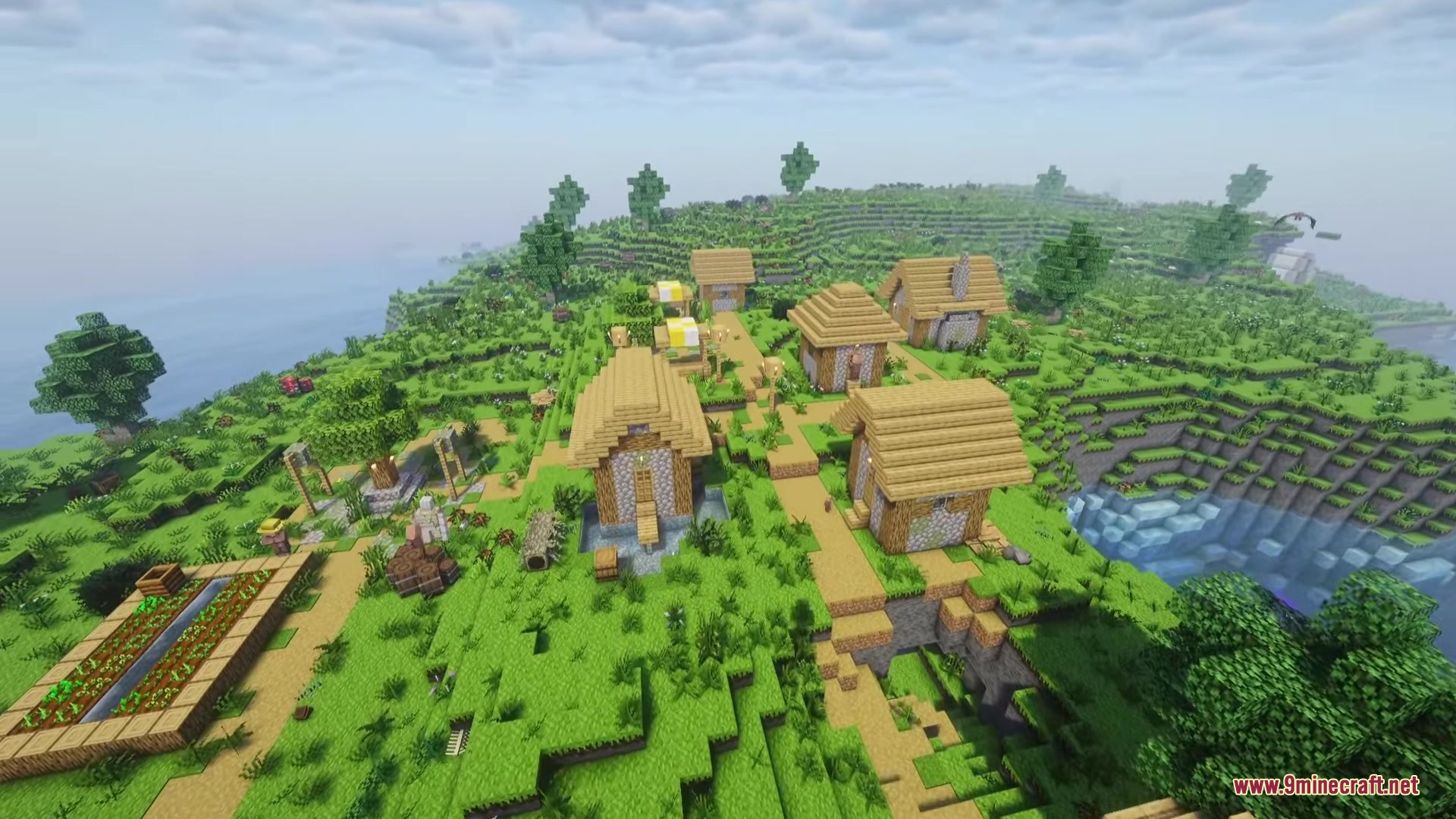
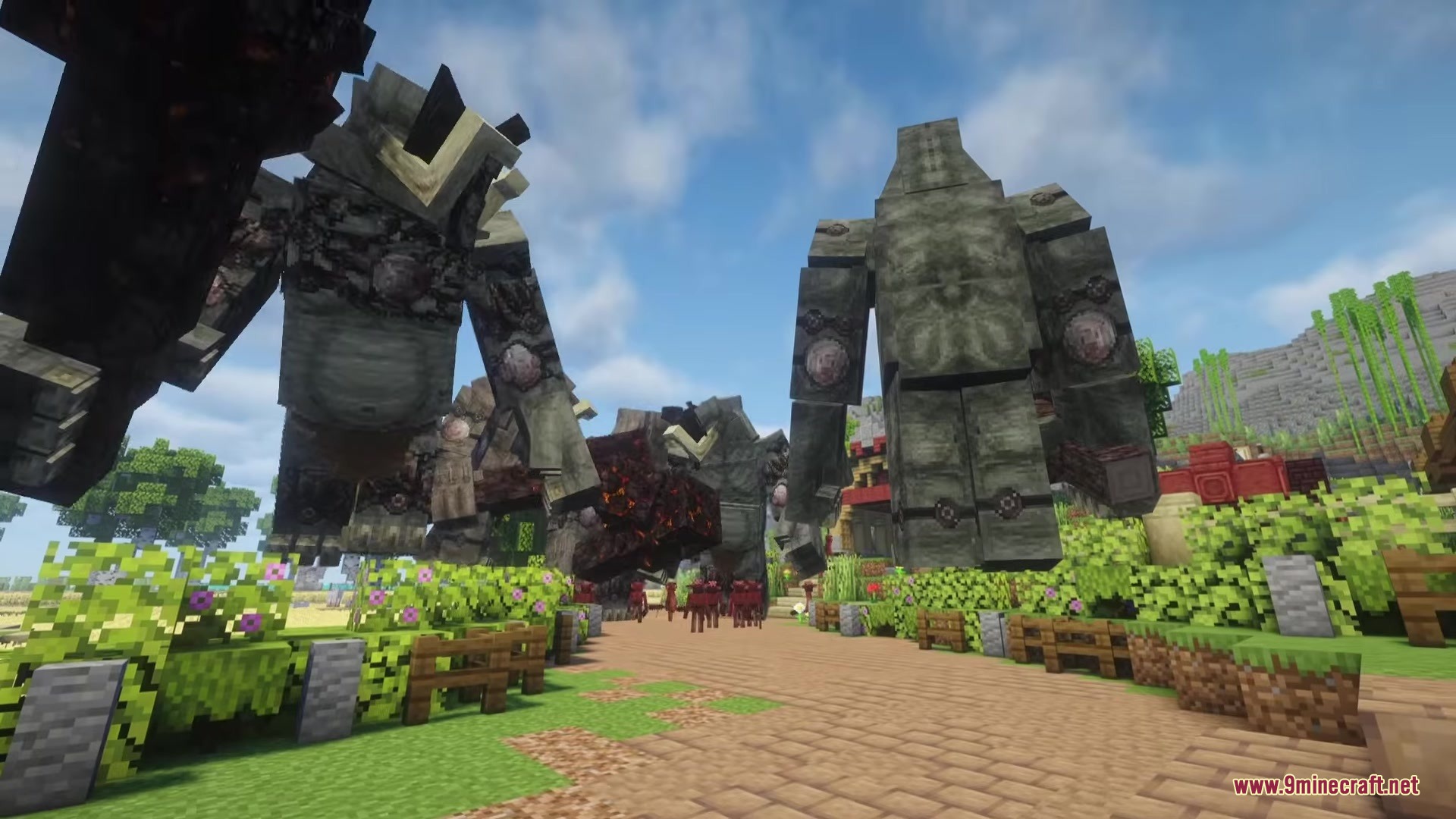
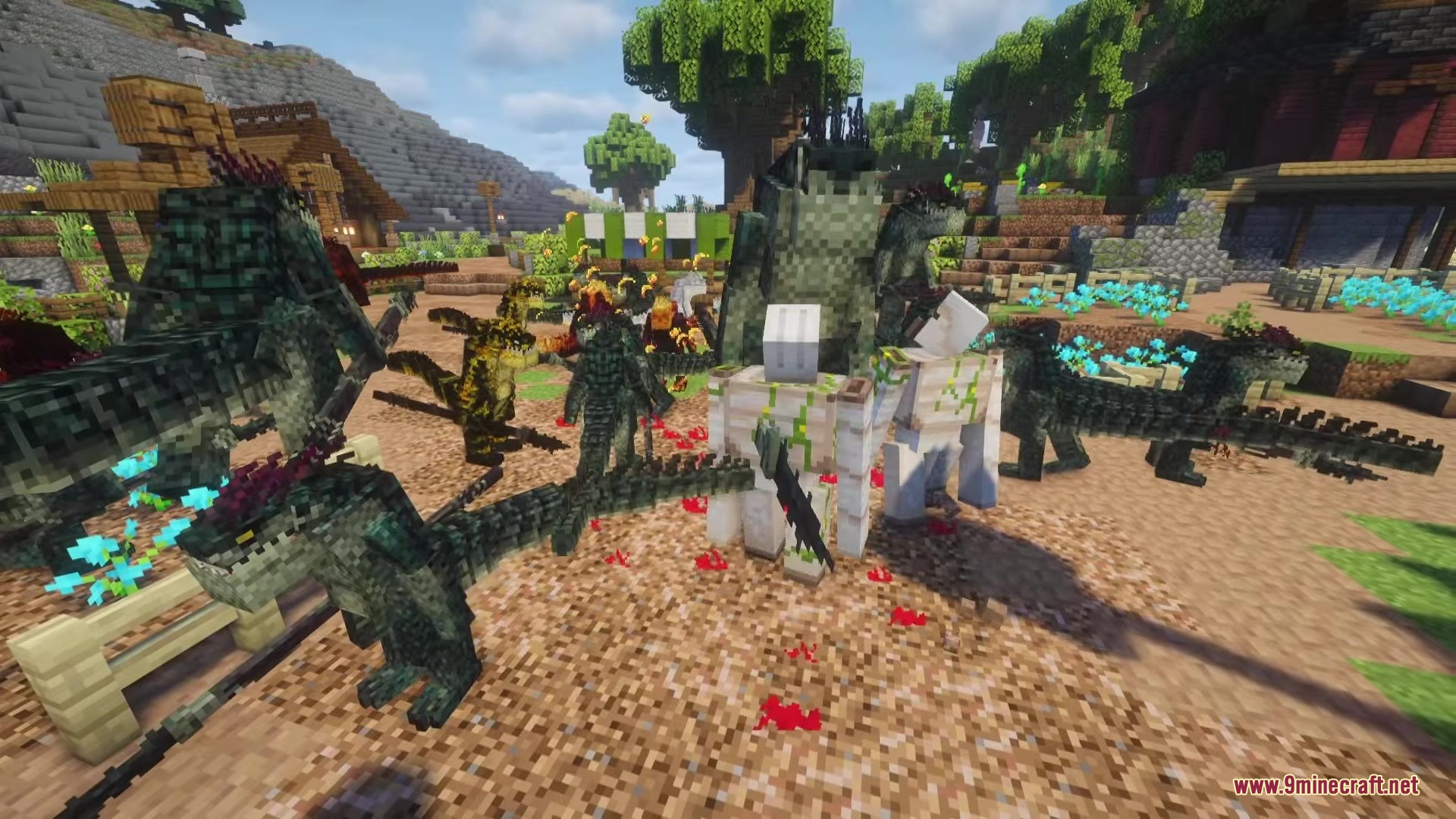
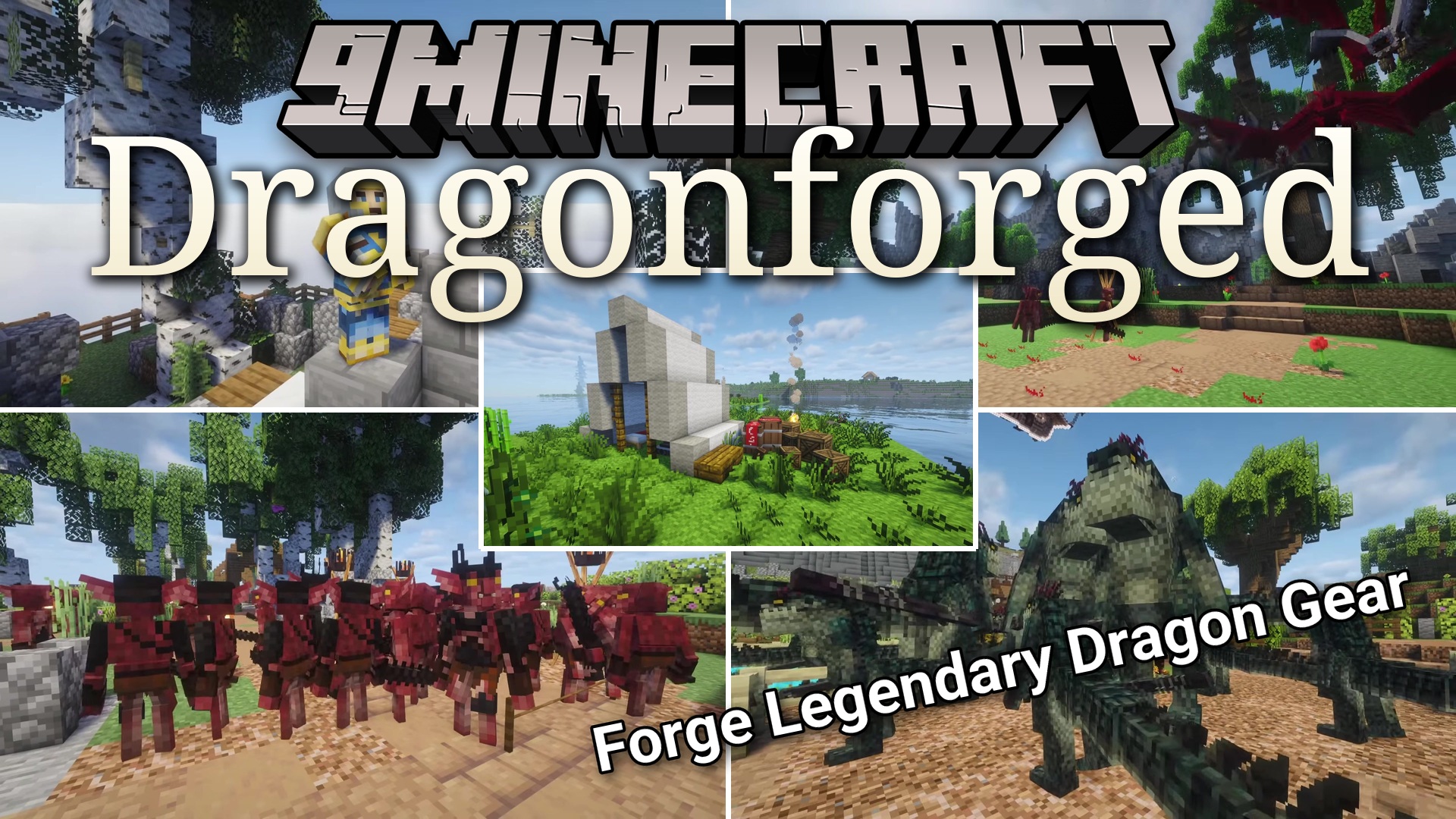
Dragonforged Mod turns your game into a dark fantasy world filled with huge monsters and dangerous lands. It brings ideas from the game Dragon’s Dogma straight into your blocky world. You get to fight giant beasts, cast spells, and swing heavy weapons. This mod adds a brand new dimension full of tough enemies and cool gear to collect.
Features:
- Adds a whole new dimension filled with dark fantasy challenges.
- Lets you craft a special Riftstone block to travel to the new lands.
Weapon & Armor Types:
- Gives you completely custom armor sets to protect yourself in battle.
- Adds over 15 unique weapons to match your favorite fighting style.
- Includes longswords and greatswords for dealing heavy damage up close.
- Packs in quick daggers for fast attacks and maces for blunt hits.
- Equips you with normal shields and magick shields to block enemy strikes.
New Monsters:
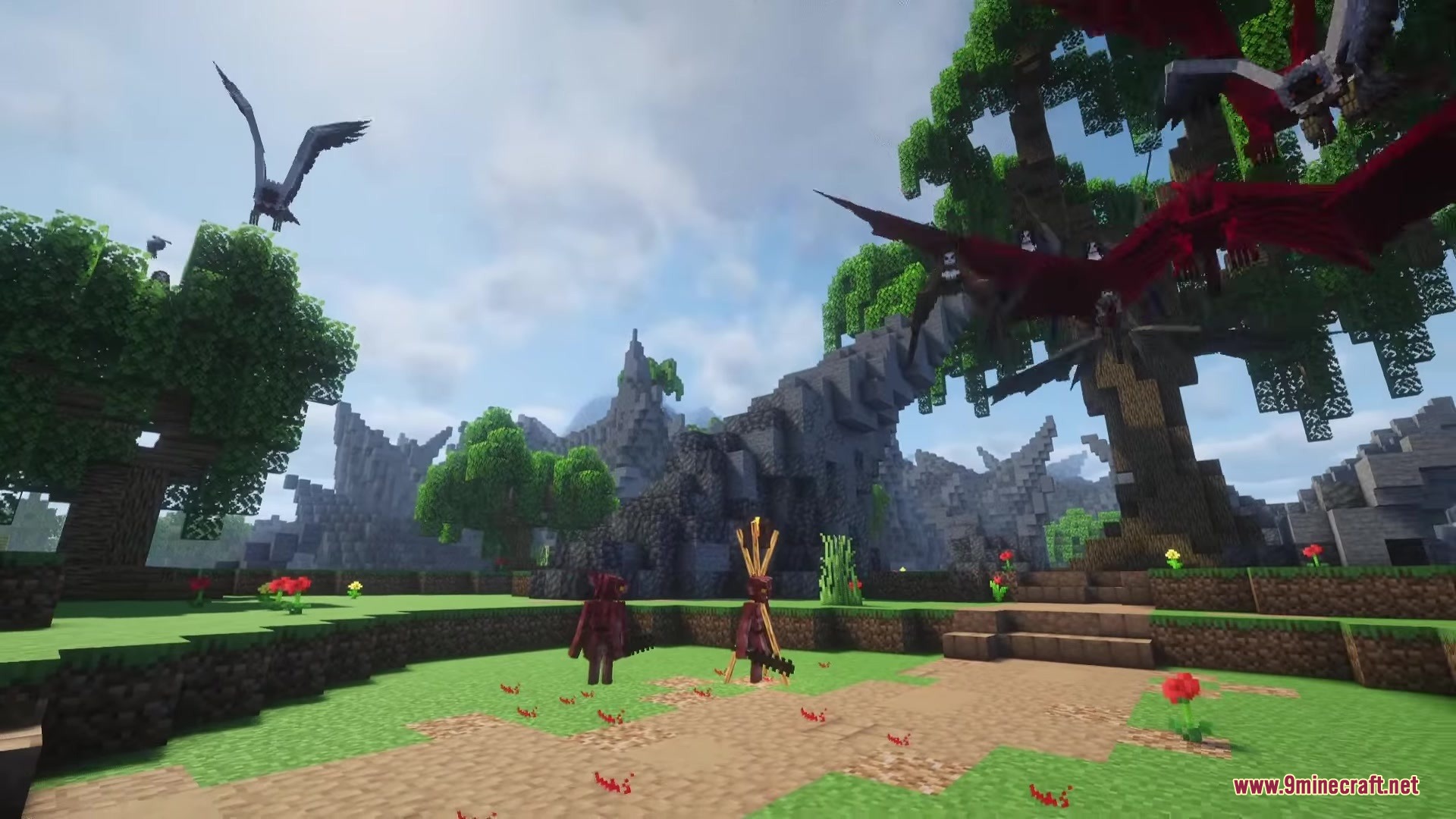
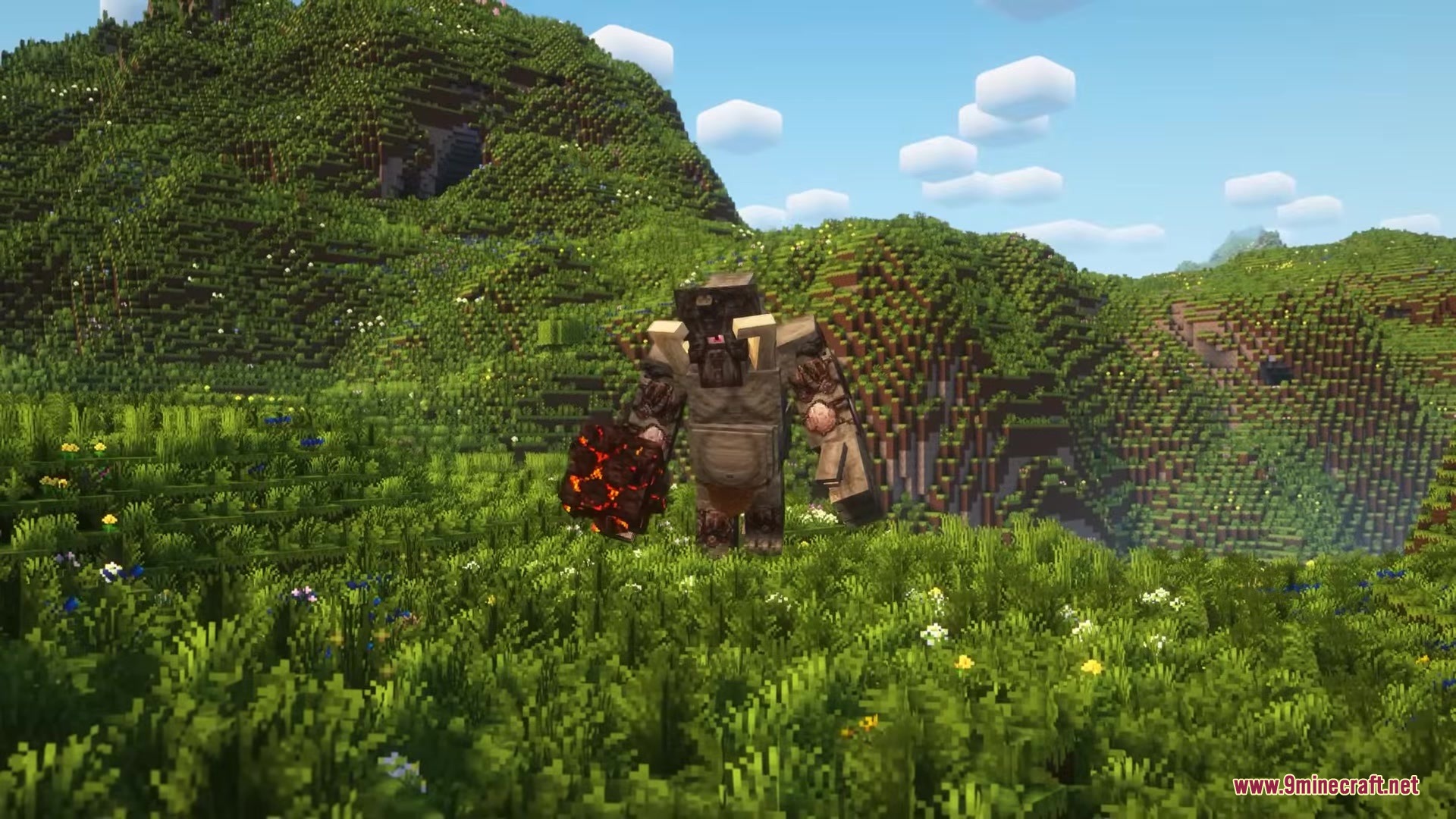
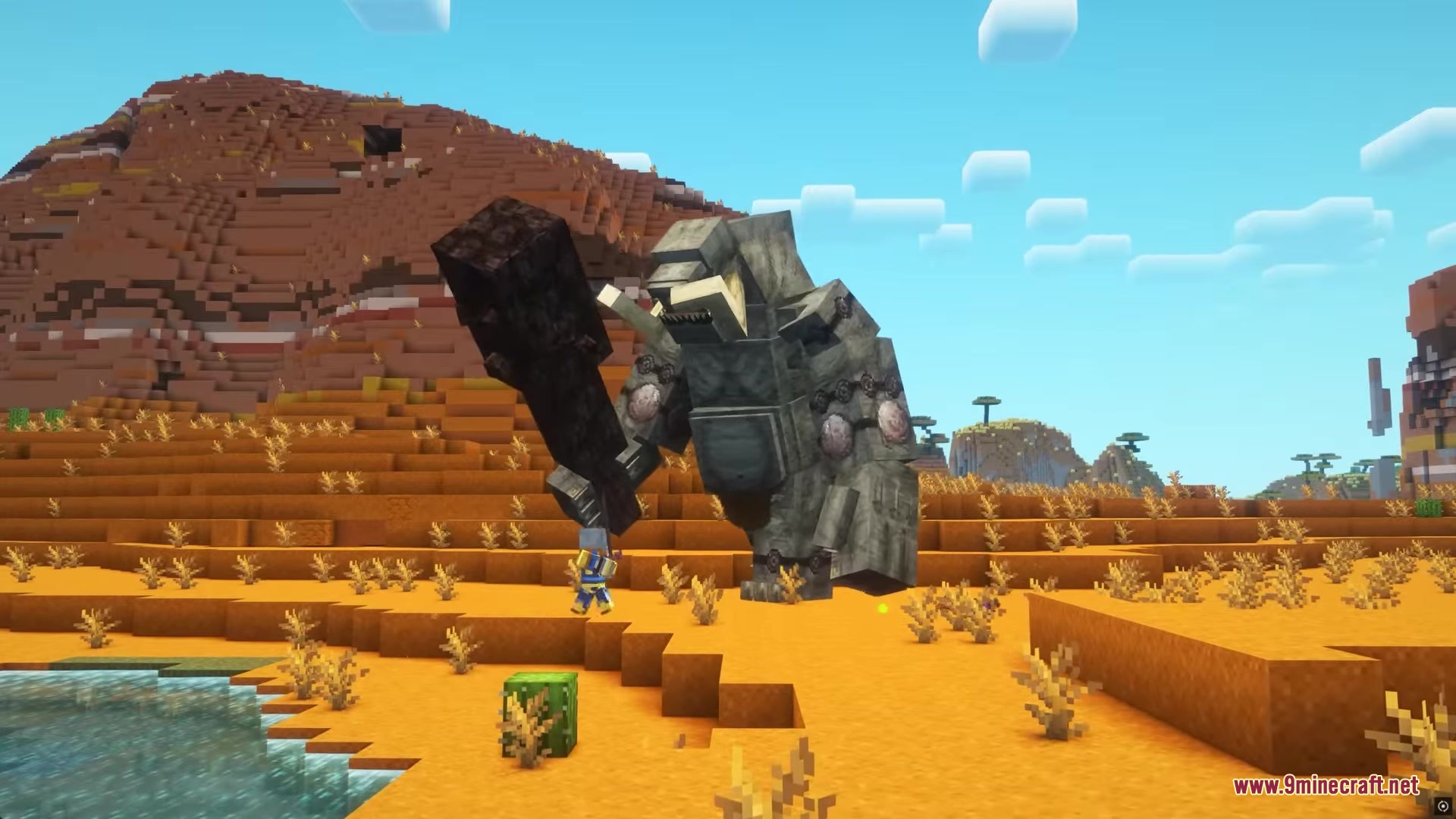
- Spawns giant boss-like creatures like the Cyclops, Chimera, and Hydra.
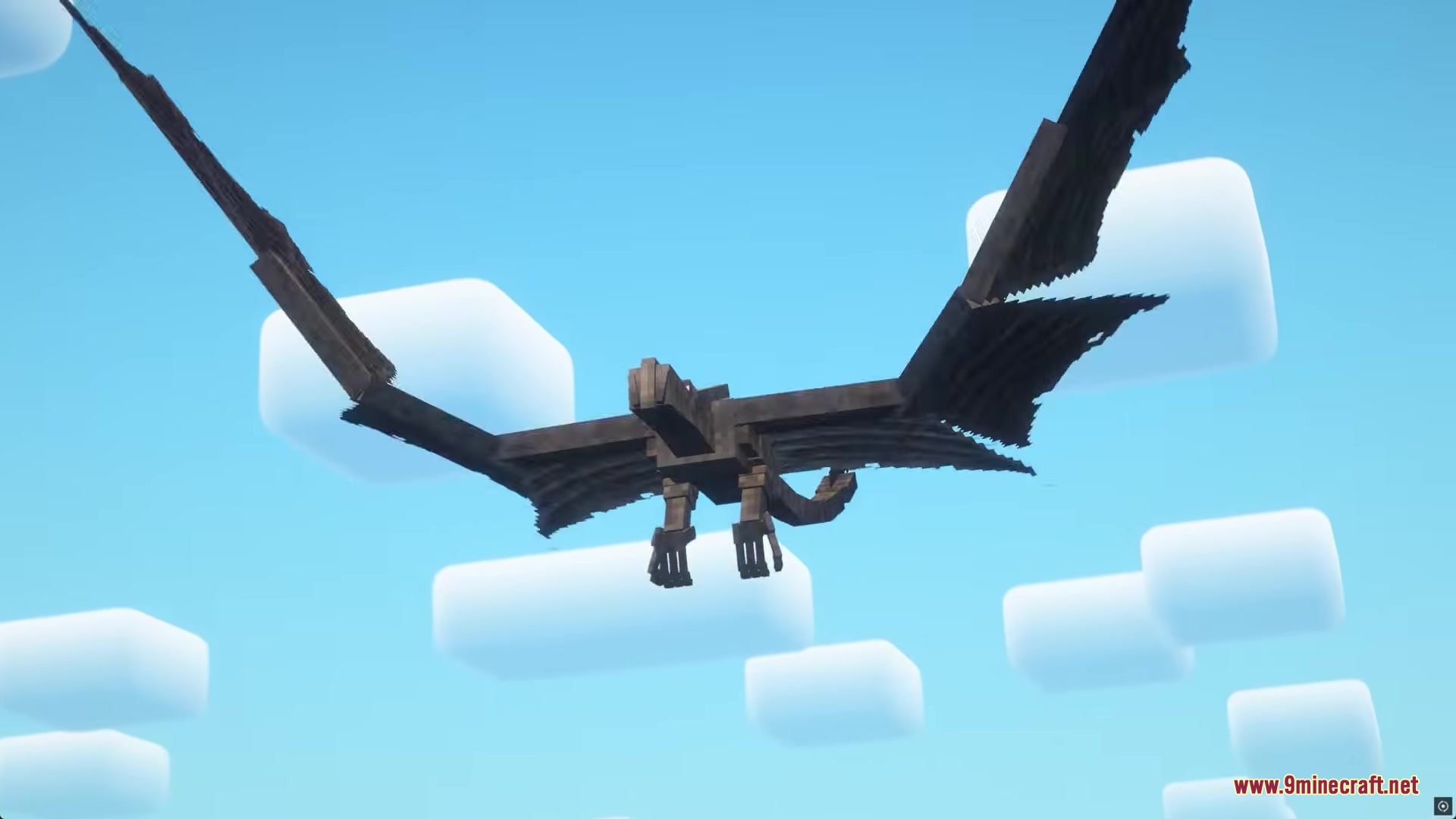
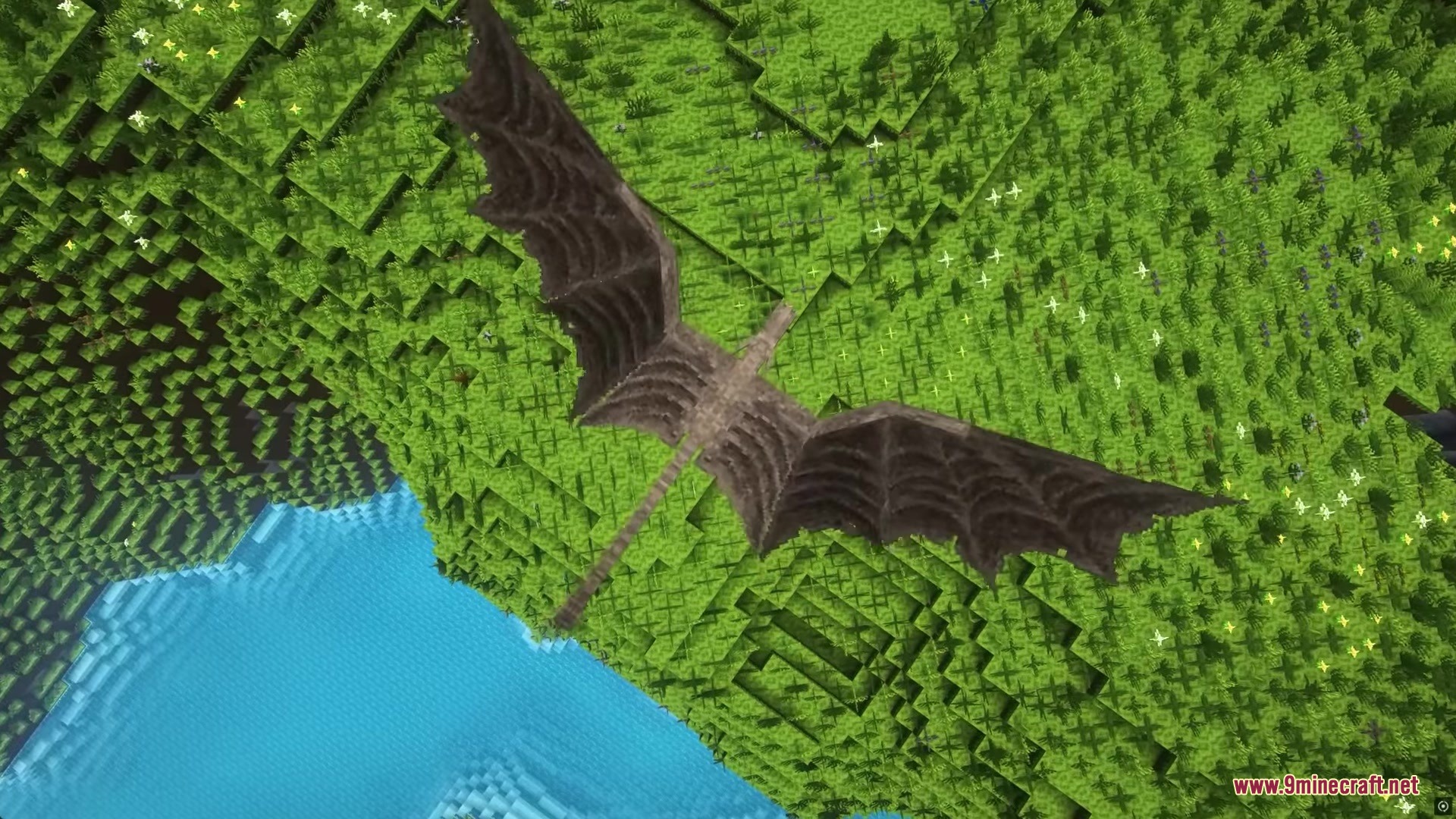
- Fills the world with flying dangers like Harpies, Snow Harpies, and Venin Harpies.
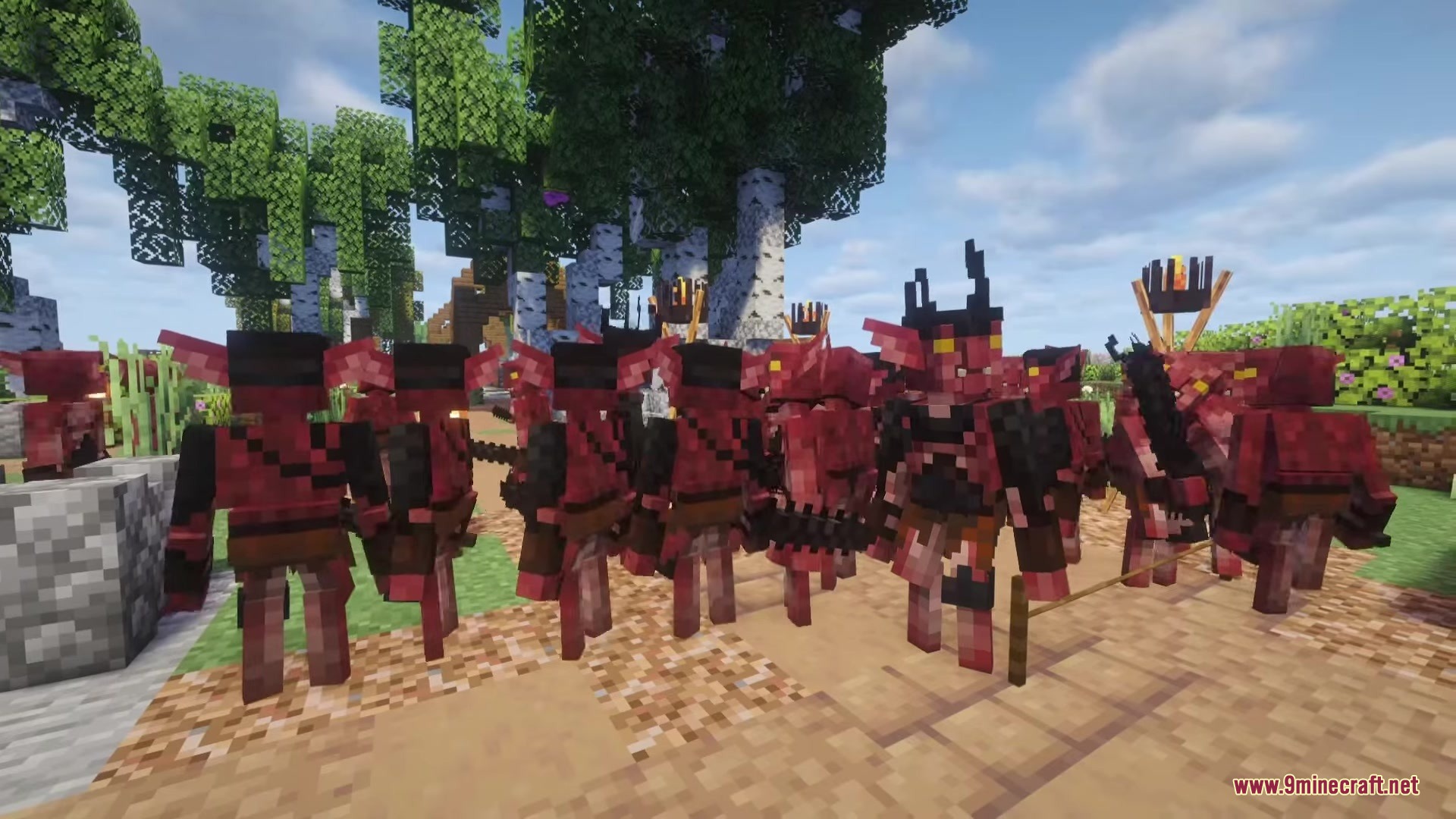
- Adds ground troops like Goblins, Hobgoblins, and powerful Goblin Kings.
- Puts wild animals in the world including Wolves, Hellhounds, and giant Spiders.
- Introduces Saurians, which are tough lizard warriors that fight back hard.
Magic System:
- Adds a full magic system so you can cast spells at your enemies.
- Lets you use magical staves to attack from a safe distance.
How to Use:
- Collect the materials needed to craft a Riftstone.
- Place the Riftstone block down on the ground.
- Interact with the Riftstone to teleport to the dark fantasy dimension.
Screenshots:
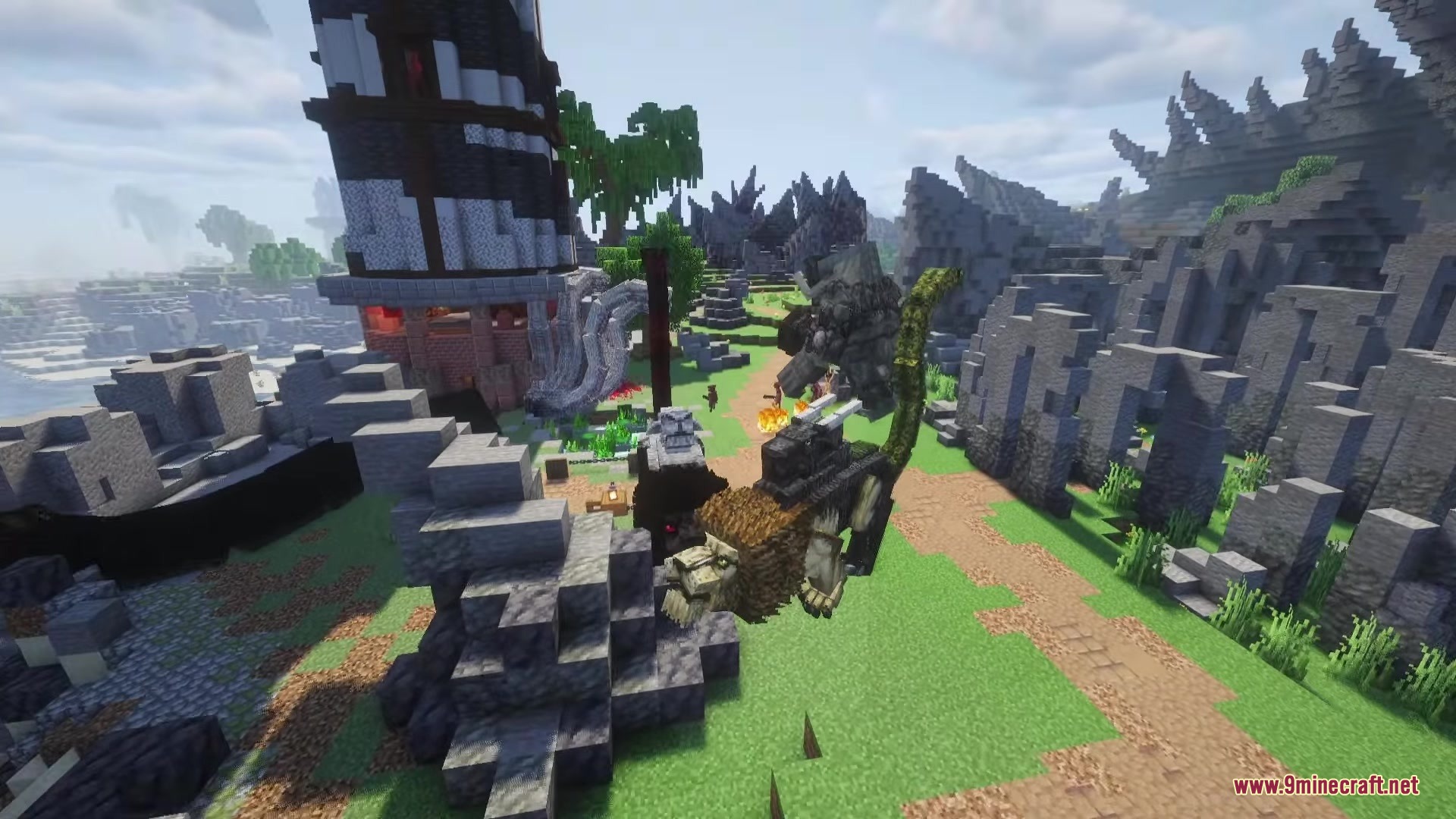
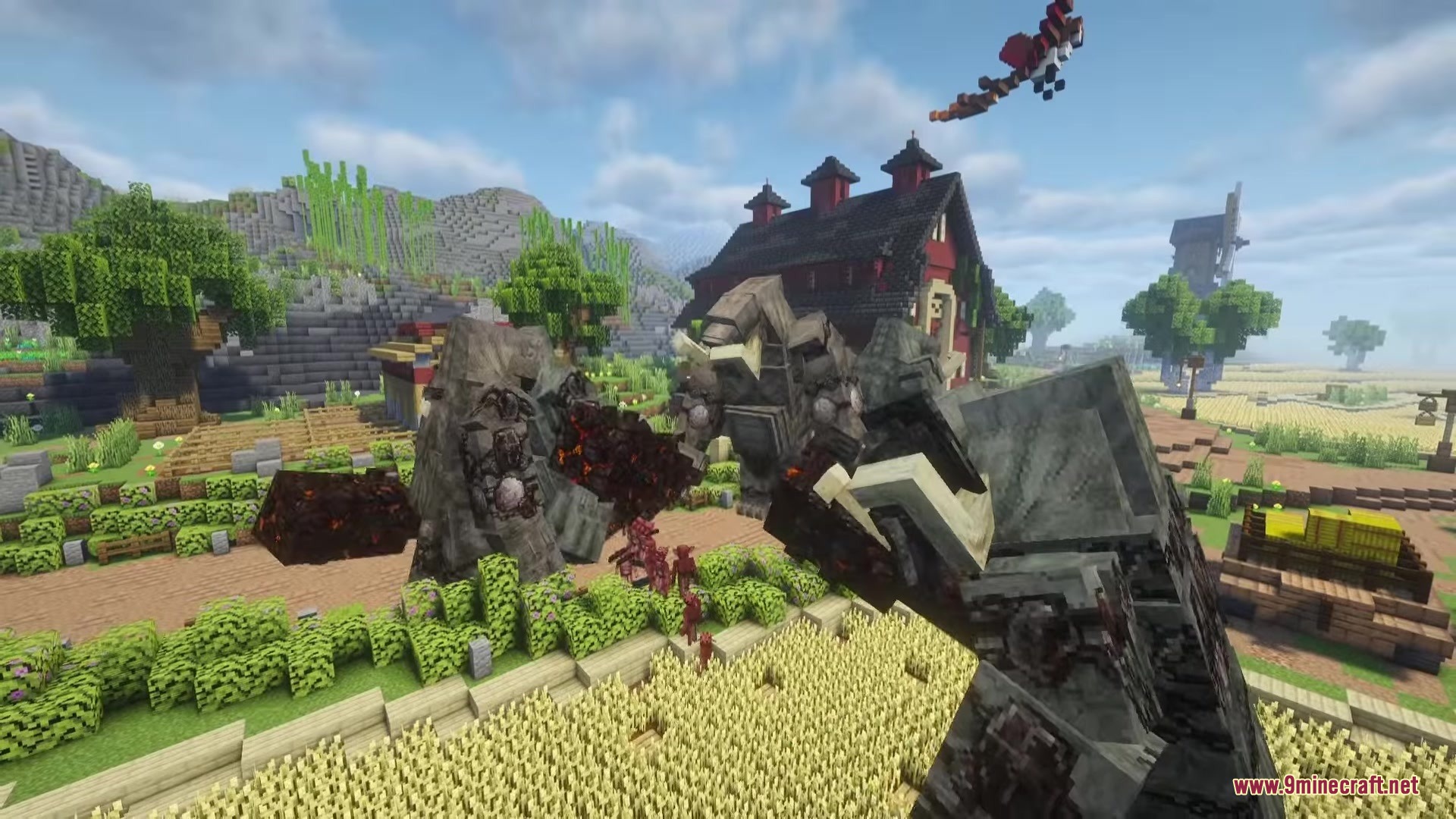
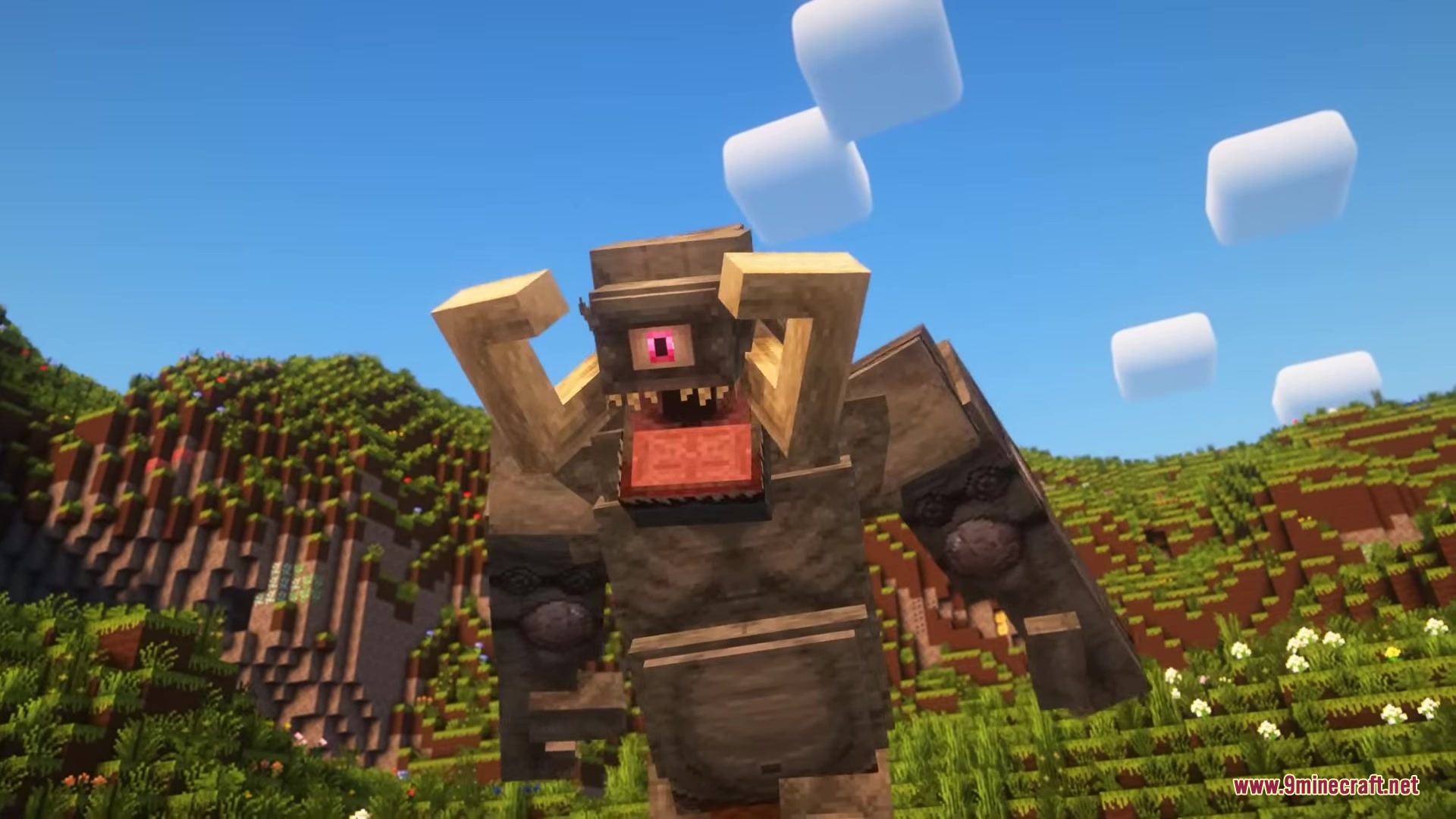
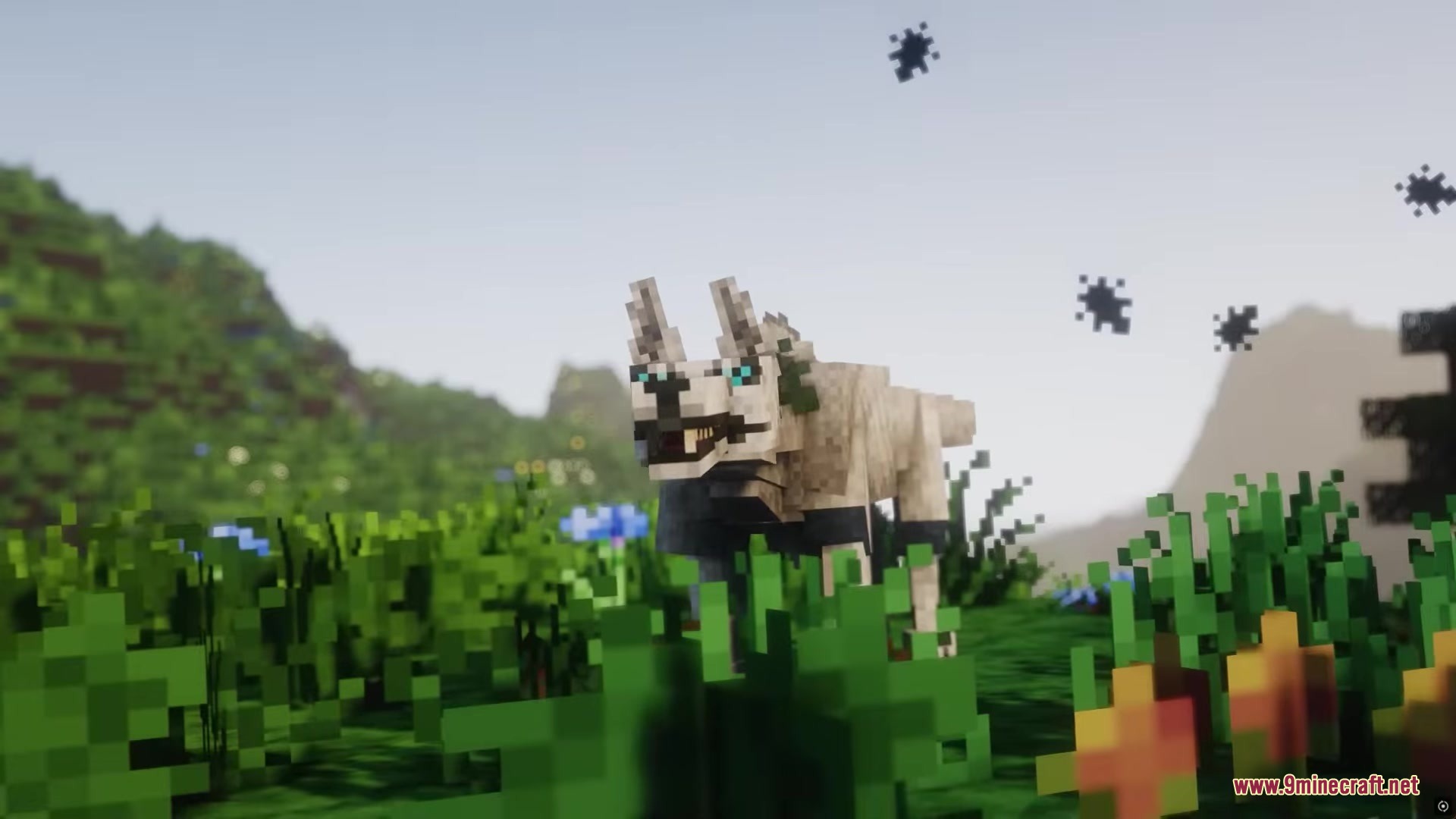
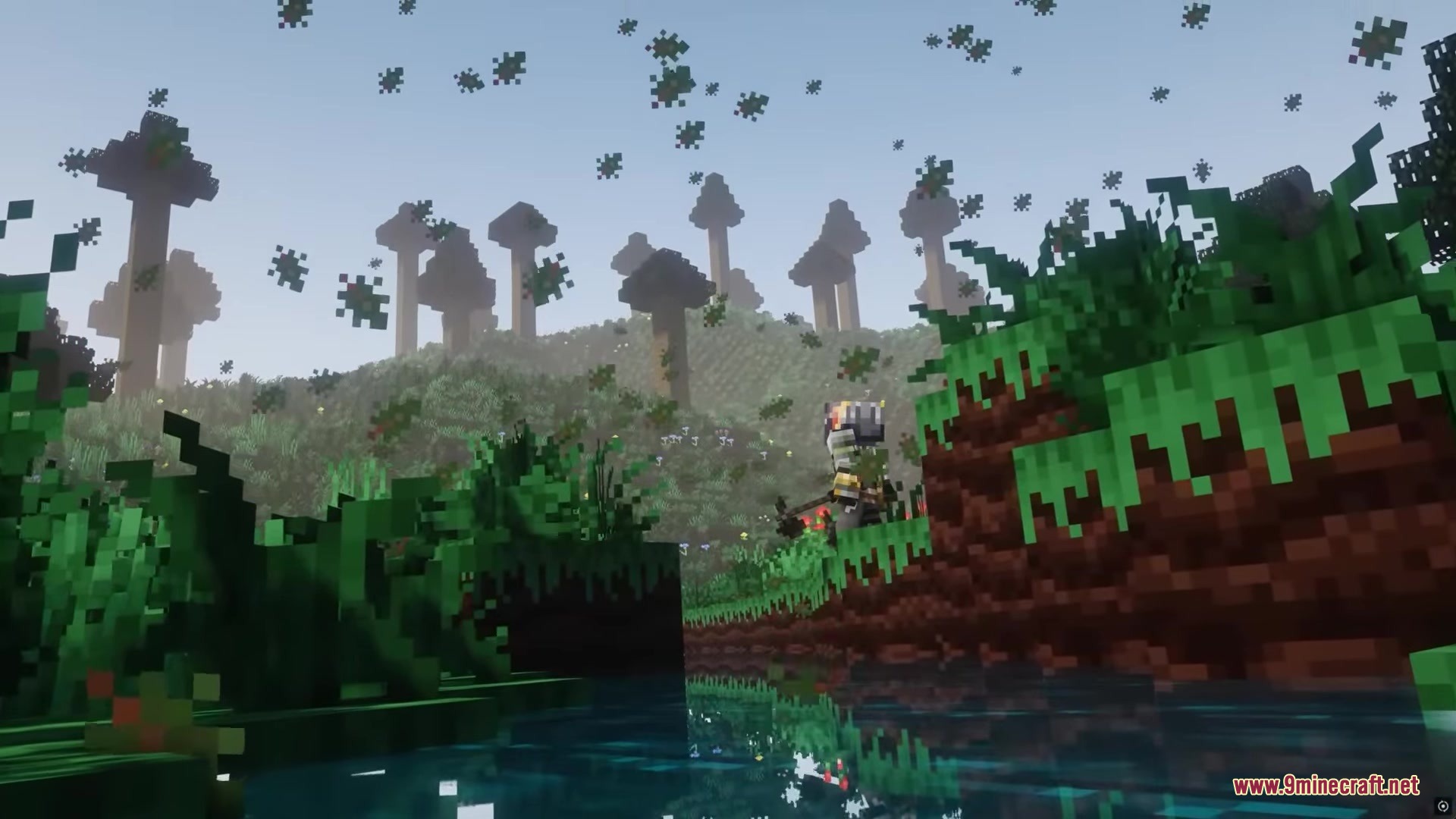
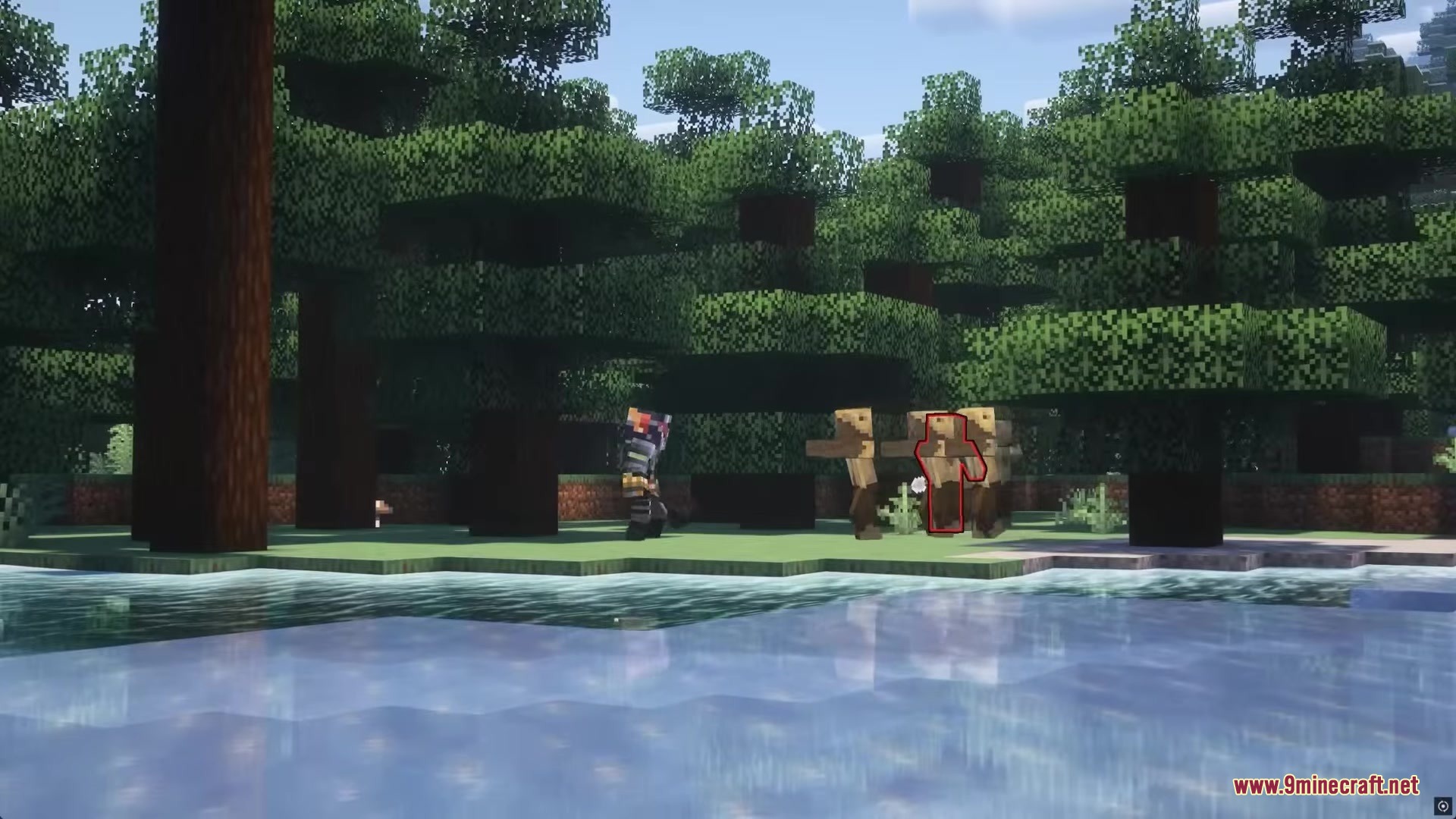
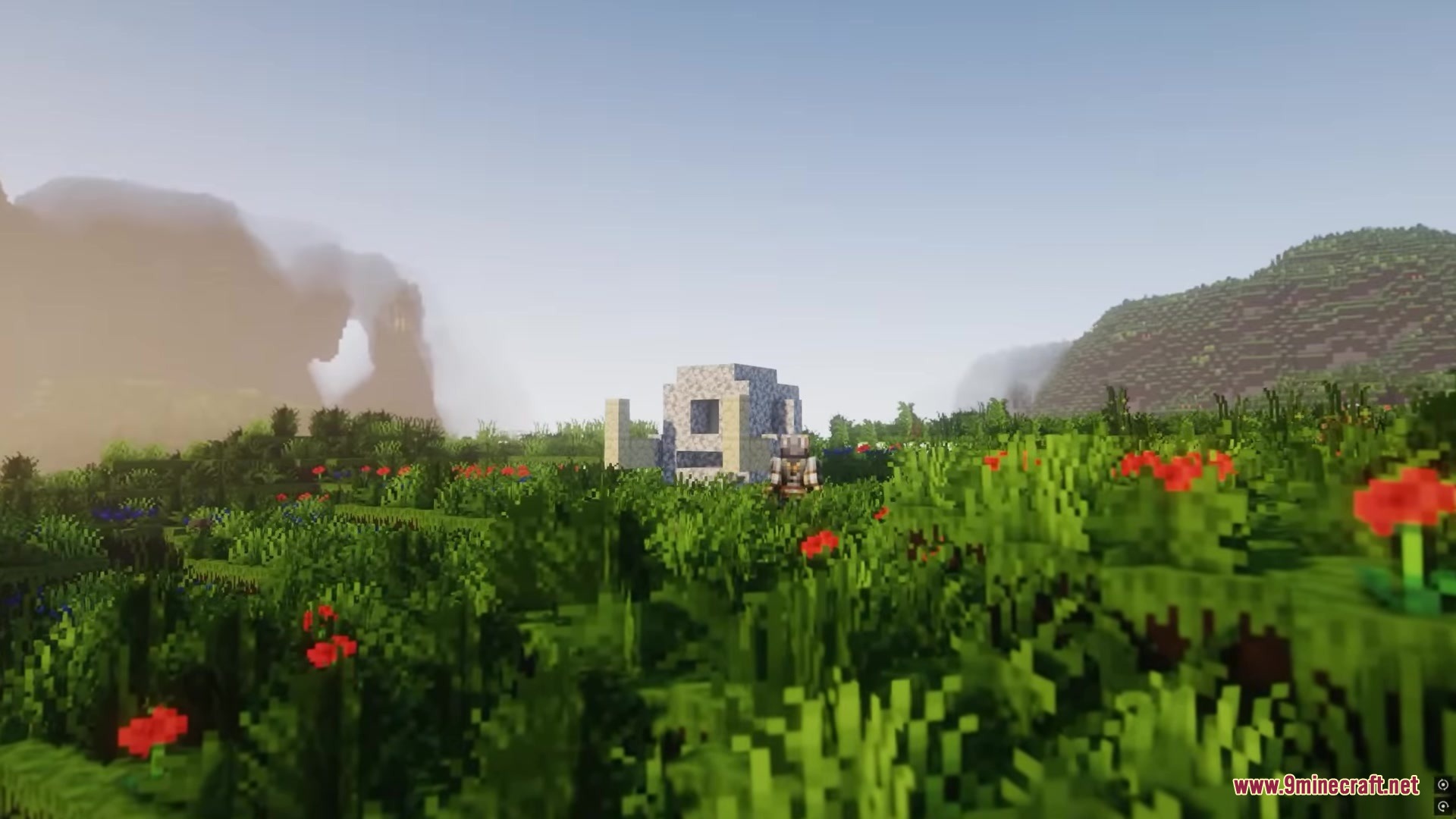
Dragonforged Mod Download Links
Quick facts
- Edition: Minecraft Java
- File type: .jar
- Minecraft version listed: 1.20.1
- How to install: Install the matching mod loader (Forge, Fabric or NeoForge) for your Minecraft version. → Download the .jar. → Put it in the .minecraft/mods folder and launch that loader profile.
- Where to get it: In MC Java Mods, or directly above on this page.
Install steps are the general flow for this file type — How to install Minecraft Java mods & modpacks walks through it step by step.
File checked by MCModsHub
- Downloads as 2846.mcaddon
- Download size: 41.4 MB
- Download link checked 23 Sept 2026 — working
- Mirrored on our own servers — the download does not depend on the original host
These come from our own check of the pack file, not from the source page.