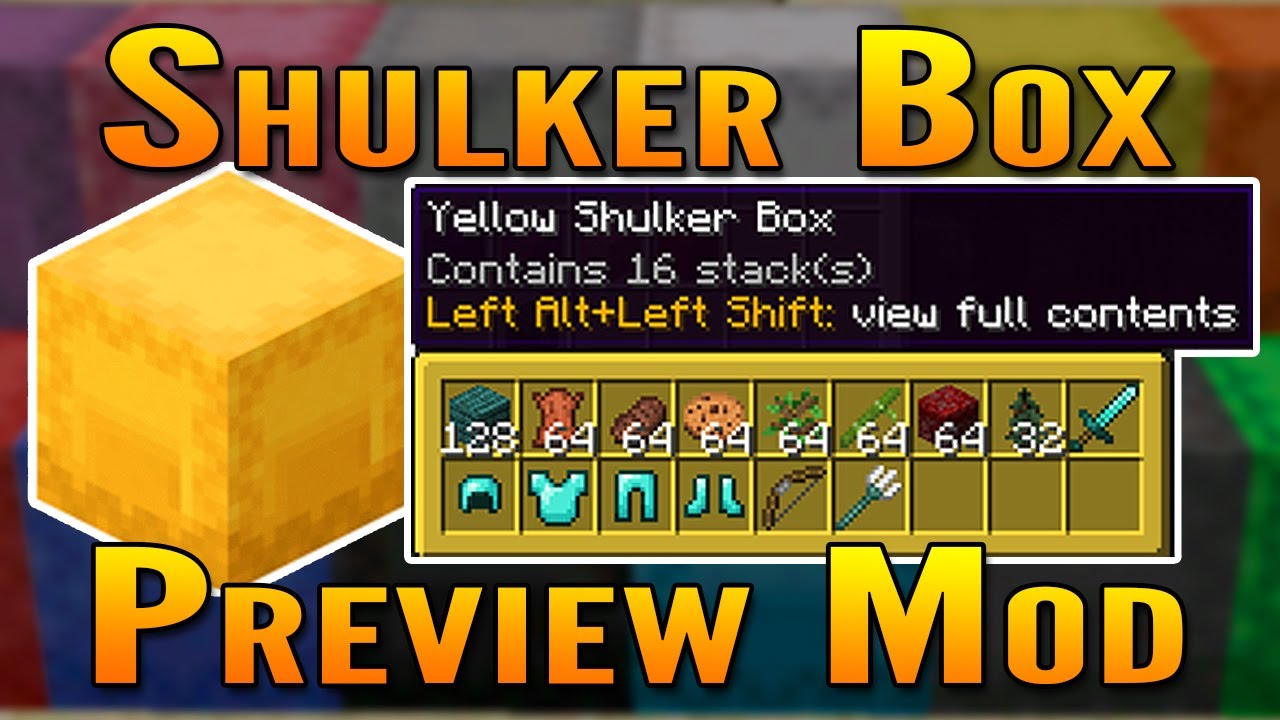
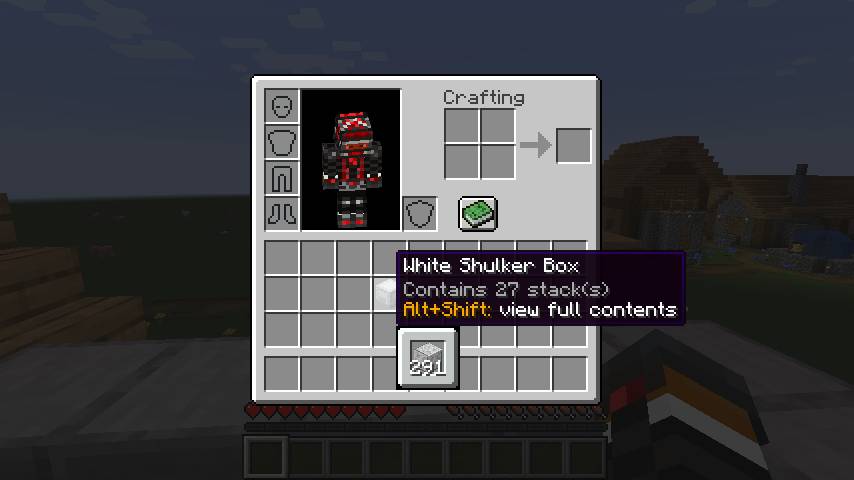
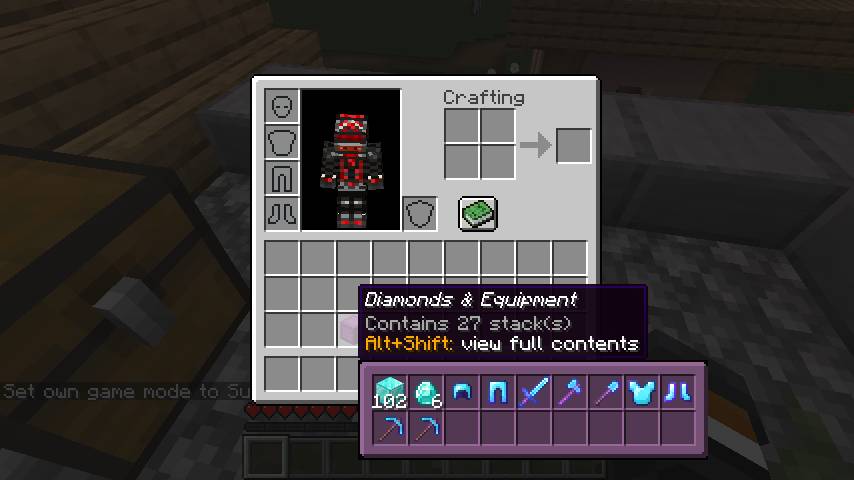
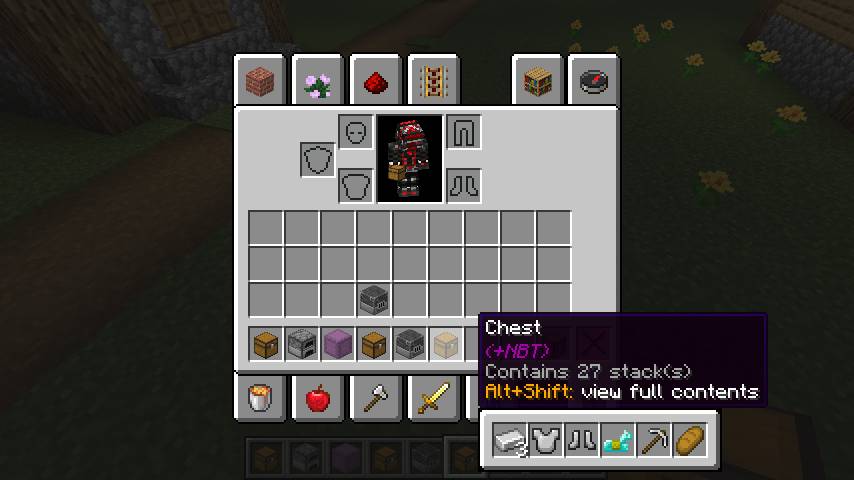
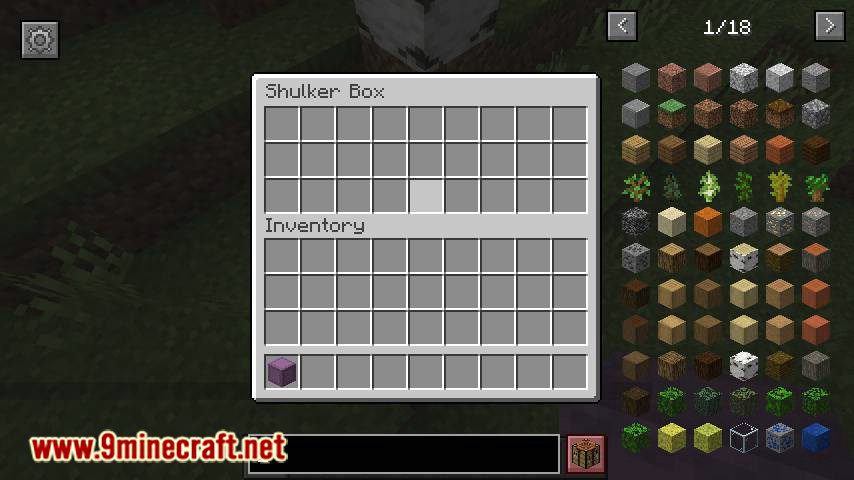
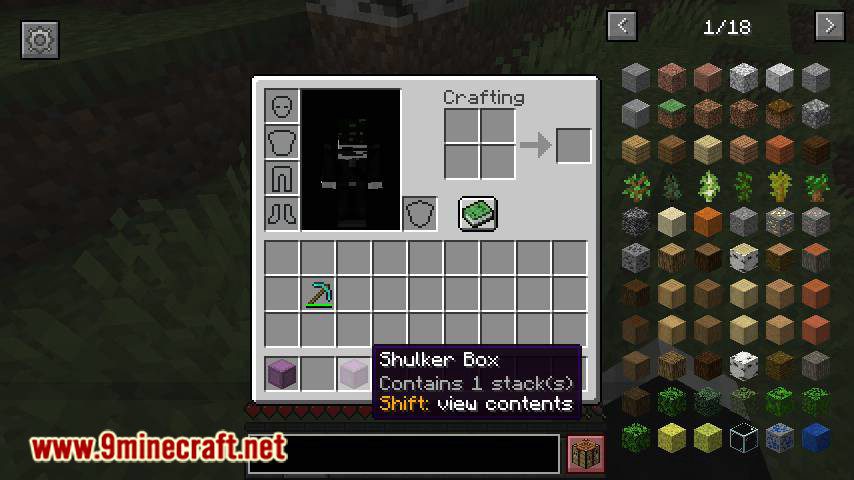
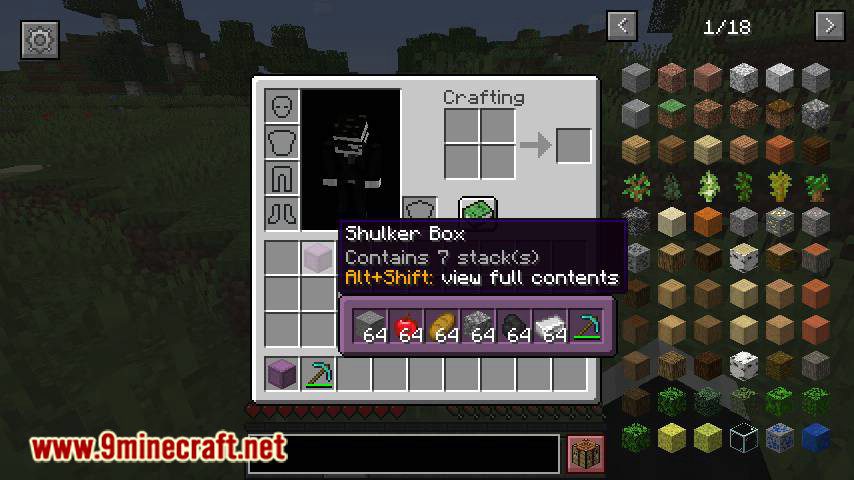
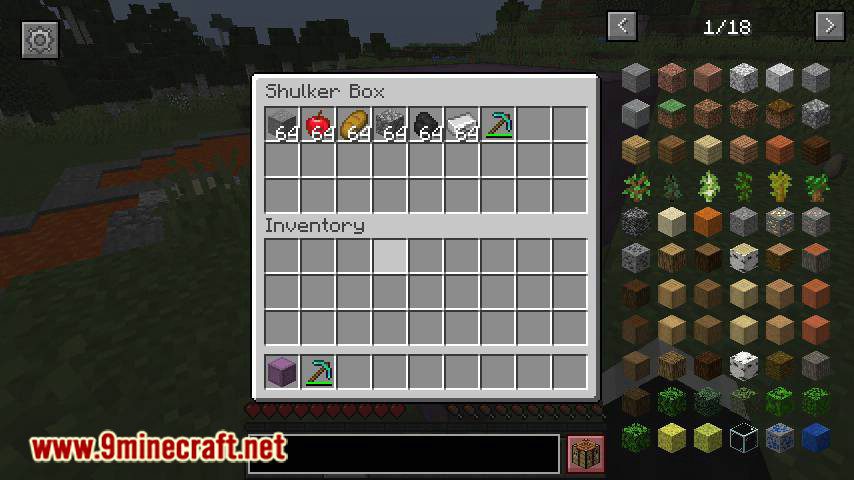
Shulker Box Tooltip Mod allows you to see a preview window of a shulker box contents when hovering above it in an inventory by pressing “Shift”.
Features:
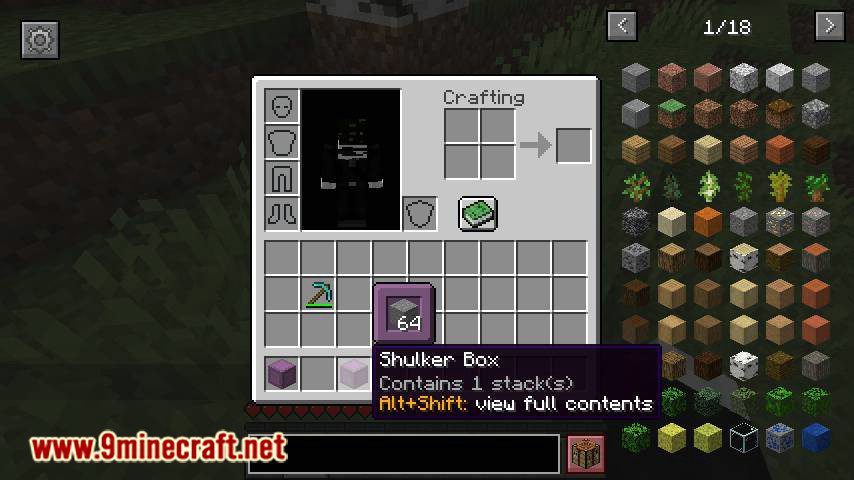
Compact Preview:
Press “Shift” (by default) while hovering an item.
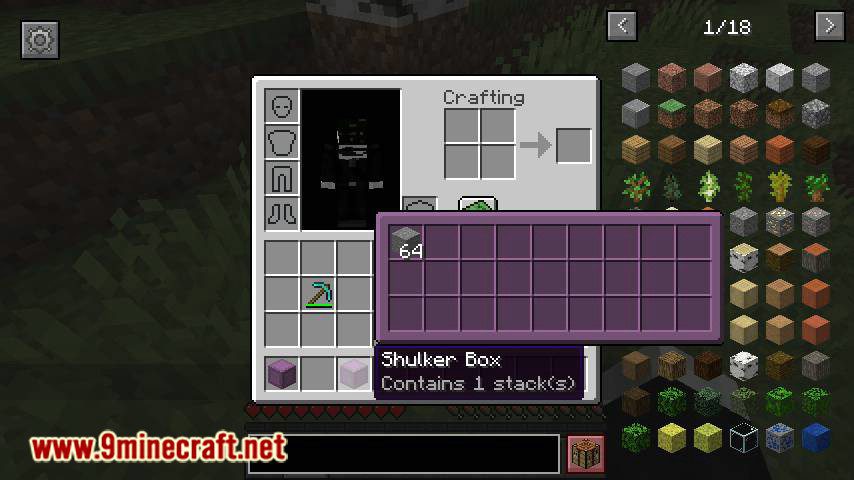
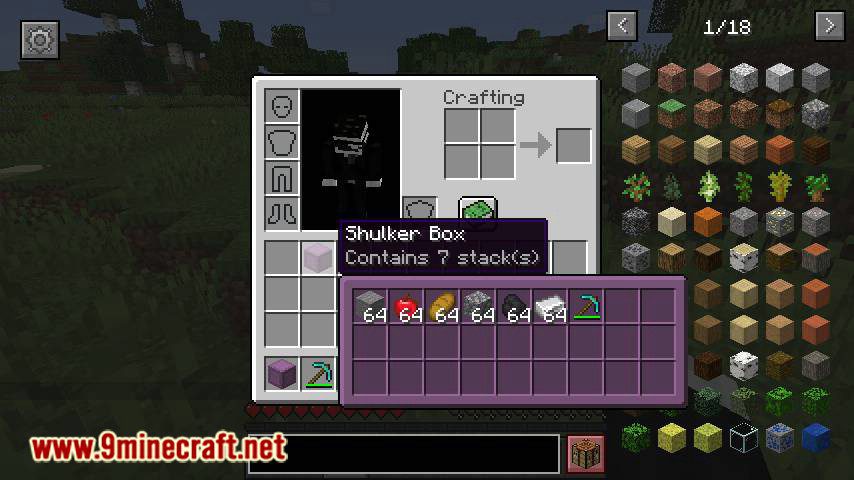
Full Preview:
Press “Alt+Shift” (by default) while hovering an item to shows its full contents where each contained stack is displayed in the correct slot.
Other Containers:
The preview also works with items obtained in creative mode using control + pick block such as chests, furnaces, barrels, etc…
Works with most modded containers as well.
Loot Tables:
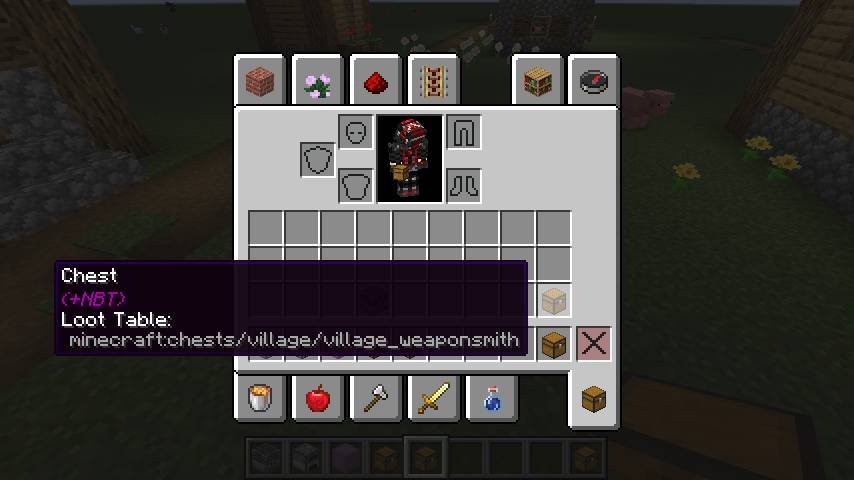
The name of the loot table is displayed in the tooltip if the hovered item as one.
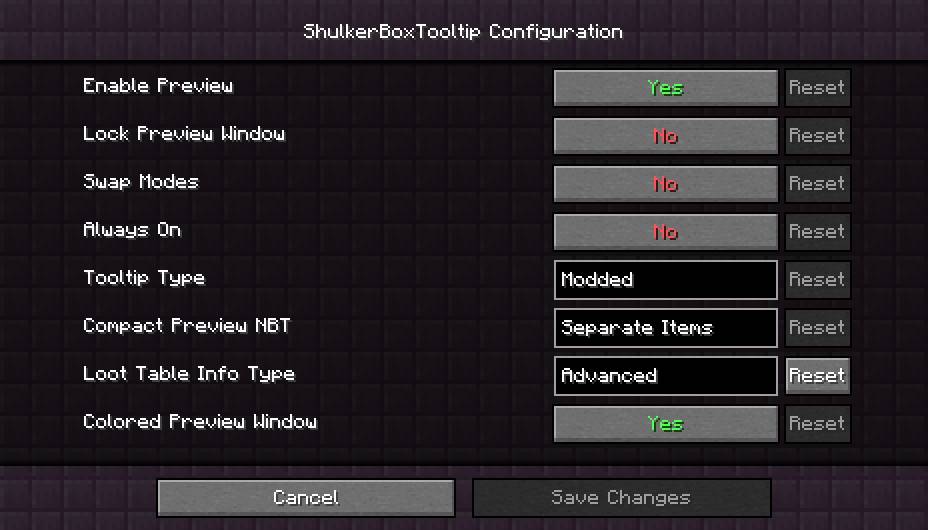
This option is disabled by default.
Configurability:
Most aspects of the mod can be configured through the config menu. To access it, in the mod menu select ShulkerBoxTooltip an then click on the gear icon.
The config file can be found at <minecraft folder>/config/shulkerboxtooltip.json
Colors:
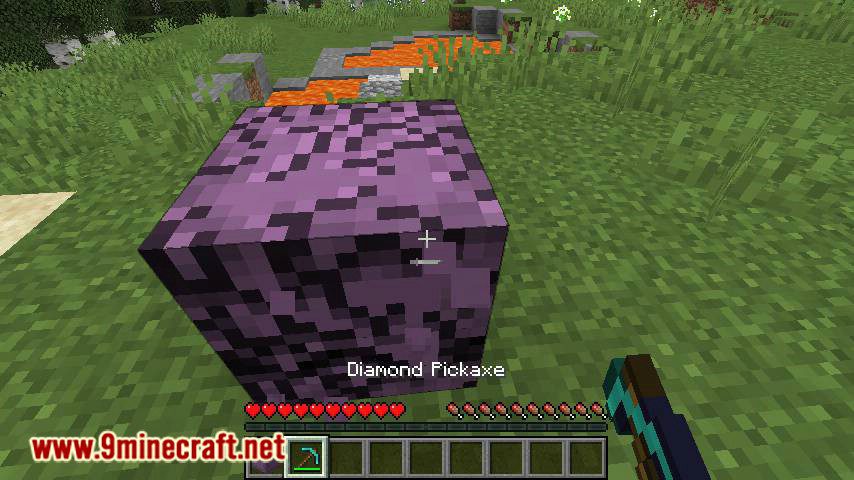
The color of the preview window changes depending on the color of the shulker box, you can disable it in config.
Screenshots:

Shulker Box Tooltip Mod Download Links
- Edition: Minecraft Java
- File type: .jar
- Minecraft version listed: 1.20.1
- How to install: Install the matching mod loader (Forge, Fabric or NeoForge) for your Minecraft version. → Download the .jar. → Put it in the .minecraft/mods folder and launch that loader profile.
- Where to get it: In MC Java Mods, or directly above on this page.
Install steps are the general flow for this file type — How to install Minecraft Java mods & modpacks walks through it step by step.
- Downloads as 28485.mcaddon
- Download size: 413 KB
- Download link checked 25 Sept 2026 — working
- Mirrored on our own servers — the download does not depend on the original host
These come from our own check of the pack file, not from the source page.