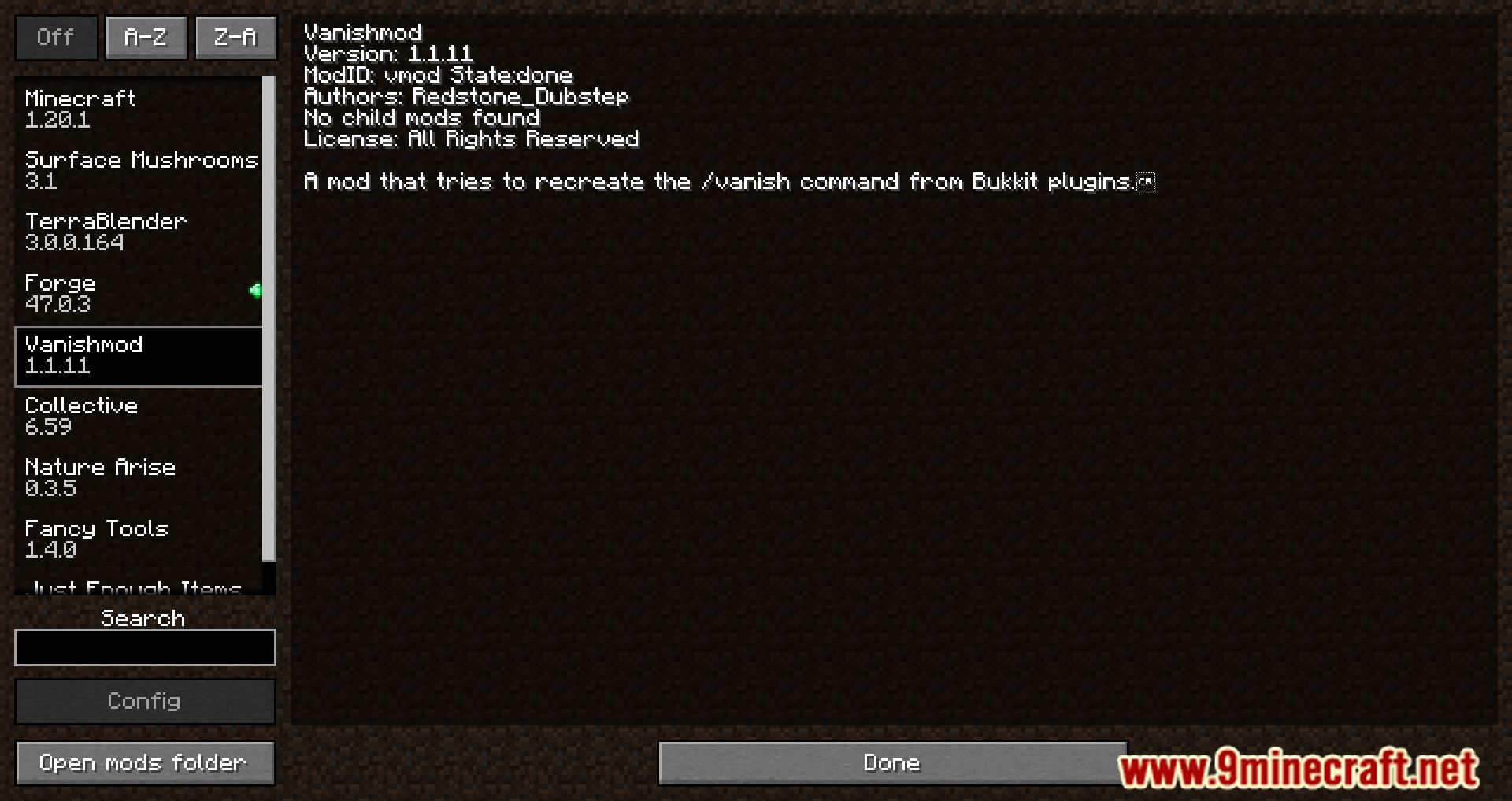
With the use of the Vanishmod Mod, administrators are given the ability to disappear. When a player leaves the game, they will no longer be able to be seen on the screen, and their join, leave, and death messages, along with the vast majority of their sounds, will be muted. In addition to that, you won’t be able to find them in the list of tabs anymore. In a nutshell, other players are unlikely to detect gone people because it is quite difficult to locate them once they have left the game. Users who want to hide their identities as much as possible have access to a number of additional choices that can be configured in any way they see fit, such as changing the /list command or the Server Status portion of the Multiplayer Screen. Both of these options are fully customizable.
Features:
- Allows admins to get vanished.
Command:
- /v (or /vanish) to vanish yourself, /v to unvanish again.
- /v toggle <player> to vanish/unvanish another player.
- /v get <player> to get the vanished status of another player.
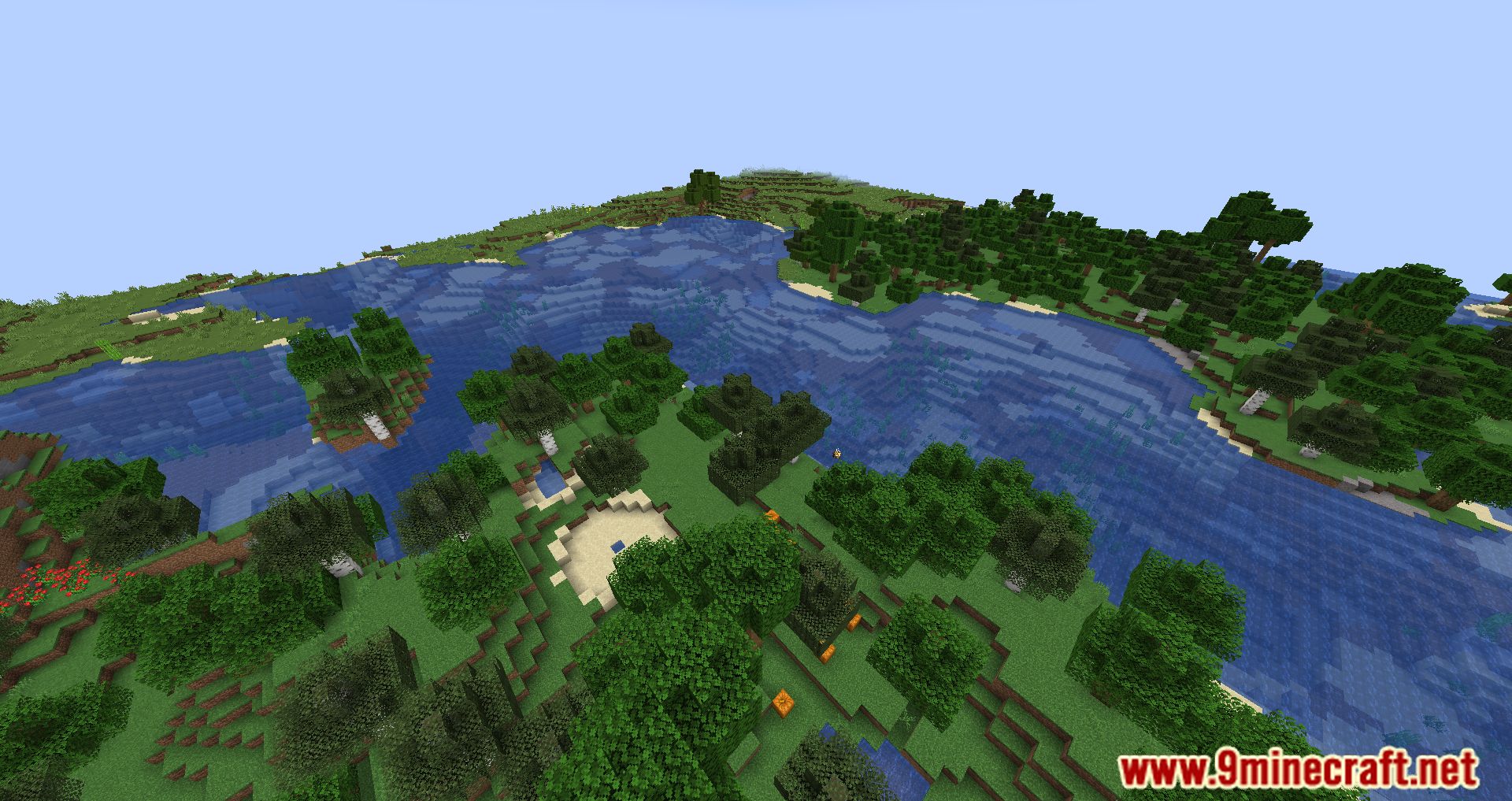
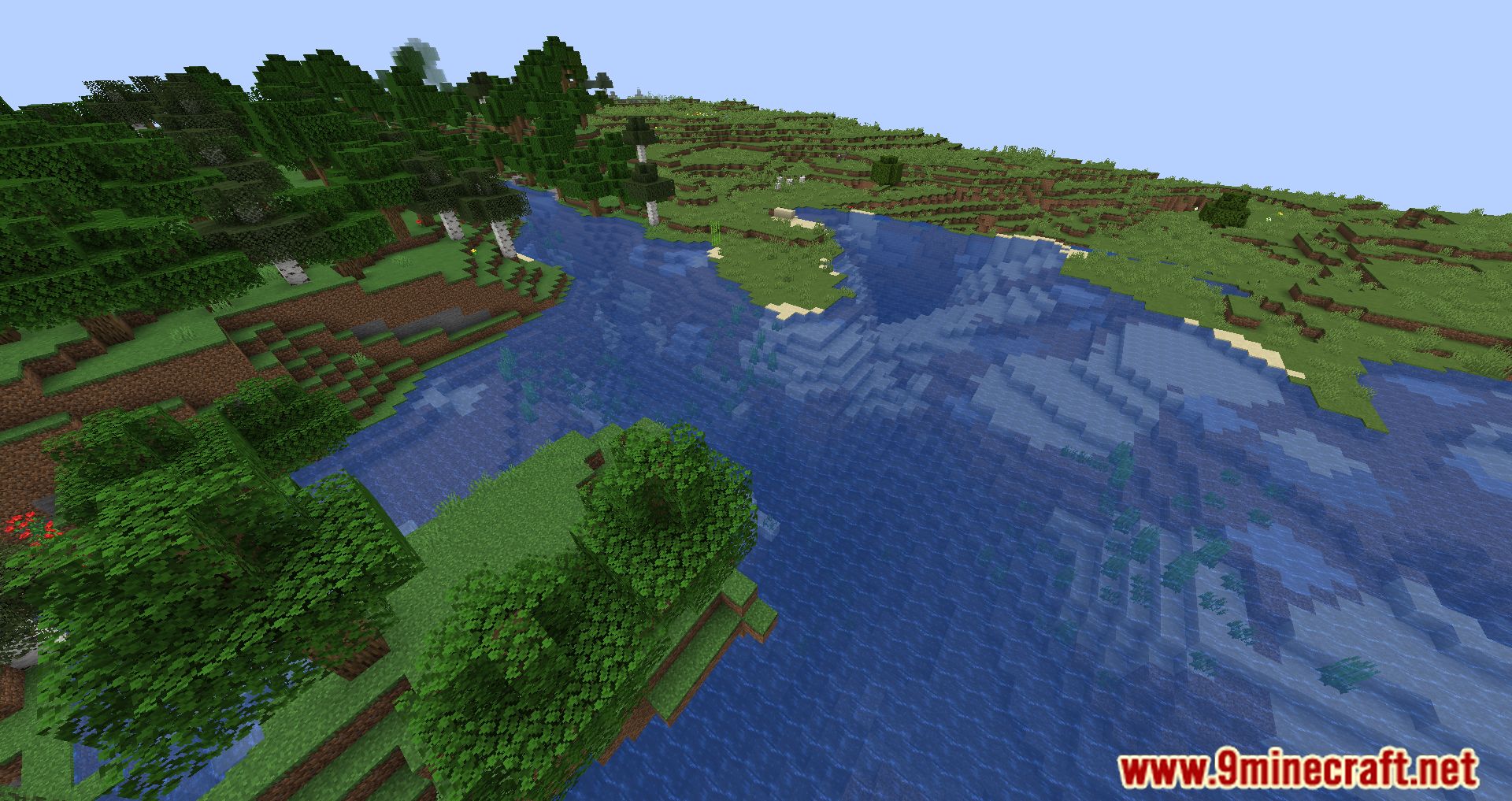
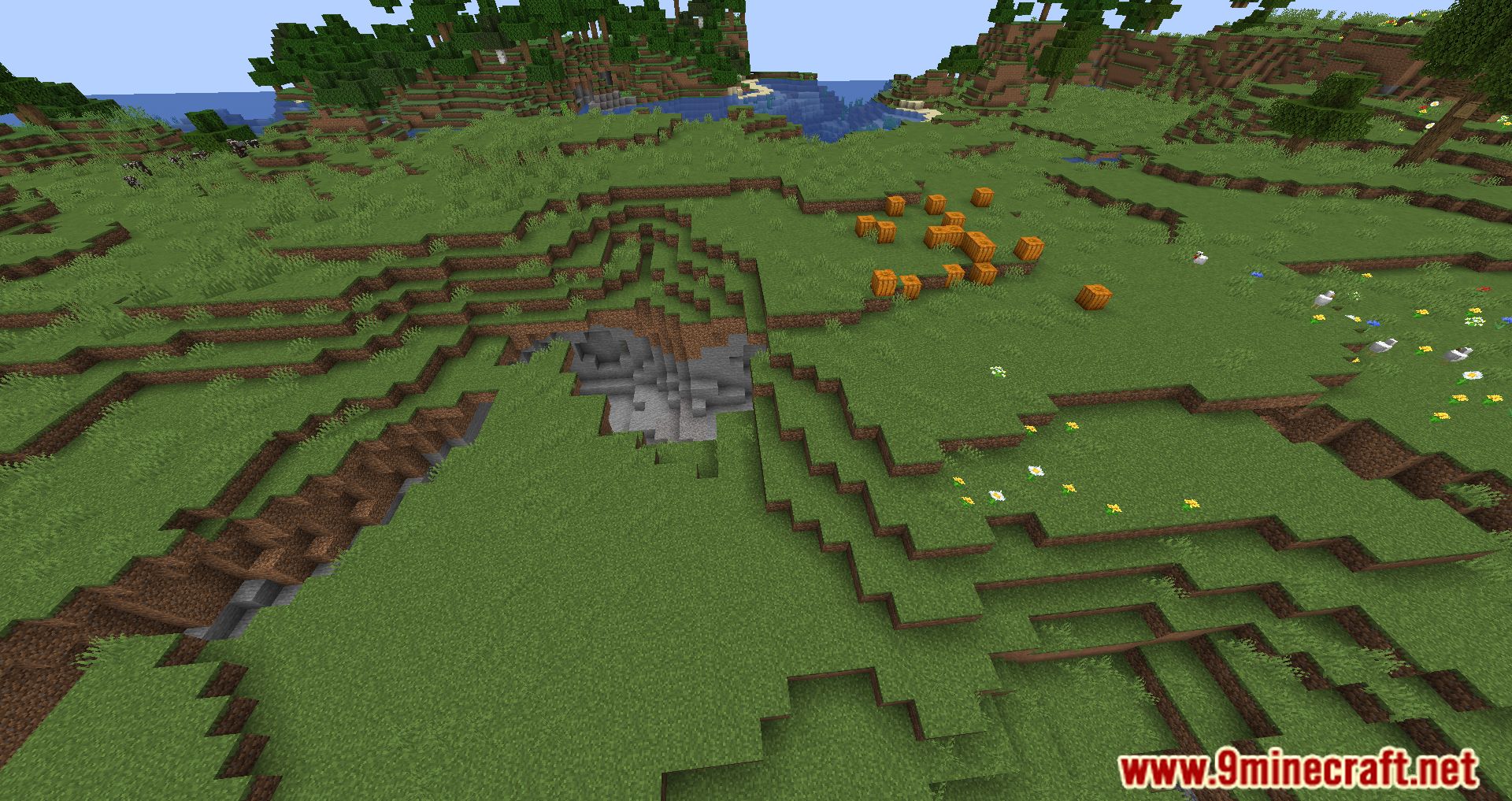
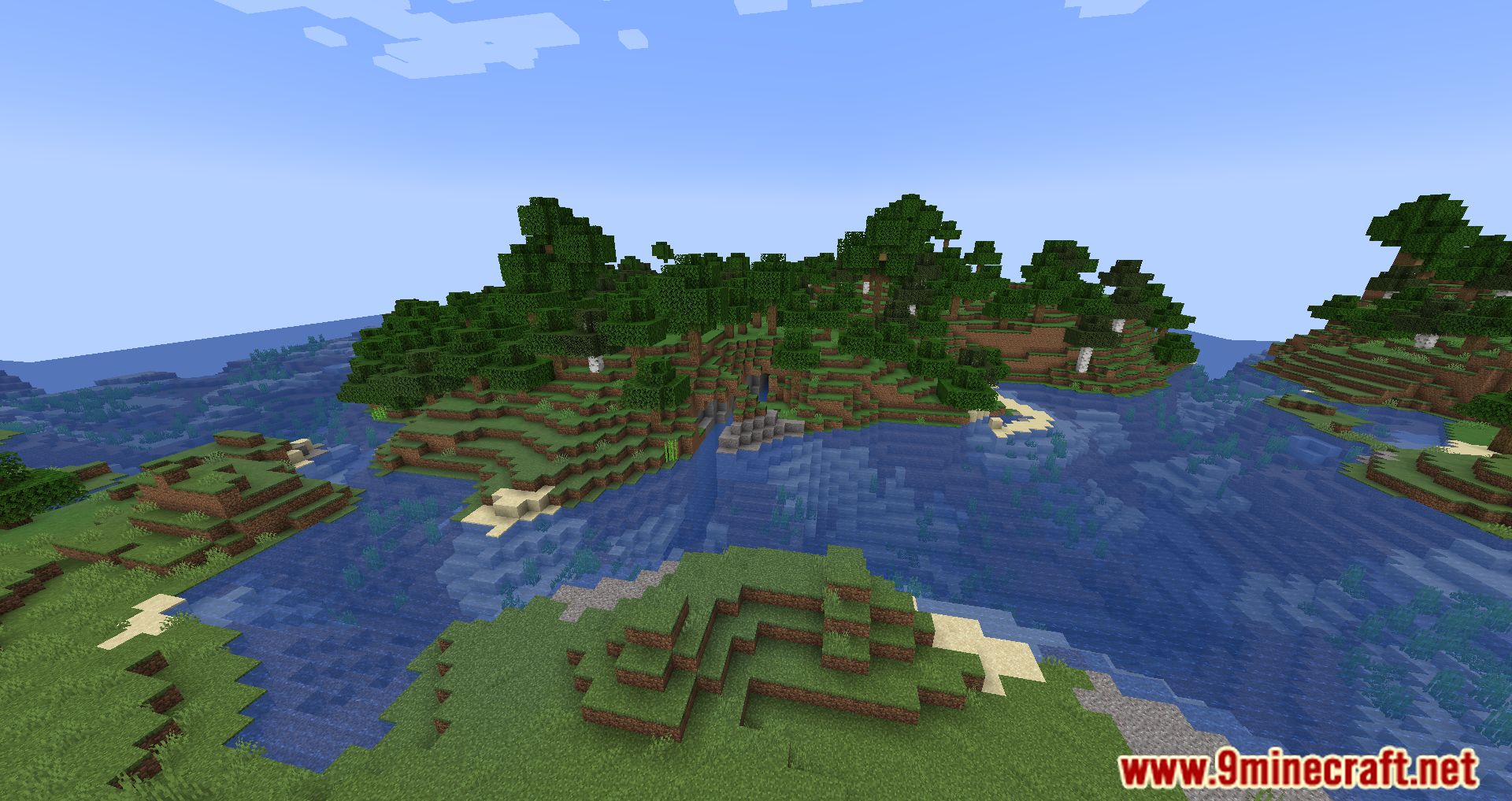
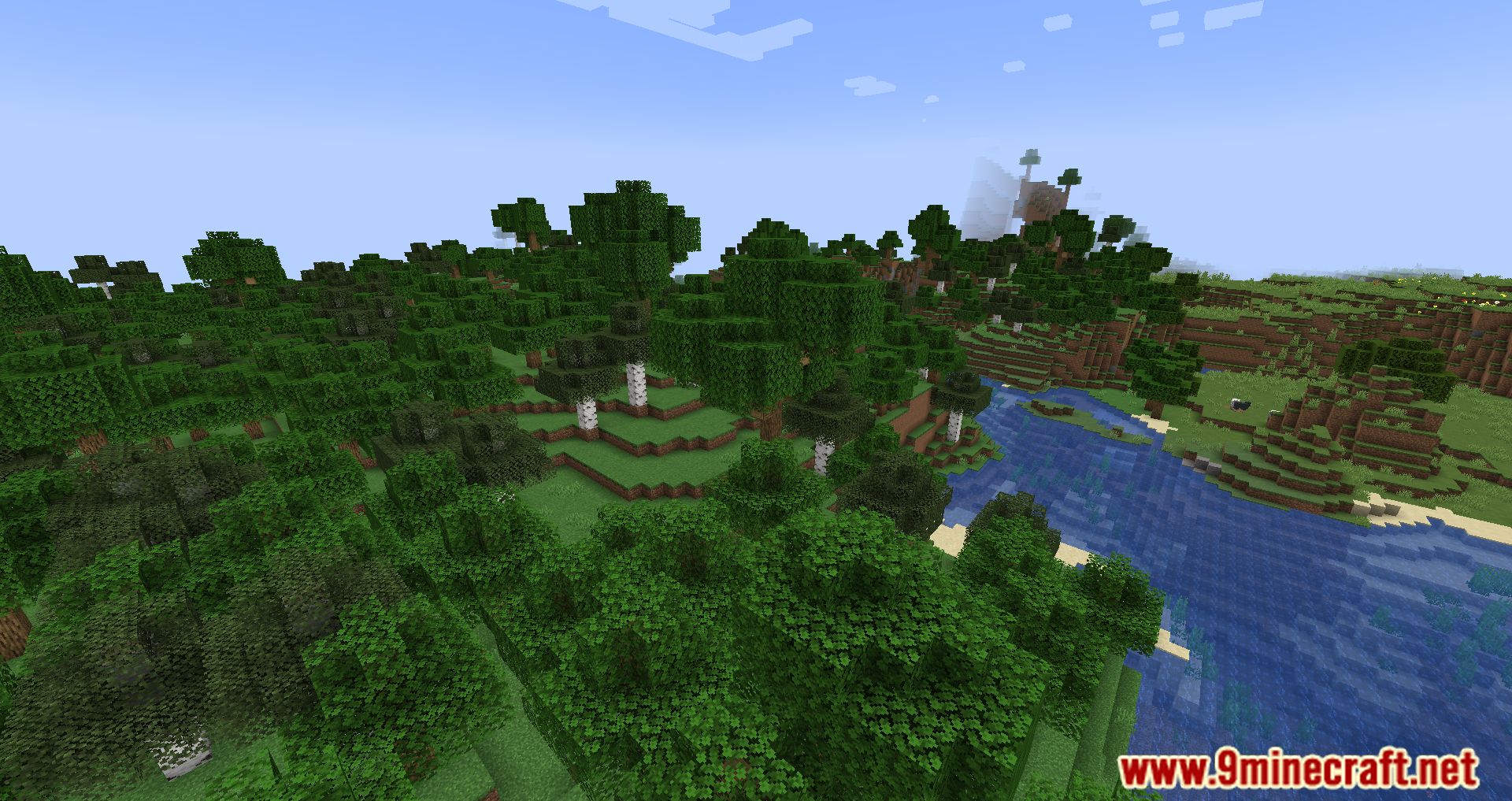
Screenshots:
Vanishmod Mod Download Links
- Edition: Minecraft Java
- File type: .jar
- Minecraft version listed: 1.20.1
- How to install: Install the matching mod loader (Forge, Fabric or NeoForge) for your Minecraft version. → Download the .jar. → Put it in the .minecraft/mods folder and launch that loader profile.
- Where to get it: In MC Java Mods, or directly above on this page.
Install steps are the general flow for this file type — How to install Minecraft Java mods & modpacks walks through it step by step.
- Downloads as 28489.mcaddon
- Download size: 75 KB
- Download link checked 23 Sept 2026 — working
- Mirrored on our own servers — the download does not depend on the original host
These come from our own check of the pack file, not from the source page.