
Encumbered (Player Weight)
Java mod listed for Minecraft 1.21. Downloads from the MC Java Mods app on Android.
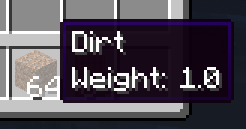
A configurable weight mod that lets you add weight to every item in the game. No more carrying the universe in your pocket.
⬇ Download on Modrinth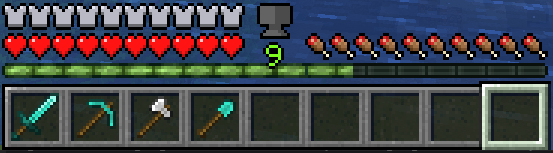
Overview
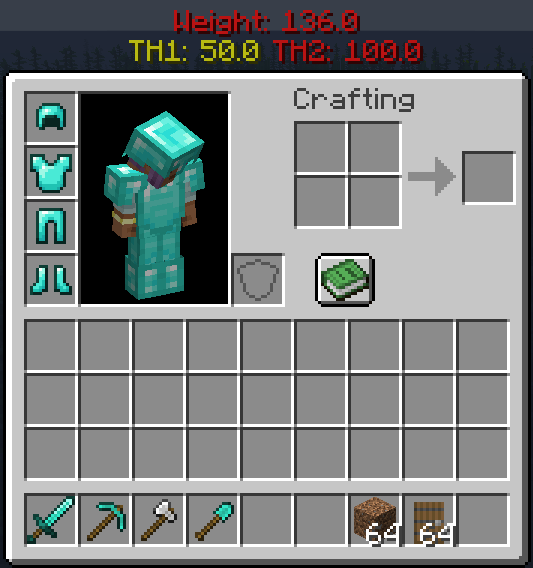
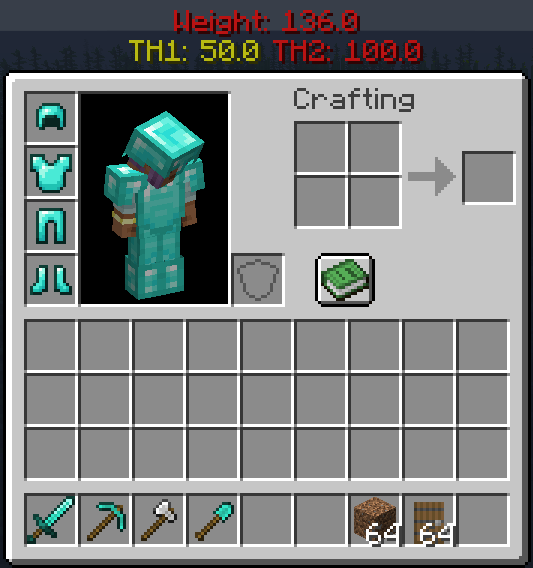
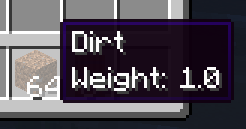
This mod lets you add weight to items. The more items you carry, the more you weigh.
How It Works
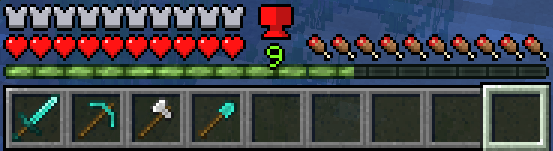
There are three stages of encumberment:
Unencumbered: You can move normally.
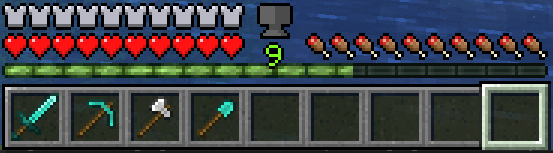
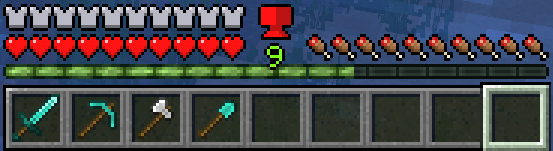
Encumbered: You can no longer sprint.
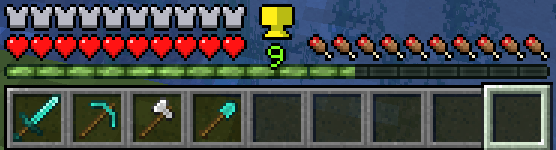
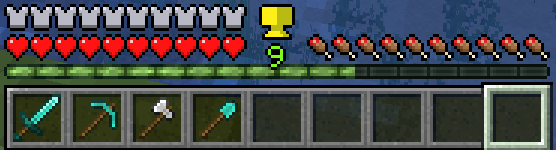
Over Encumbered: You can barely move (no sprinting, jumping, slower movement, and sinking in fluids).
Features
- 🔧 Configurable weights, encumberment thresholds, and UI.
- 🎒 Support for shulker boxes and some backpack mods (Sophisticated Backpacks).
- 🐎 Riding entities takes into account your weight
- ✈️ Elytra considers weight
- 🖥️ User-friendly GUI with a helpful weight indicator icon.
- 🌍 Multiplayer support!
Planned Features
- 🔄 Further mod support (Curios Slot, Backpacks, etc.).
- Version back/forward porting (1.20.x and above. Others upon request to popular versions)
More updates to come! Questions? Check us out on Discord 🎮
Mod Setup In order to modify weight values, you must create a datapack to override or add your own mod's weight values. The datapack should be dropped in the world's datapacks folder.Datapack Example:
-DataPackName
|-pack.mcmeta
|-data
 |-encumbered
  |-data_maps
   |-item
    |-item_weights.json
item_weights.json should be in the format:
{
  "values": {
    "minecraft:stone": {
      "replace": true,
      "value": {
        "weight": 12.0
      }
    },
    "modid:item": {
      "replace": true,
      "value": {
        "weight": 1.0
      }
    },
    "#minecraft:logs": {
      "replace": true,
      "value": {
        "weight": 10.0
      }
    }
}
The pack.mcmeta file should look like this:
{
    "pack": {
        "pack_format": 34,
        "description": "Pack Description Here"
    }
}
Configs
Config/encumbered-client.toml:
- Contains configs that are independent of the server. Each player can modify these values at will on their client
- Config/encumbered-server.toml: Contains configs that are consistent across all players. Anything changed here will change for all players.
- Edition: Minecraft Java
- File type: .jar
- Minecraft version listed: 1.21.1
- How to install: Install the matching mod loader (Forge, Fabric or NeoForge) for your Minecraft version. → Download the .jar. → Put it in the .minecraft/mods folder and launch that loader profile.
- Where to get it: Opens on Modrinth — not every file is mirrored on our own servers.
Install steps are the general flow for this file type — How to install Minecraft Java mods & modpacks walks through it step by step.
- Ships as encumbered-1.21.1-1.0.0.jar — drop this file into the mods folder
- Download size: 37 KB
- Download link checked 16 Oct 2026 — working
These come from our own check of the pack file, not from the source page.