
ModsJava
Hud Compass Mod (26.1.2, 1.20.1) – Find Your Way in The World
Java mod listed for Minecraft 1.20. Downloads from the MC Java Mods app on Android.
⬇ Download
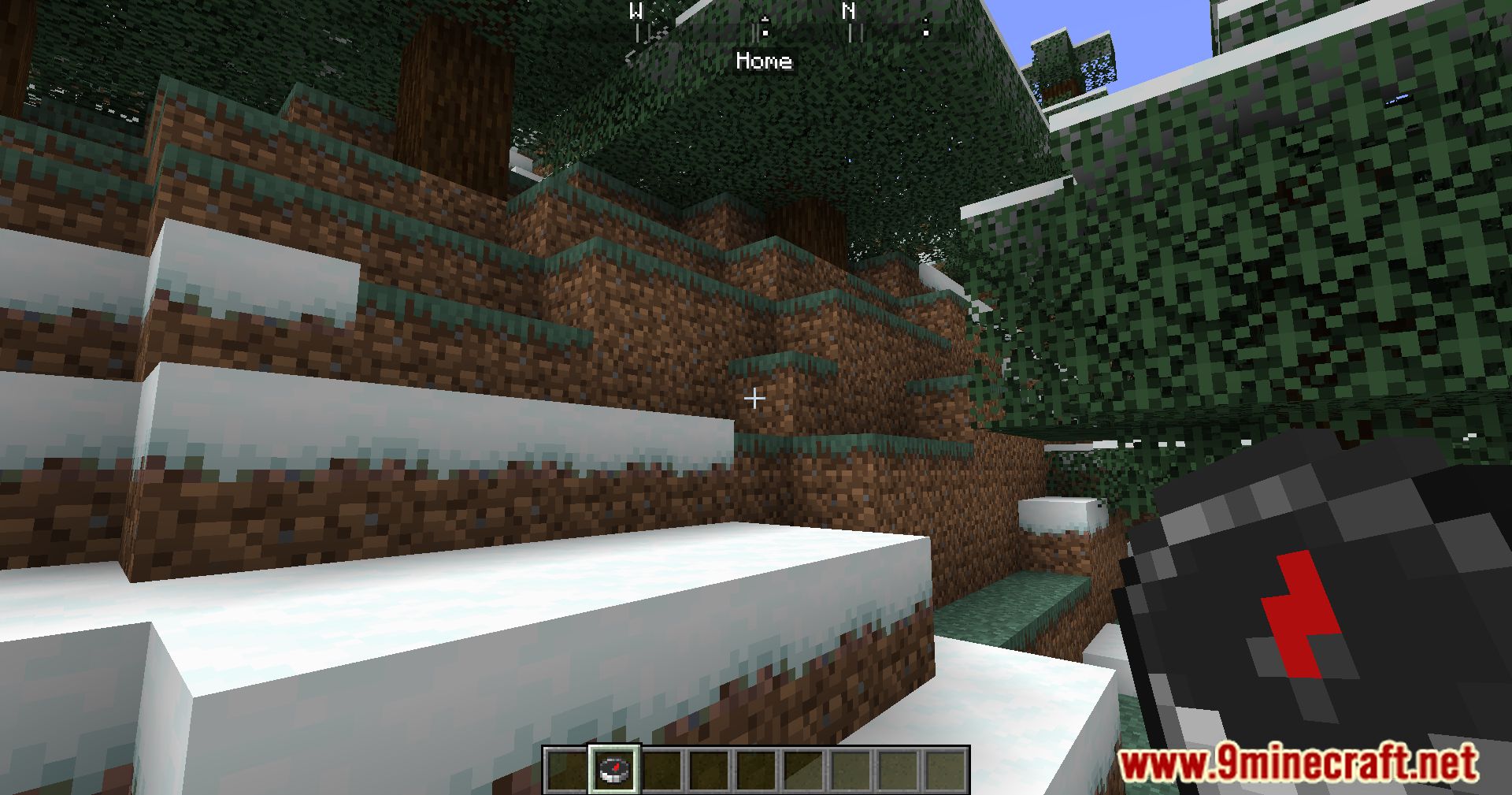
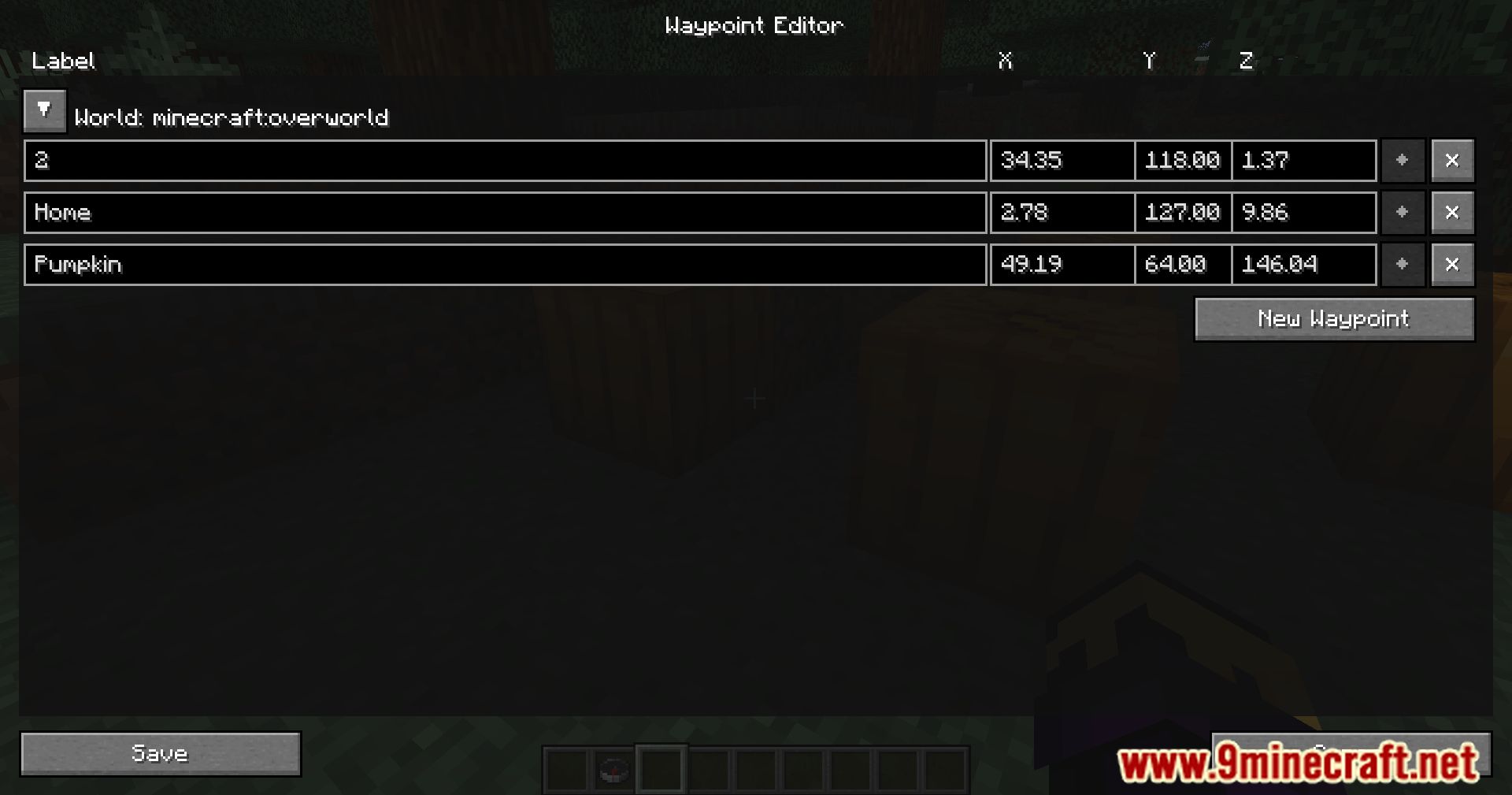
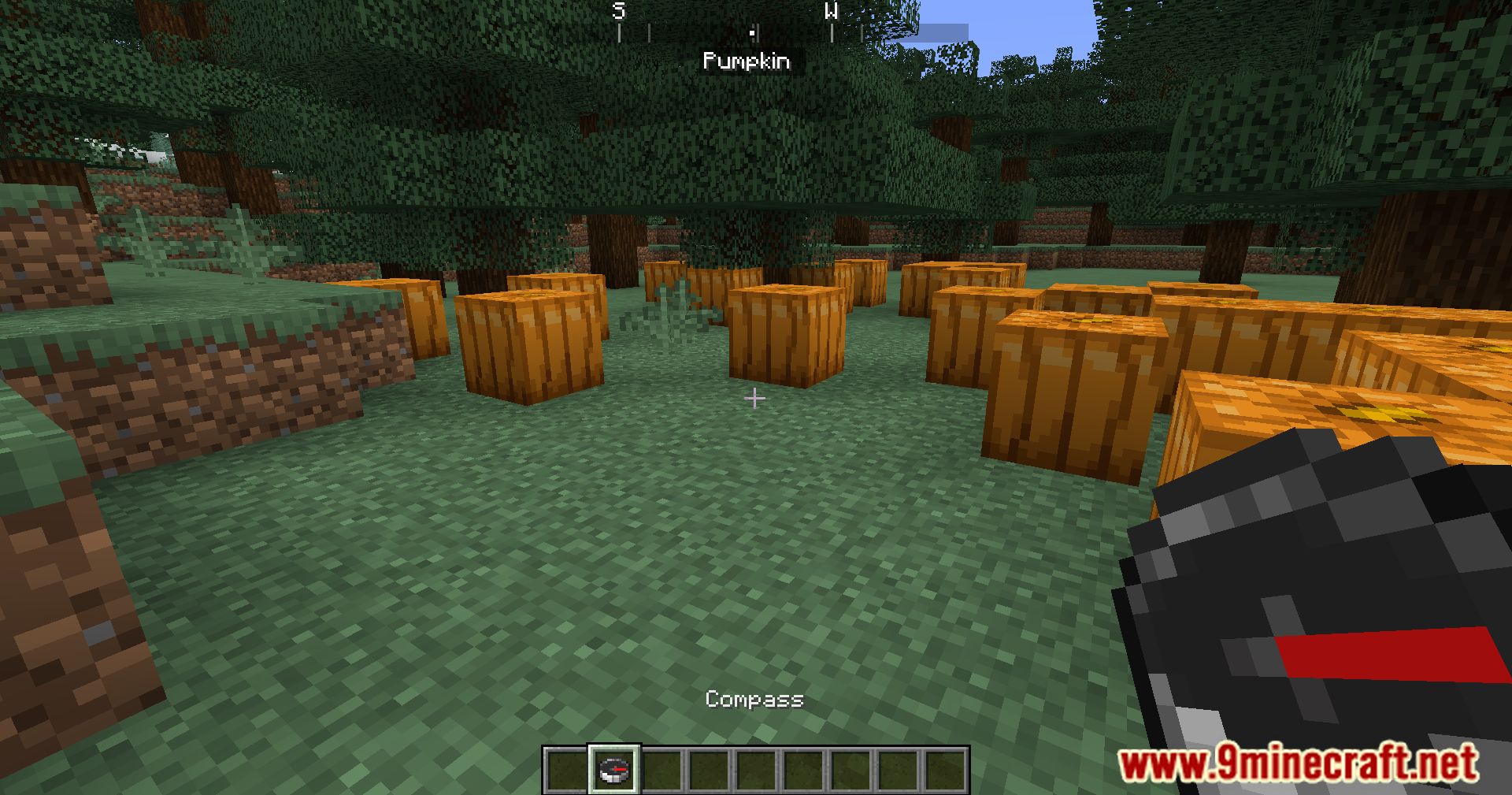
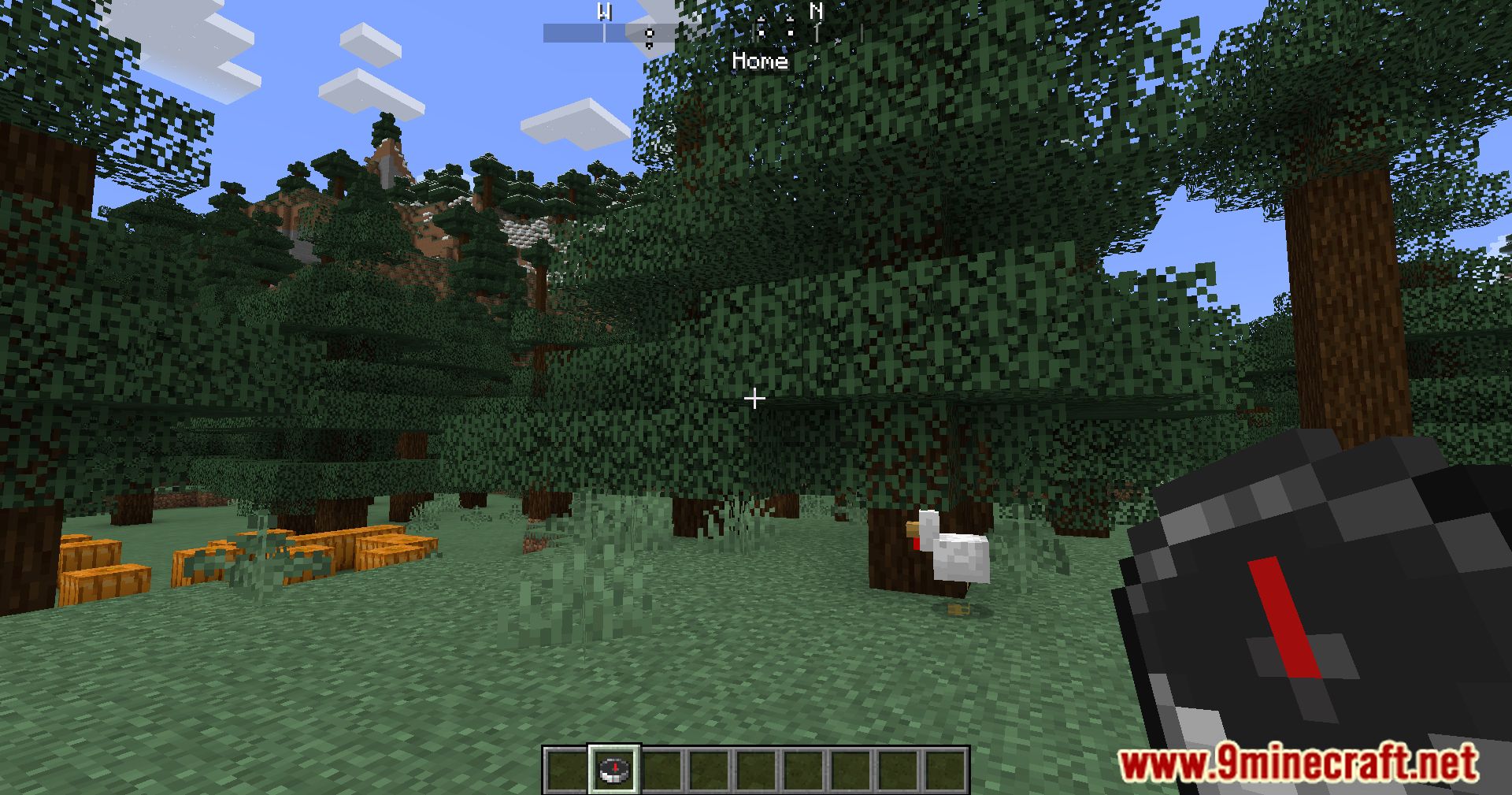
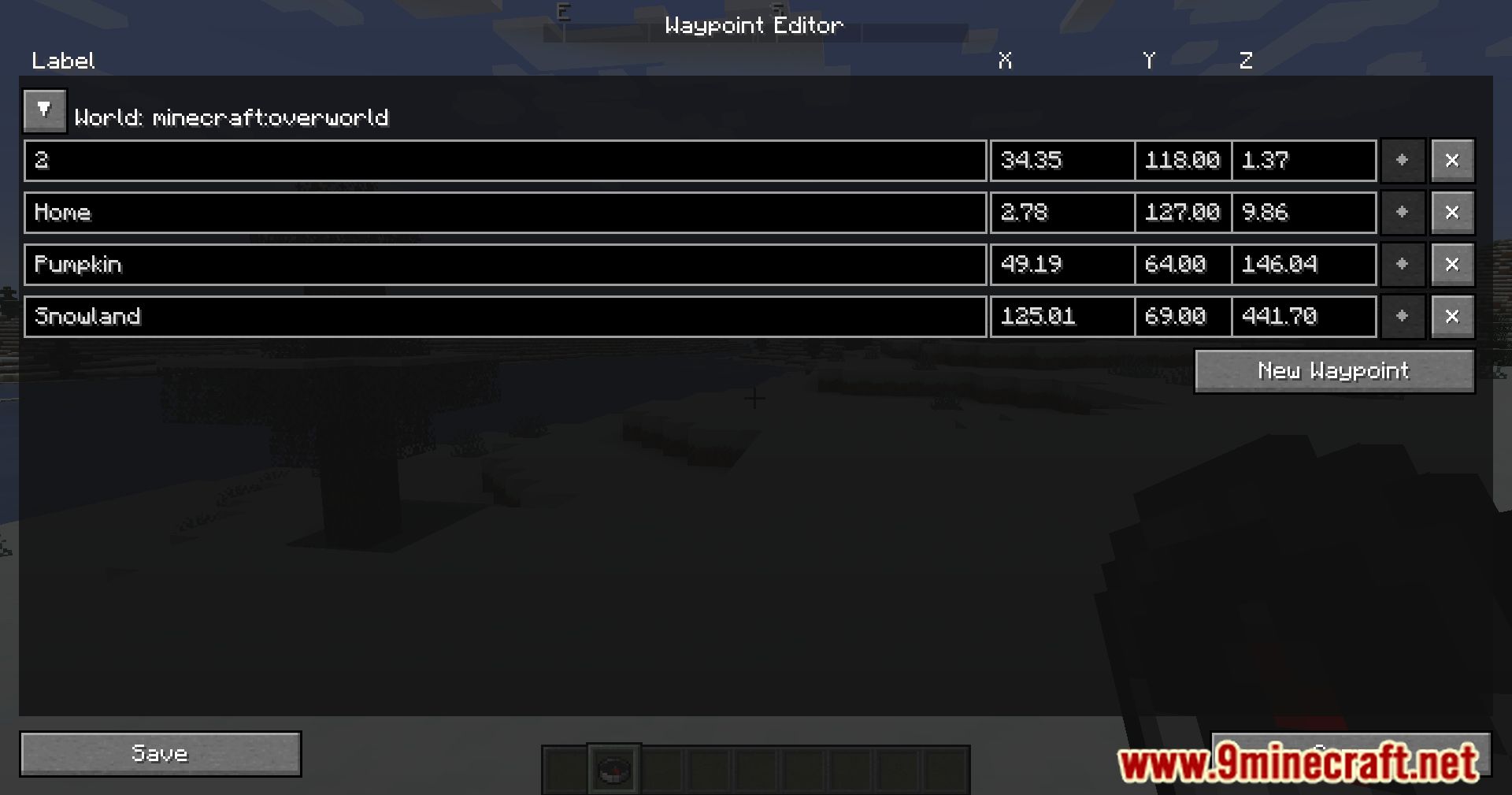
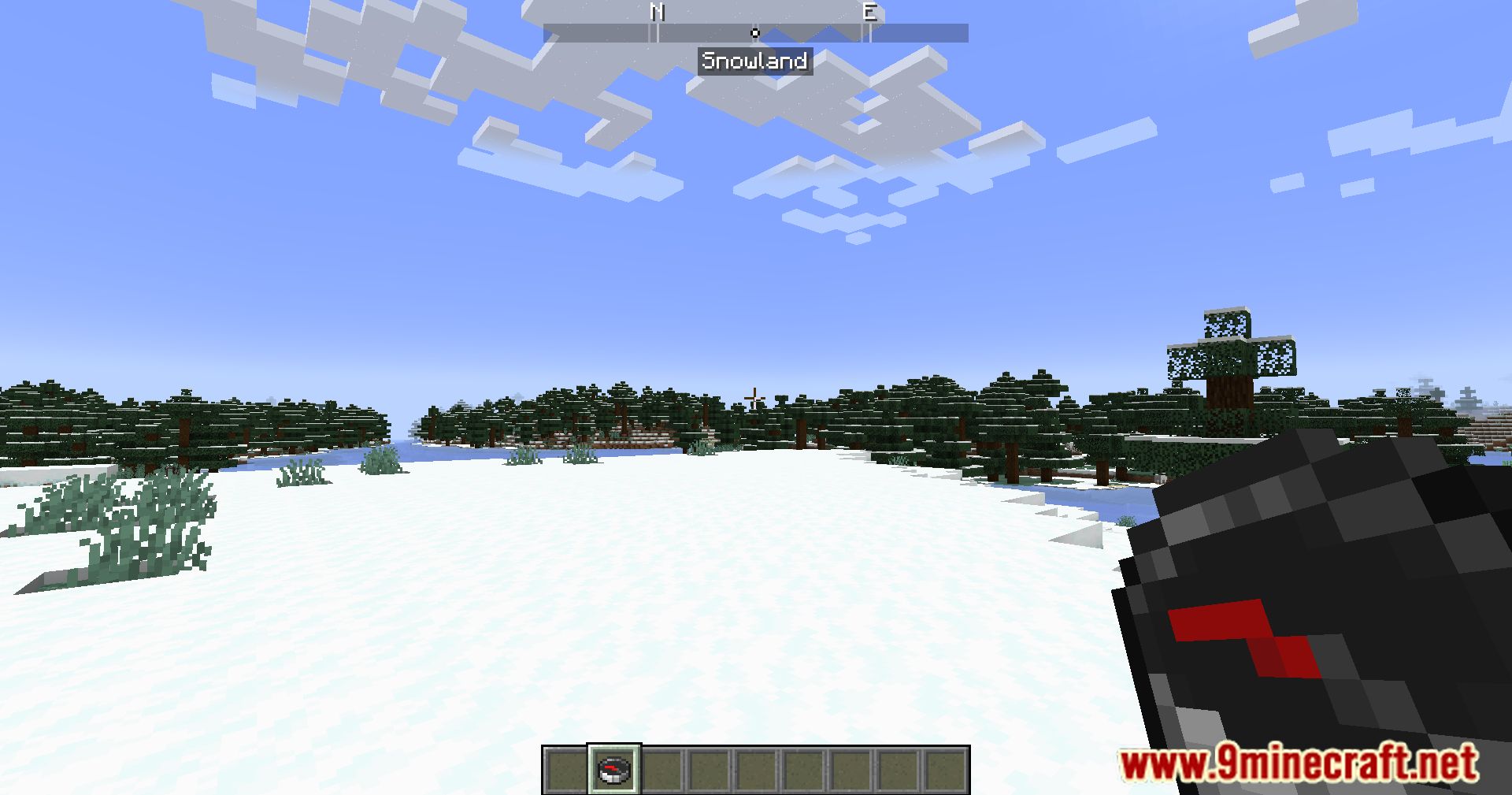
Hud Compass Mod adds a compass to Minecraft that appears at the top of the screen. It looks as though it was part of the game all along. It helps you navigate more easily by showing cardinal directions-now you can always head south or north without veering off course. Pretty convenient stuff.
Sometimes helpful icons also appear on the HUD, making navigation even easier (for example, a house icon).
Features:
- Shows N, S, E, W markers at the top of your screen for easy orientation.
- Displays your exact degree heading, helping with build alignment and navigation.
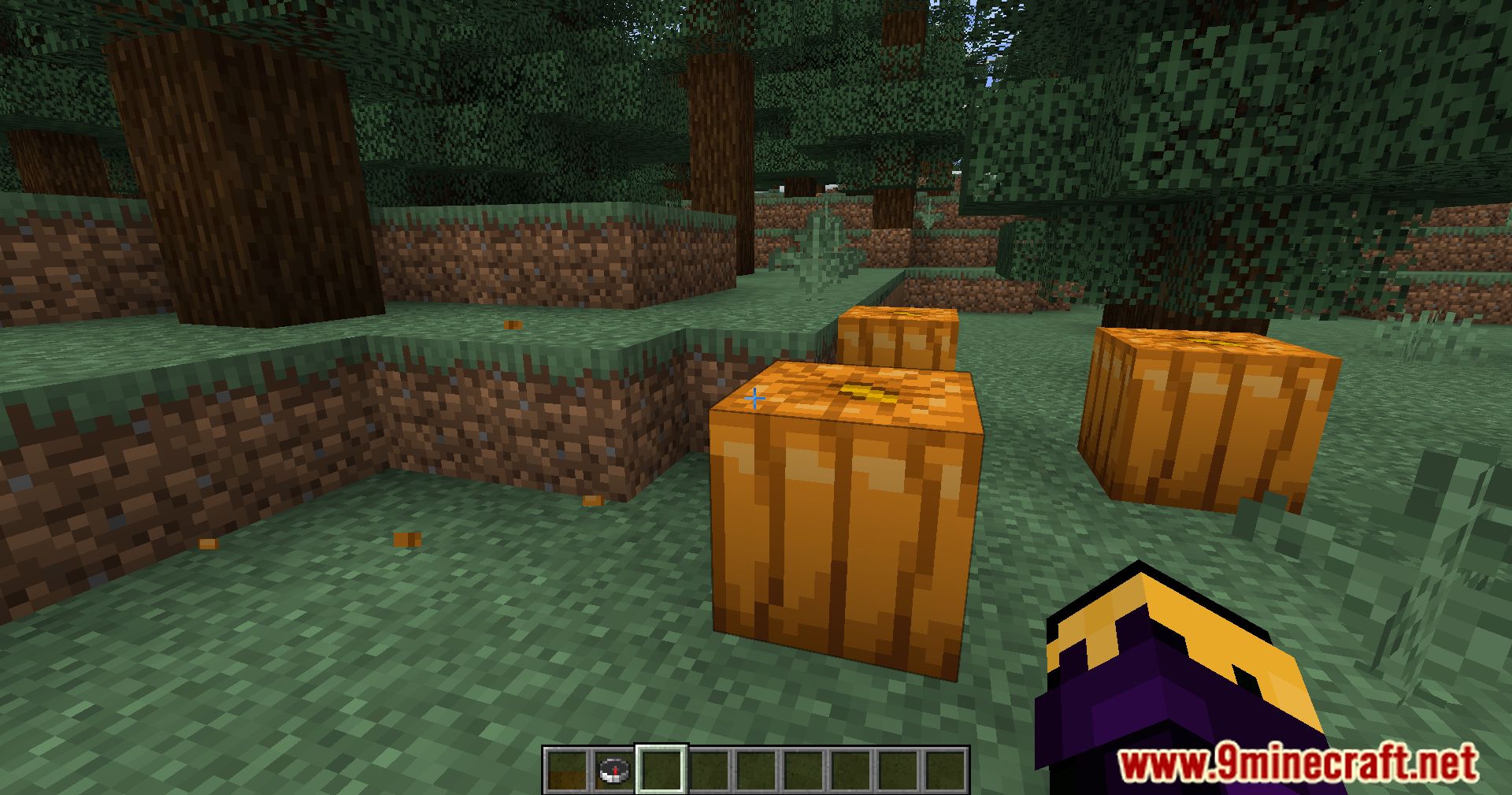
- Displays saved waypoints directly on the compass.
- Optionally shows your spawn point on the HUD.
Screenshots:
Hud Compass Mod Download Links
Quick facts
- Edition: Minecraft Java
- File type: .jar
- Minecraft version listed: 1.20.1
- How to install: Install the matching mod loader (Forge, Fabric or NeoForge) for your Minecraft version. → Download the .jar. → Put it in the .minecraft/mods folder and launch that loader profile.
- Where to get it: In MC Java Mods, or directly above on this page.
Install steps are the general flow for this file type — How to install Minecraft Java mods & modpacks walks through it step by step.
File checked by MCModsHub
- Downloads as 28514.mcaddon
- Download size: 184 KB
- Download link checked 25 Sept 2026 — working
- Mirrored on our own servers — the download does not depend on the original host
These come from our own check of the pack file, not from the source page.