ModsJava
Pneumono_'s Gravestones Mod (26.2, 1.20.1) – Never Lose Your Items Again
Java mod listed for Minecraft 1.20. Downloads from the MC Java Mods app on Android.
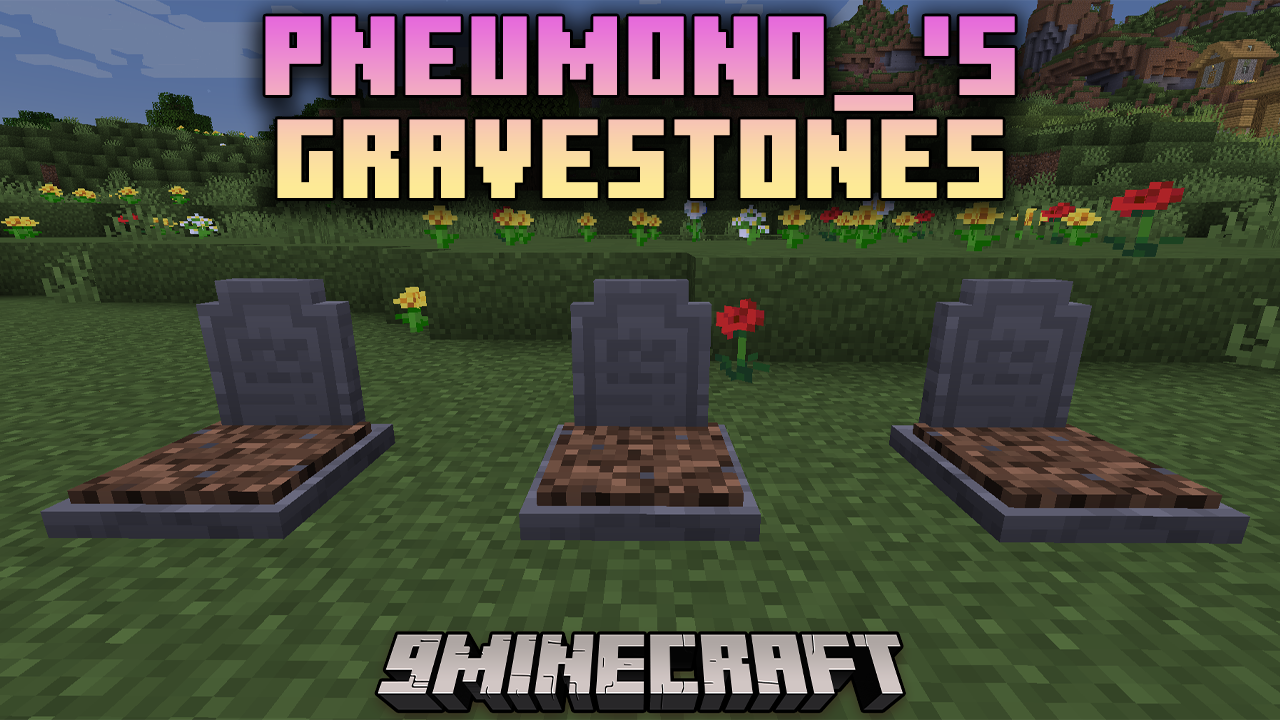
Pneumono_'s Gravestones Mod adds highly configurable gravestones to Minecraft. These gravestones spawn upon the player's death, securely holding their…
⬇ Download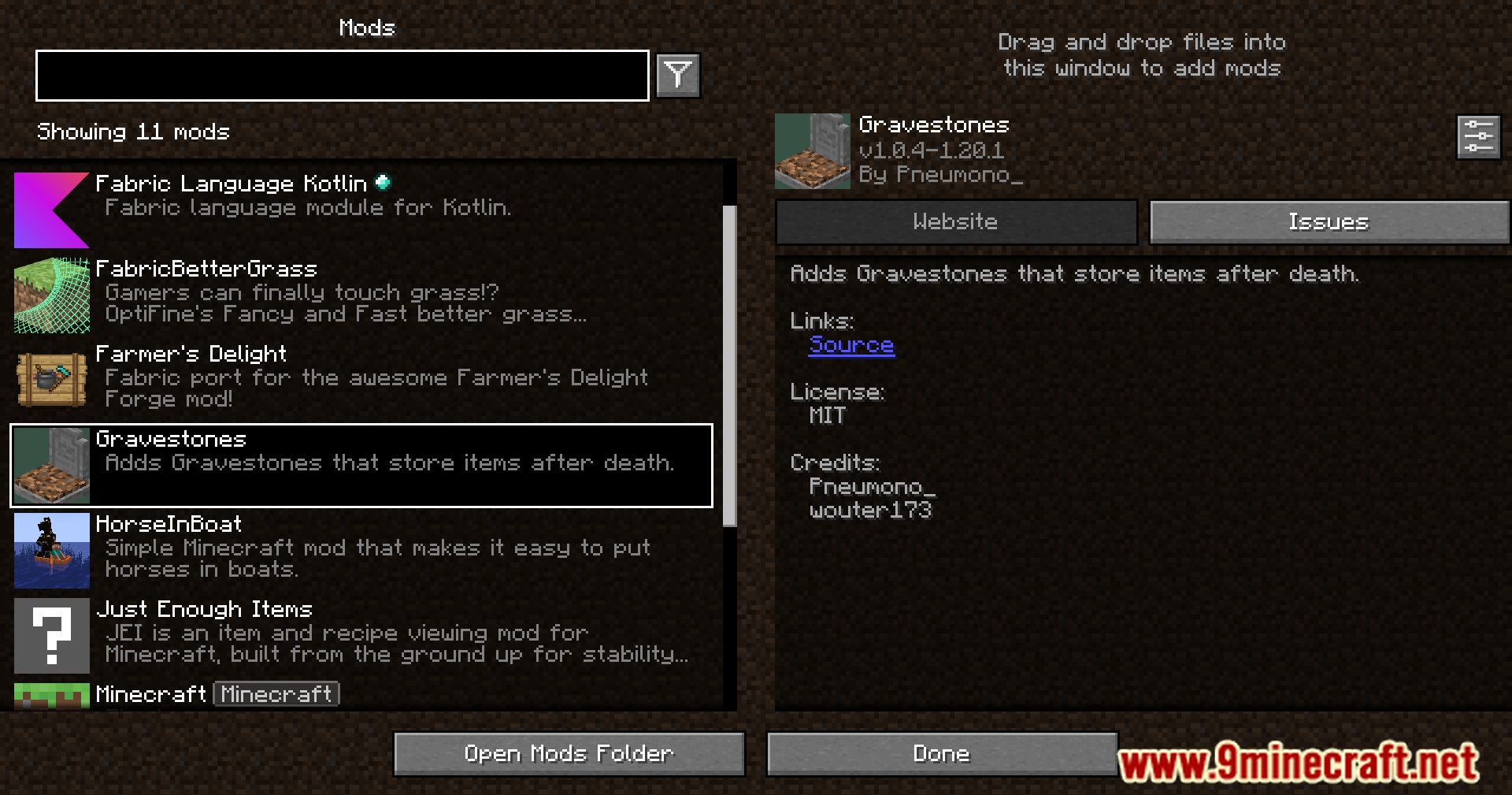
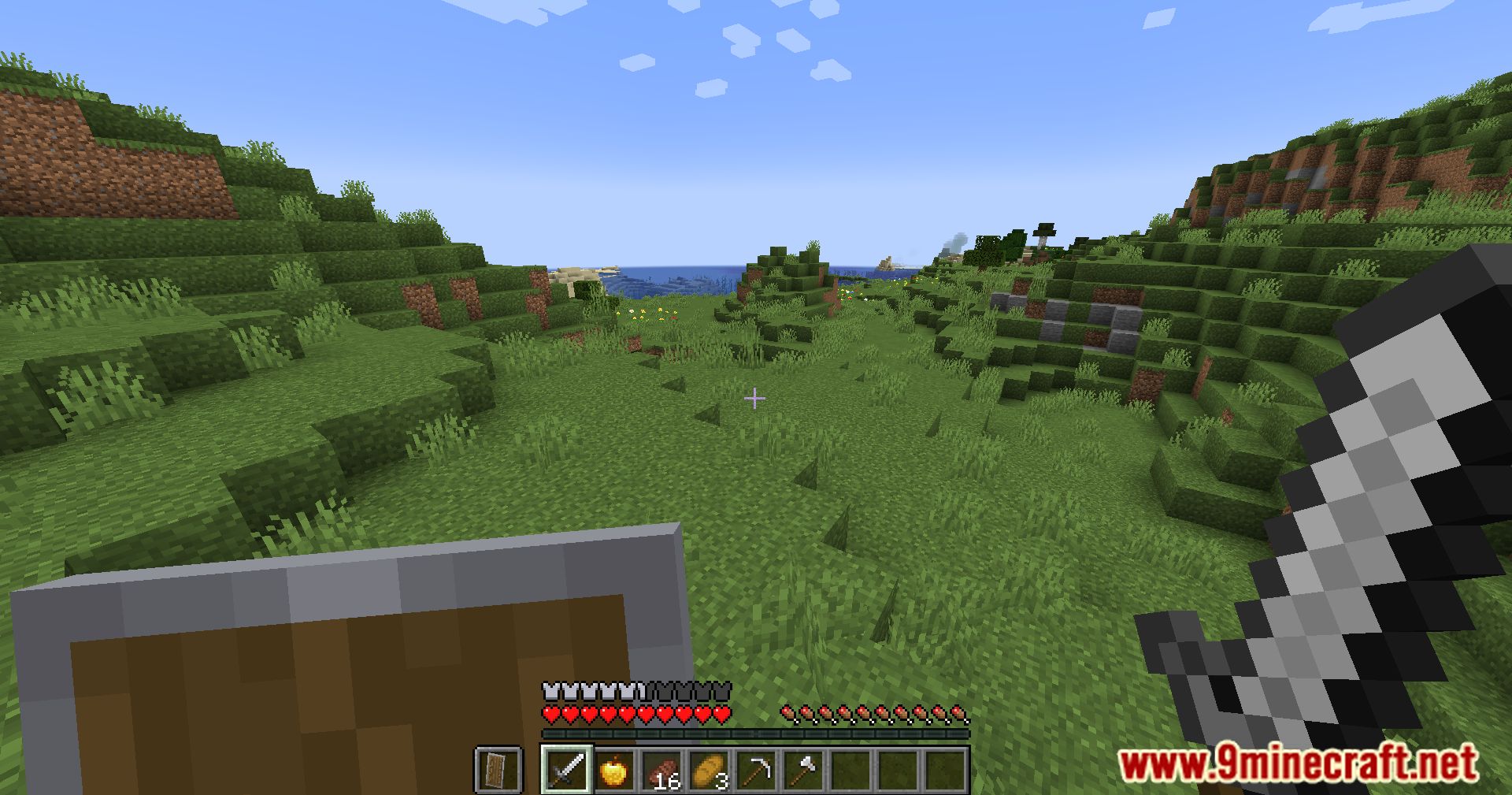
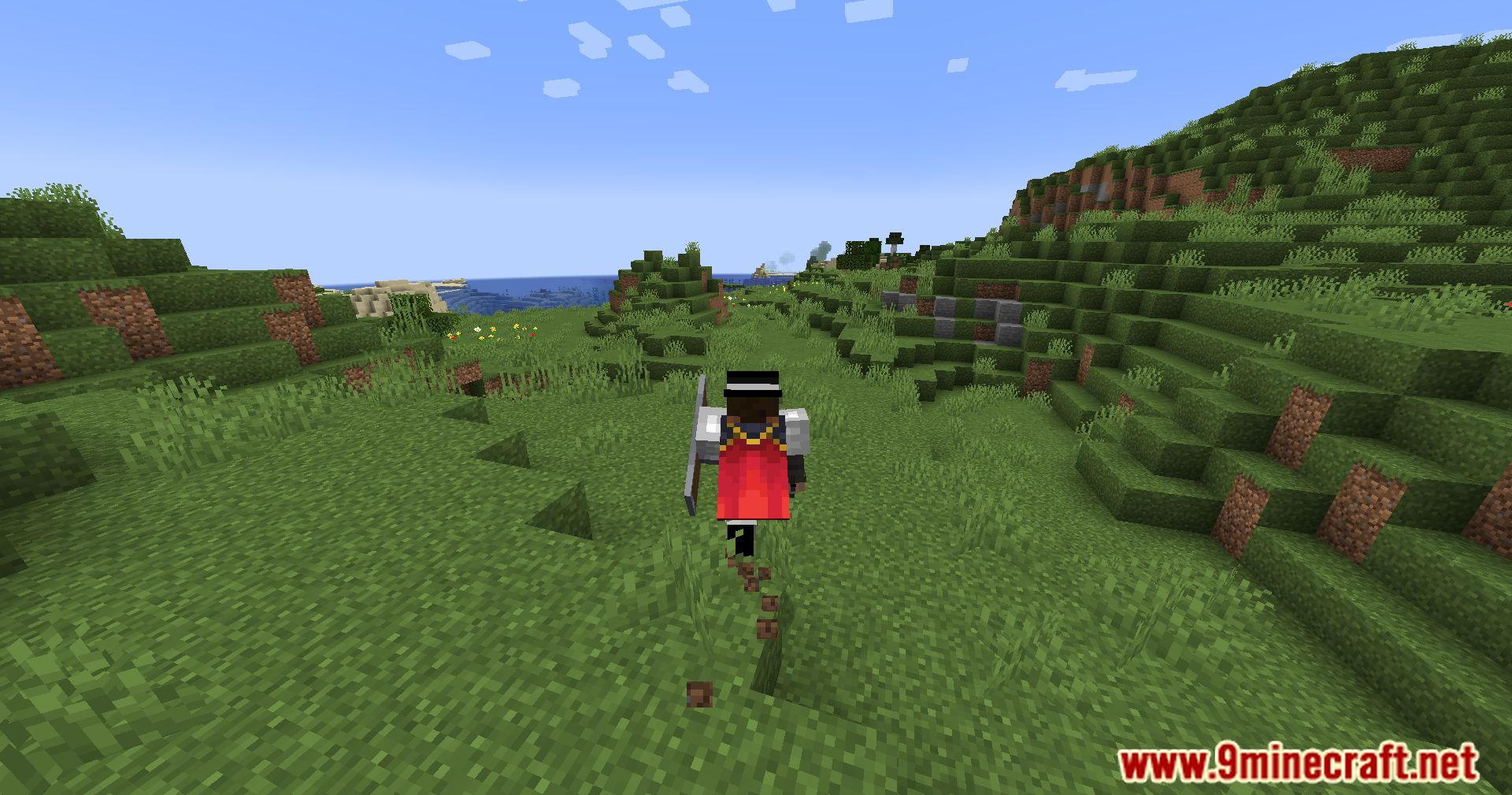
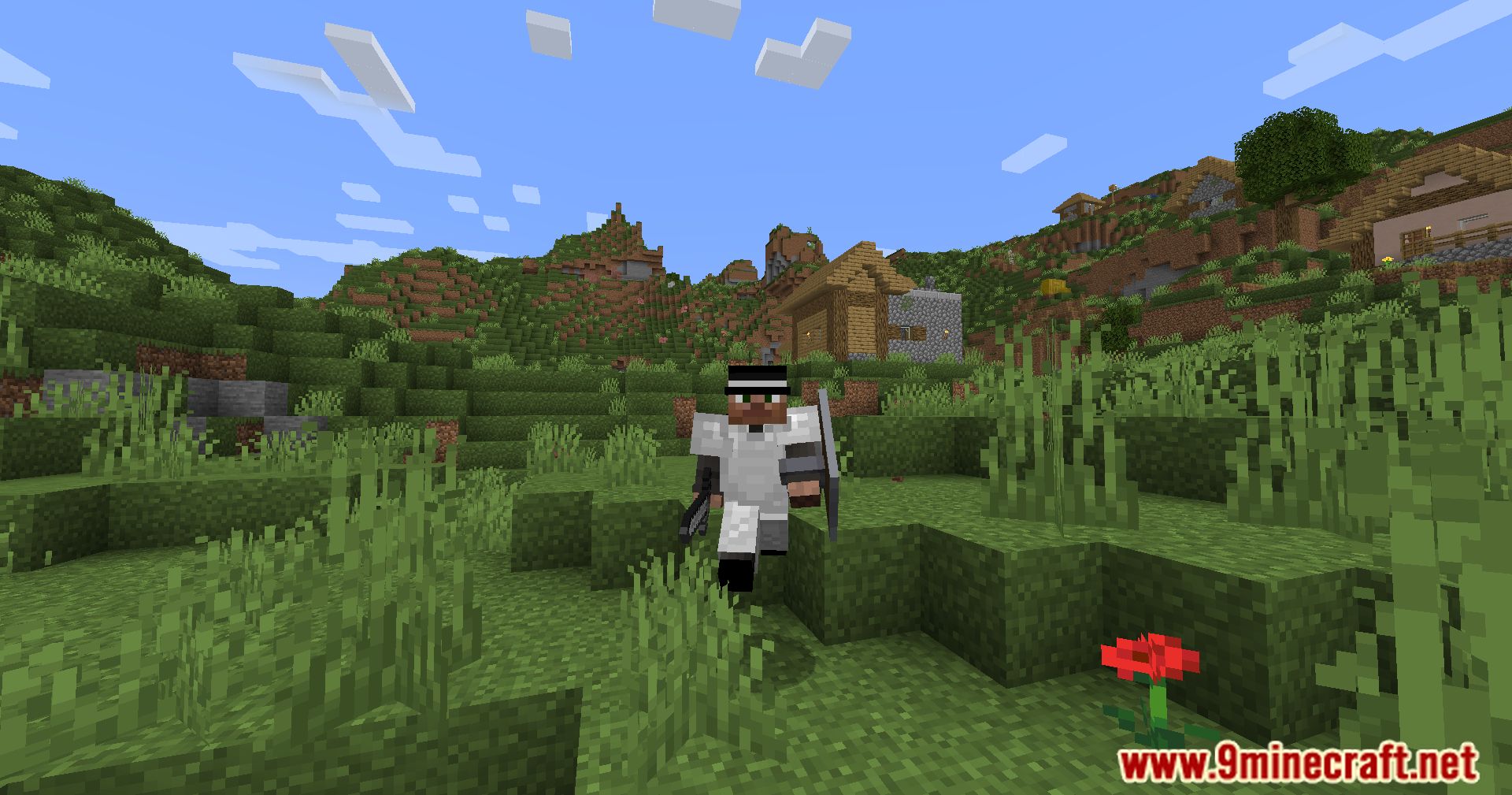
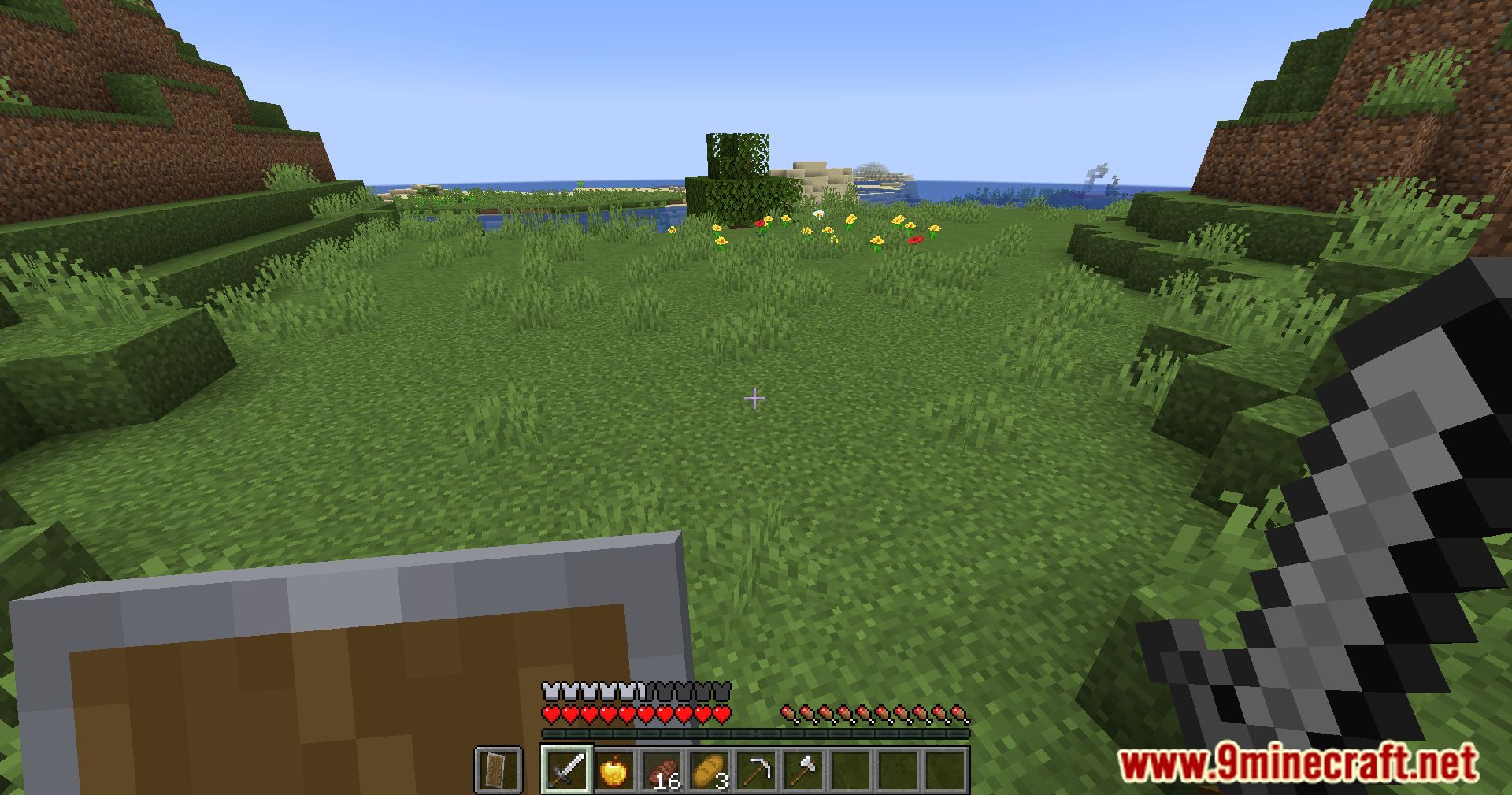
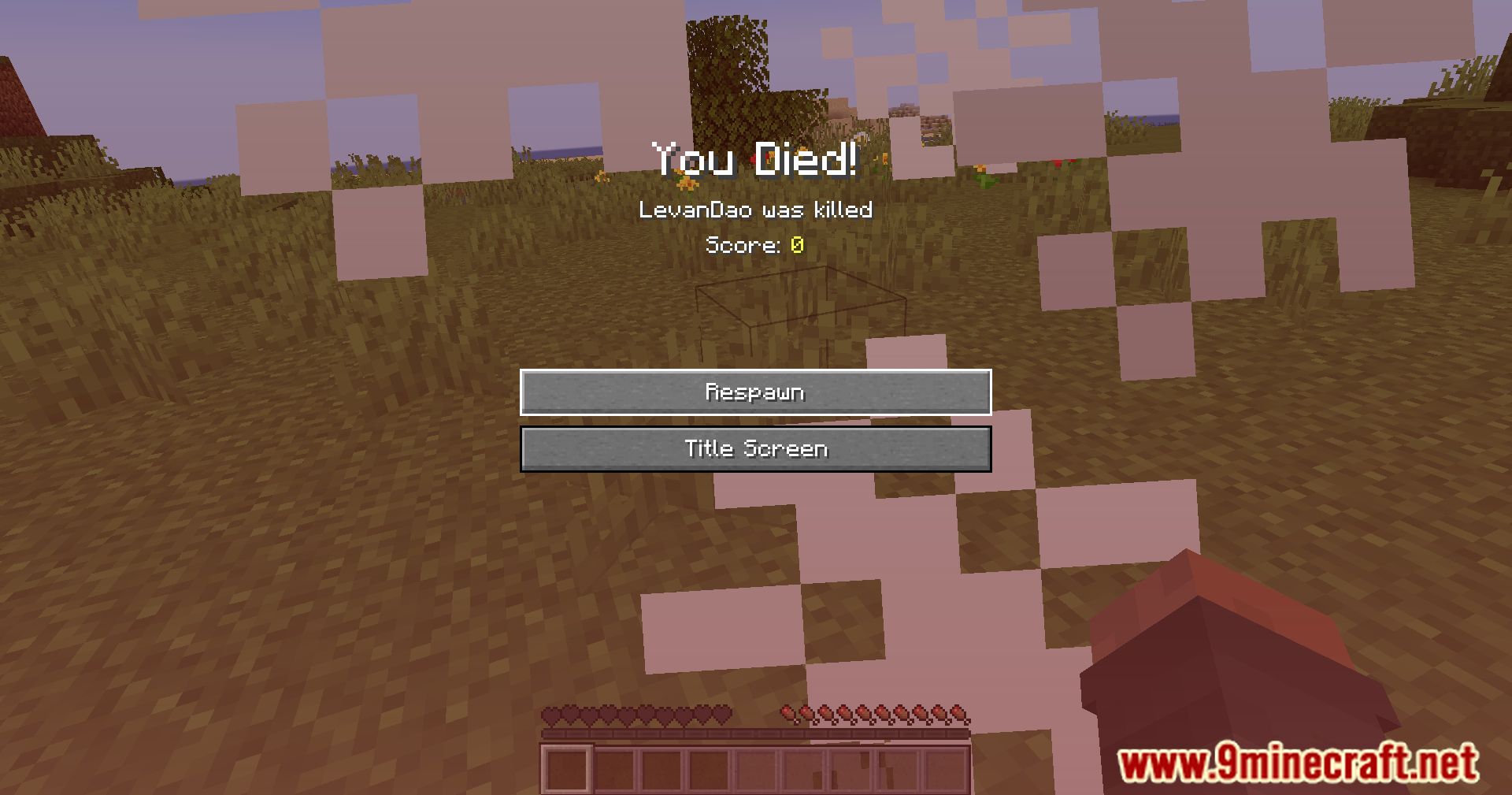
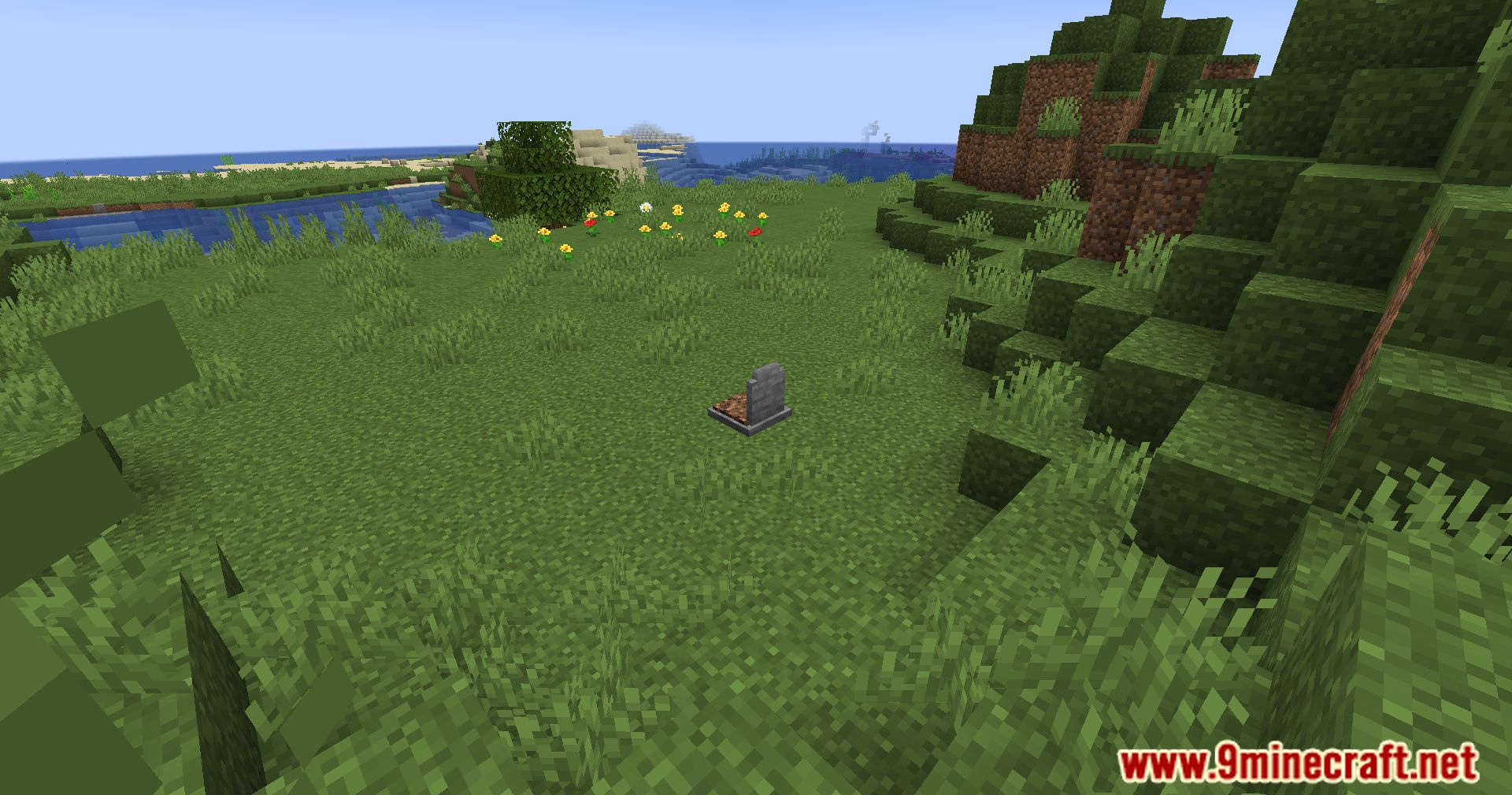
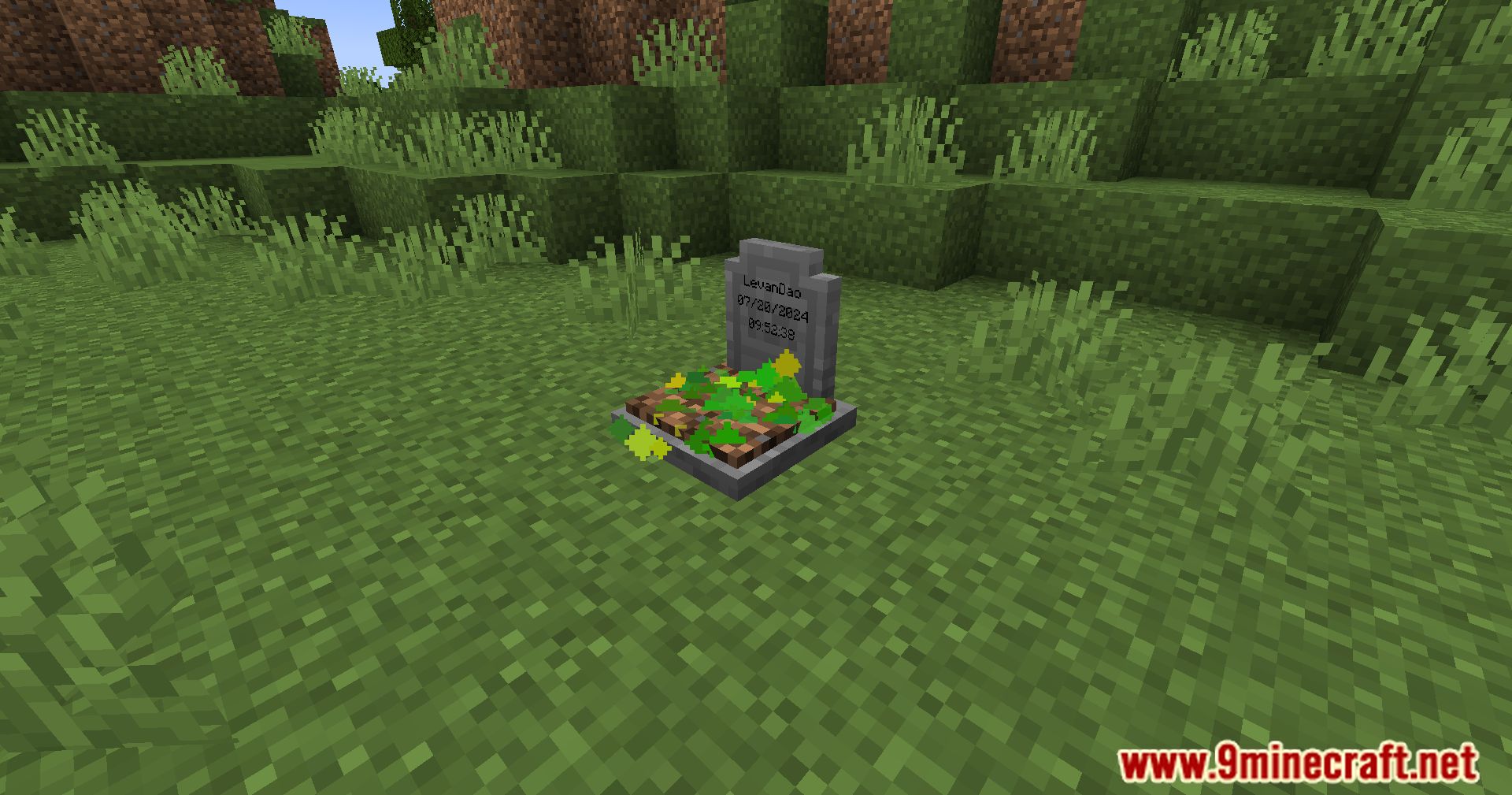
Pneumono_’s Gravestones Mod adds highly configurable gravestones to Minecraft. These gravestones spawn upon the player’s death, securely holding their items until they are retrieved.
Features:
- Stores your items on death using gravestone blocks
- Vanilla-style gravestones
- Clean, vanilla-friendly textures
- Can be used as decorative blocks in builds
- Highly configurable decay system
- Gravestones decay over time
- Decay can also occur due to subsequent deaths
- Visual decay shown via cracks and moss
- After 3 decay stages, the gravestone breaks and drops items
- Items then follow the vanilla despawn timer
- Aesthetic gravestones
- Craftable and safe for builds
- Do not store items
- Can be written on and dyed like signs
- Configuration options
- Enable or disable death-based decay
- Enable or adjust time-based decay
- Control experience storage and XP decay
- Allow or restrict access by other players
- Set the time format displayed on gravestones
Screenshots:
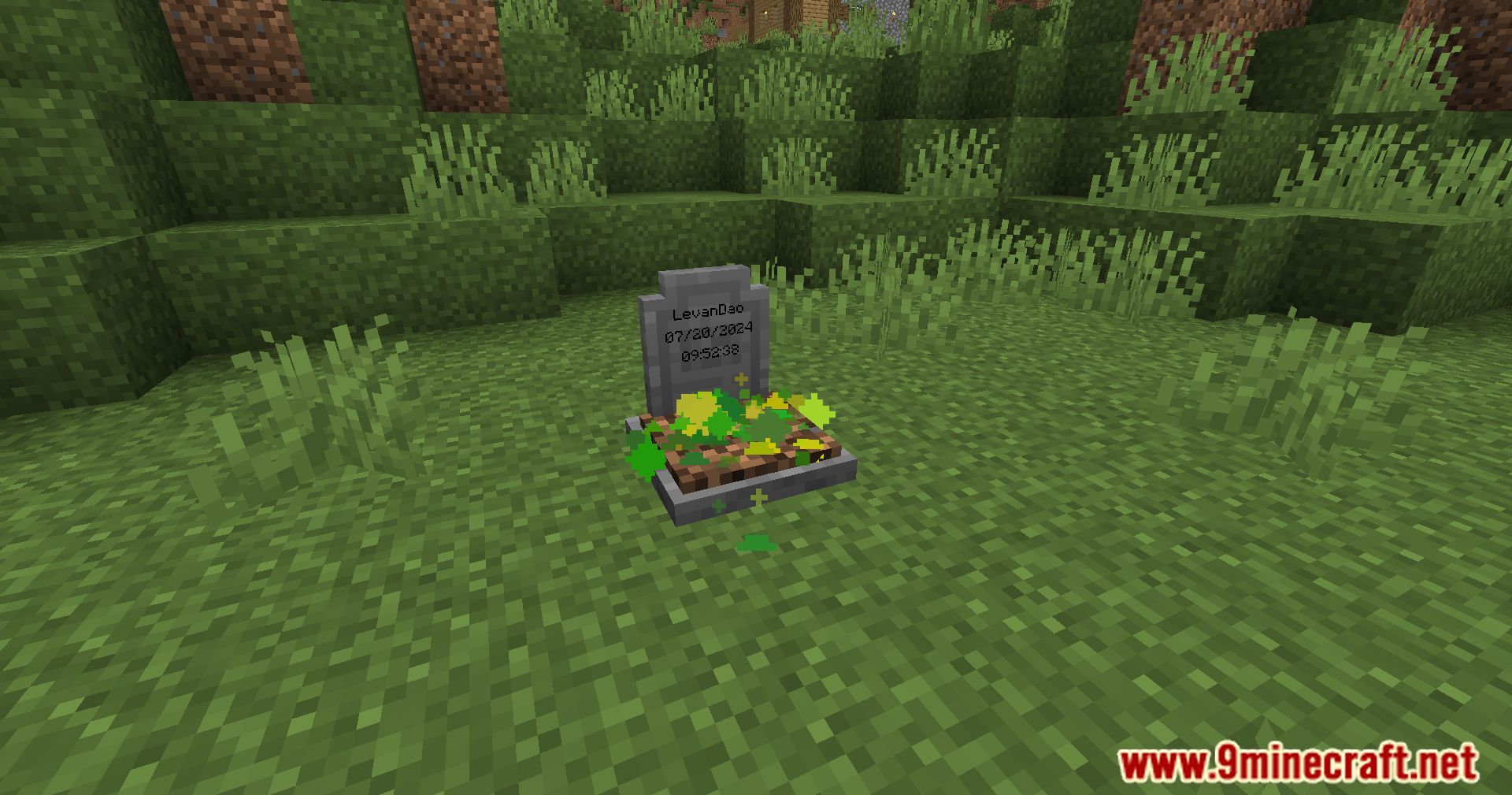
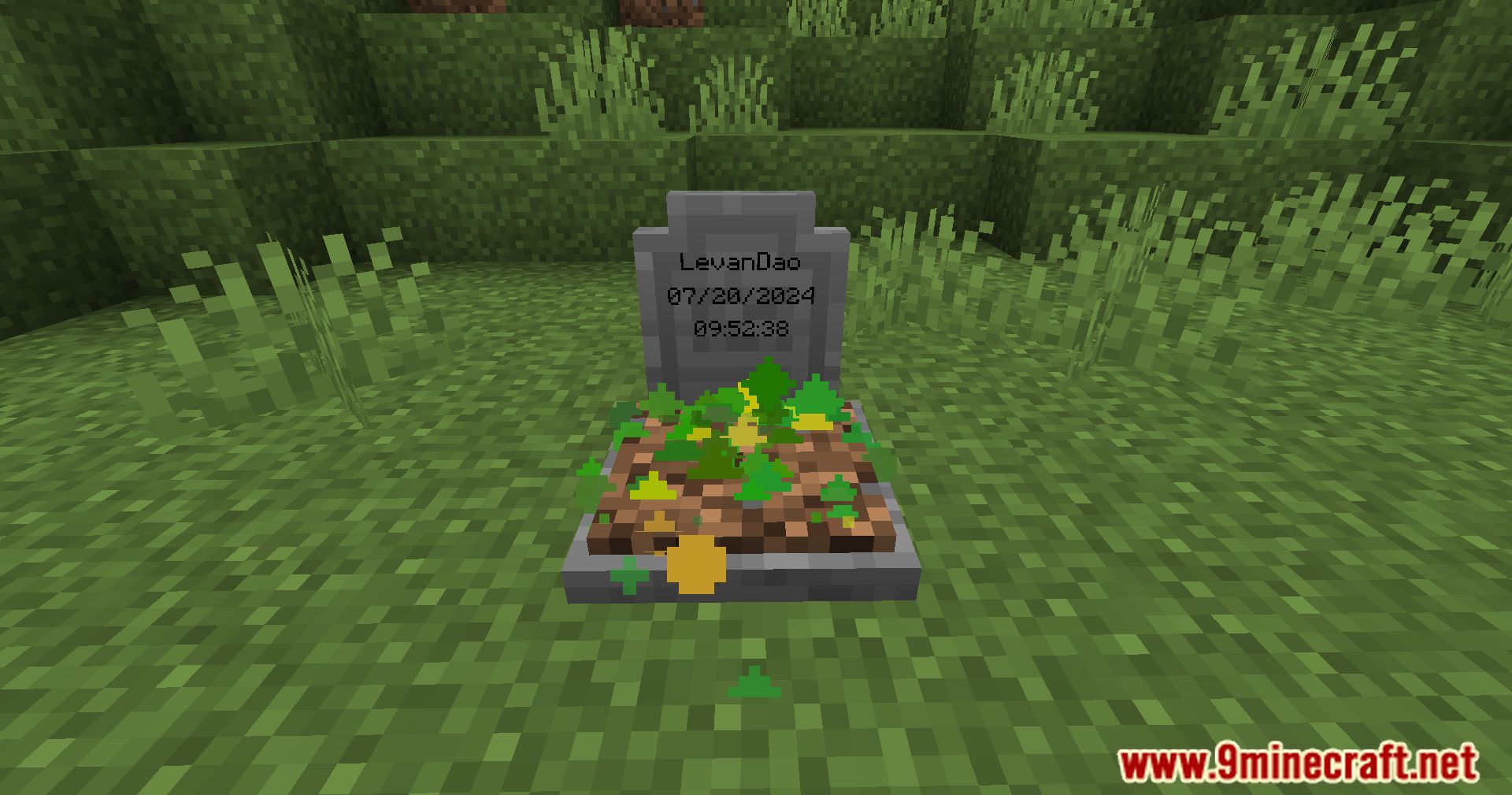
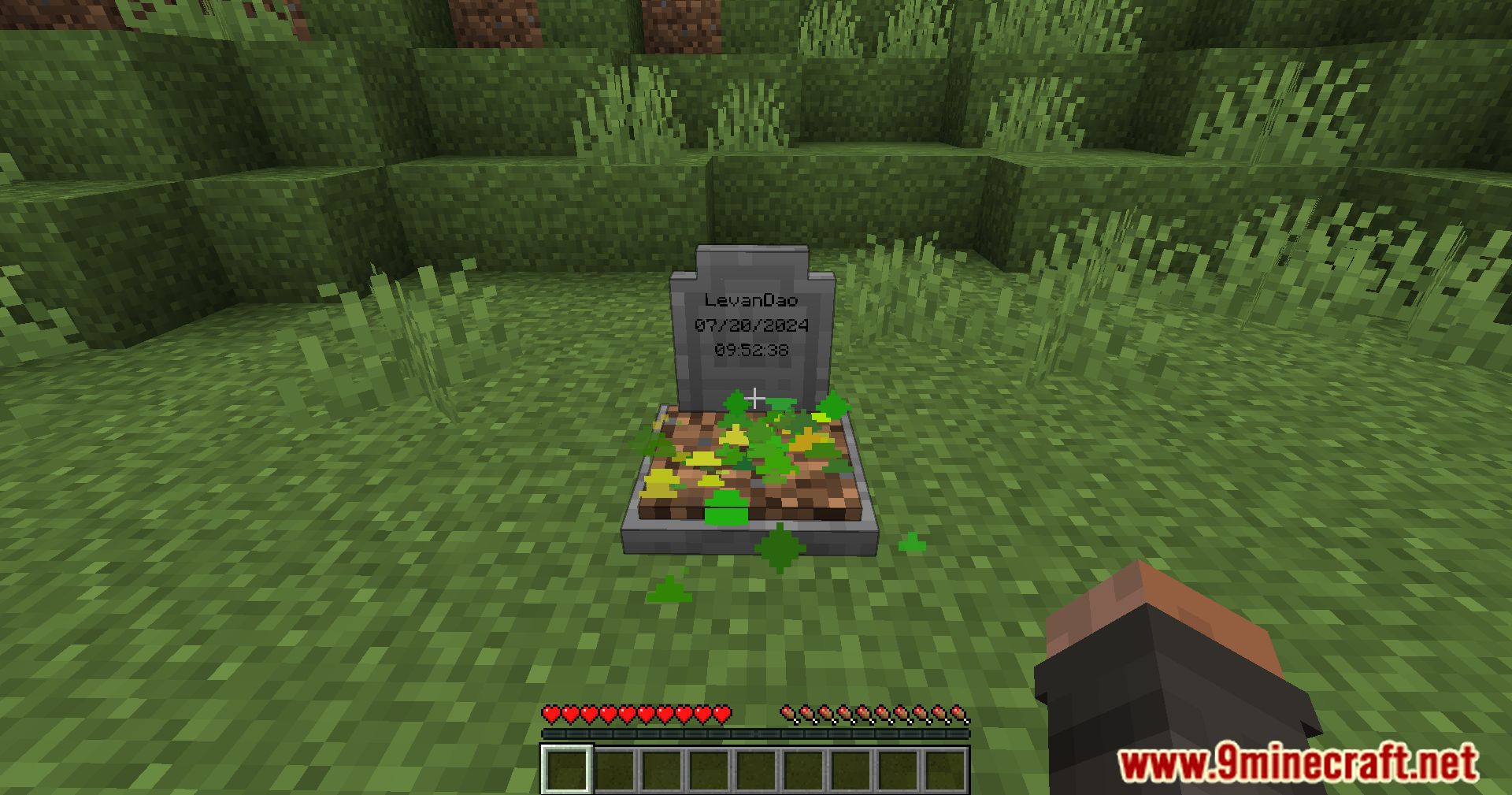
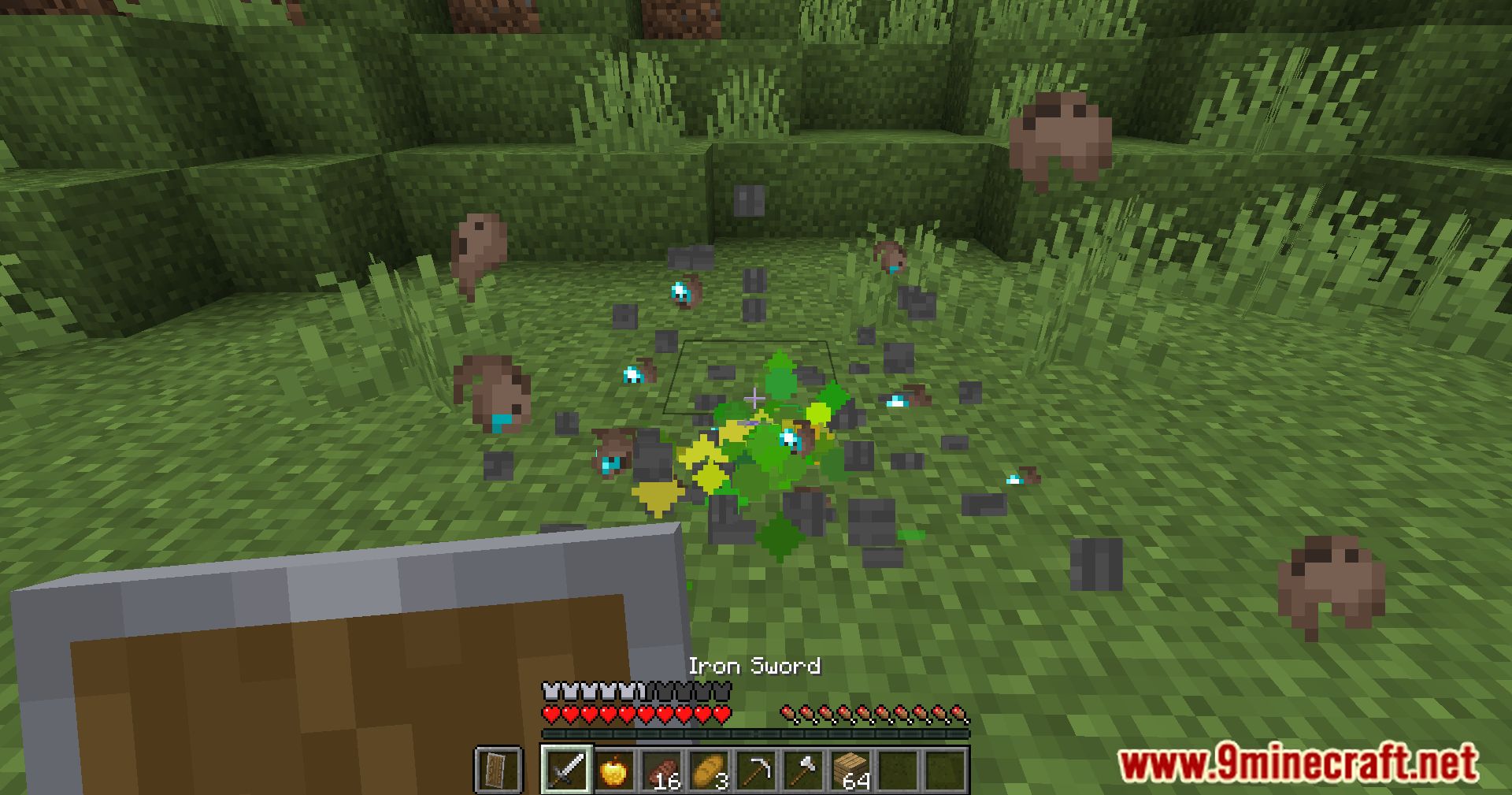
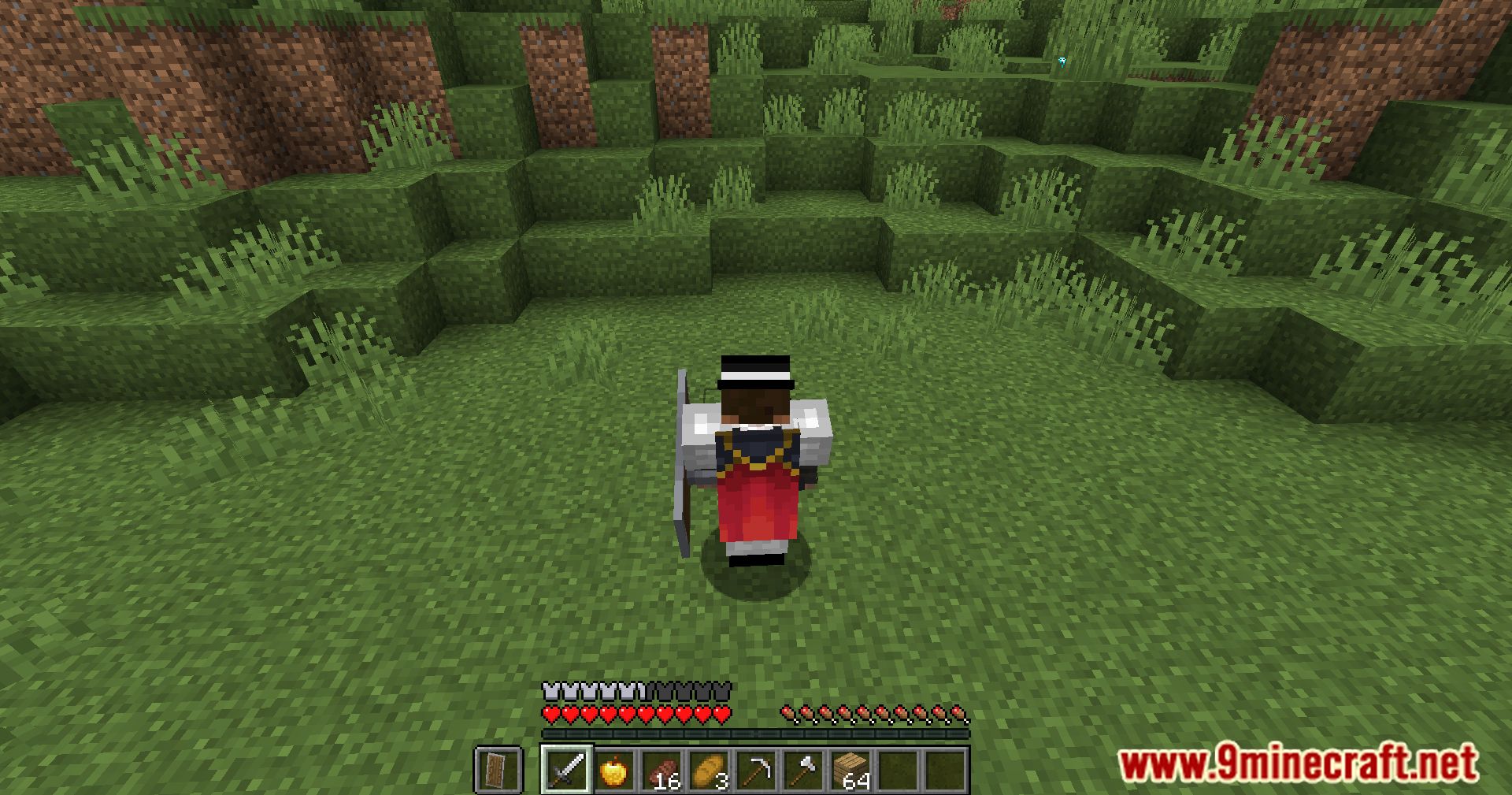
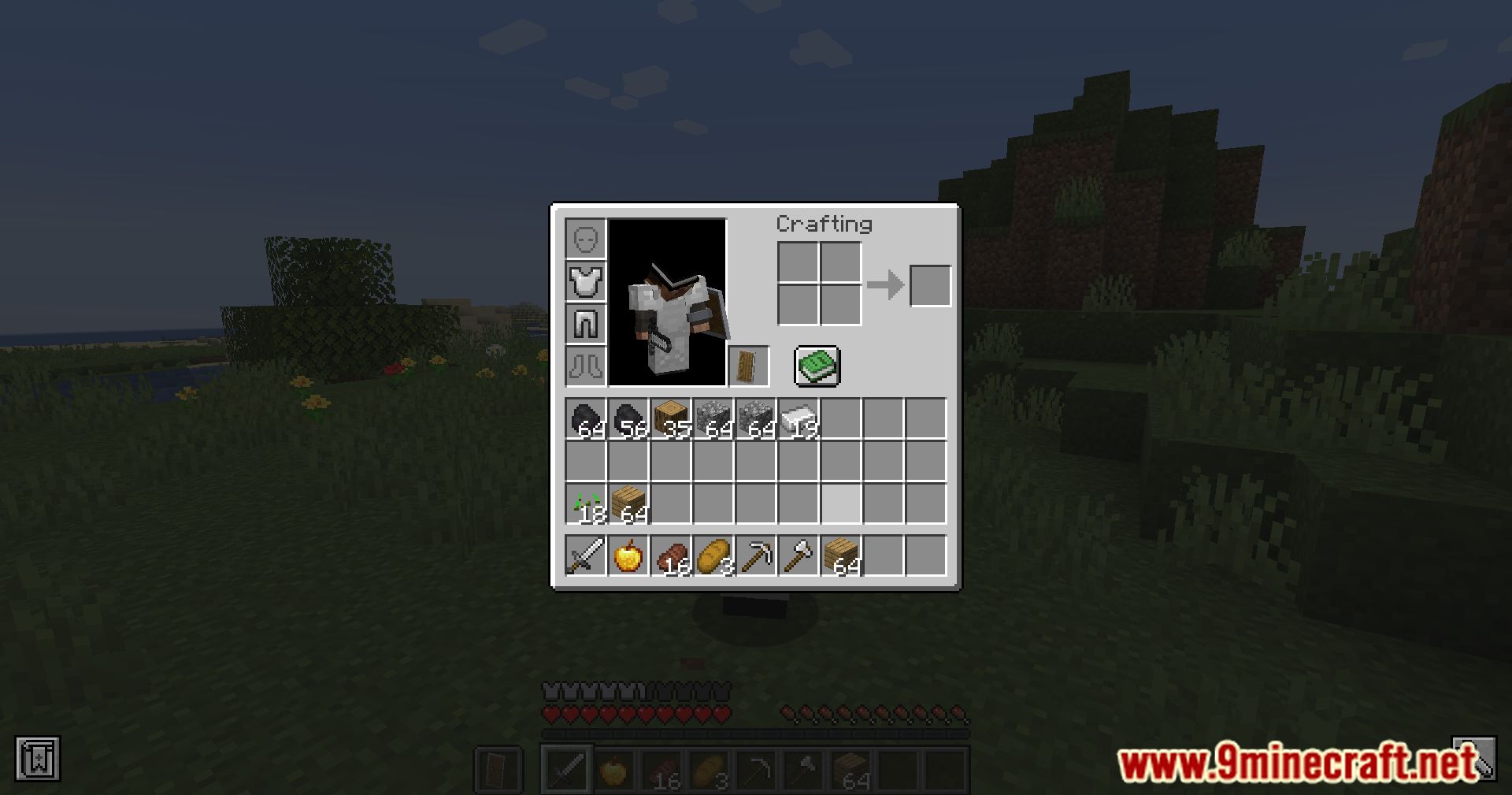
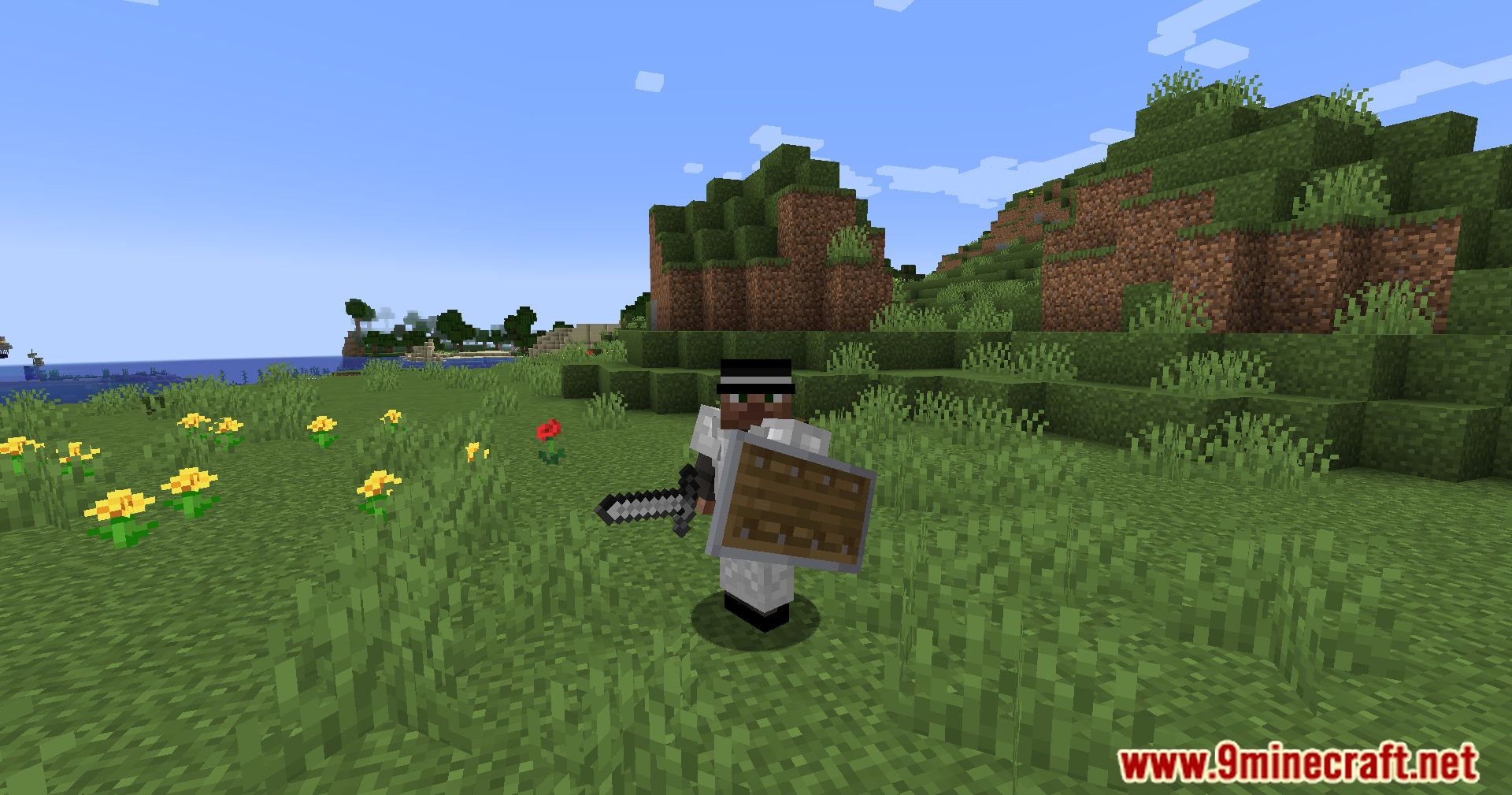
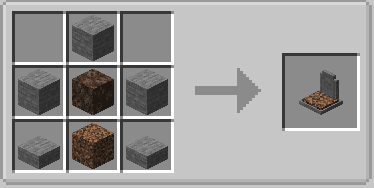
Crafting Recipes:
Pneumono_’s Gravestones Mod Download Links
Quick facts
- Edition: Minecraft Java
- File type: .jar
- Minecraft version listed: 1.20.1
- How to install: Install the matching mod loader (Forge, Fabric or NeoForge) for your Minecraft version. → Download the .jar. → Put it in the .minecraft/mods folder and launch that loader profile.
- Where to get it: In MC Java Mods, or directly above on this page.
Install steps are the general flow for this file type — How to install Minecraft Java mods & modpacks walks through it step by step.
File checked by MCModsHub
- Downloads as 28522.mcaddon
- Download size: 279 KB
- Download link checked 26 Sept 2026 — working
- Mirrored on our own servers — the download does not depend on the original host
These come from our own check of the pack file, not from the source page.