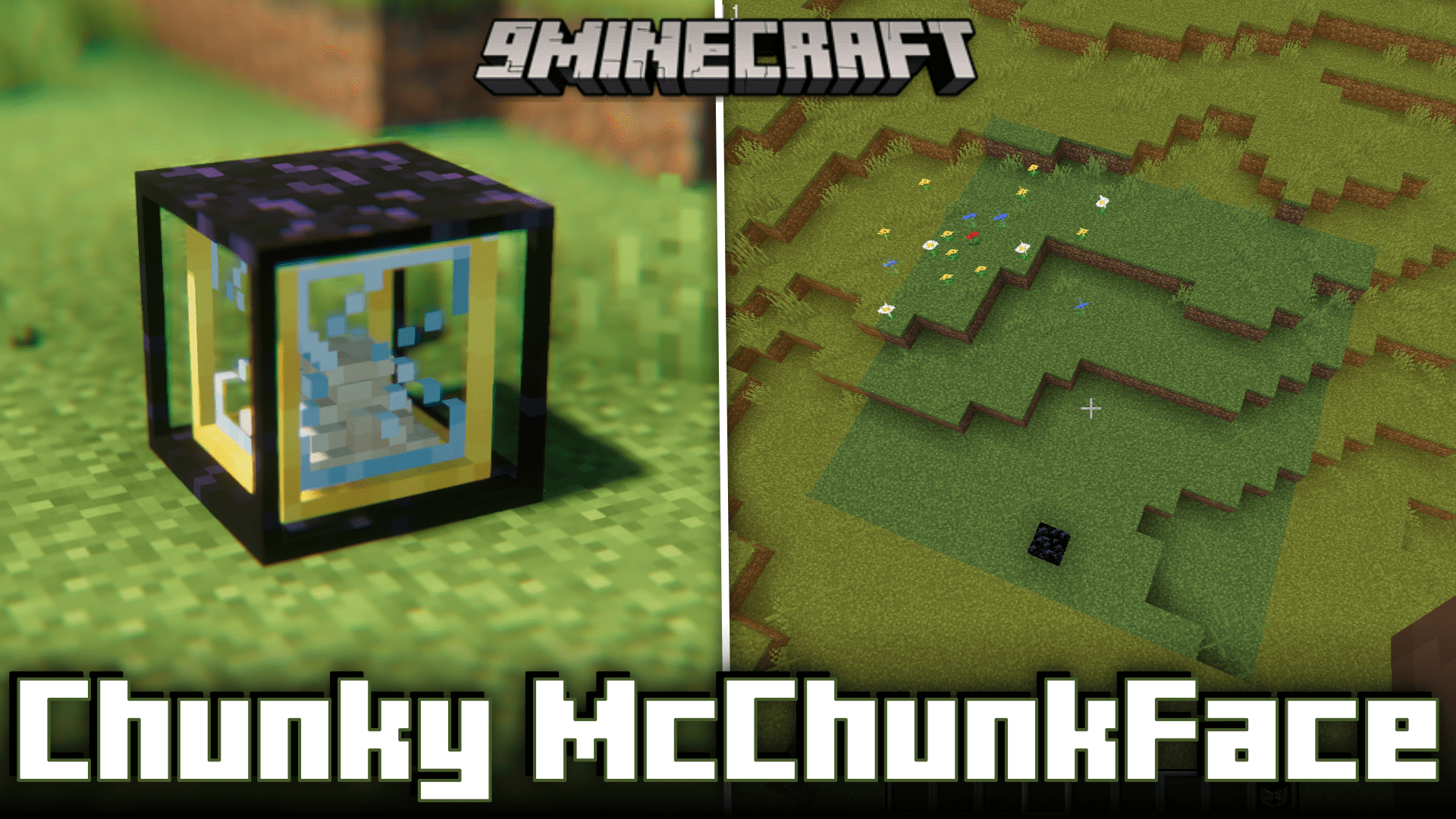

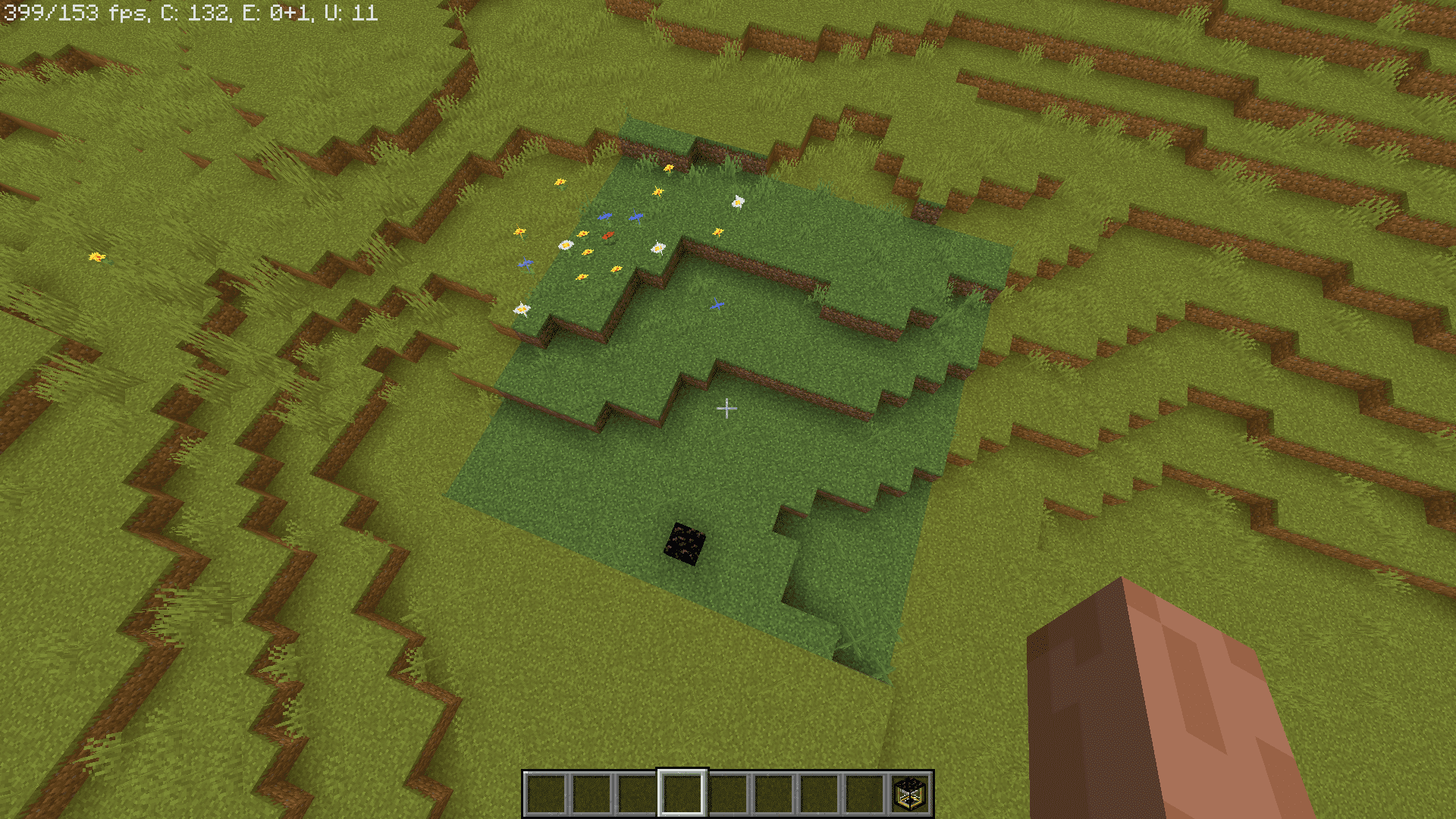
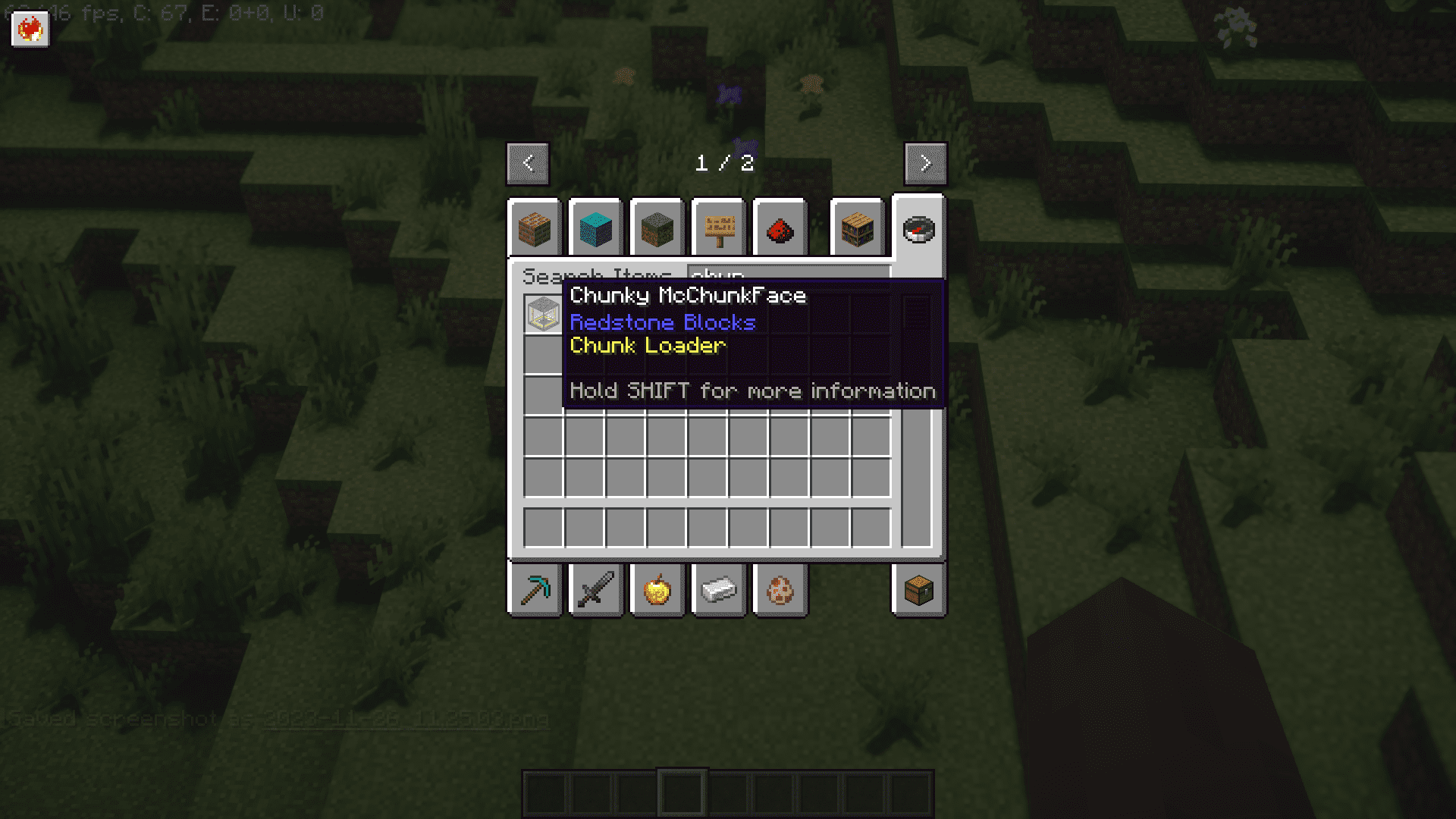
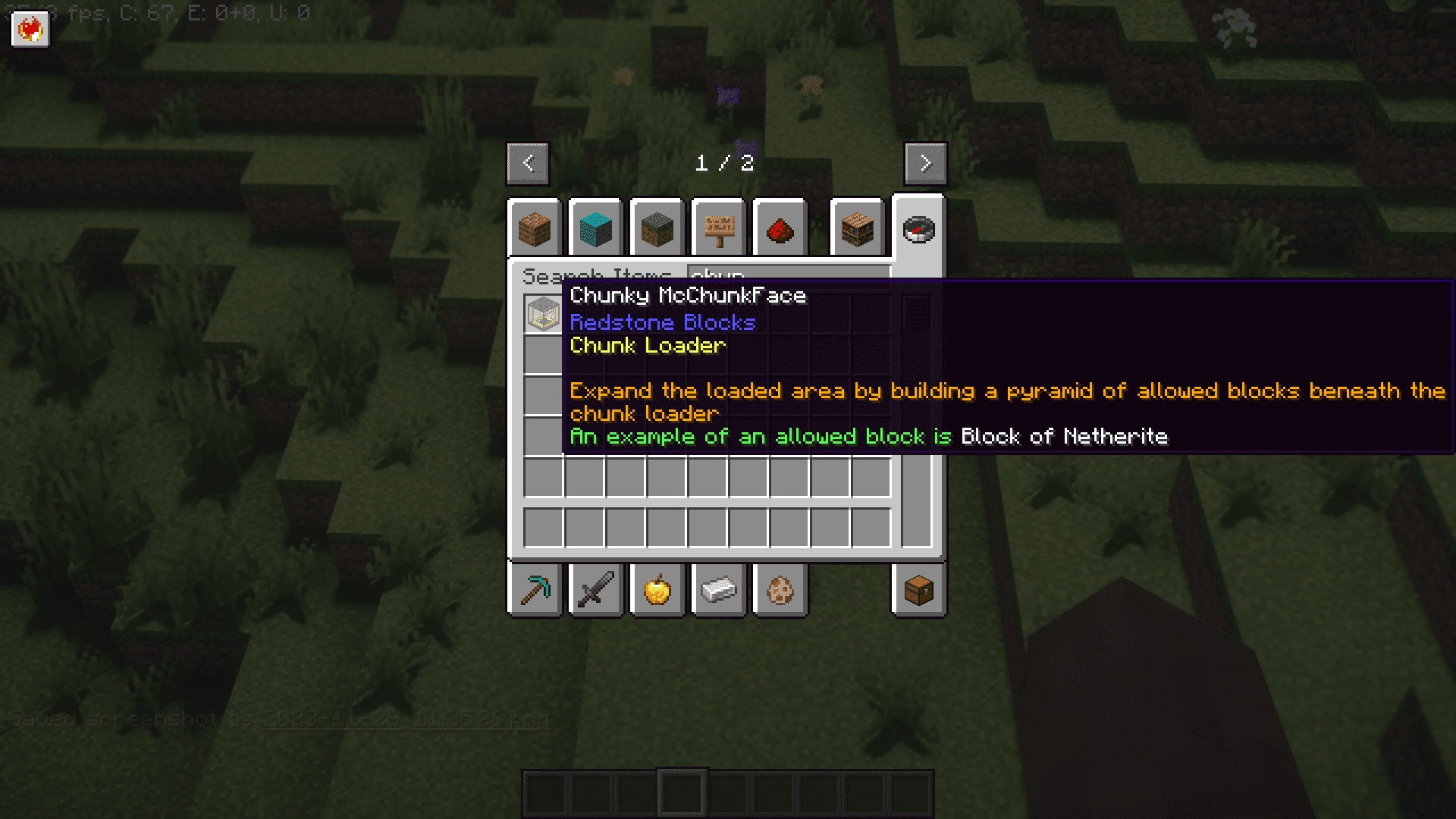
Chunky McChunkFace Mod introduces a block called the Chunky McChunkFace, which you can place to keep a chunk-or an adjustable range of chunks-loaded continuously.
Features:
- Chunk Loader Block Activation: Easily initiate chunk loading by interacting with the dedicated Chunky McChunkFace block.
- Automatic Disable Feature: If all interacting players are offline for a configurable period, the chunk loader automatically turns off, preventing resource wastage (default: 7 in-game days or 140 minutes).
- Upgradeable Range with Pyramid Structure: Enhance your loaded area strategically by constructing a pyramid of permitted blocks beneath the chunk loader, mimicking the mechanics of a beacon for flexible customization.
- Configuration Options for Fine-Tuning: Tailor your chunk loading experience with configurable settings, including base range, tier ranges, and offline time, providing a personalized touch to suit your gameplay.
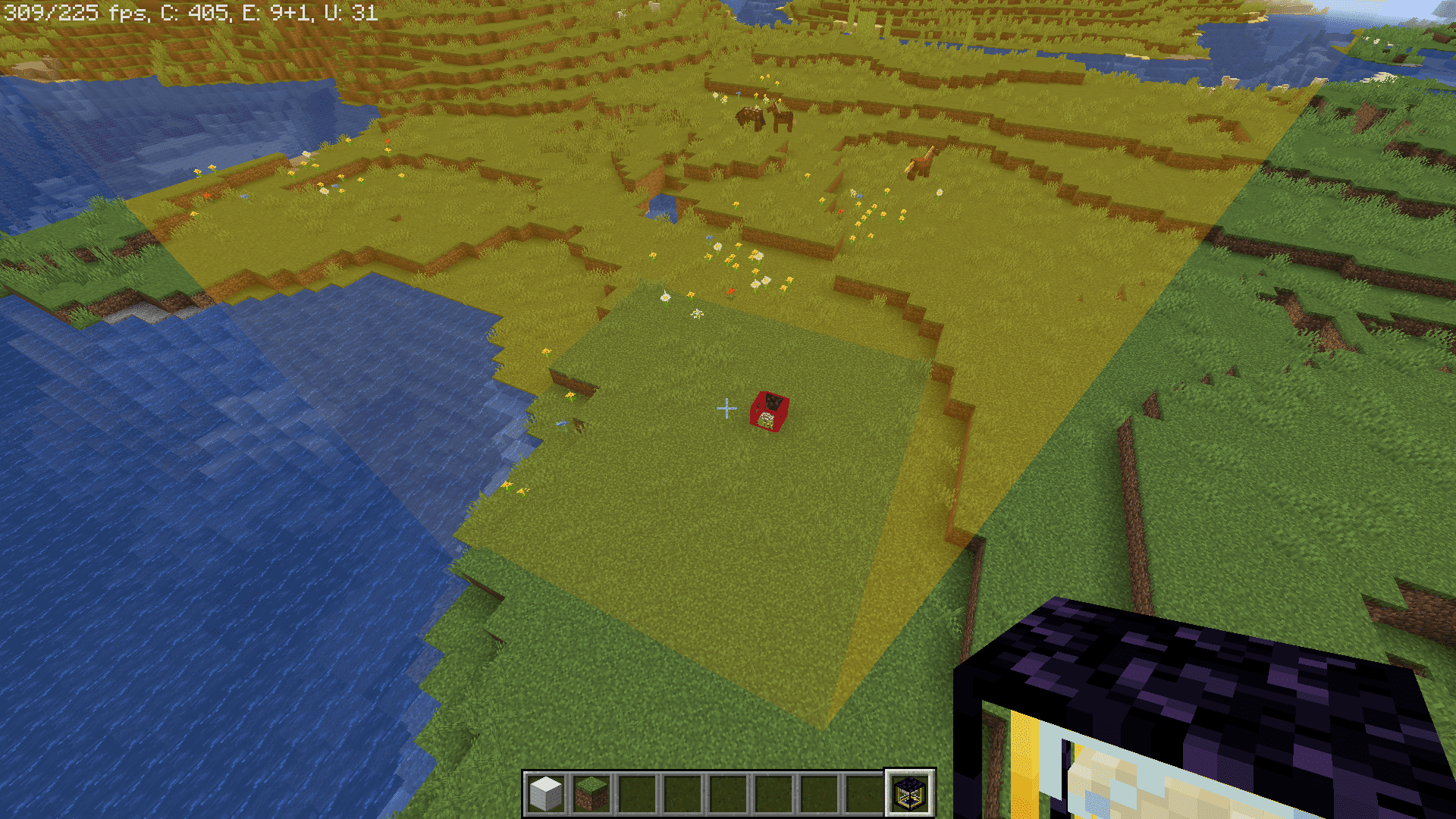
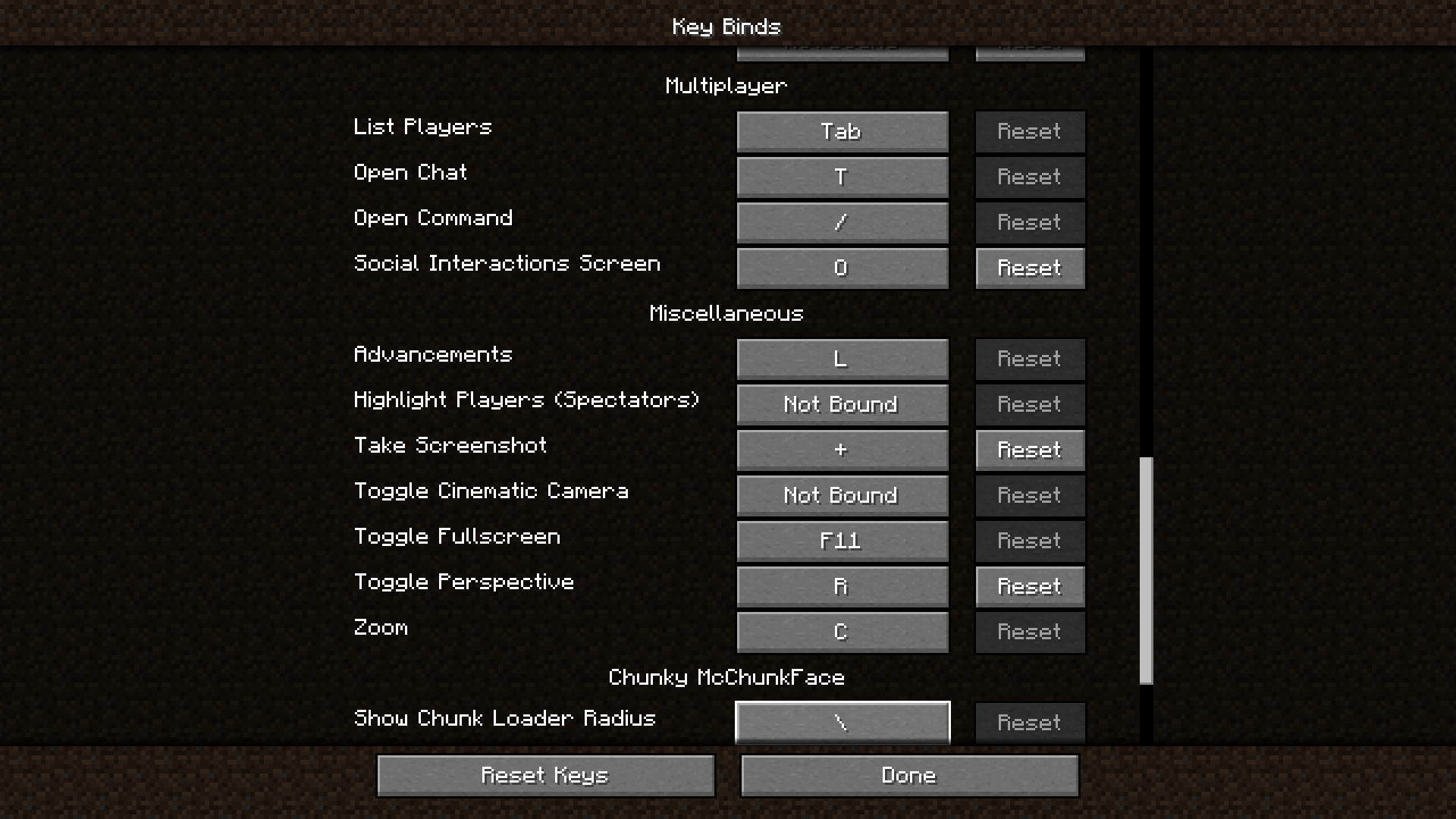
- Radius Renderer for Visual Guidance: Easily visualize loaded chunks with a translucent box by toggling the radius renderer using a keybind, ensuring a clear understanding of the affected areas.
- Location Indicator with Chunk Loader Item: Hold a Chunk Loader item, and nearby chunk loaders will display an outline, offering a visual cue to their locations for efficient management and organization.
Moderation Commands:
- List Chunk Loaders: Use the /chunkymcchunkface list <dimension> command to get a list of all chunk loaders in the specified dimension.
- Active Chunk Loaders: Use the /chunkymcchunkface list active <dimension> subcommand to filter the list to show only active chunk loaders in the specified dimension.
- Disable Chunk Loader: Use the /chunkymcchunkface disable <x> <y> <z> <dimension> command to disable a specific chunk loader at the given position in the specified dimension.
- Disable All Chunk Loaders: Use the /chunkymcchunkface disableall <dimension> command to disable all chunk loaders in the specified dimension.
Screenshots:
Chunky McChunkFace Mod Download Links
Quick facts
- Edition: Minecraft Java
- File type: .jar
- Minecraft version listed: 1.20.1
- How to install: Install the matching mod loader (Forge, Fabric or NeoForge) for your Minecraft version. → Download the .jar. → Put it in the .minecraft/mods folder and launch that loader profile.
- Where to get it: In MC Java Mods, or directly above on this page.
Install steps are the general flow for this file type — How to install Minecraft Java mods & modpacks walks through it step by step.
Verified by MCModsHub
- Downloads as 28523.mcaddon
- Download size: 79 KB
- Download link checked 24 Sept 2026 — working
- Mirrored on our own servers — the download does not depend on the original host
These come from our own check of the pack file, not from the source page.