ModsJava
Productive Metalworks Mod (26.1.2, 1.21.1) – Build a Custom Ore Foundry
Java mod listed for Minecraft 1.21. Downloads from the MC Java Mods app on Android.
⬇ Download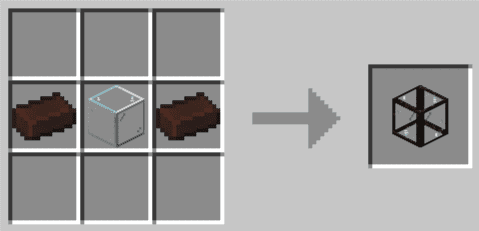
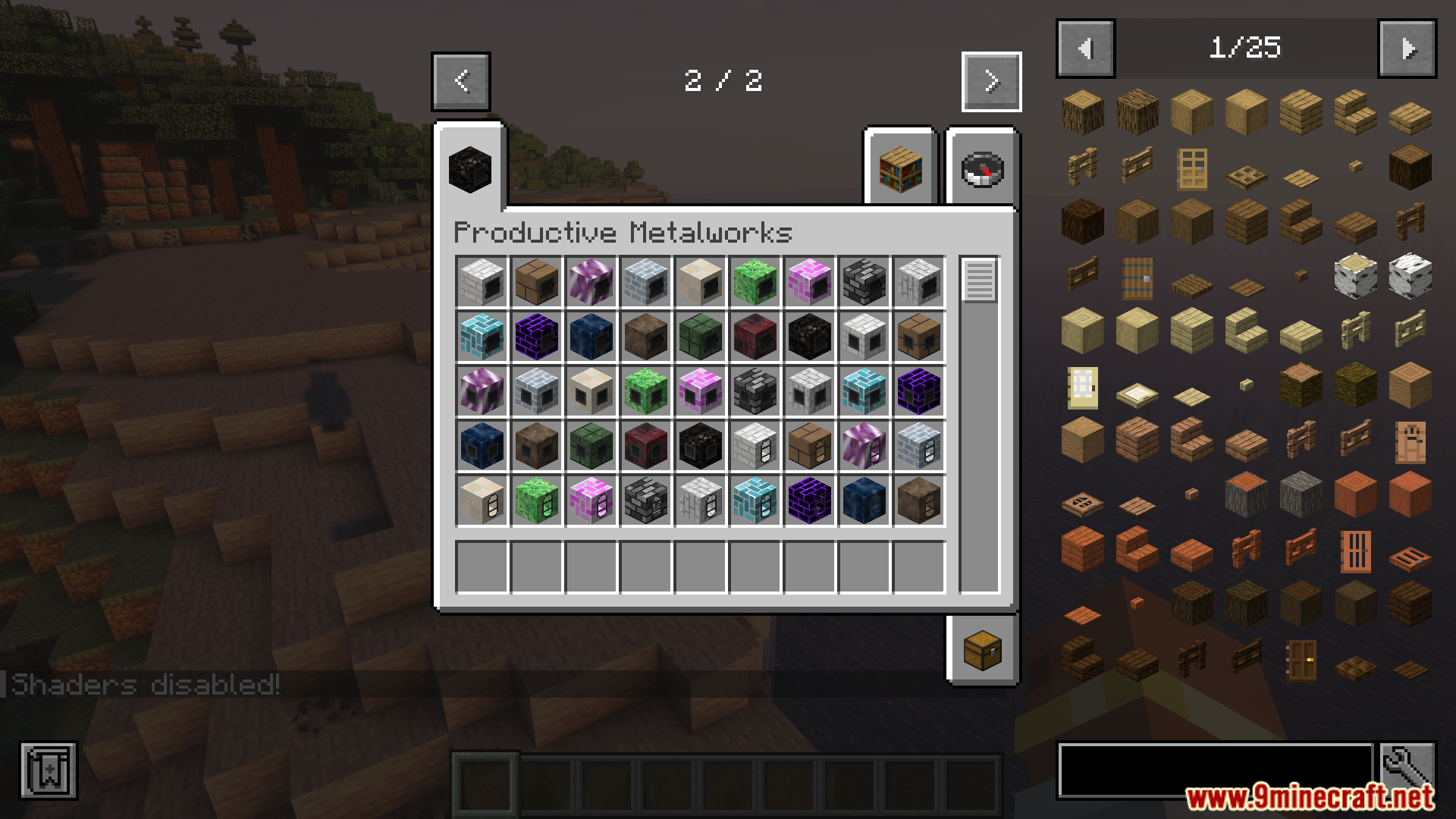
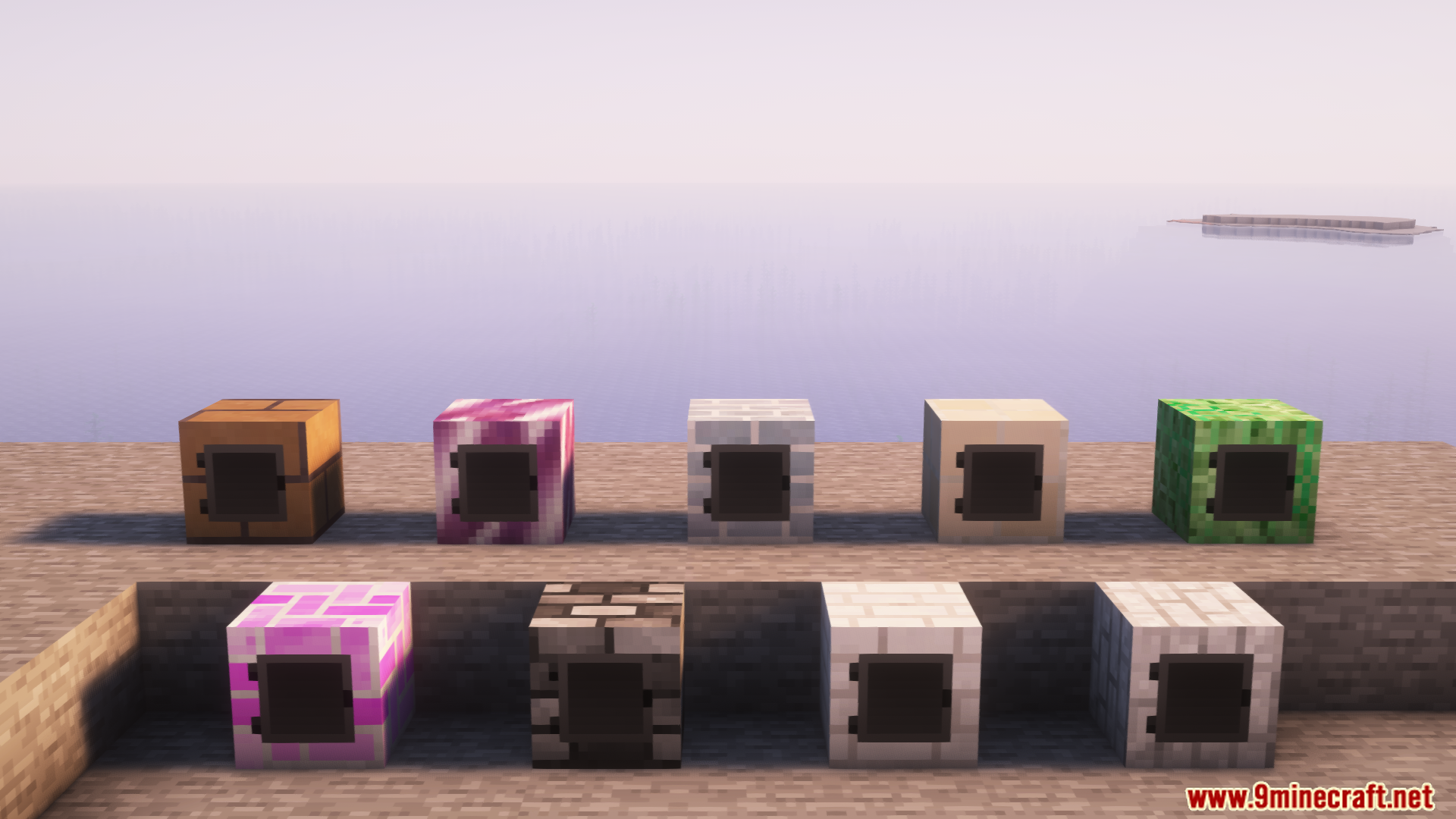
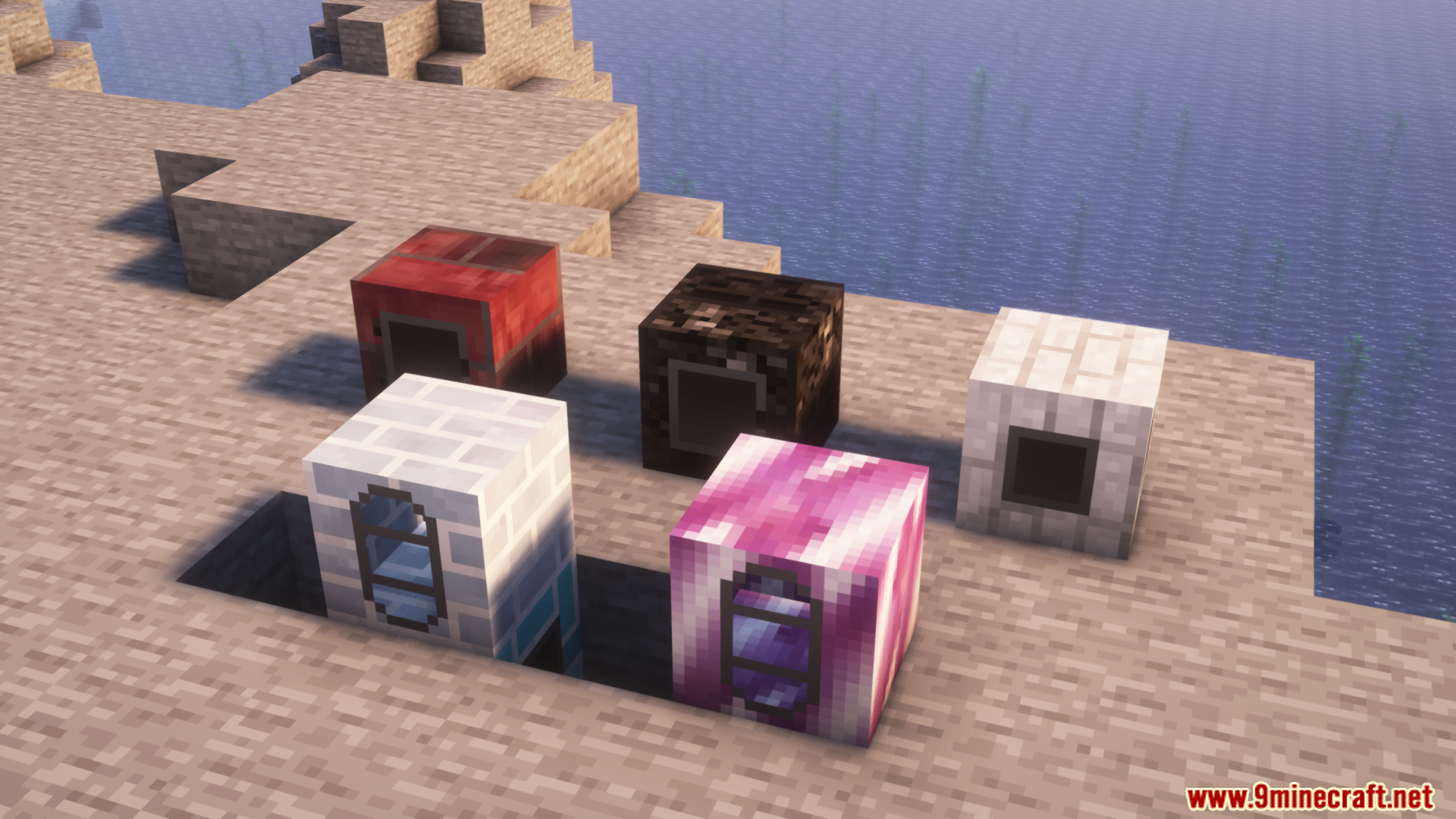
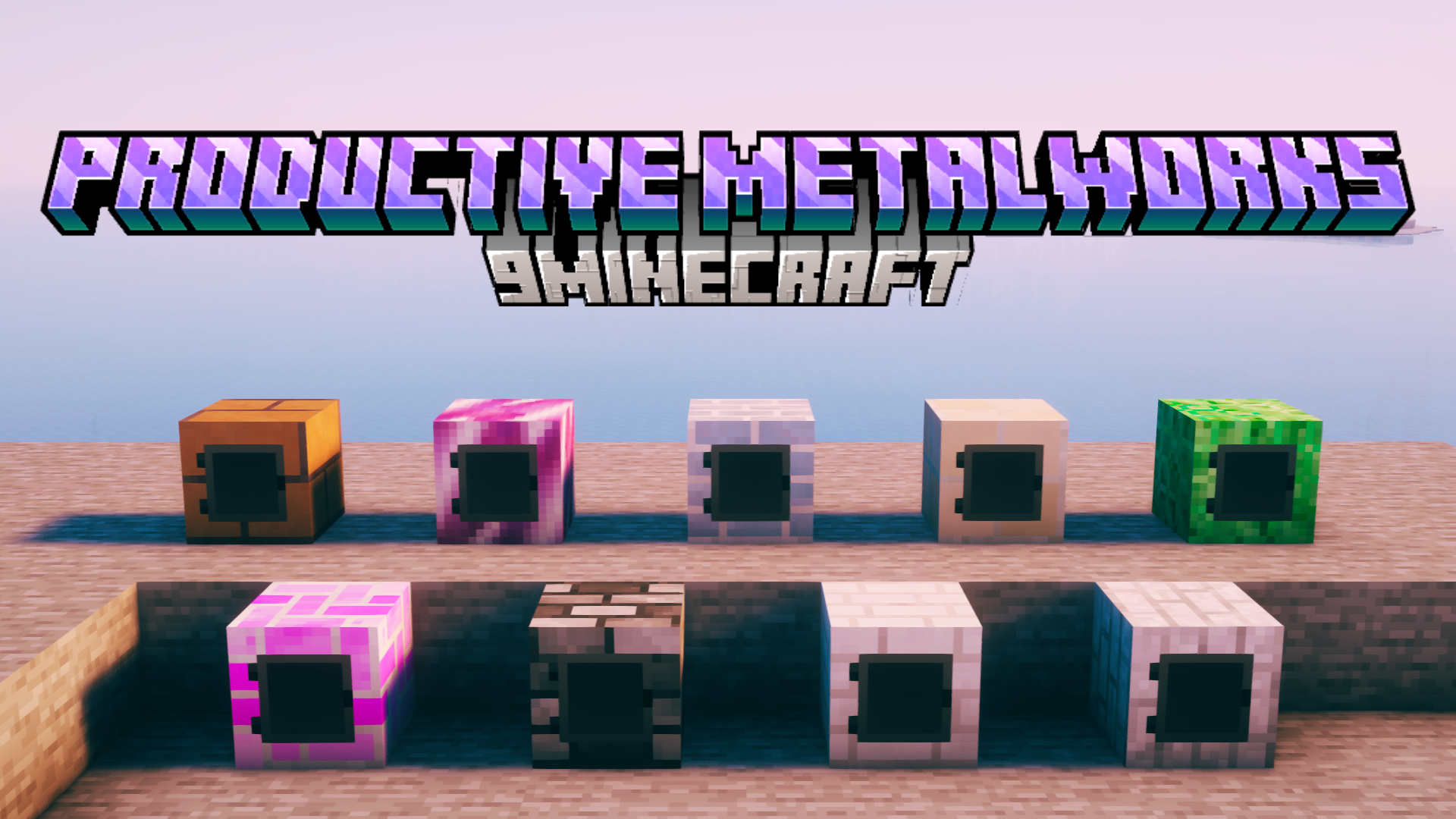
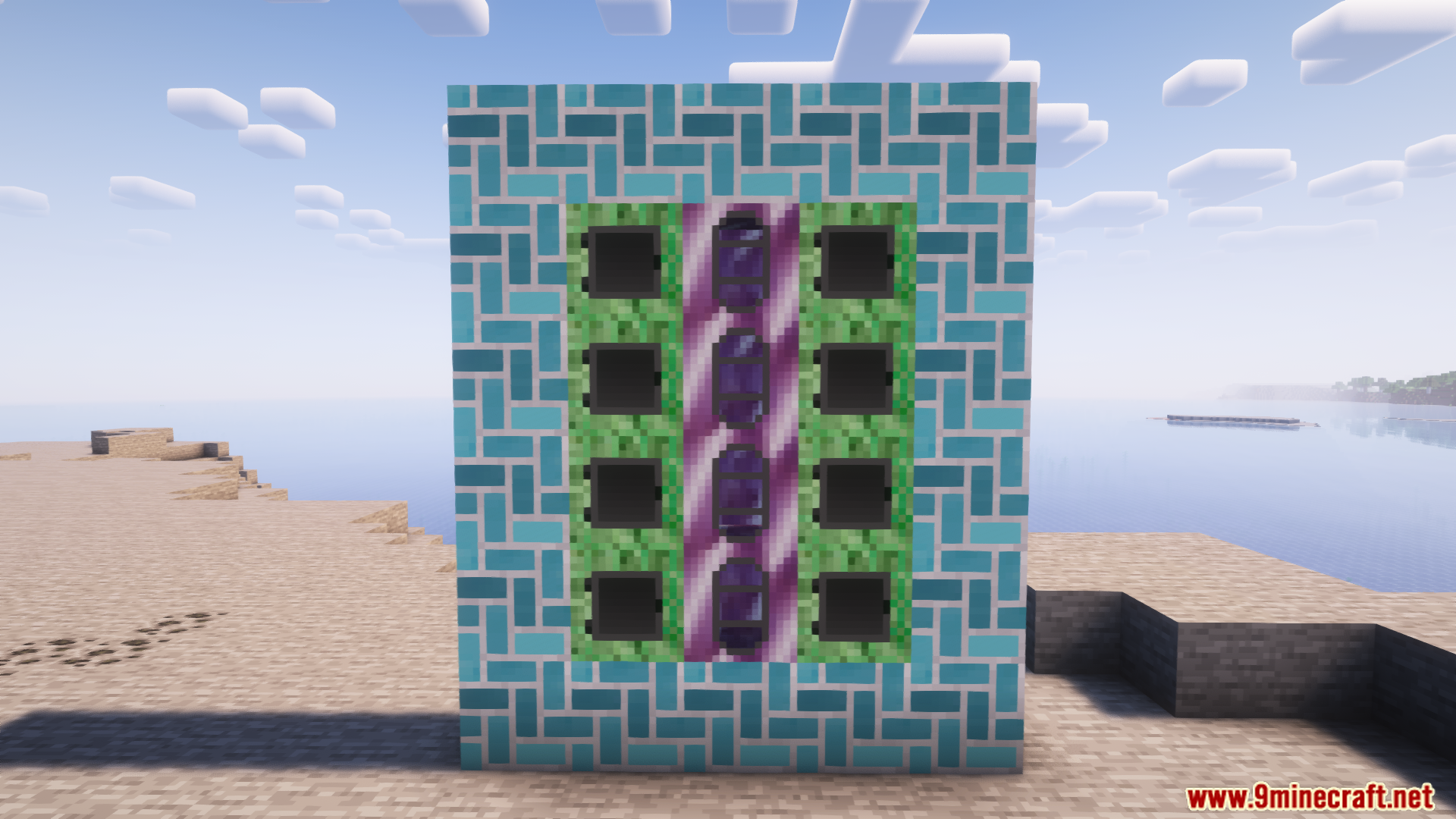
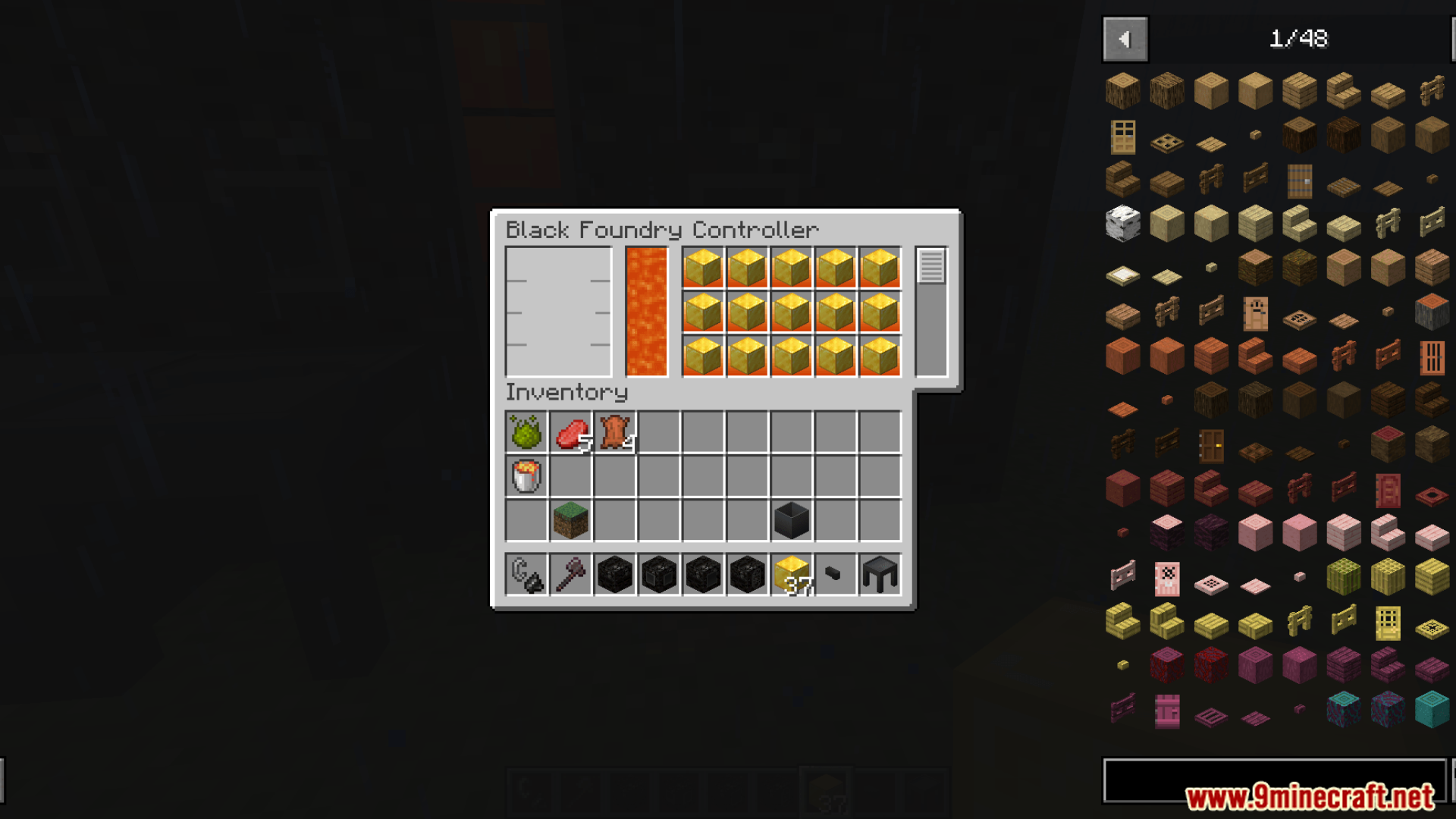
Productive Metalworks Mod lets you build your own custom industrial furnace. This multi-block structure, called the Foundry, is perfect for smelting huge amounts of ore at once. It works much faster and uses less fuel compared to a regular furnace. After melting, you can pour the liquid metal into casts to make ingots, blocks, and other metal parts.
Features:
- Lets you build a big industrial furnace with different parts.
- Smelt many kinds of ore at the same time, faster than a normal furnace.
- Uses less fuel to process large amounts of materials.
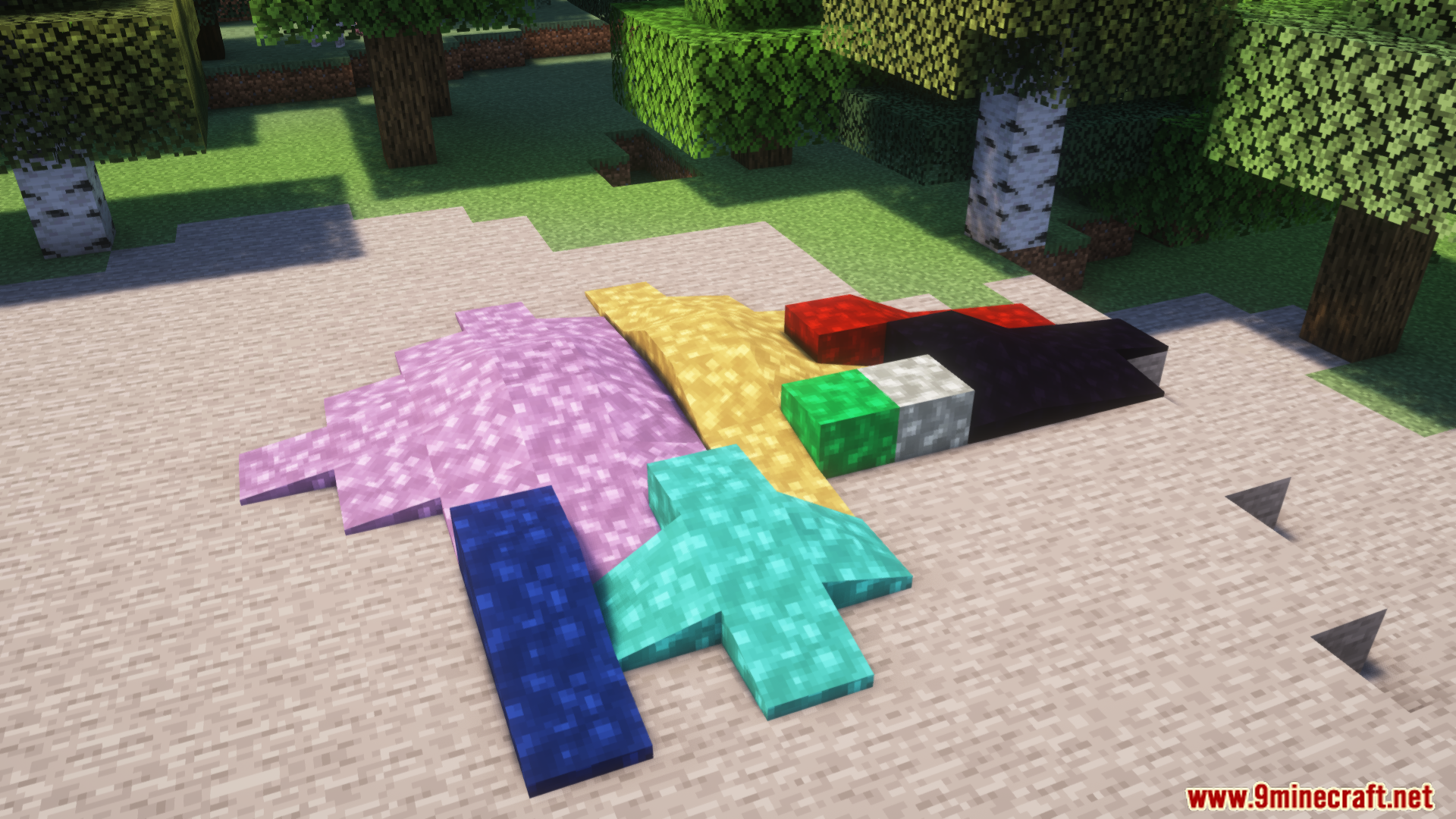
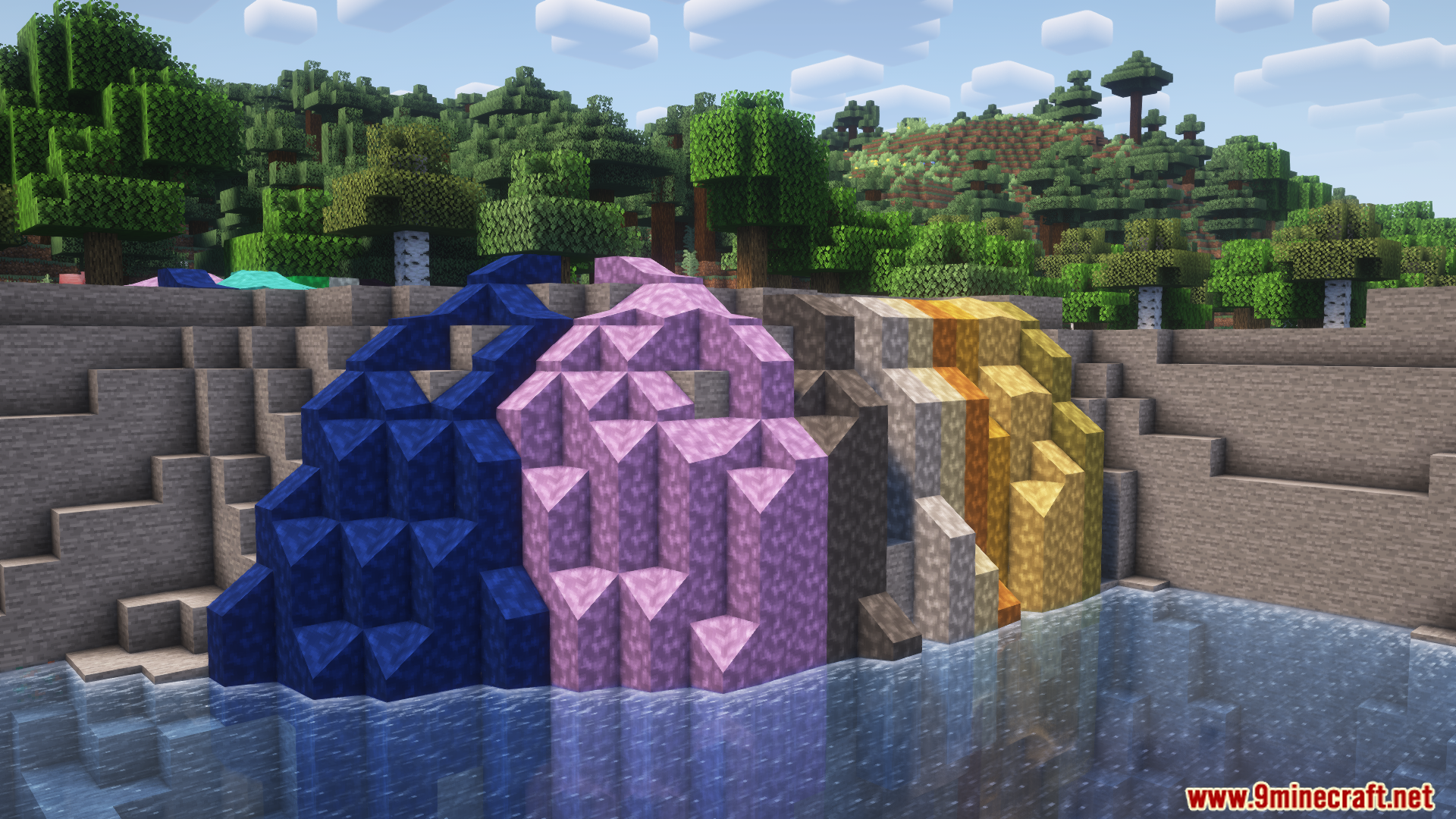
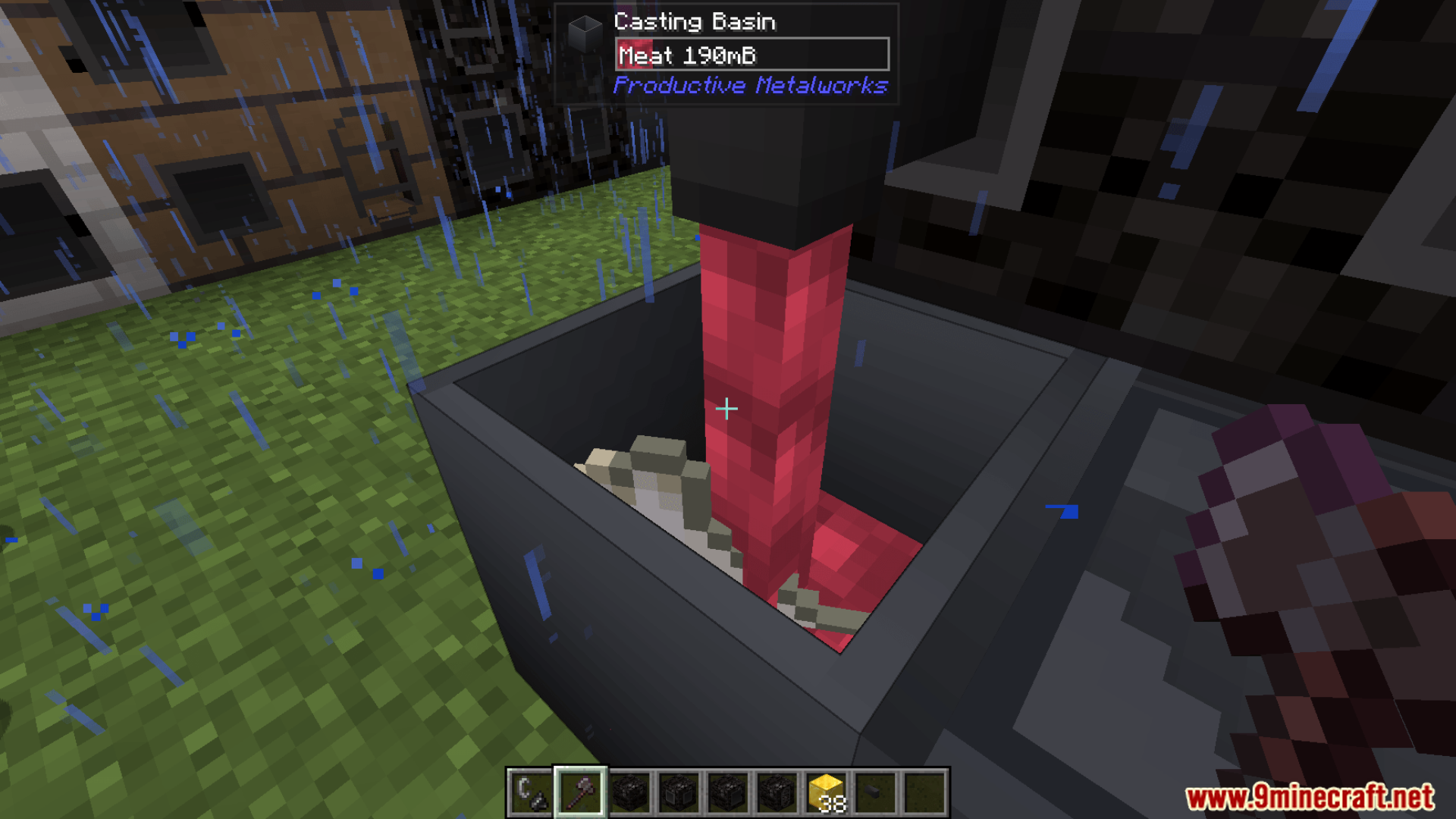
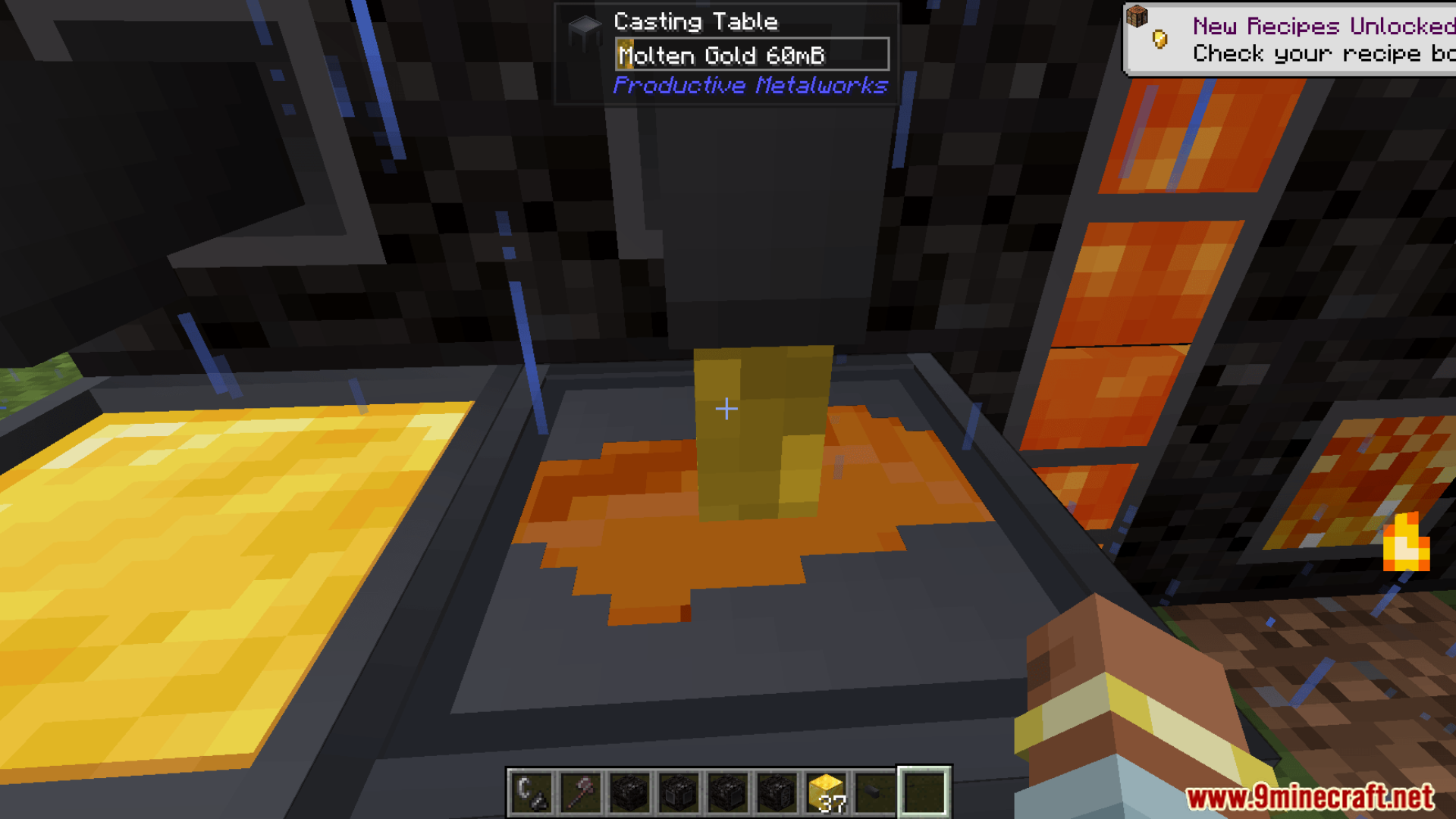
- Pour melted metal into casts to make ingots, blocks, and other metal items.
- You can change the furnace’s size and shape to fit your base.
- The furnace blocks come in all 16 Minecraft colors.
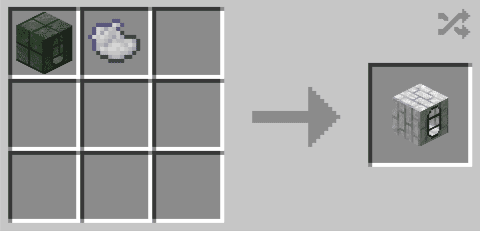
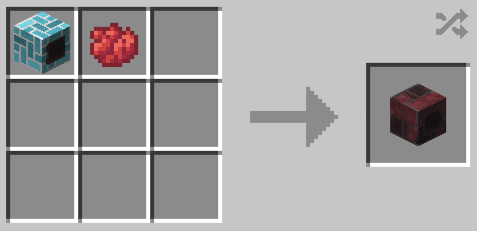
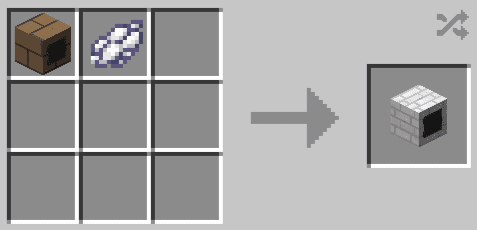
Crafting Recipes:
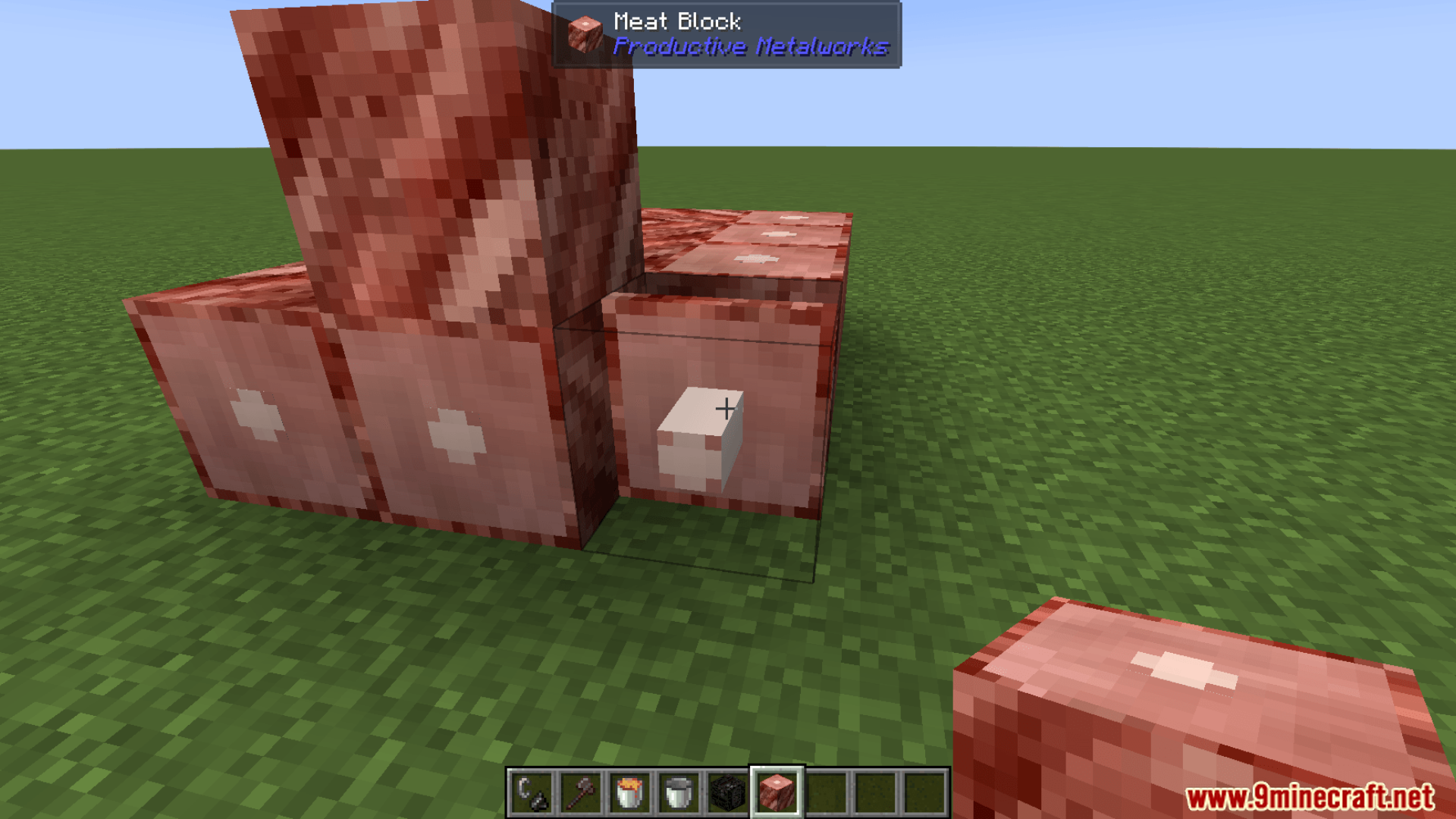
Screenshots:
Productive Metalworks Mod Download Links
Quick facts
- Edition: Minecraft Java
- File type: .jar
- Minecraft version listed: 1.21.1
- How to install: Install the matching mod loader (Forge, Fabric or NeoForge) for your Minecraft version. → Download the .jar. → Put it in the .minecraft/mods folder and launch that loader profile.
- Where to get it: In MC Java Mods, or directly above on this page.
Install steps are the general flow for this file type — How to install Minecraft Java mods & modpacks walks through it step by step.
File checked by MCModsHub
- Downloads as 2854.mcaddon
- Download size: 1.3 MB
- Download link checked 22 Sept 2026 — working
- Mirrored on our own servers — the download does not depend on the original host
These come from our own check of the pack file, not from the source page.