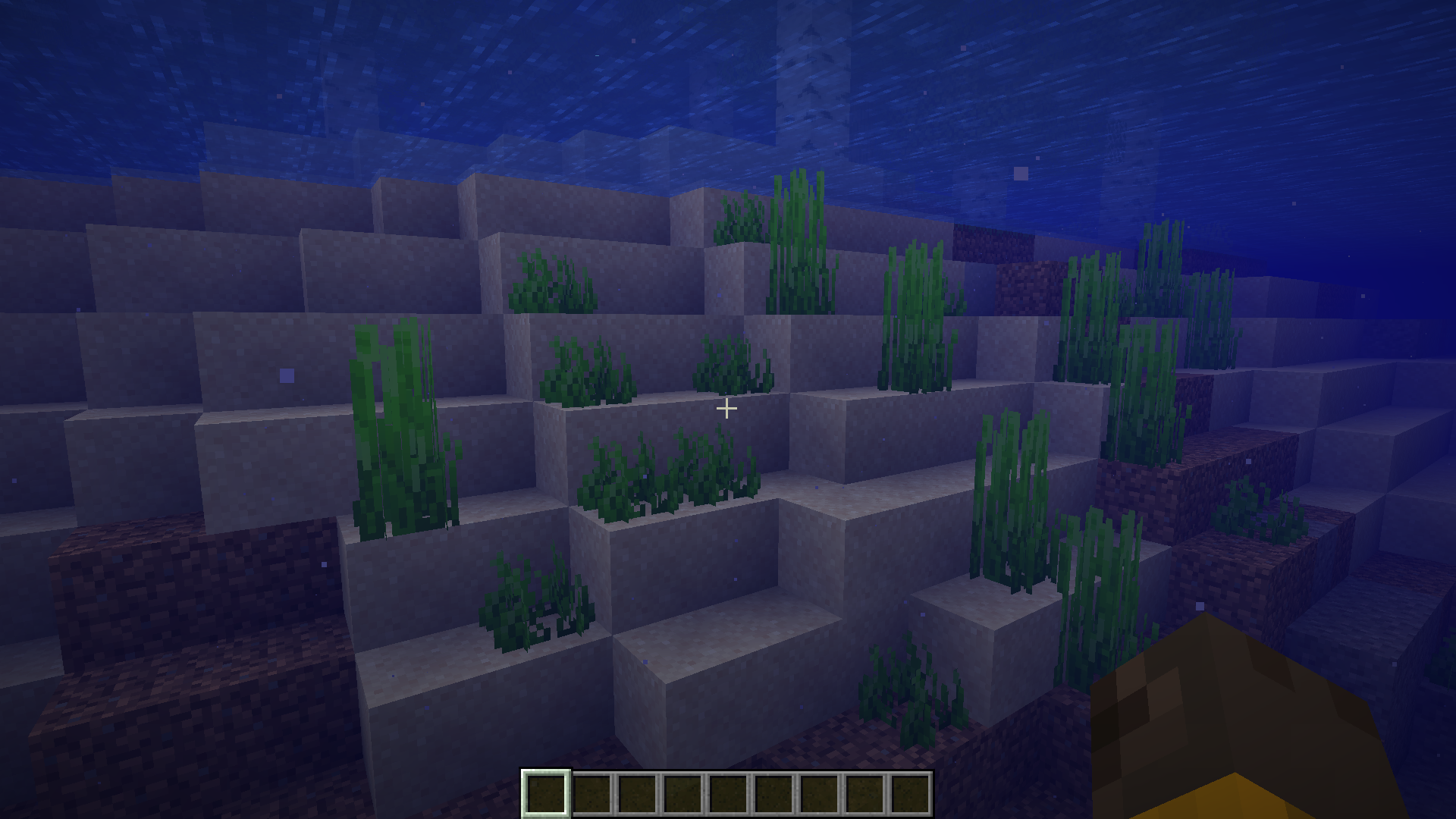
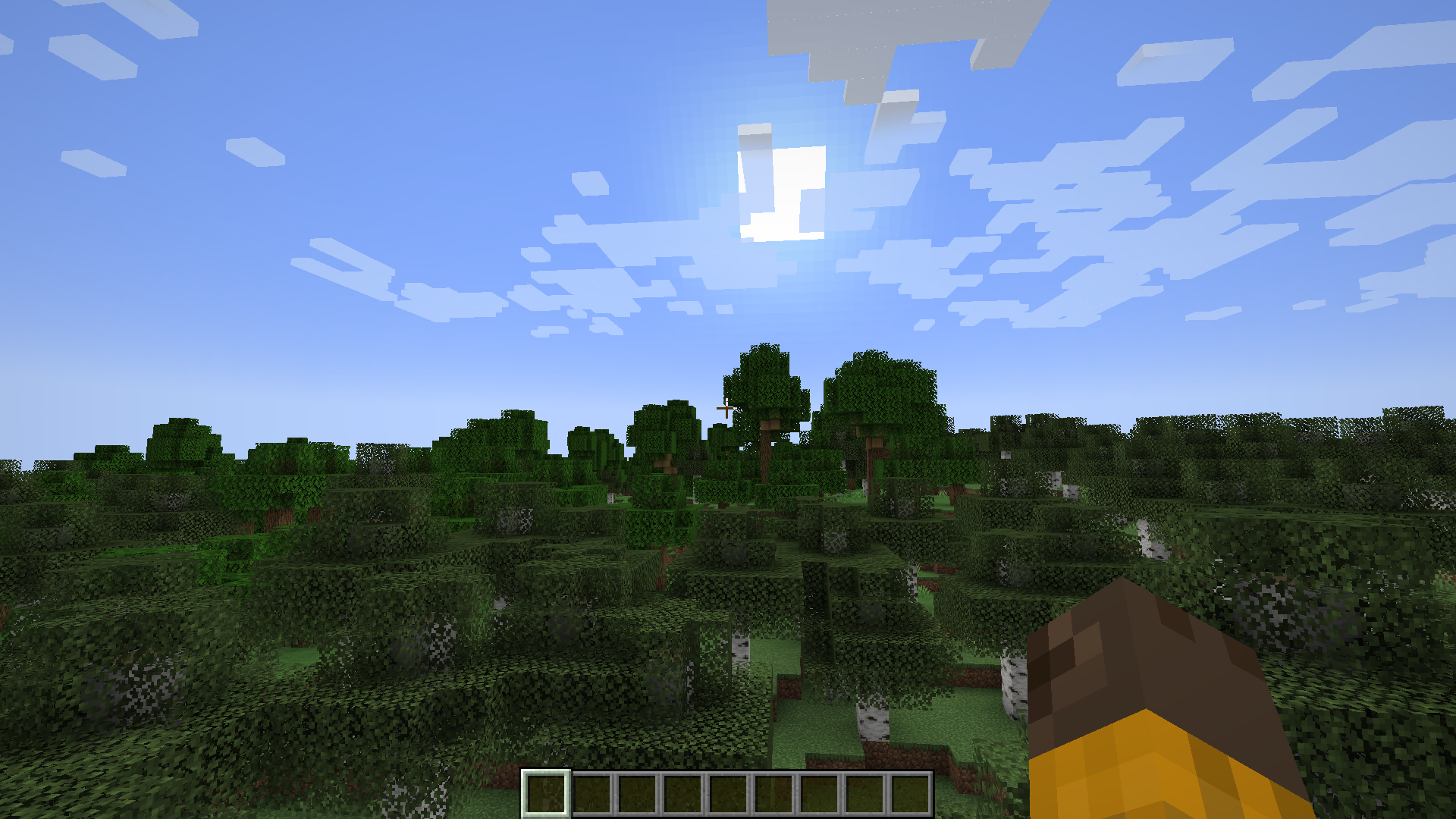
In the vanilla game, you can take a screenshot of your game window simply by pressing a keybind. And screenshots taken this way will be saved into the .minecraft/screenshots folder. Whenever you take a screenshot in the game, a chat message will be sent that will help you navigate to that screenshot in the screenshots folder. These messages can often be an annoyance as they can interfere with your screenshots. Imagine taking a few screenshots in quick successions. The message sent for each screenshot will appear as overlays in the second to the last screenshot that you take. Silent Screenshots Mod is here to change that. WIth this mod installed, taking an in-game screenshot will no longer send out messages in the chat box.
Features:
- Removed the screenshot message from appearing in the chat box.
- Plays a sound upon taking a screenshot.
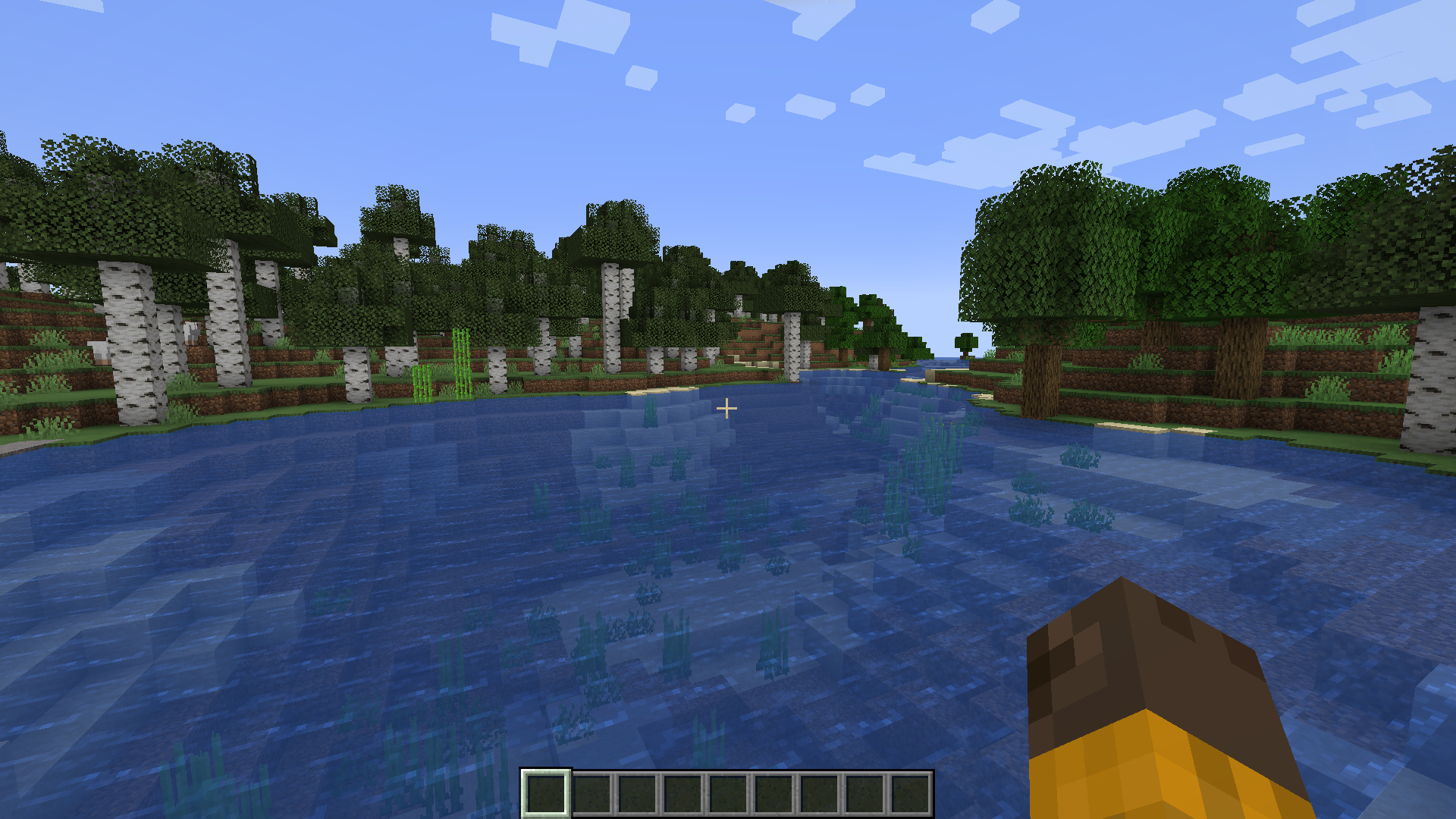
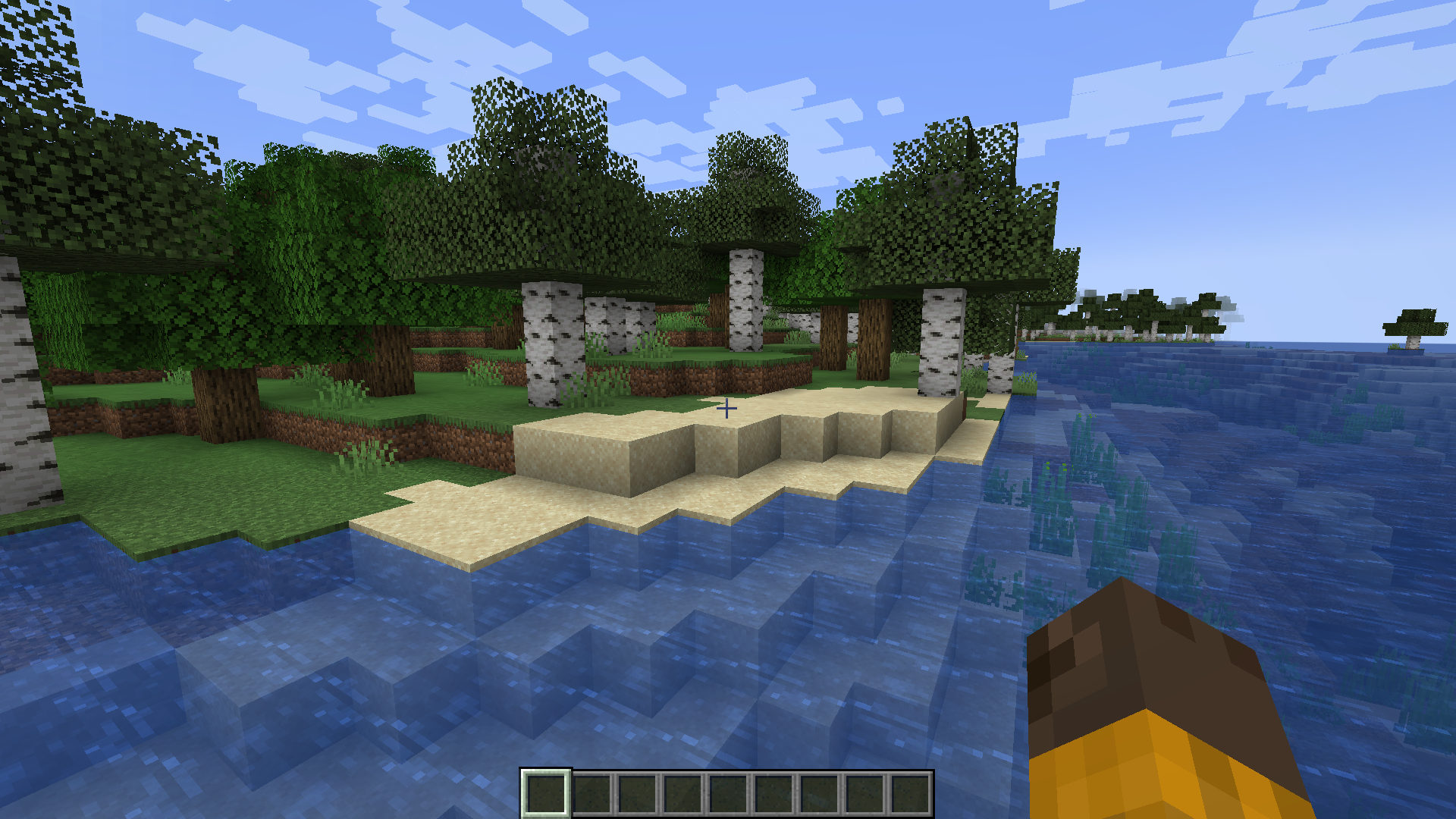
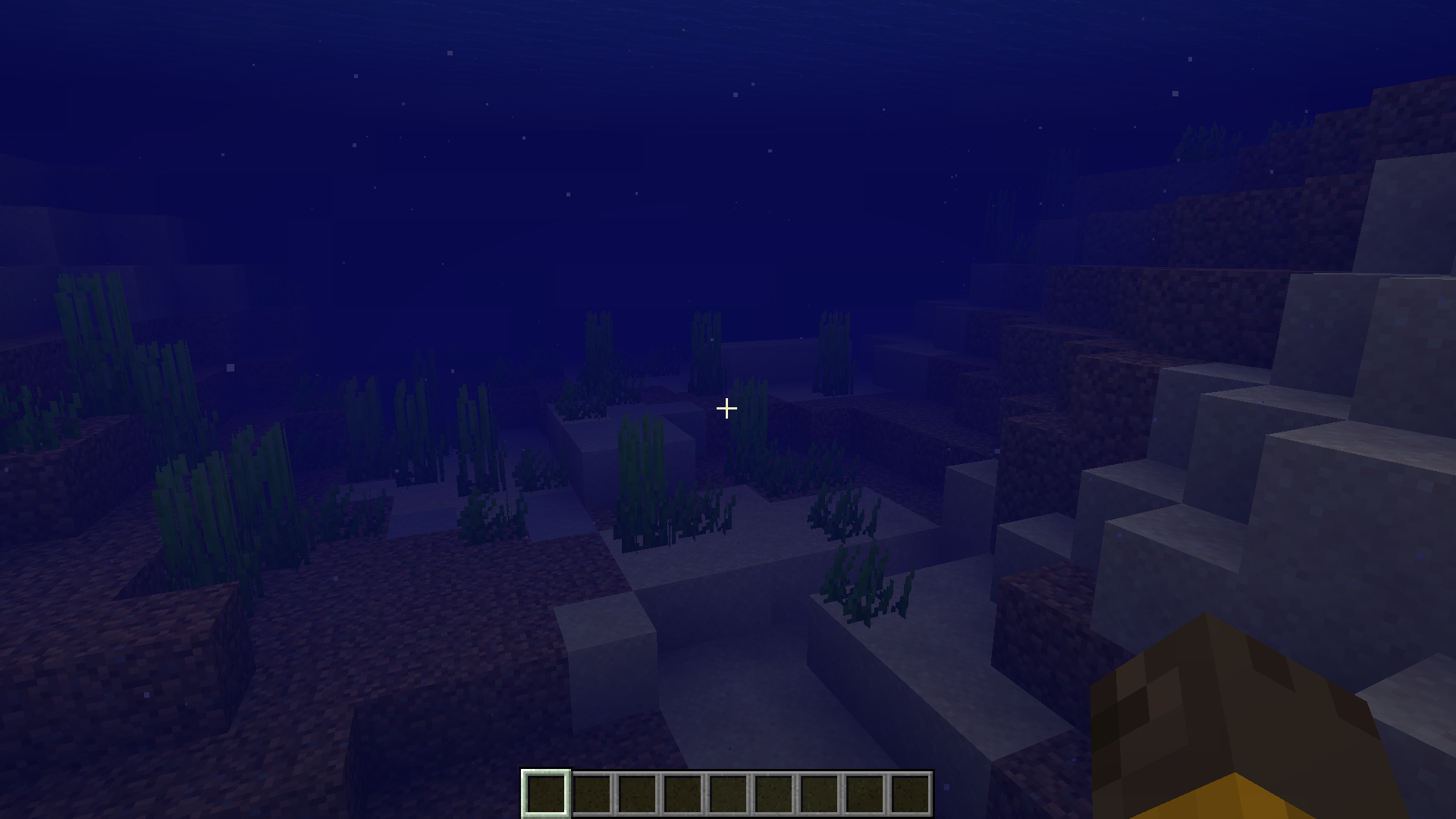
- Screenshots can be taken in quick successions without worrying about the chat overlay appearing.
Screenshots:
Silent Screenshots Mod Download Links
- Edition: Minecraft Java
- File type: .jar
- Minecraft version listed: 1.20.1
- How to install: Install the matching mod loader (Forge, Fabric or NeoForge) for your Minecraft version. → Download the .jar. → Put it in the .minecraft/mods folder and launch that loader profile.
- Where to get it: In MC Java Mods, or directly above on this page.
Install steps are the general flow for this file type — How to install Minecraft Java mods & modpacks walks through it step by step.
- Downloads as 28541.mcaddon
- Download size: 35 KB
- Download link checked 22 Sept 2026 — working
- Mirrored on our own servers — the download does not depend on the original host
These come from our own check of the pack file, not from the source page.