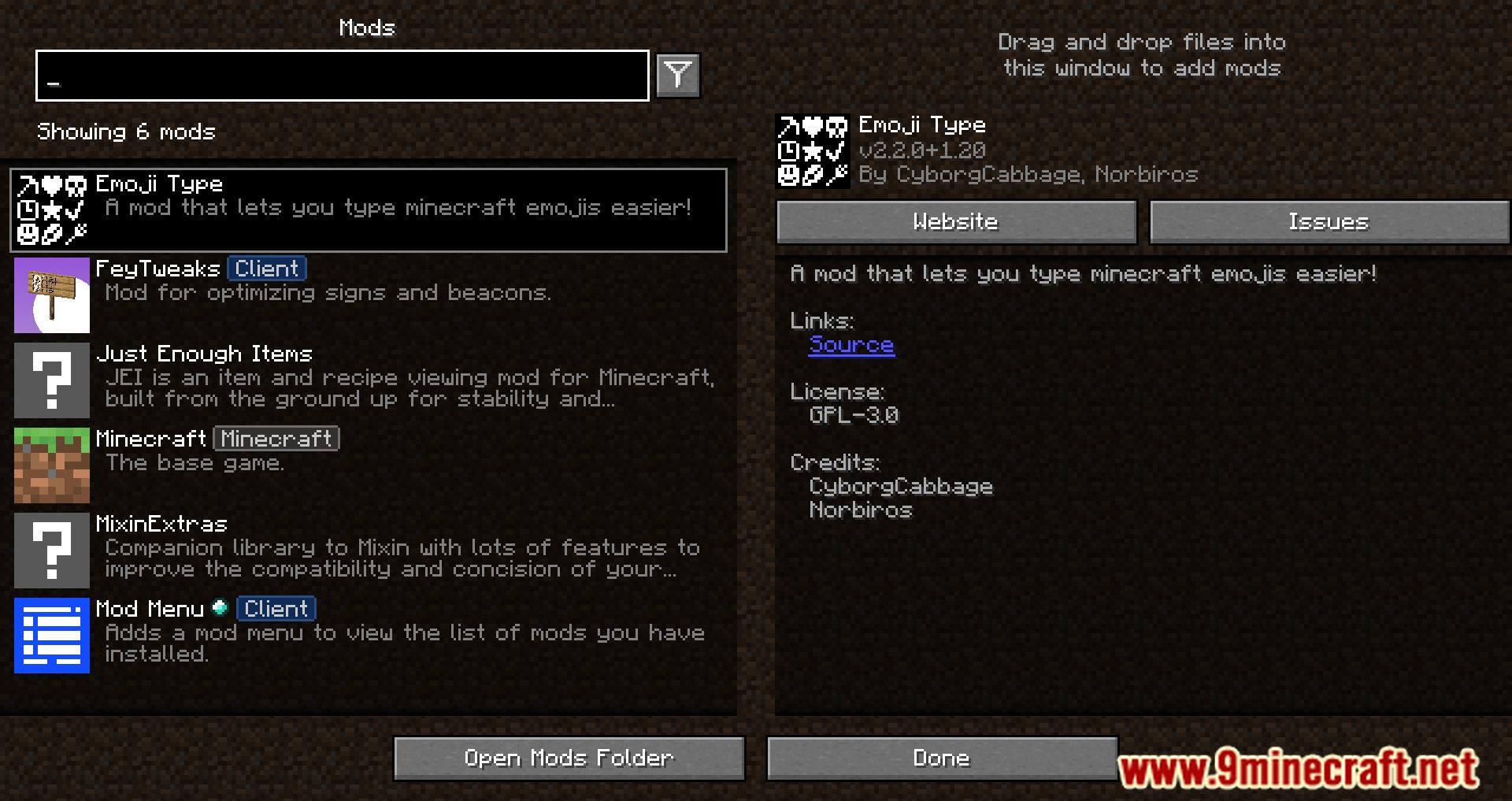
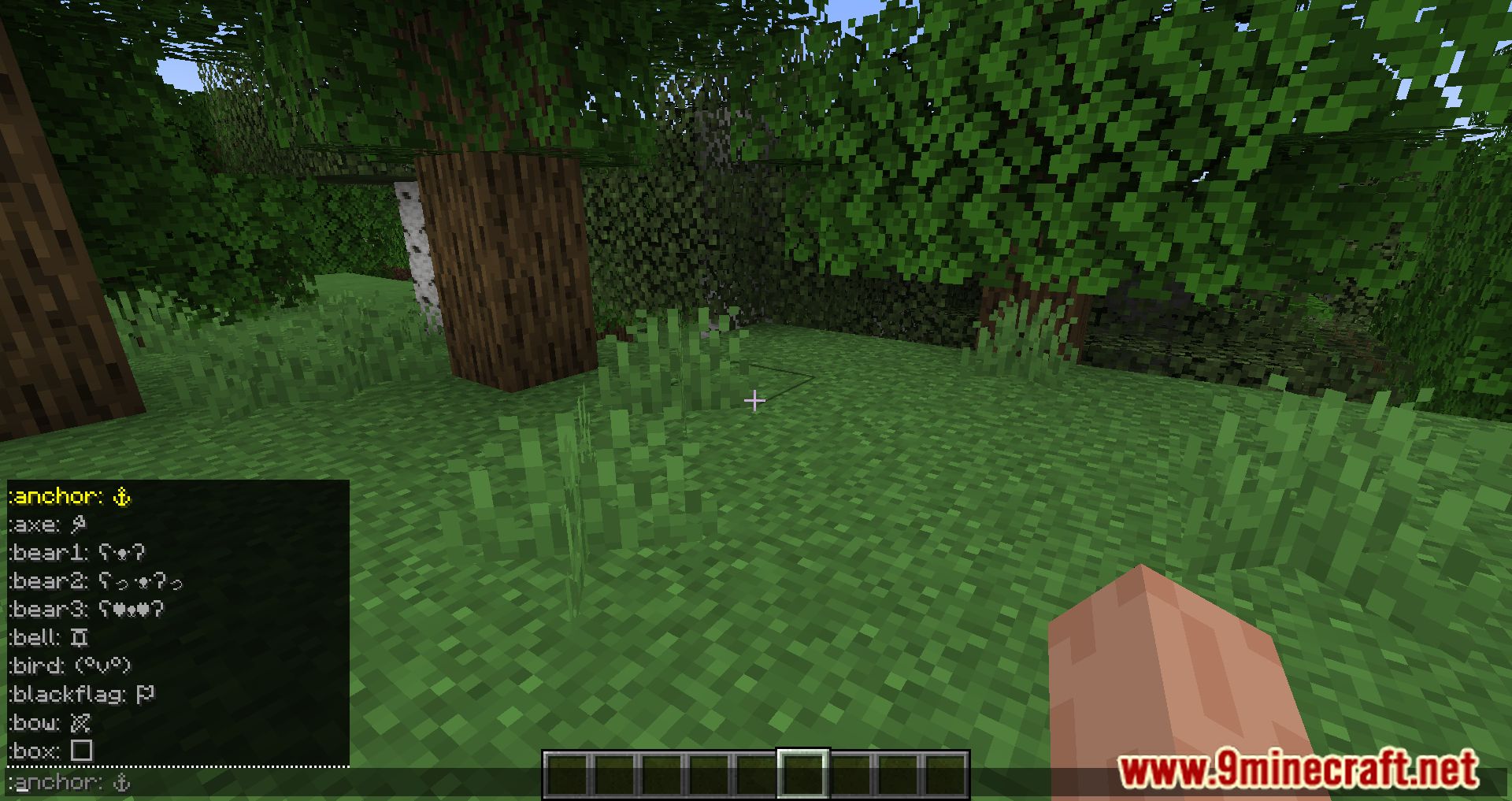
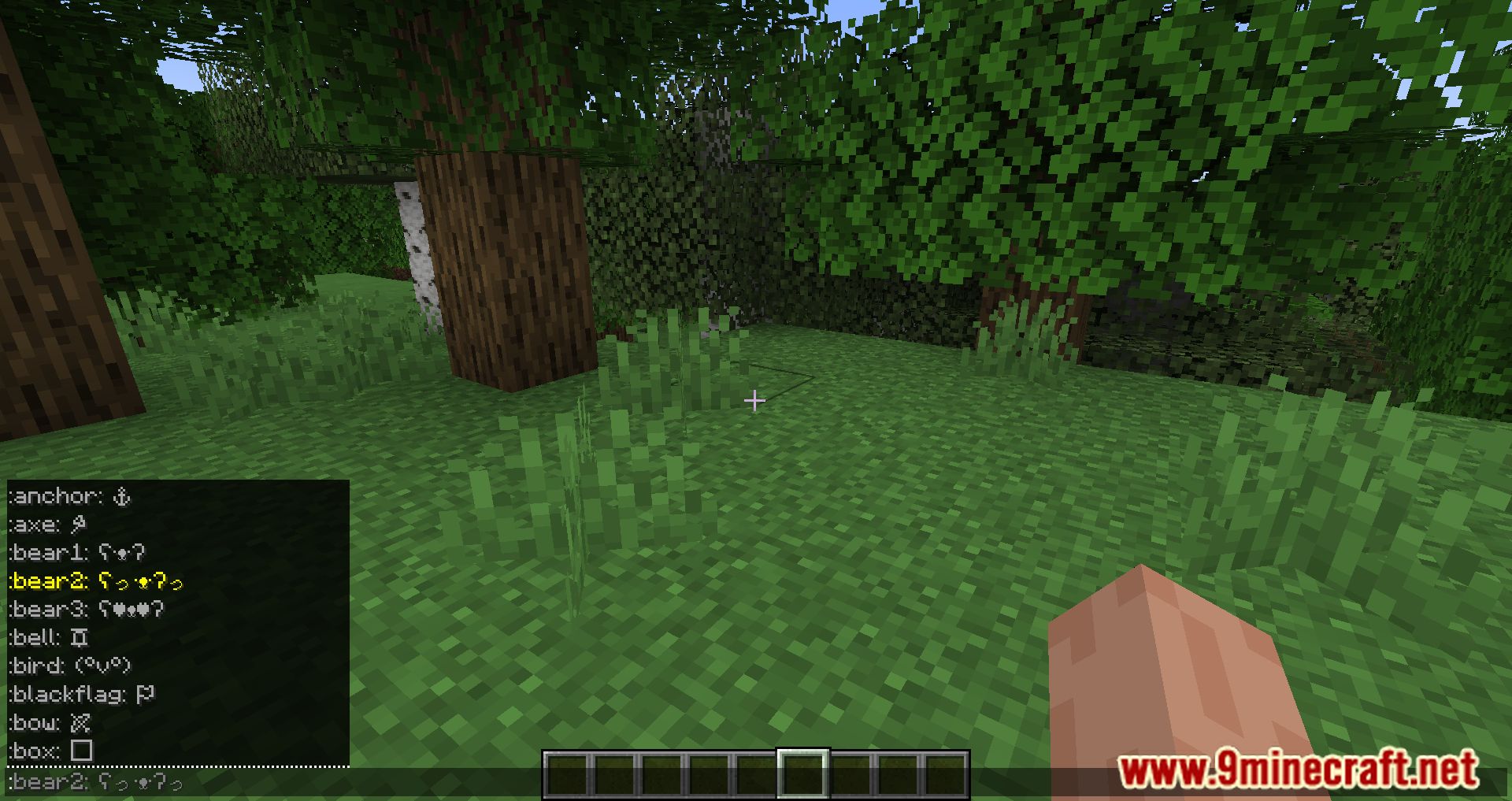
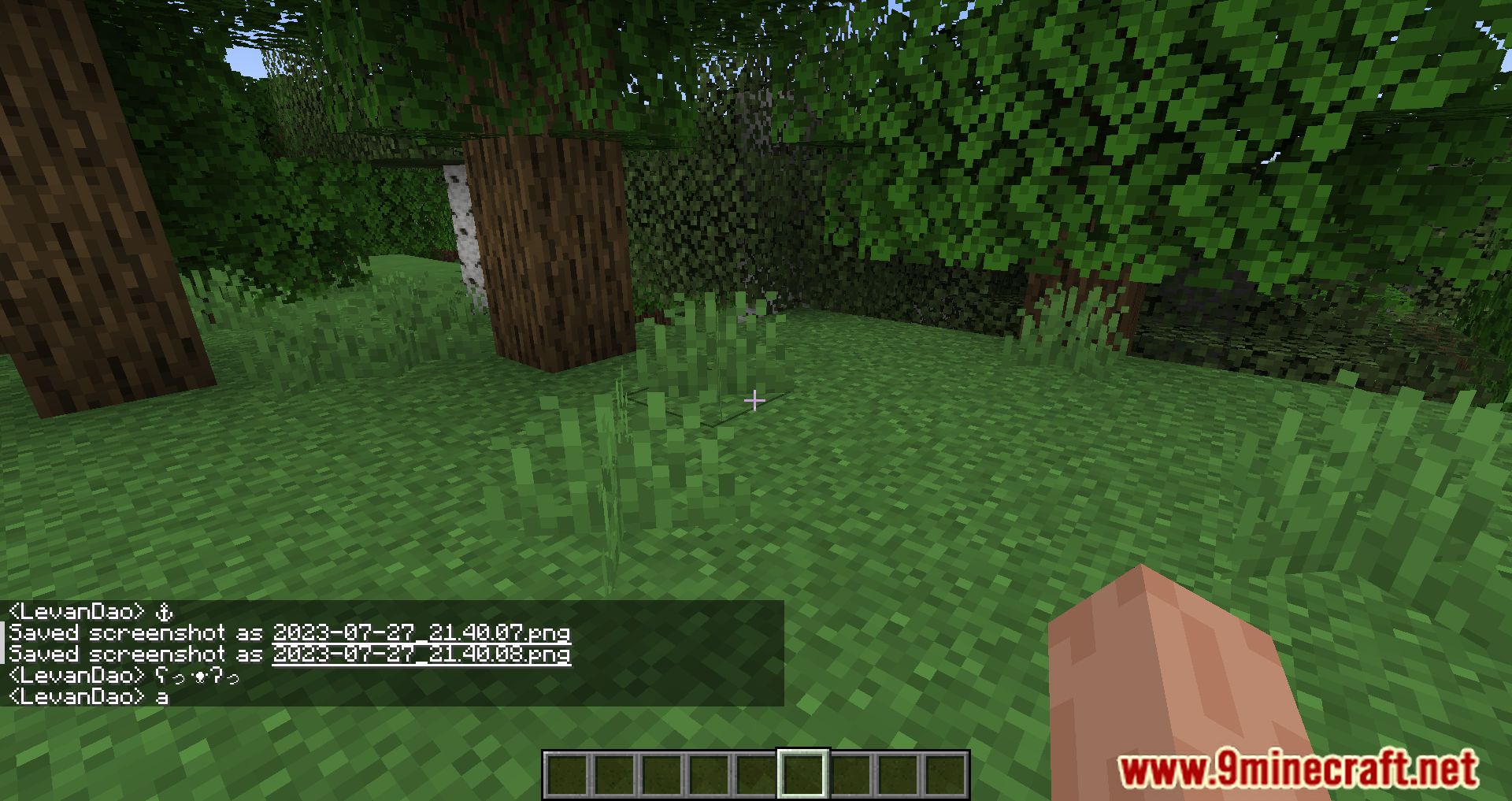
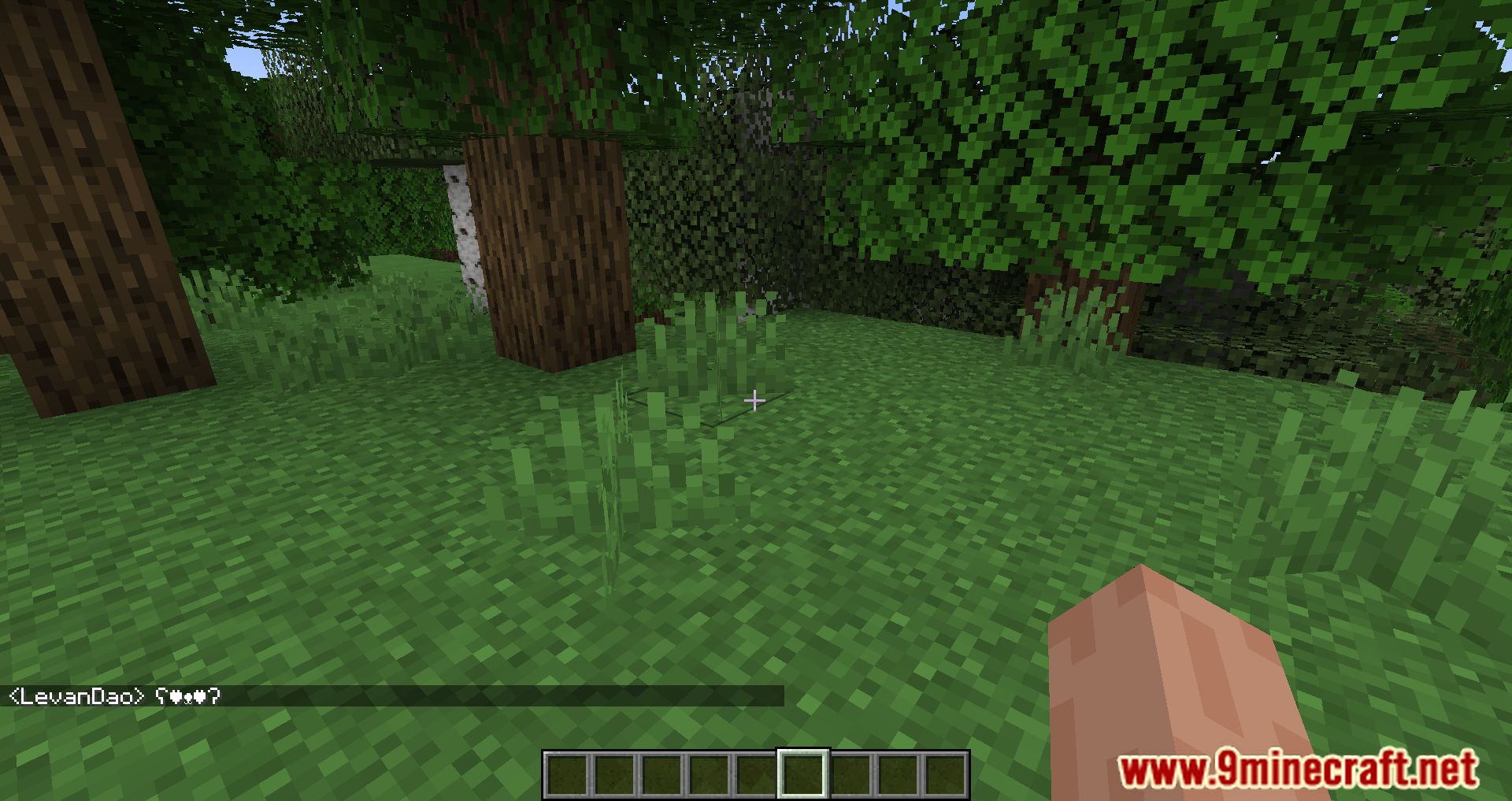
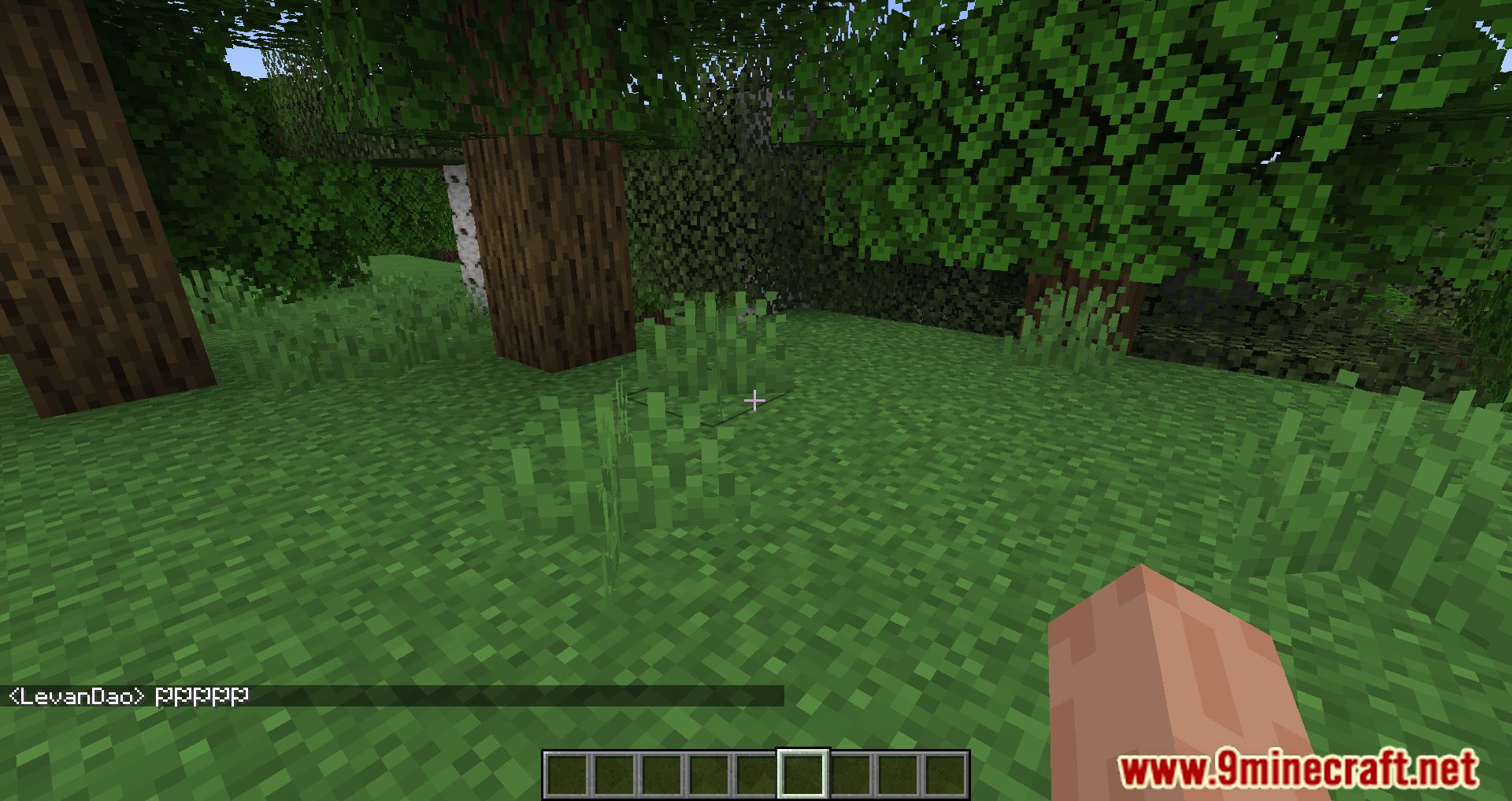
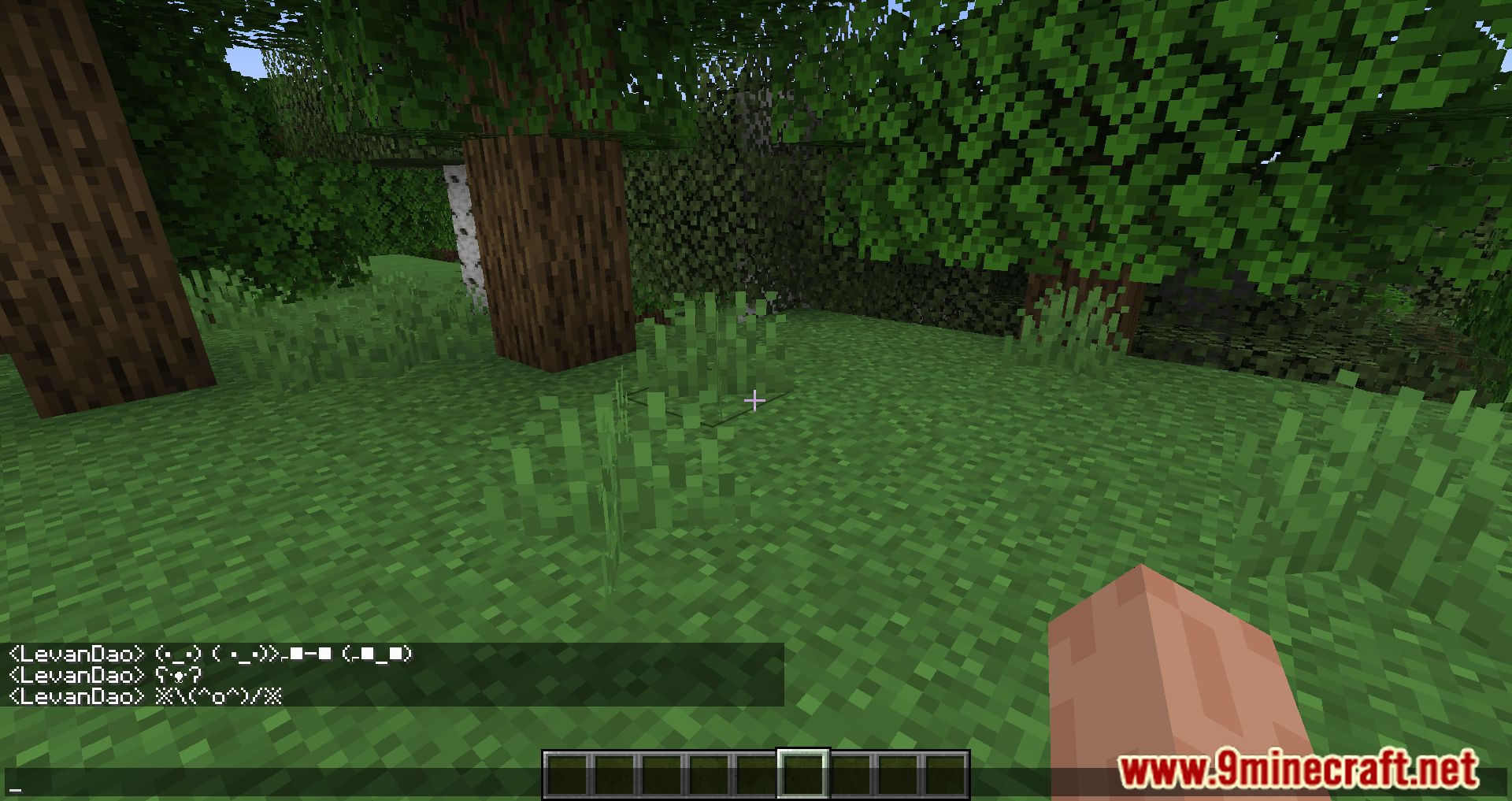
Emoji Type Mod makes it easier to use emojis and special characters in Minecraft. The mod doesn’t add new emojis-it simply streamlines the input of emojis that already exist in the game. This means any emojis typed will be visible to everyone and will remain even if the mod is later removed. To use an emoji, just type a colon : in chat and select the desired symbol from the suggestions that appear.
Features:
- Just type a colon : in chat, and a list of emoji keywords will appear-select one to insert the corresponding emoji or symbol.
- Emojis can also be typed into anvils, signs, books, and other text fields. While the suggestion list won’t appear outside of chat, the keywords still work.
- 100+ supported symbols: Includes a wide range of Unicode emojis and symbols already supported by Minecraft-no new emojis are added, just easier access to existing ones.
- Emojis remain visible to all players and persist even if the mod is later removed.
Screenshots:
Emoji Type Mod Download Links
Quick facts
- Edition: Minecraft Java
- File type: .jar
- Minecraft version listed: 1.20.1
- How to install: Install the matching mod loader (Forge, Fabric or NeoForge) for your Minecraft version. → Download the .jar. → Put it in the .minecraft/mods folder and launch that loader profile.
- Where to get it: In MC Java Mods, or directly above on this page.
Install steps are the general flow for this file type — How to install Minecraft Java mods & modpacks walks through it step by step.
Verified by MCModsHub
- Downloads as 28549.mcaddon
- Download size: 398 KB
- Download link checked 25 Sept 2026 — working
- Mirrored on our own servers — the download does not depend on the original host
These come from our own check of the pack file, not from the source page.