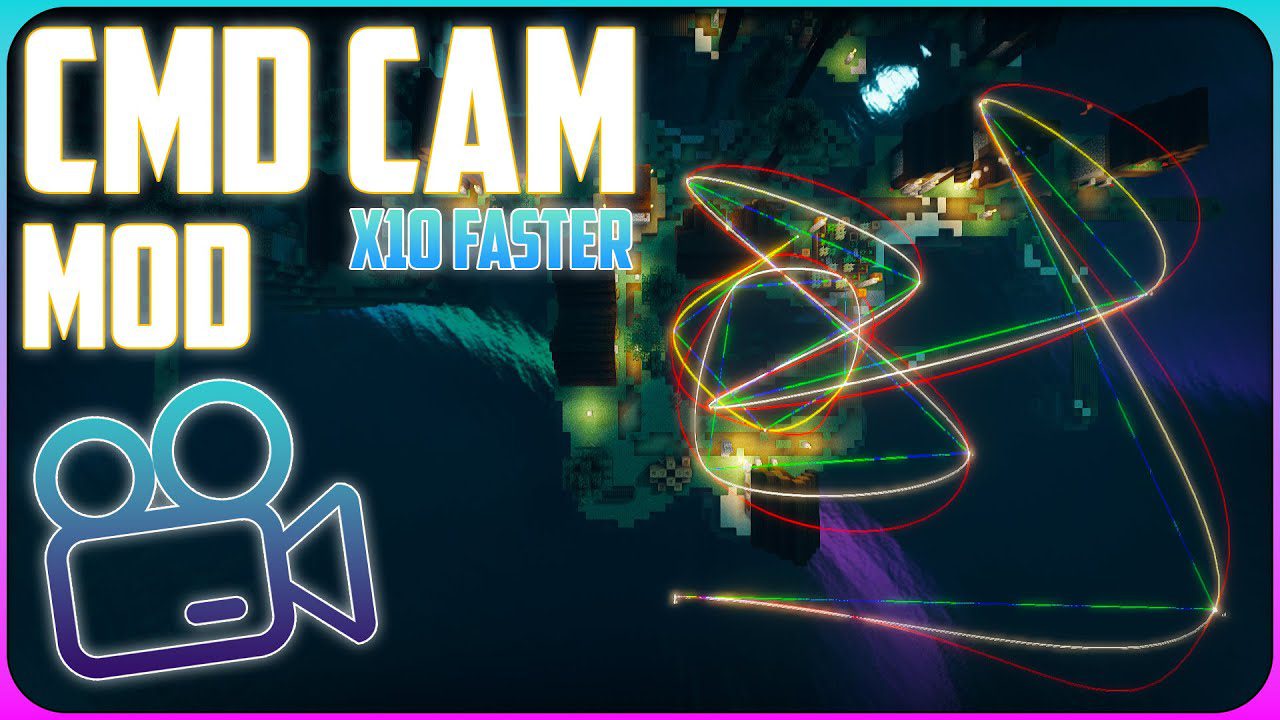
CMDCam Mod (26.2, 1.20.1) – Another Camera Mod
CMDCam Mod is revision of Camera Studio mod. Including a way to zoom in & out (which works like camera rolling) and an 'outside' mode to allow you to…
⬇ Download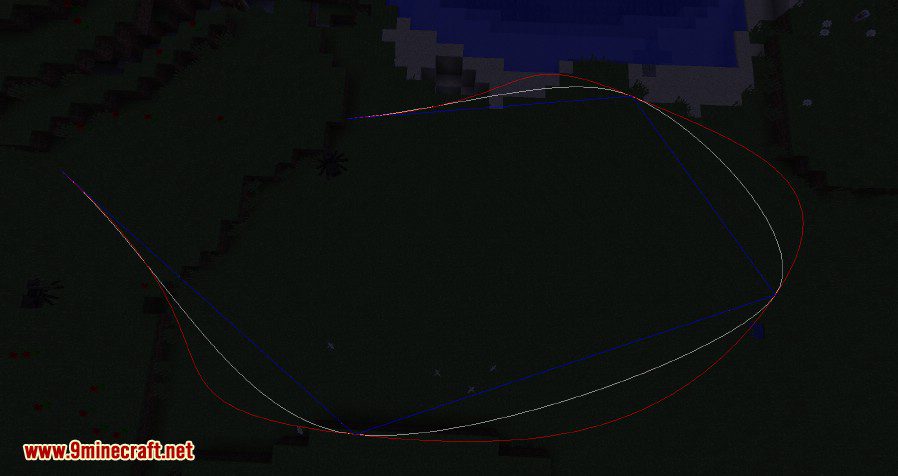
CMDCam Mod is revision of Camera Studio mod. Including a way to zoom in & out (which works like camera rolling) and an ‘outside’ mode to allow you to control your player and be the camera at the same time. You can even interact with the world while being on camera.
Features:
- Smooth camera paths.
- Roll rotation.
- Zooming.
- ‘outside’ mode (be camera & actor at the same time).
- Following targets.
Screenshots:
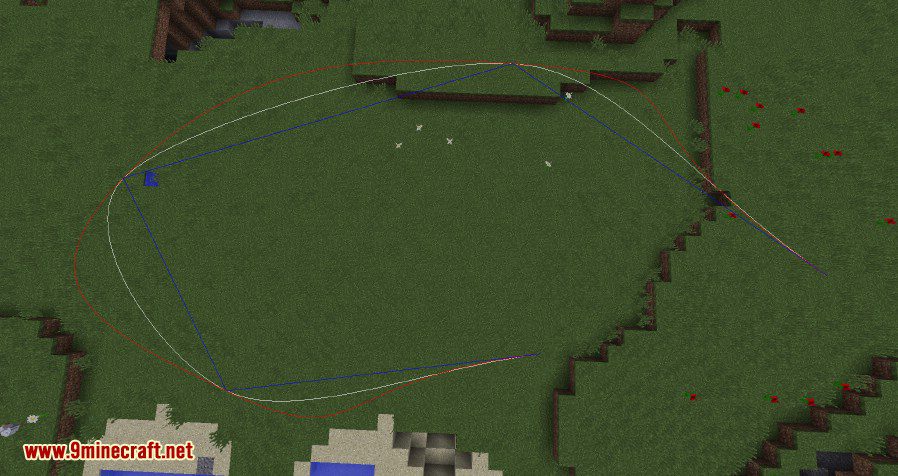
Interpolation
Mod Trailer:
How to use:
Press ‘P’ for adding a point.
Press ‘U’ to start the animation (default time is 10 seconds)
- /cam add [number] register a point at the current position.
- /cam start <time|ms|s|m|h|d> starts the animation using the given time.
- /cam clear delete all registered points.
- /cam goto <index> teleports to the given point.
- /cam set <index> updates point to current location.
- /cam remove <index> removes the given point.
- /cam target <none:self> set the camera target. If you leave it empty, right click an entity or a block to mark the target.
- /cam mode <default:outside> set current mode
- /cam interpolation <linear,cosine,cubic,hermite> set the camera interpolation. hermite interpolation is default.
- /cam follow-speed <number> sets the camera follow speed (targets), default is 1.0.
Press ‘V’ to zoom in, ‘N’ to zoom out and ‘B’ to reset the zoom.
Press ‘G’ to roll left, ‘J’ to roll right and ‘H’ to reset the roll.
- /cam show <all:linear,cosine,cubic,hermite> shows the path using the given interpolation
- /cam hide <all:linear,cosine,cubic,hermite> hides the path using the given interpolation
CMDCam Mod Download Links
- Edition: Minecraft Java
- File type: .jar
- Minecraft version listed: 1.20.1
- How to install: Install the matching mod loader (Forge, Fabric or NeoForge) for your Minecraft version. → Download the .jar. → Put it in the .minecraft/mods folder and launch that loader profile.
- Where to get it: In MC Java Mods, or directly above on this page.
Install steps are the general flow for this file type — How to install Minecraft Java mods & modpacks walks through it step by step.
- Downloads as 28558.mcaddon
- Download size: 135 KB
- Download link checked 25 Sept 2026 — working
- Mirrored on our own servers — the download does not depend on the original host
These come from our own check of the pack file, not from the source page.