Spatial
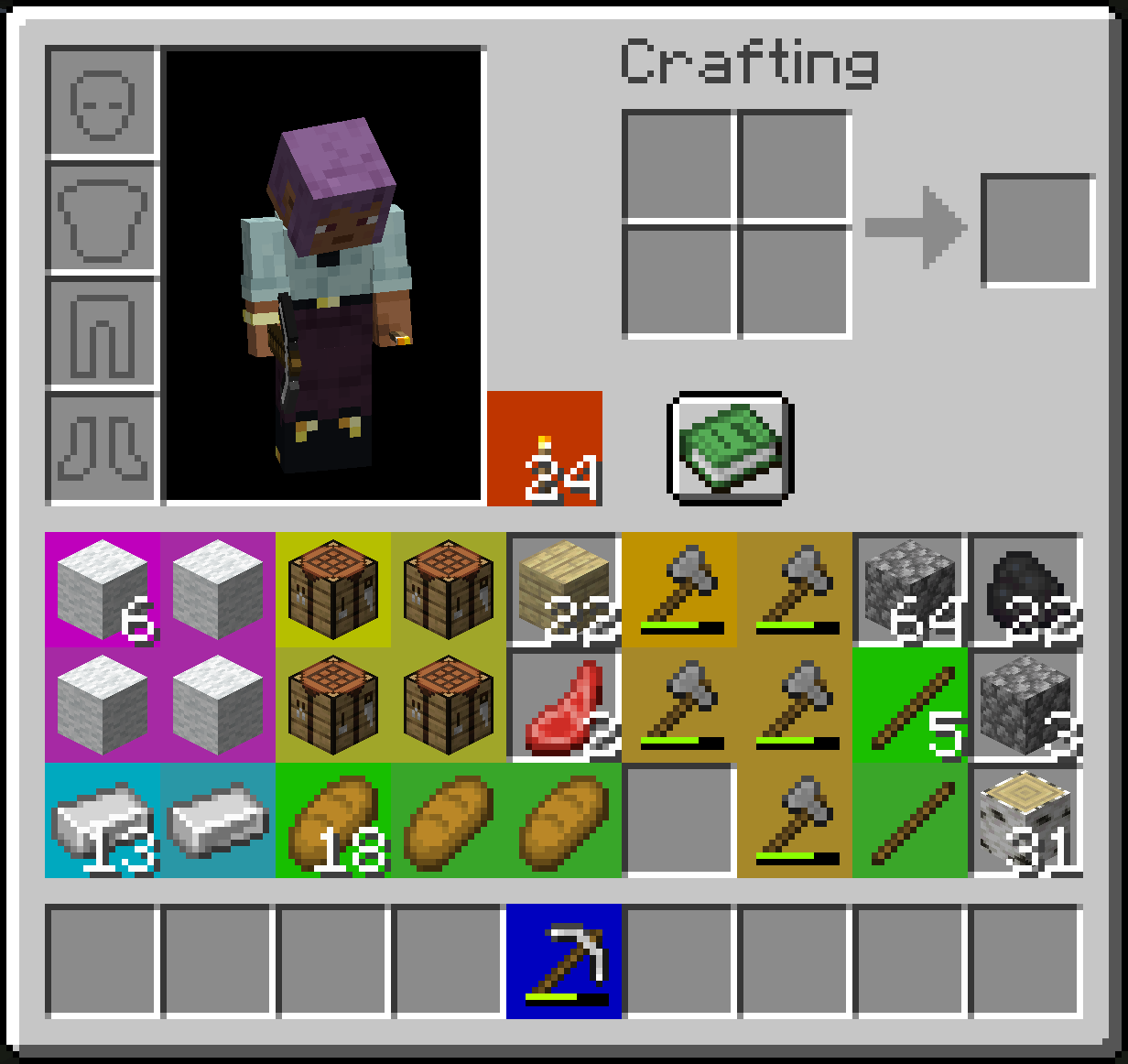
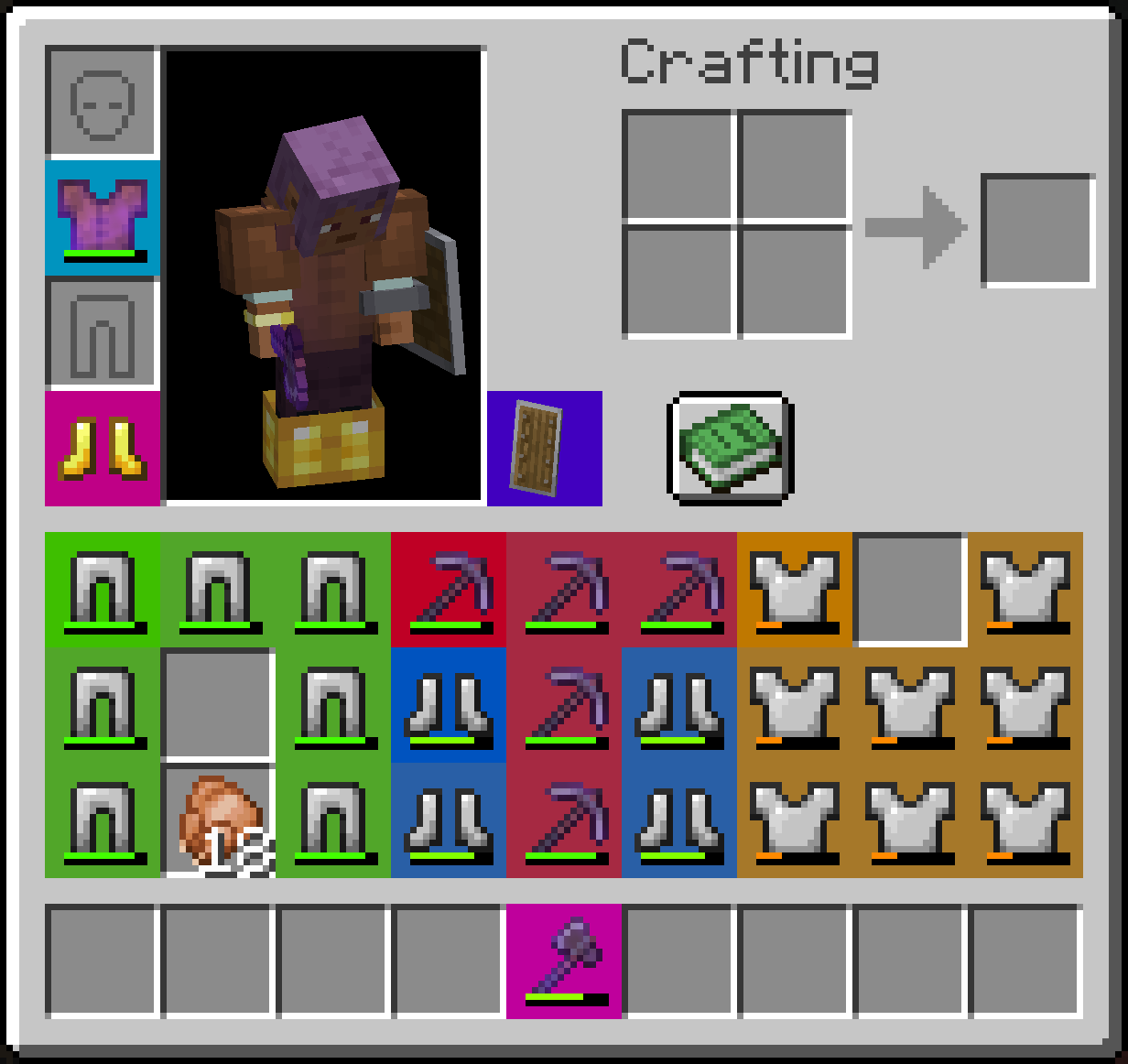
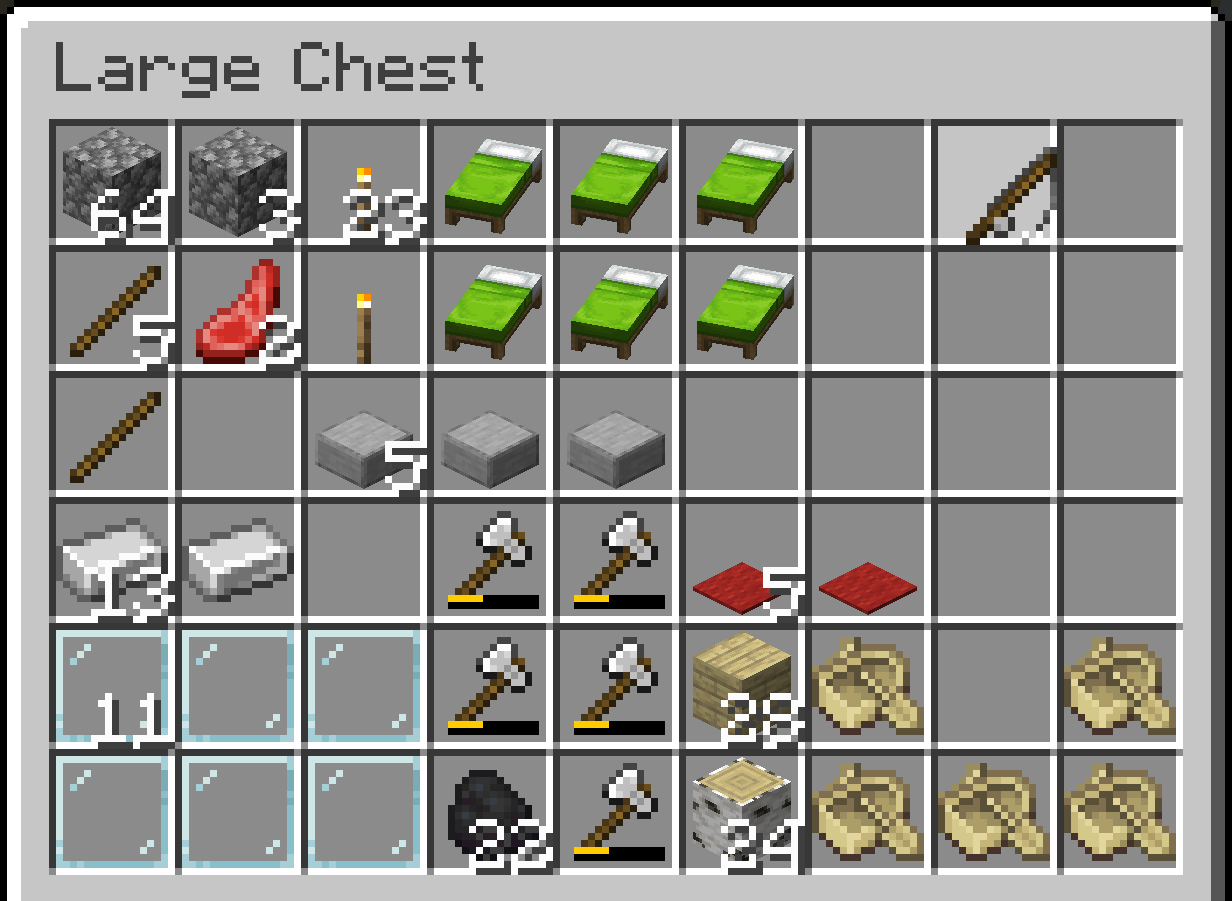
Spatial is a server side Fabric mod that converts the inventory system into a grid-based system. A spatial system.
So many mods these days are trying to fix the ever-growing problem that is the inventory. This mod is not one of those. Spatial revolutionizes the way that you struggle to organize your inventory.
There is also a completely optional client side version that improves the rendering and overall cohesiveness of the experience.
Screenshots
With Optional Client Mod
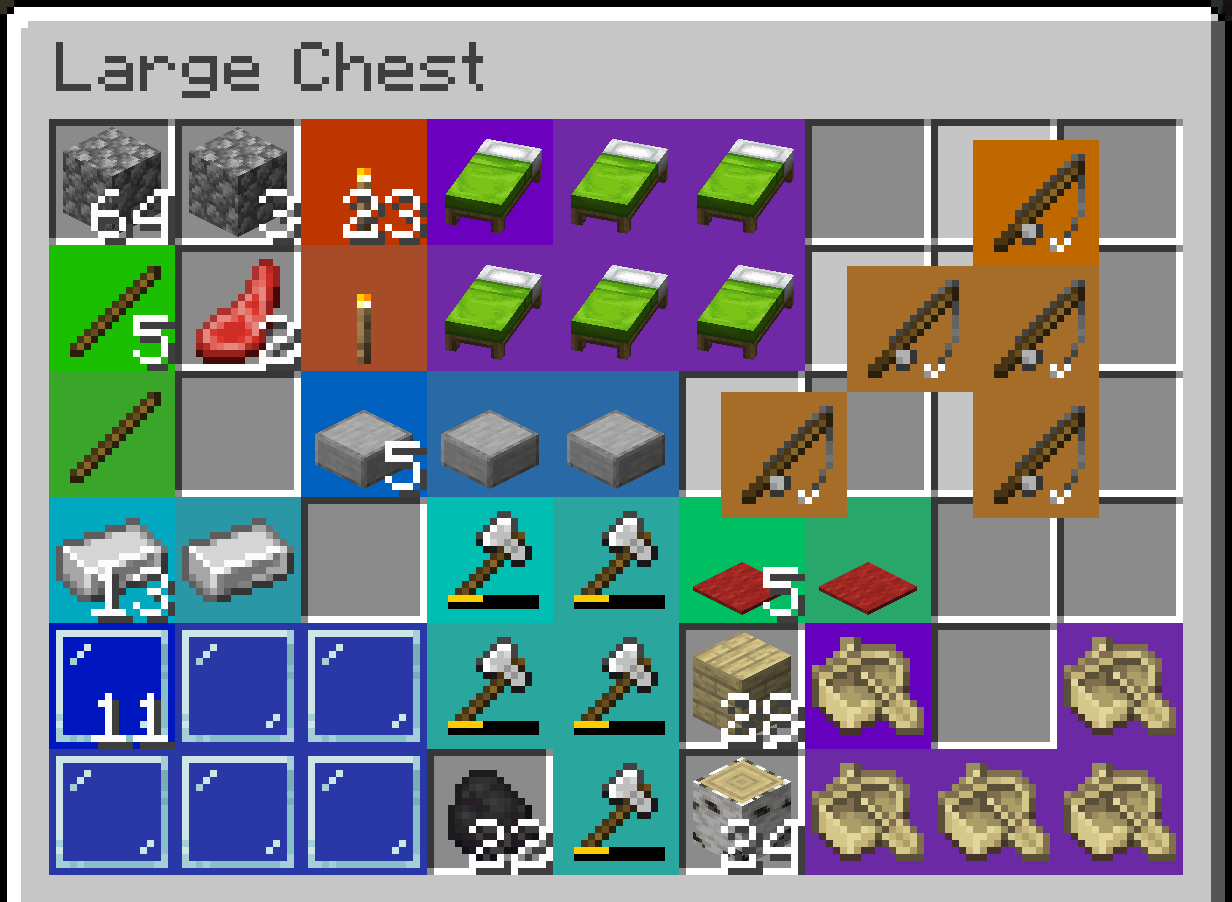
Without Optional Client Mod
Configuration
The config file can be found in ./config/spatial.json.
Overrides for shapes of items can be added in the config using by adding entries to shape_overrides.
Shape Format
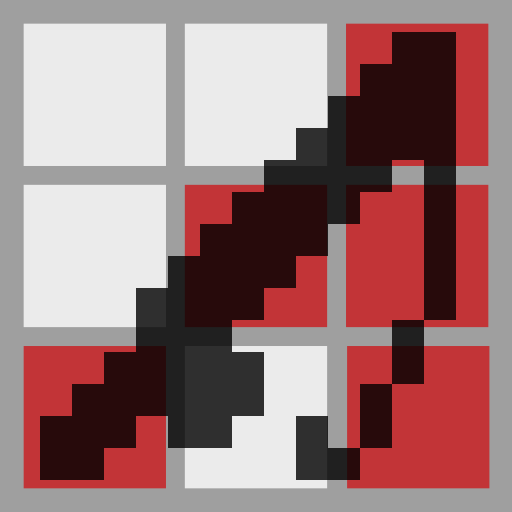
The format of shape overrides is similar to the format crafting recipes use for their shape. Any character besides a space is treated as a slot the item occupies. Spaces are treated as empty slots.
An example config that gives goat horns an L shape.
{
  ...
  "shape_overrides": {
    "minecraft:goat_horn": [
      "x ",
      "xx"
    ]
  },
  ...
}
Brutal Mode
When enabled brutal mode disables stacking of any items. Disabled by default.
Mod Compatibility
Spatial will automatically detect all shaped recipes loaded at server start. So no extra work is required for modded items that have shaped crafting recipes.
To avoid breaking modded inventories Spatial is only active in specific inventory screens. This may be configurable in the future but as of right now it won't work in modded screens that don't extend a vanilla screen that has Spatial items enabled.
Supported Screens
- Survival Player Inventory
- Chests
- Ender Chests
- Barrels
- Shulker Boxes
- Dispensers and Droppers
- Vehicle Inventories
For Modders
If you want to add shape overrides for an item in your mod or another mod
you need to register a listener to Spatial.SHAPES_LOADED and call Spatial.addShapeOverride(item, shape) or any of the other shape override methods.
- Edition: Minecraft Java
- File type: .jar
- Minecraft version listed: 1.20.1
- How to install: Install the matching mod loader (Forge, Fabric or NeoForge) for your Minecraft version. → Download the .jar. → Put it in the .minecraft/mods folder and launch that loader profile.
- Where to get it: Opens on Modrinth — not every file is mirrored on our own servers.
Install steps are the general flow for this file type — How to install Minecraft Java mods & modpacks walks through it step by step.
- Ships as spatial-1.0.0+1.20.1.jar — drop this file into the mods folder
- Download size: 38 KB
- Download link checked 6 Sept 2026 — working
These come from our own check of the pack file, not from the source page.