
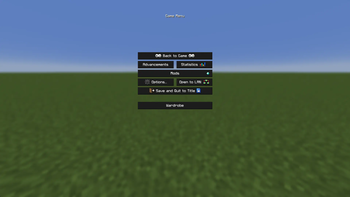
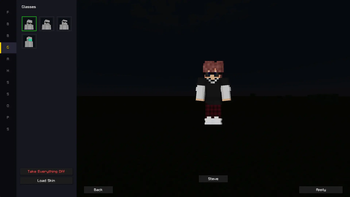
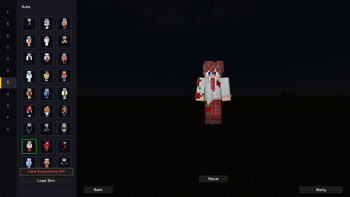
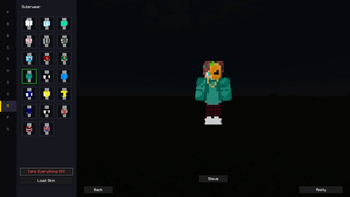
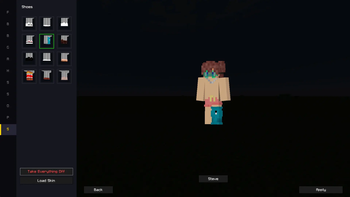
Customize your Minecraft skin with accessories, hats, glasses, and outfits — all in-game! You are changing the skin itself. You don't put clothes on top of the skin separately like in other mods.Everyone will be able to see the updated skin even without the mod installed.
Unfortunately, due to the peculiarities of Minecraft, you will have to log back into the server (or into solo mode if you are playing with a friend) so that everyone can see your updated skin. But in the future, when I finish the mod, I will try to make a plugin for servers that will update the skin for all players on the server.
- Edition: Minecraft Java
- File type: .jar
- Minecraft version listed: 1.21.4
- How to install: Install the matching mod loader (Forge, Fabric or NeoForge) for your Minecraft version. → Download the .jar. → Put it in the .minecraft/mods folder and launch that loader profile.
- Where to get it: Opens on Modrinth — not every file is mirrored on our own servers.
Install steps are the general flow for this file type — How to install Minecraft Java mods & modpacks walks through it step by step.
- Ships as customizeyourskin-1.0.0.jar — drop this file into the mods folder
- Download size: 3.0 MB
- Download link checked 6 Sept 2026 — working
These come from our own check of the pack file, not from the source page.