
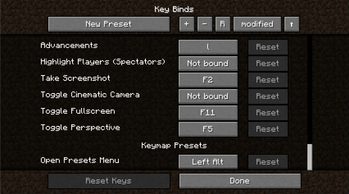
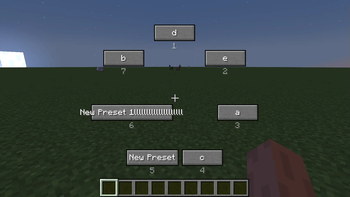
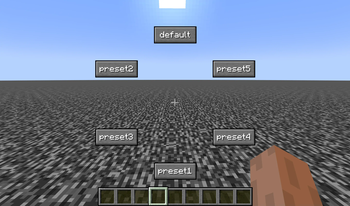
Keymap Presets
Keymap Presets is a client-side mod useful for environments that require frequent key binding changes.
Features
- Add commands to save and load keymaps.
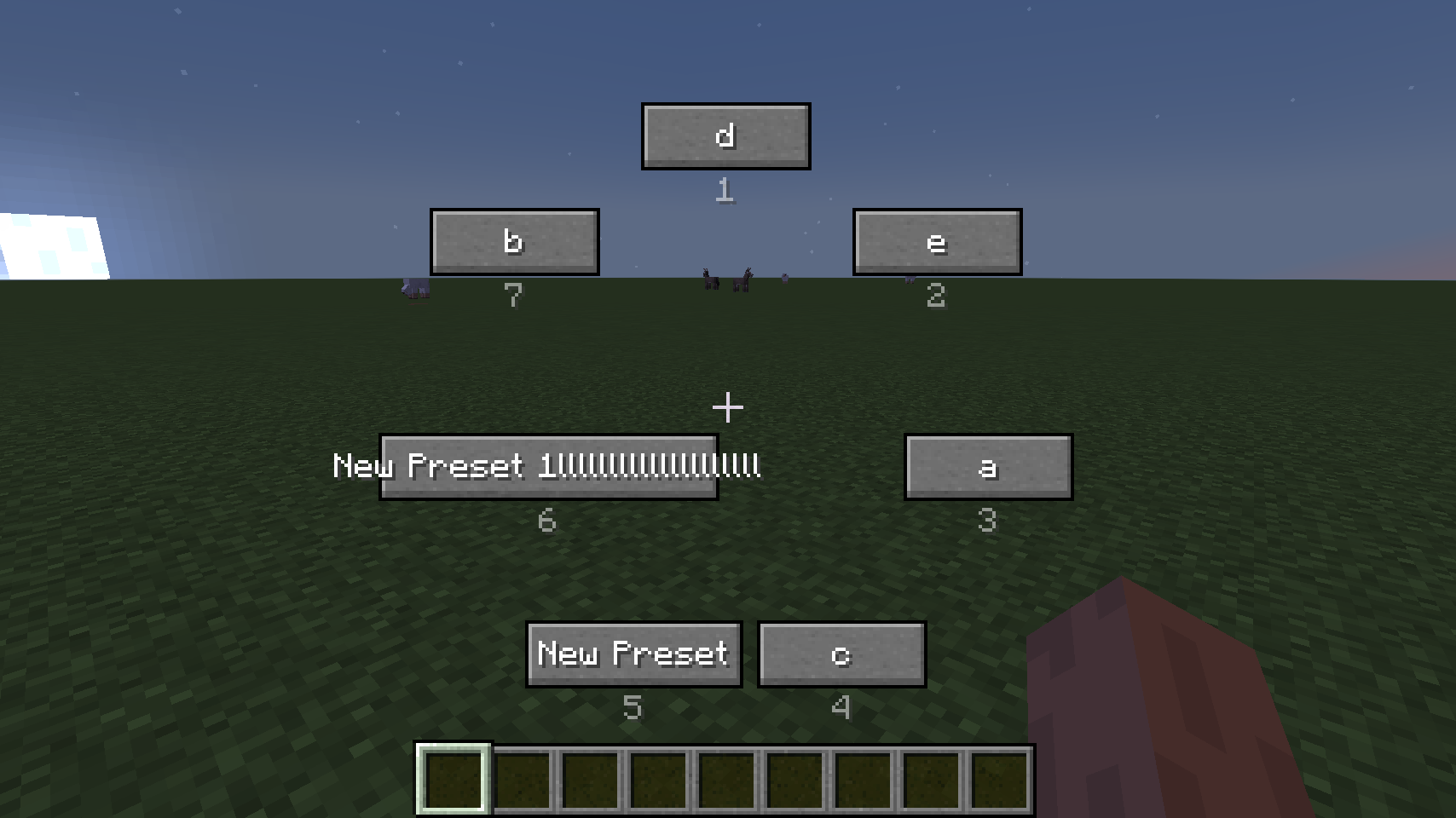
- Press the left ALT key (Default) to open the preset selection menu.
- Press ALT+<N> key for quick select. ex) ALT+1 loads the ‘default’ preset.
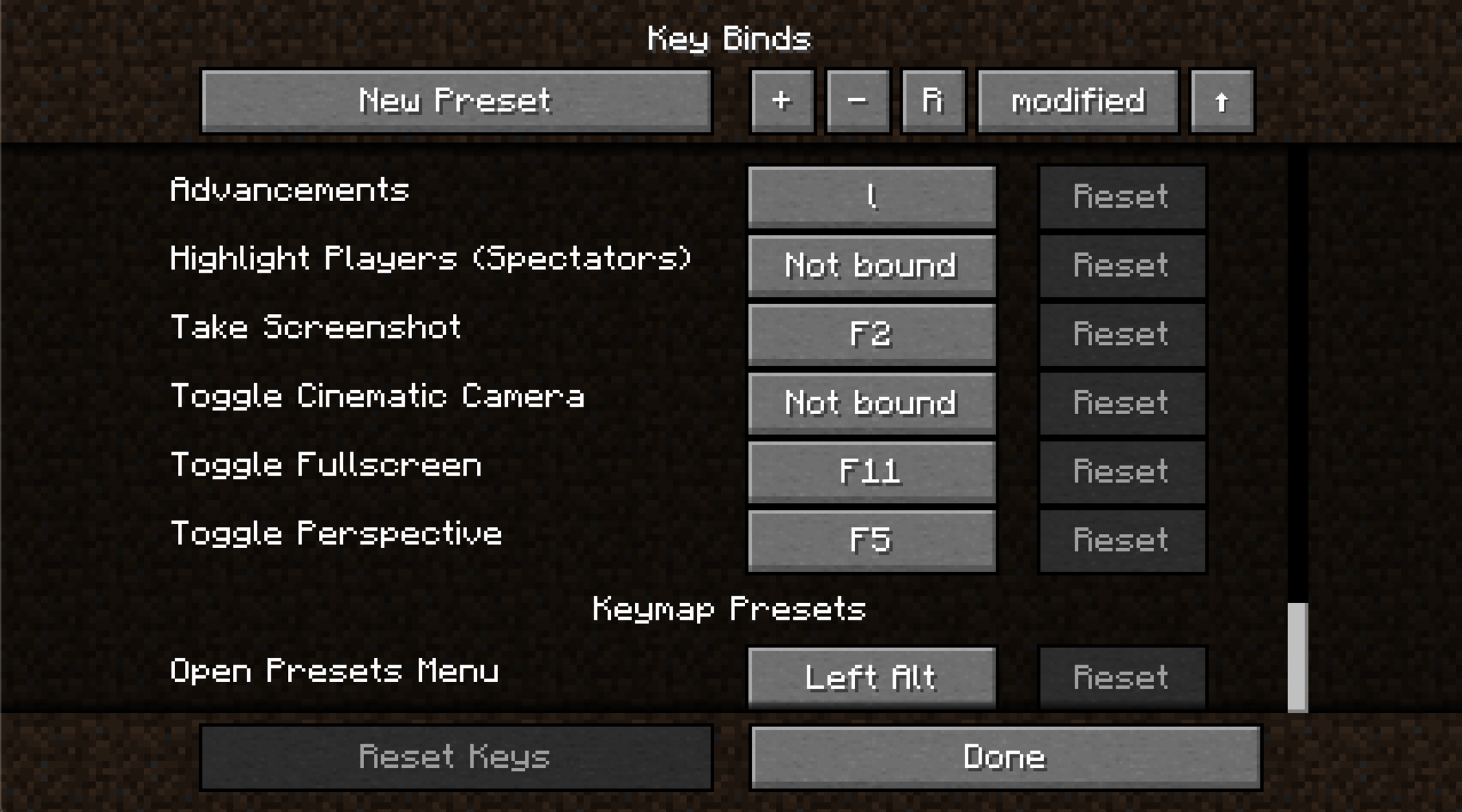
- Add widget for editing presets on the key binds screen.
Commands
- Save preset. "/keymap save <name>"
- Load preset. "/keymap load <name>"
- Delete preset. "/keymap delete <name>"
- Clear all presets. "/keymap clear"
- Rename preset. "/keymap rename <name>"
- Show all presets. "/keymap list"
- Set sort config. "/keymap sort <type> <order>"
F&Q
- Does this work on the client side?
Yes. Fully works with the client side. - I would like to migrate to another instance.
Copy the.minecraft/keymappresets/folder to the new instance.
Quick facts
- Edition: Minecraft Java
- File type: .jar
- Minecraft version listed: 1.18.2
- How to install: Install the matching mod loader (Forge, Fabric or NeoForge) for your Minecraft version. → Download the .jar. → Put it in the .minecraft/mods folder and launch that loader profile.
- Where to get it: Opens on Modrinth — not every file is mirrored on our own servers.
Install steps are the general flow for this file type — How to install Minecraft Java mods & modpacks walks through it step by step.
Verified by MCModsHub
- Ships as keymappresets-1.18.2-1.2.1-forge.jar — drop this file into the mods folder
- Download size: 47 KB
- Download link checked 6 Sept 2026 — working
These come from our own check of the pack file, not from the source page.