
Skychest
Java mod listed for Minecraft 1.21. Downloads from the MC Java Mods app on Android.
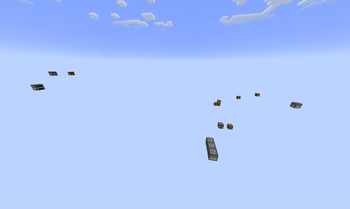
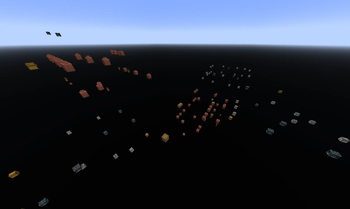
A challenge mod that removes all blocks during world generation except for chests, barrels, furnaces, flower pots, and other forms of storage.
⬇ Download on Modrinth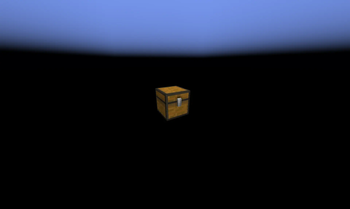

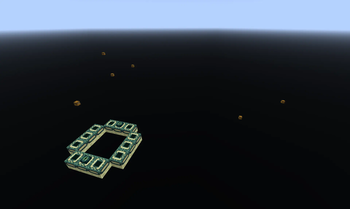
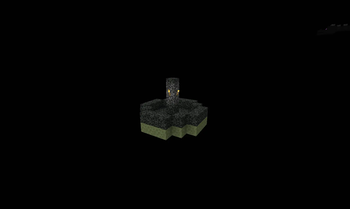
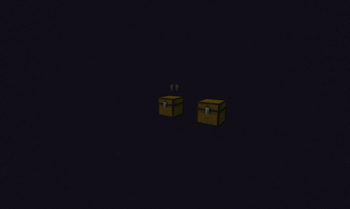
Skychest
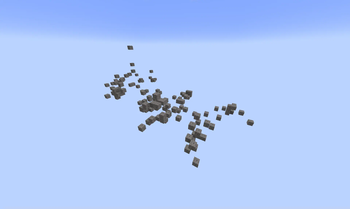
There's a lot of good loot to be found in chests and other containers throughout your typical Minecraft world. But what if that was all there was? This mod systematically removes all terrain during generation, while leaving behind structure boundaries, and a small handful of storage blocks.
World Generation
When creating a new world, an additional option is added in the World tab, called Void Mode. There are four different Void Modes:
- DEFAULT: Vanilla world generation, unaltered by the mod.
- NOTHING: Absolutely nothing spawns. This is so you
- CONTAINERS ONLY: The star of the show, only storage blocks and entities will successfully generate. It's recommended to use the Bonus Chest, but you don't have to, and it's not always necessary.
- CONTAINERS + ALL ENTITIES: Like regular Containers Only, but this time around all structure entities are preserved, rather than just storage. This makes a lot more passive mobs potentially available from Village animal pens, but also mobs like Shulkers and Piglin Brutes.
World Generation is completely seed-compatible with Vanilla, so the actual contents and locations of chests should be identical if you wish to use a creative world or seed searcher to scout out locations.
General Changes
There are only two general changes implemented by this mod, and neither should affect any Vanilla worlds:
- If the Bonus Chest spawns at the World Bottom or more than 10 Blocks away from the player, it is instead placed directly under the player's feet.
- The Exit Portal in the End always generates at least 2 blocks above the lower build limit, to prevent broken generation.
- Edition: Minecraft Java
- File type: .jar
- Minecraft version listed: 1.21
- How to install: Install the matching mod loader (Forge, Fabric or NeoForge) for your Minecraft version. → Download the .jar. → Put it in the .minecraft/mods folder and launch that loader profile.
- Where to get it: Opens on Modrinth — not every file is mirrored on our own servers.
Install steps are the general flow for this file type — How to install Minecraft Java mods & modpacks walks through it step by step.
- Ships as Skychest-1.1.0.jar — drop this file into the mods folder
- Download size: 90 KB
- Download link checked 17 Oct 2026 — working
These come from our own check of the pack file, not from the source page.