
Miner Overview
A simple hud that shows coordinates, biome, fps, lightlevel and more. Shows durability and stack size of items in the inventory and armor. Highlights…
⬇ Download on Modrinth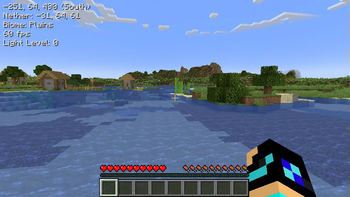
WARNING The current light algorithm is not implemented correctly which causes crashes after some time
NOTE The mod is still in alpha please report any issues or feature requests in the issues tracker.
Miner Overview
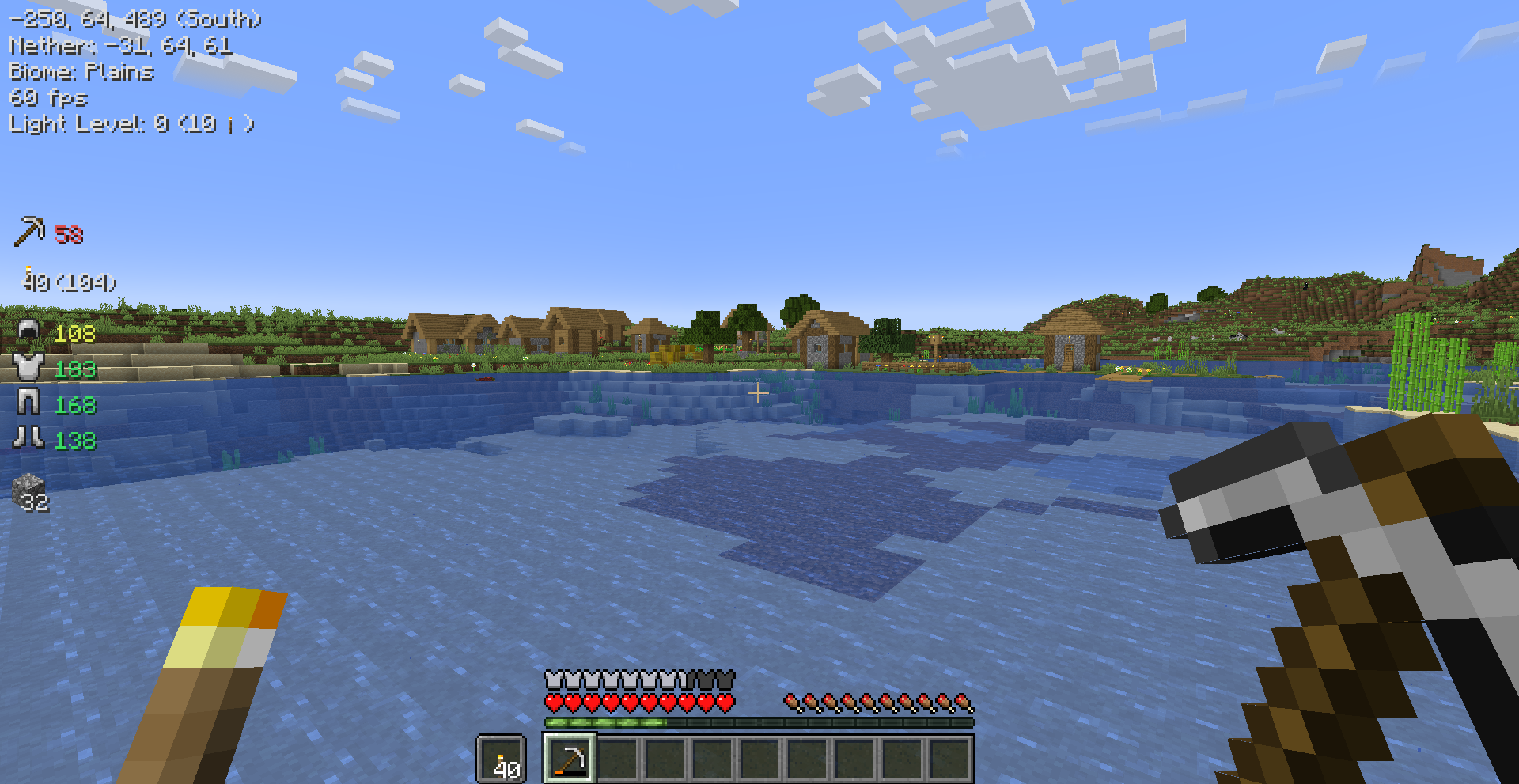
A simple hud that shows coordinates, biome, fps, lightlevel and more. Shows durability and stack size of items in the inventory and armor. Highlights blocks where to place torches and other light sources.
Features
Info Overview
Shows information about the world on the top left side of the screen. The visibility of these can be changed in the mod menu settings or in the config file.
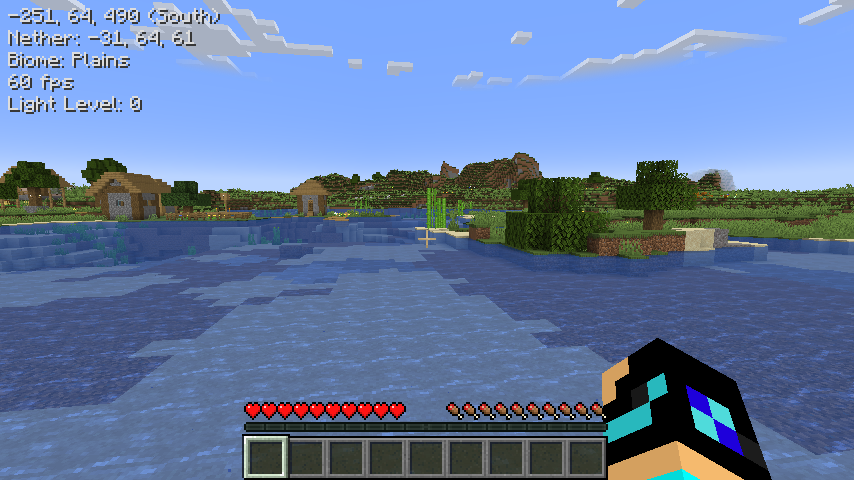
Item Overview
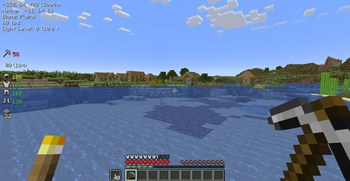
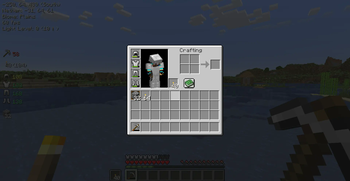
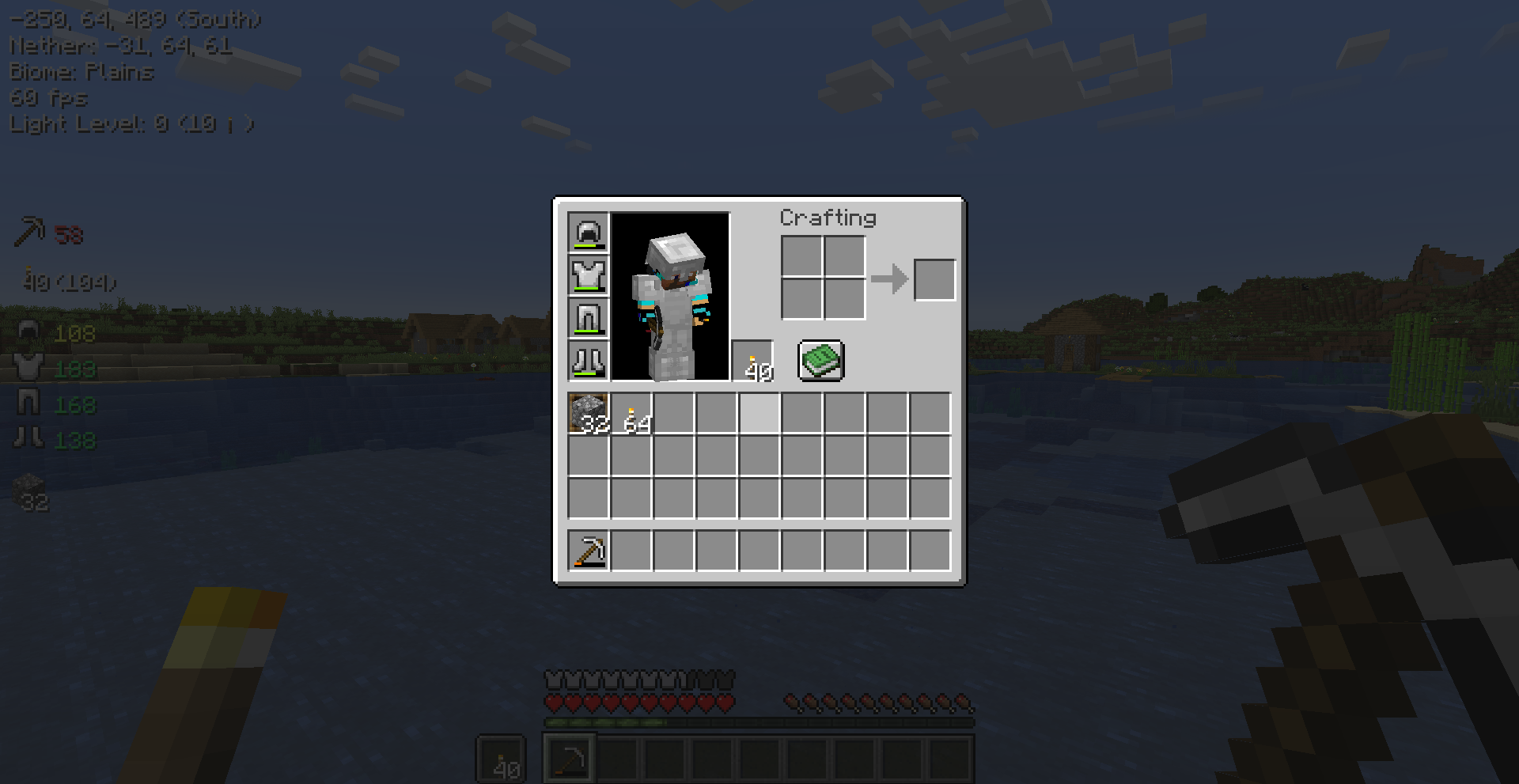
Shows information about items in the inventory. This includes the mainhand, offhand, armor and custom inventory slots. The slots can by added by clicking on it + holding the toggle slot keybind.
Light Levels
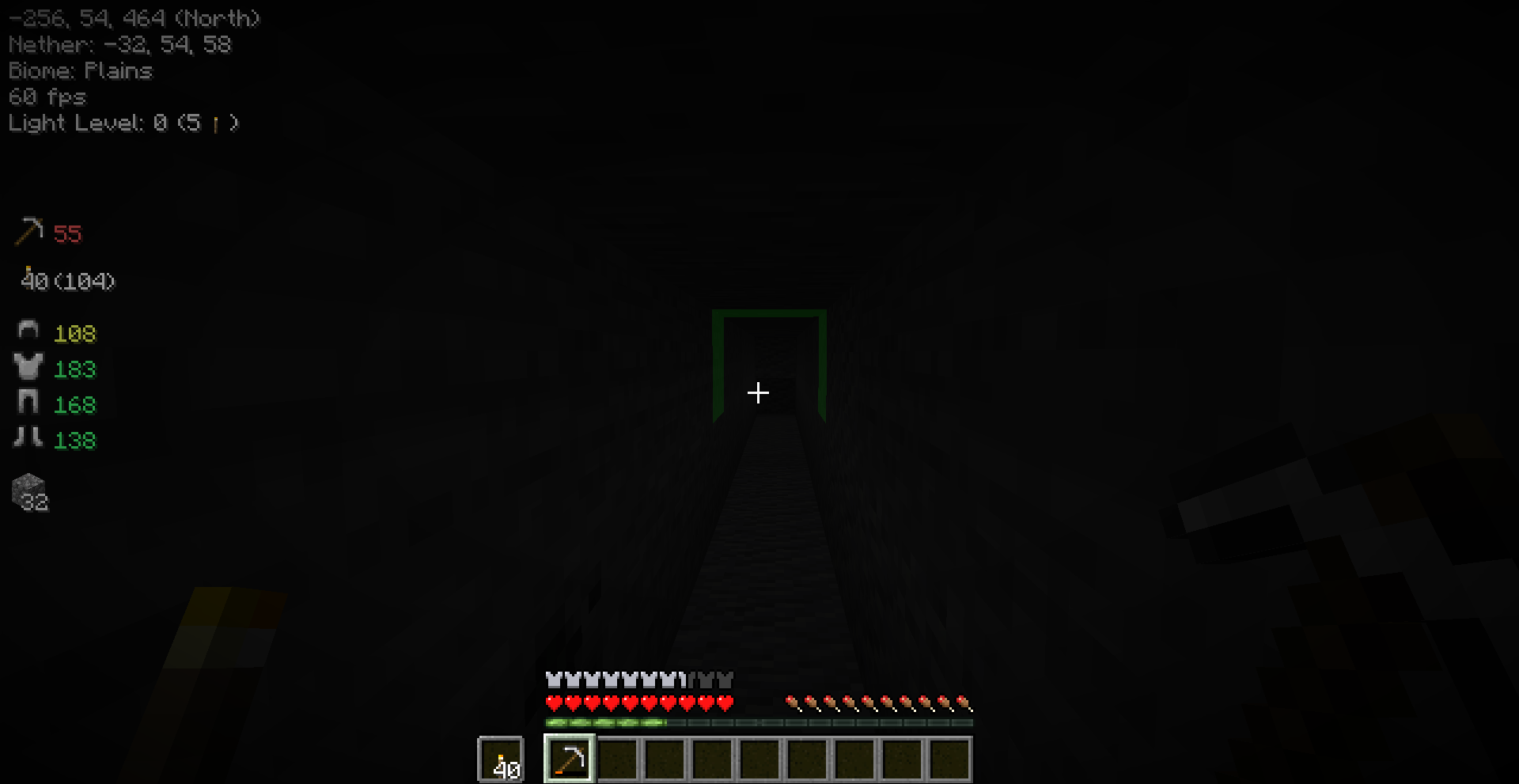
The light levels is shown in the info texts. You can also enable Light Level Distance. When this is enabled it will show highlights on blocks and in the info text where to place the next light source. This is very handy while strip mining to make sure no mobs spawn. The minimum light level and height of the light source can be changed in the settings.
Key Bindings
| Name | Default Key | Description |
|---|---|---|
| Toggle Overview | M |
Toggles the visibility of the overview hud. |
| Toggle Slot For Item Overview | LEFT ALT |
The key to hold when adding/removing a slot for the item overview. |
You can change every key binding in the Minecraft key binding settings.
- Edition: Minecraft Java
- File type: .jar
- Minecraft version listed: 1.19.3
- How to install: Install the matching mod loader (Forge, Fabric or NeoForge) for your Minecraft version. → Download the .jar. → Put it in the .minecraft/mods folder and launch that loader profile.
- Where to get it: Opens on Modrinth — not every file is mirrored on our own servers.
Install steps are the general flow for this file type — How to install Minecraft Java mods & modpacks walks through it step by step.
- Ships as miner-overview-0.0.1.jar — drop this file into the mods folder
- Download size: 1019 KB
- Download link checked 6 Sept 2026 — working
These come from our own check of the pack file, not from the source page.