
Cobblemon PokéPing
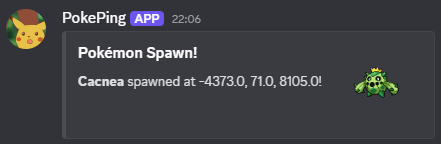
Receive notifications when a specific Pokémon spawns on a server or in singleplayer. With Discord webhook support and in-game chat messages.
⬇ Download on Modrinth
PokéPing
Receive notifications for wild Pokémon in Cobblemon on a server or in singleplayer!
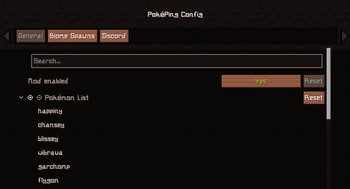
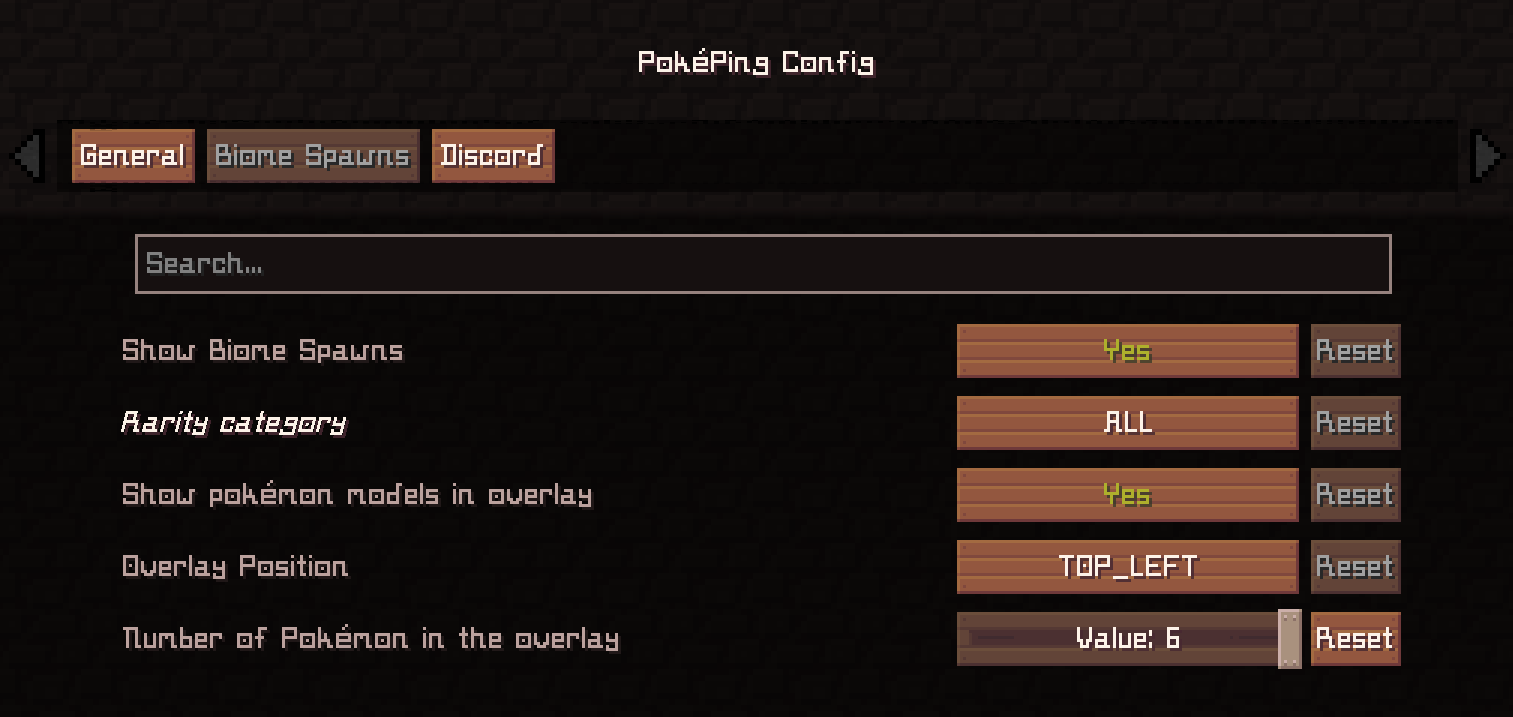
With the config (editable in the file or directly through ModMenu), you can easily choose which Pokémon trigger notifications. You can also enable Discord webhooks to be notified when you are afk, for example.
✨ Features
- Shows notifications in Minecraft chat when selected Pokémon spawn nearby
- Edit config in ModMenu or
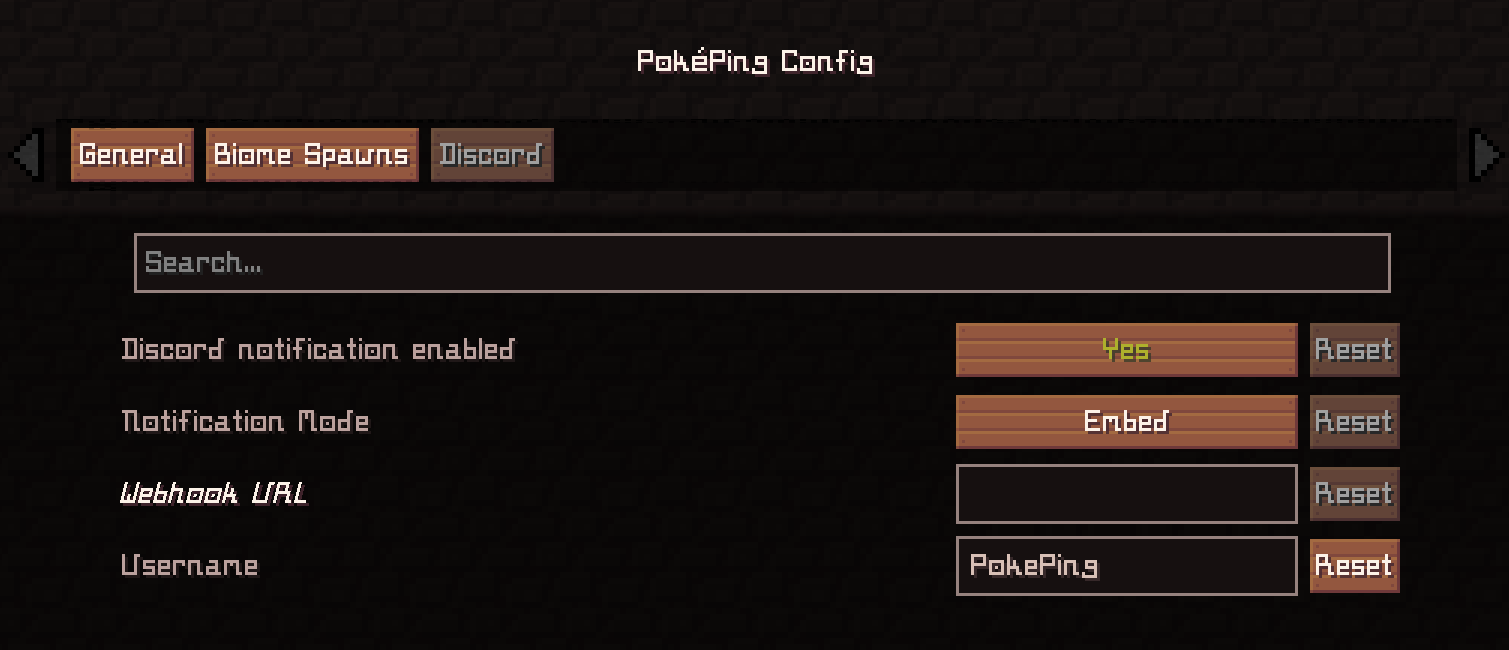
config/pokeping.json - Optional Discord webhook support (text or embed messages)
- Can be disabled via config without restarting Minecraft
- Language support for: English, German
- Version 1.0.4^ (WIP): Biome spawn checks for singleplayer and server (Not 100% perfect / accurate. I can only use Cobblemons spawn files with the biome tags (#cobblemon:is_grassland) on the server and compare whether the current biome matches this tag)
💡 Example Use Case
Want to get notified when a rare starter Pokémon like Squirtle appears while you are exploring?
Add "squirtle" (Available Cobblemon Names) to your list in the config, and PokéPing will notify you when it spawns. And via Discord if you have set up a webhook for a Discord channel. (Translated Pokémon names does also work, like "Schiggy" for squirtle in german)
In-Game Notification
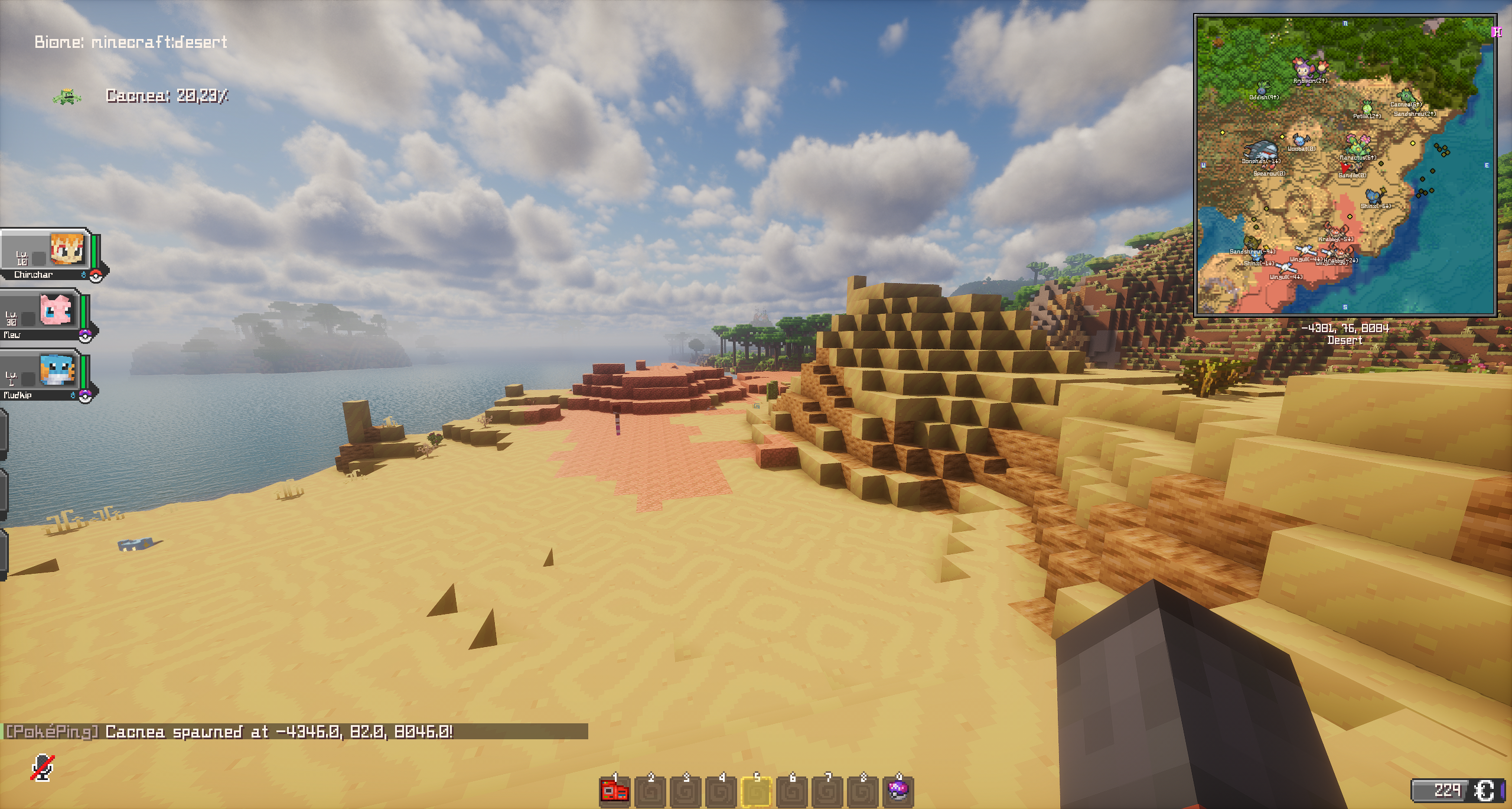
Discord Webhook (Embed Mode)
Discord Webhook (Text Mode)
🔗 Dependencies
- Required:
- Optional:
⚙️ Tested With:
Minecraft: 1.20.1
- Fabric Loader: 0.16.14
- Fabric API: 0.92.5+1.20.1
- Cobblemon: 1.5.2
- Fabric Language Kotlin: 1.13.2+kotlin.2.1.20
Minecraft: 1.21.1
- Fabric Loader: 0.18.5
- Fabric API: 0.116.13+1.21.1
- Cobblemon: 1.7.3+1.21.1
- Fabric Language Kotlin: 1.13.10+kotlin.2.3.20
Notes:
- Make sure to keep your webhook URL private - anyone with this URL can post into your Discord channel
- Edition: Minecraft Java
- File type: .jar
- Minecraft version listed: 1.21.1
- How to install: Install the matching mod loader (Forge, Fabric or NeoForge) for your Minecraft version. → Download the .jar. → Put it in the .minecraft/mods folder and launch that loader profile.
- Where to get it: Opens on Modrinth — not every file is mirrored on our own servers.
Install steps are the general flow for this file type — How to install Minecraft Java mods & modpacks walks through it step by step.
- Ships as pokeping-1.7.3-fabric-1.1.0.jar — drop this file into the mods folder
- Download size: 1.2 MB
- Download link checked 6 Sept 2026 — working
These come from our own check of the pack file, not from the source page.