Interworlds Splashscreens
Java mod listed for Minecraft 1.7. Downloads from the MC Java Mods app on Android.
⬇ Download on Modrinth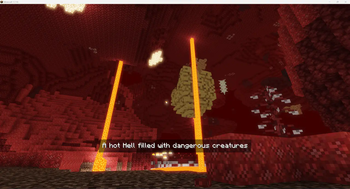
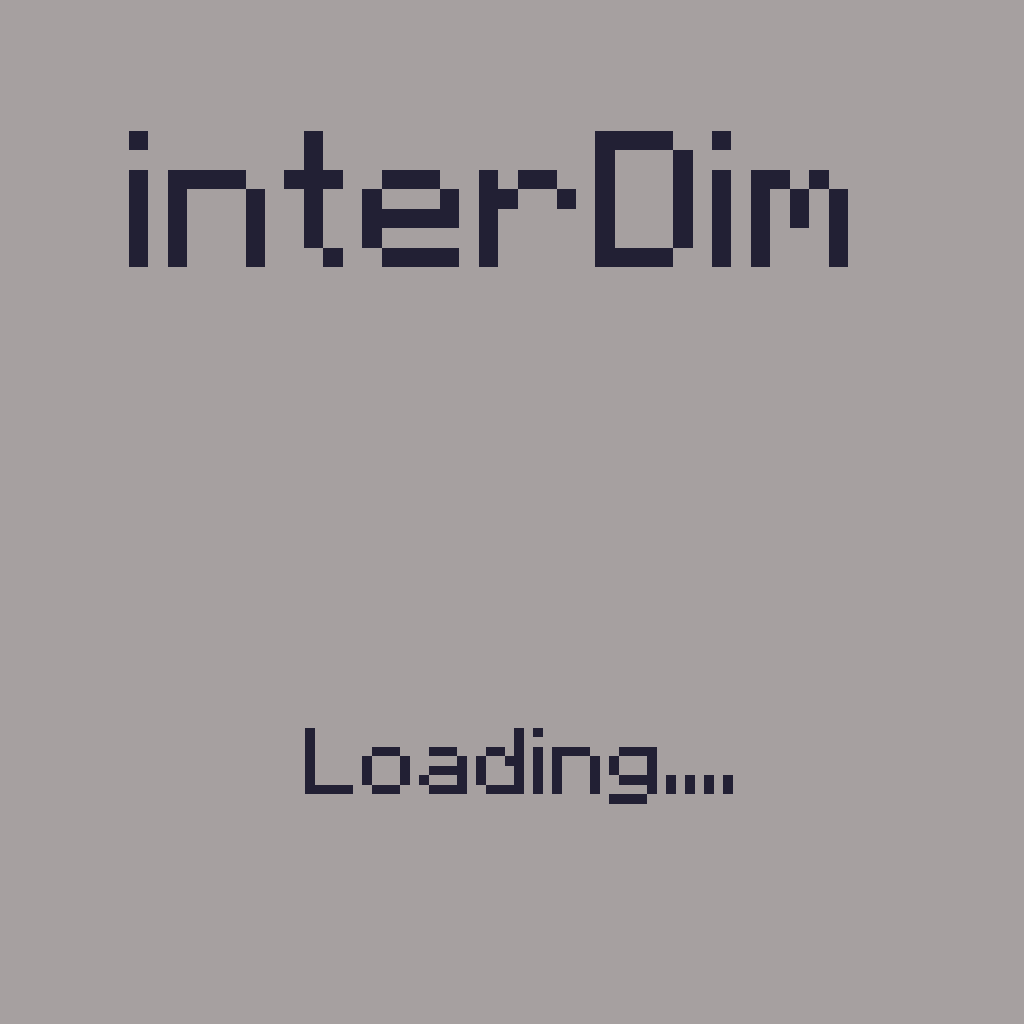
Clientside mod that allows you to add custom loading screens while you are transferred into another dimension
You can also add some text on the screen to display it to players
You might not notice them too much in a single player due to fast loading, but it will give you immersive senses while playing on a modded remote server or modpack with a lot of mods (or if you have an old PC)
Note: New splashes are have to be placed into <game dir>/config/InterworldSplashscreen/splashes in .png format.
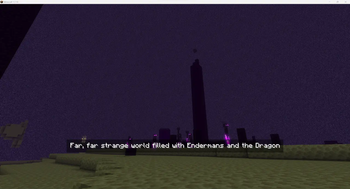
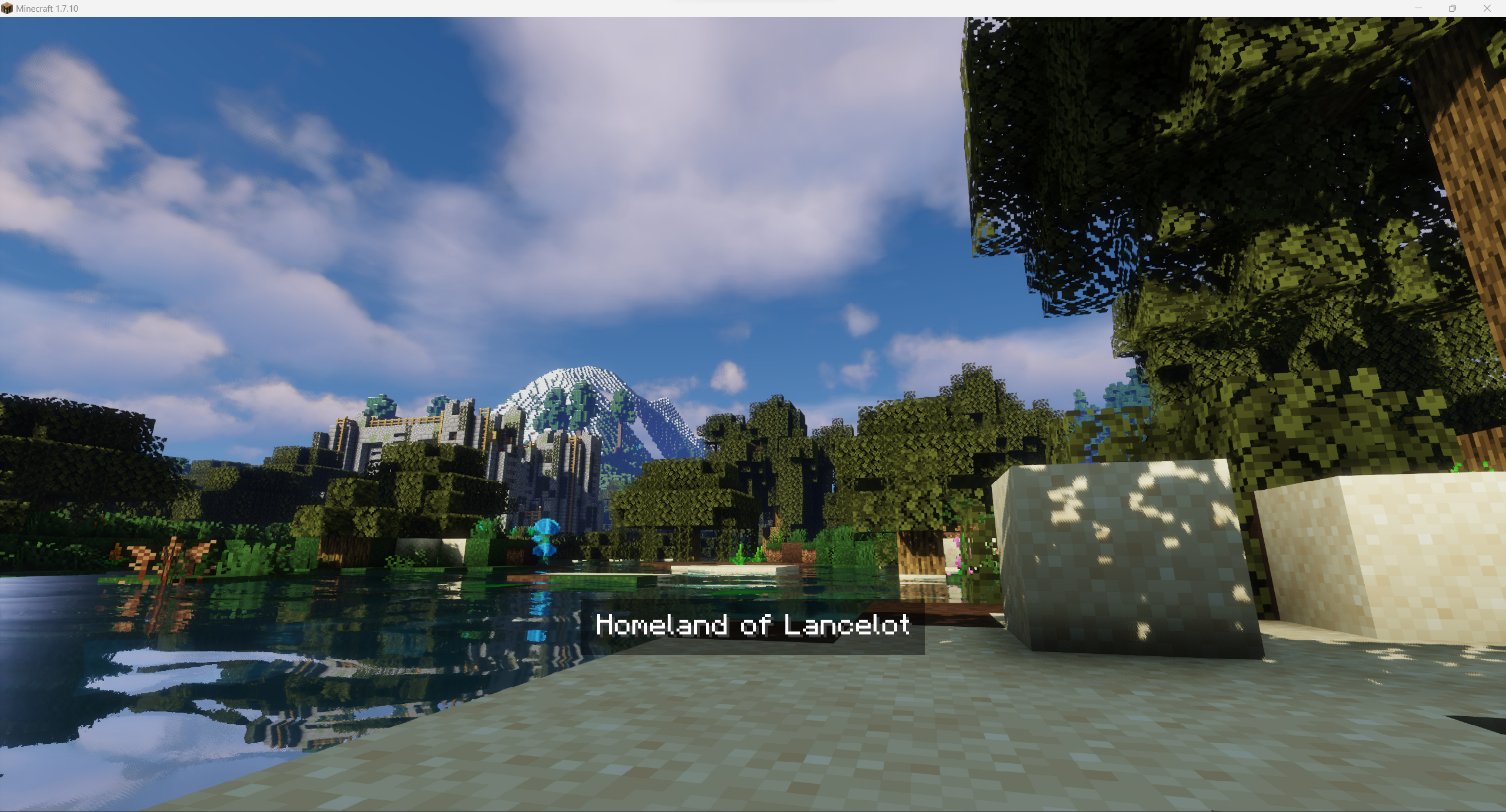
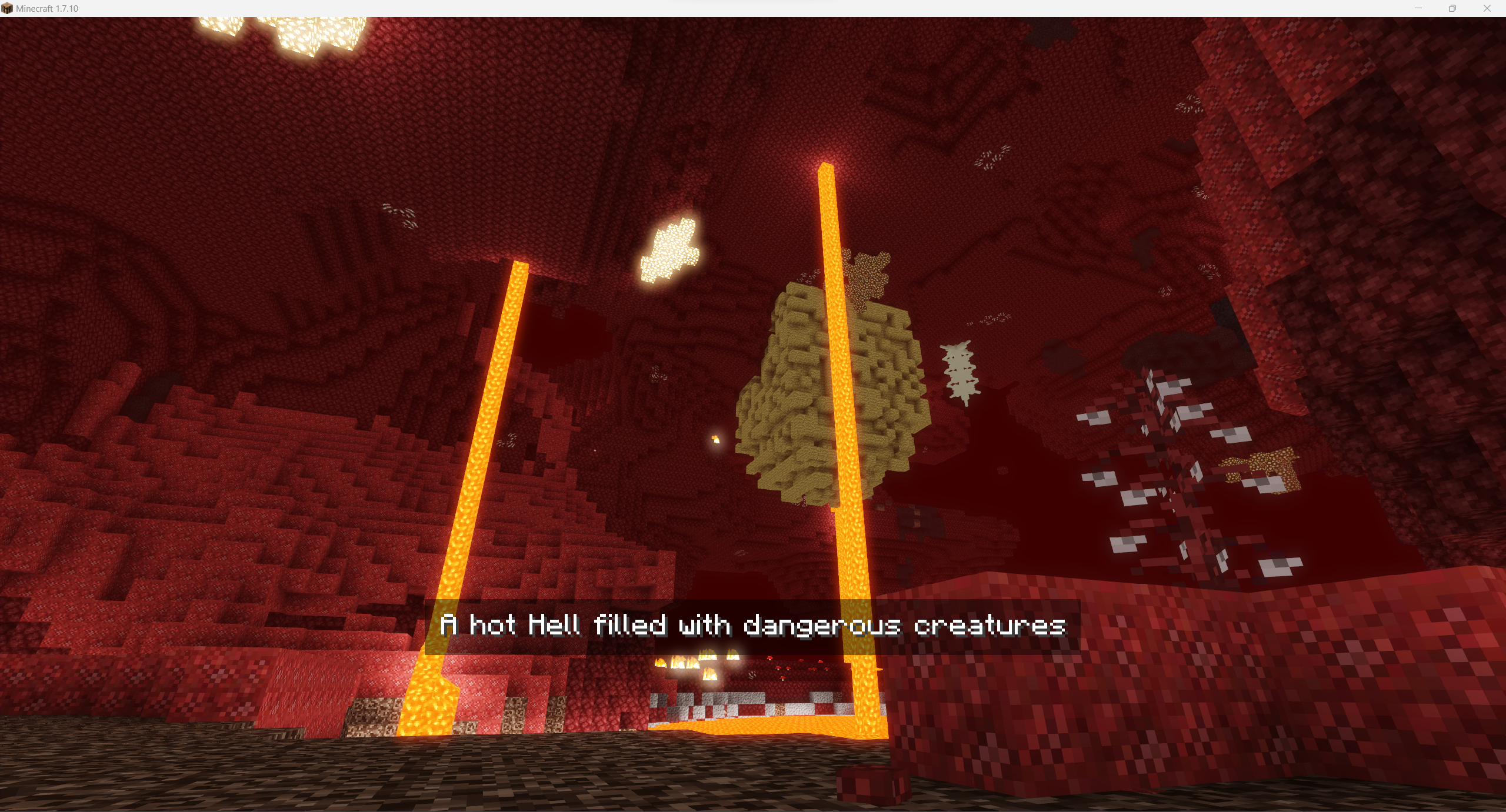
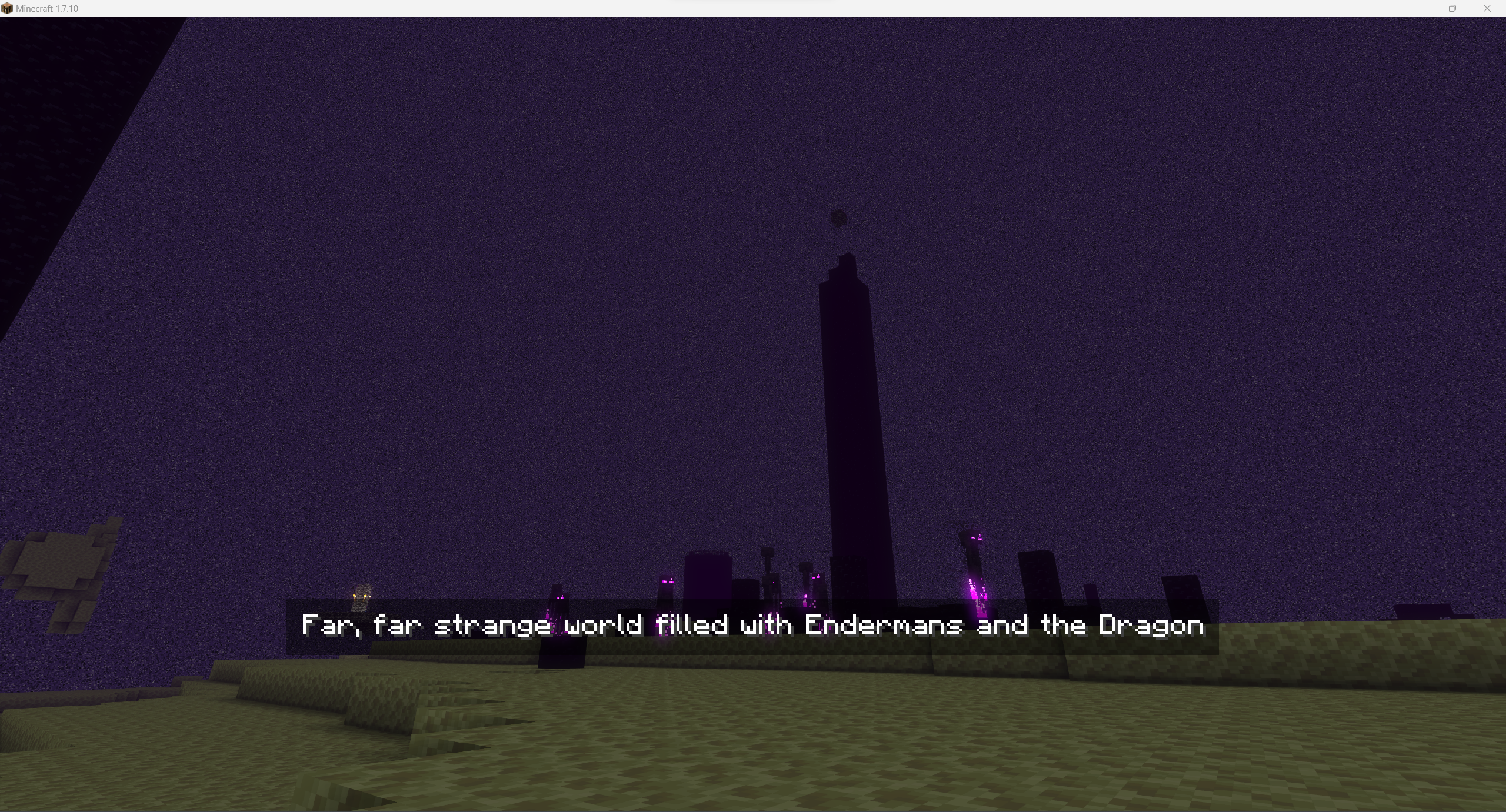
Some examples:
Overworld
 Nether
 The End
 For images above I've used the following image for Overworld and config:
"splashes files" {
    # Default splash to be used if not set for world [default: Overworld]
    S:defaultSplash=Overworld_water

    # Splashes images to be used in loading screen. Use just filename without extension. Files must be stored in folder splashes in mod's config directory [default: [Nether:Nether], [The End:The End], [Overworld:Overworld], [splashConnecting:Overworld], [splashDisconnecting:Overworld]]
    S:splashesPaths <
        Nether:Nether
        The End:The End
        Overworld:Overworld_water
        splashConnecting:Overworld
        splashDisconnecting:Overworld
     >
}

"splashes texts" {
    # Splashes texts to be displayed on splash [default: [Nether:Nether], [The End:The End], [Overworld:Overworld], [splashConnecting:Overworld], [splashDisconnecting:Overworld]]
    S:splashesTexts <
        Nether:A hot Hell filled with dangerous creatures
        The End:Far, far strange world filled with Endermans and the Dragon
        Overworld:Homeland of Lancelot
        splashConnecting:Overworld
        splashDisconnecting:Overworld
     >
}
Wanna use it it your modpack / on your server? You are free to use it, it's highly recommended for better world investigation experience!
- Edition: Minecraft Java
- File type: .jar
- Minecraft version listed: 1.7.10
- How to install: Install the matching mod loader (Forge, Fabric or NeoForge) for your Minecraft version. → Download the .jar. → Put it in the .minecraft/mods folder and launch that loader profile.
- Where to get it: Opens on Modrinth — not every file is mirrored on our own servers.
Install steps are the general flow for this file type — How to install Minecraft Java mods & modpacks walks through it step by step.
- Ships as interworldsplashscreen-1.0.1-universal.jar — drop this file into the mods folder
- Download size: 15.3 MB
- Download link checked 17 Oct 2026 — working
These come from our own check of the pack file, not from the source page.