
MogDop's Chromakey Mod
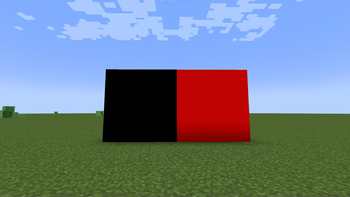
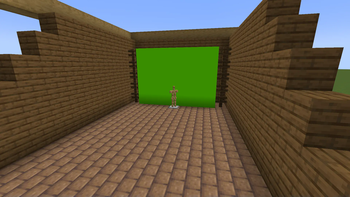
A lightweight and survival-friendly Fabric mod designed specifically for content creators, animators, and VFX artists who want to build high-quality green, blue, or red screens inside Minecraft.
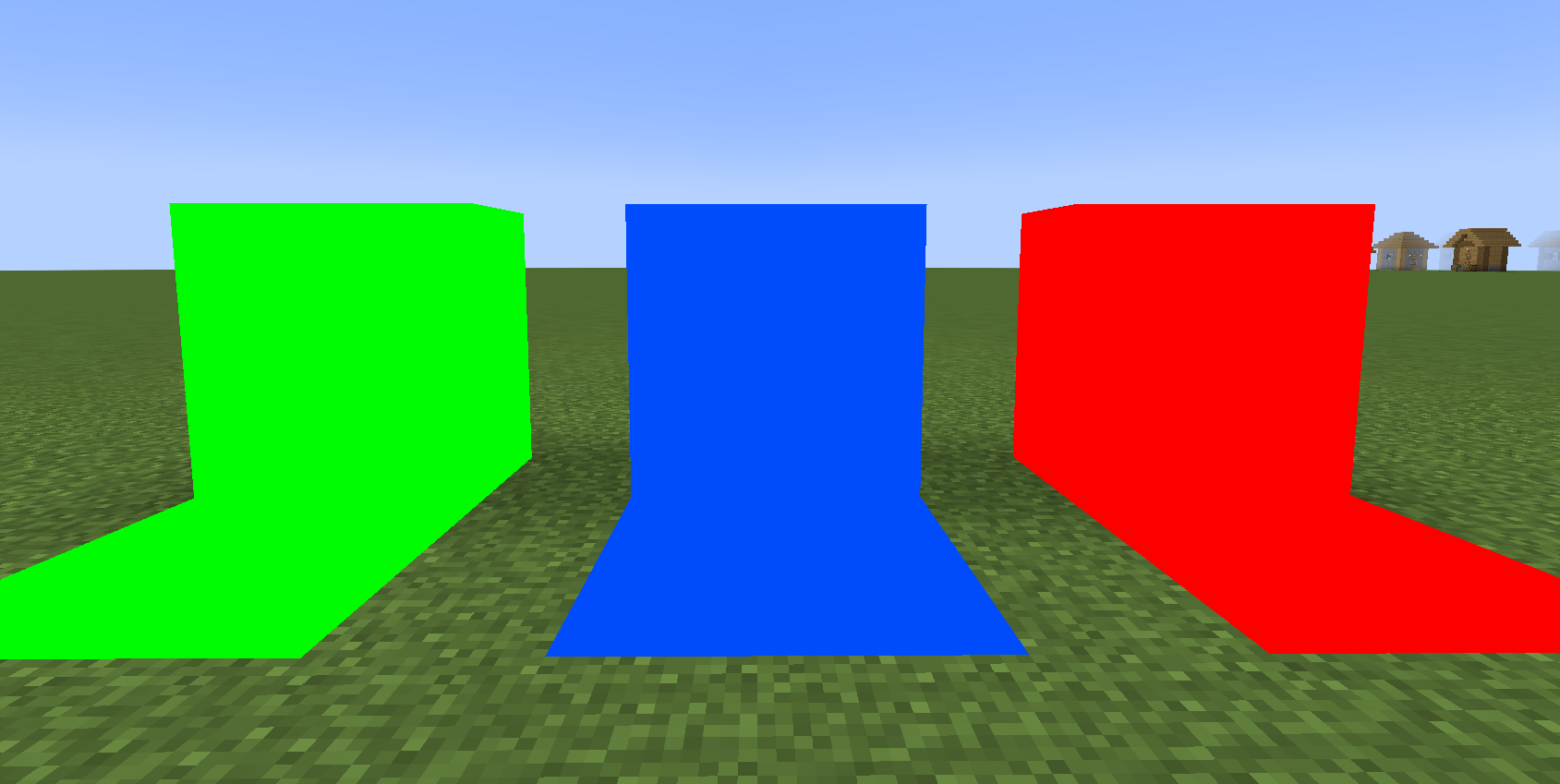
Key Features
- Flat & Uniform Rendering: Chromakey blocks have directional shading disabled. This ensures a flat, uniform color surface under almost any lighting conditions—crucial for clean keying in video editing software.
- Luminous Toggle: Right-click the block with an empty hand to turn on self-illumination. The block will render at full brightness even in complete darkness, making it highly versatile for indoor studio setups.
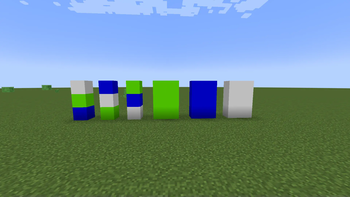
- Three Colors in One: Easily cycle through Green, Blue, and Red screens depending on your post-production needs.
- Smart Connected Propagation: No need to configure blocks individually. Toggling or recoloring a block automatically propagates the change to all adjacent, touching chromakey blocks. You can control massive screens with a single click!
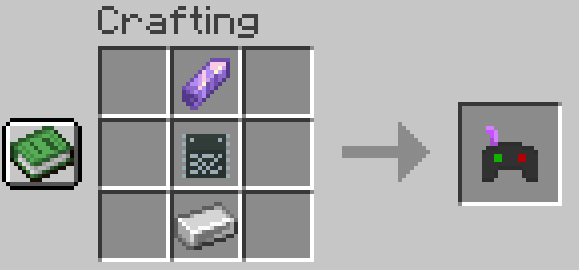
- Chromakey Controller: A dedicated tool used to cycle colors across connected screens.
- Creative Tab: All blocks and items are neatly organized in a custom creative inventory tab for easy access.
Crafting Recipes
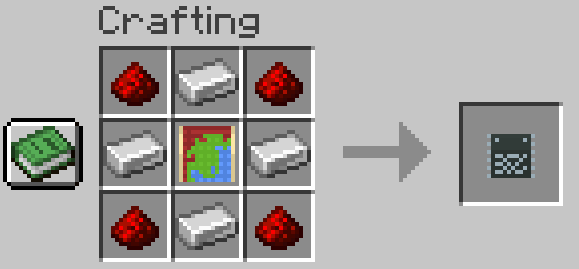
Both the block and the controller are fully craftable in Survival mode, allowing you to build screens in any game mode.
1. Chromakey Blank
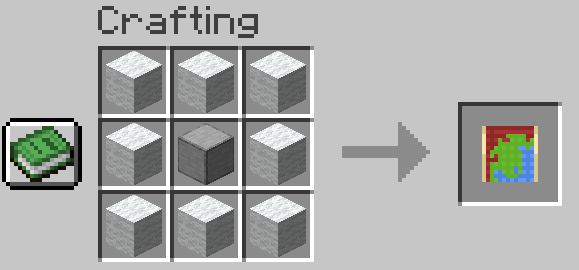
2. Chromakey Processor
4. Chromakey Block (Yields 8 Blocks)
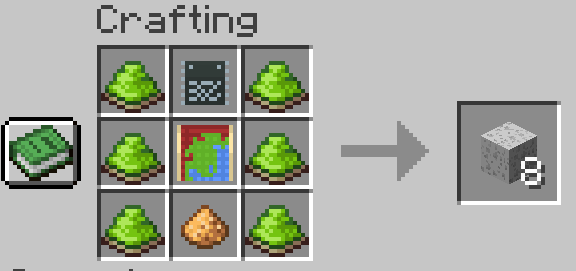
2. Chromakey Controller
Quick facts
- Edition: Minecraft Java
- File type: .jar
- Minecraft version listed: 1.21.1
- How to install: Install the matching mod loader (Forge, Fabric or NeoForge) for your Minecraft version. → Download the .jar. → Put it in the .minecraft/mods folder and launch that loader profile.
- Where to get it: Opens on Modrinth — not every file is mirrored on our own servers.
Install steps are the general flow for this file type — How to install Minecraft Java mods & modpacks walks through it step by step.
Verified by MCModsHub
- Ships as mdchromakey-3.3.3-1.21.1.jar — drop this file into the mods folder
- Download size: 1.2 MB
- Download link checked 7 Sept 2026 — working
These come from our own check of the pack file, not from the source page.