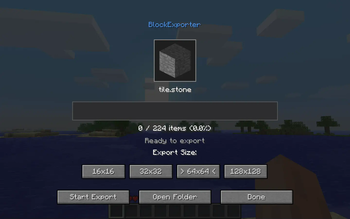
BlockExporter - Icon Export Tool
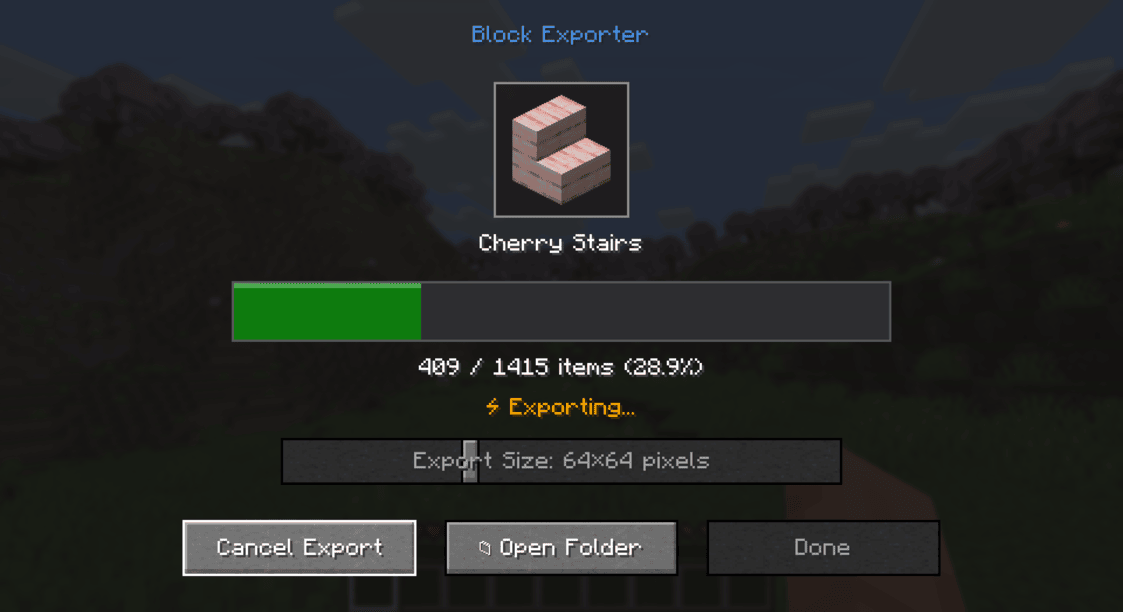
A Minecraft mod that exports item icon renders as they appear in inventory slots.
Supported Platforms
- Modern Minecraft with:
- Fabric
- NeoForge
- Forge
- Minecraft Beta 1.7.3 & Alpha 1.1.2_01 (with ModLoader)
Requirements
- One of the supported mod loaders mentioned above
Usage
- Install the mod along with the required API for your mod loader
- Launch Minecraft
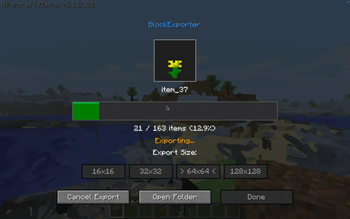
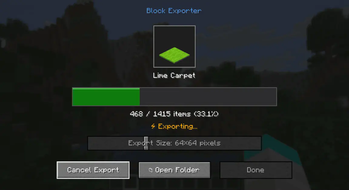
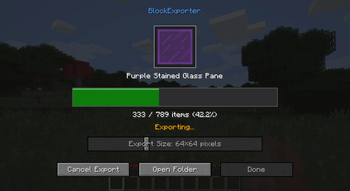
- Press the "i" key to open the export menu
- Find the exported textures in the
item_exportsfolder inside your Minecraft directory
Output Format
- Each texture is saved as a PNG file
- File naming format:
namespace_itemid.png(e.g.,minecraft_diamond.png) - Available output sizes: 16x16, 32x32, 64x64, 128x128, 512x512, 1024x1024 pixels
- Images include transparency where applicable
License
This project is licensed under the MIT License.
Quick facts
- Edition: Minecraft Java
- File type: .jar
- Minecraft version listed: 1.20.1
- How to install: Install the matching mod loader (Forge, Fabric or NeoForge) for your Minecraft version. → Download the .jar. → Put it in the .minecraft/mods folder and launch that loader profile.
- Where to get it: Opens on Modrinth — not every file is mirrored on our own servers.
Install steps are the general flow for this file type — How to install Minecraft Java mods & modpacks walks through it step by step.
Verified by MCModsHub
- Ships as blockexporter-forge-0.1.0+mc1.20.1.jar — drop this file into the mods folder
- Download size: 23 KB
- Download link checked 7 Sept 2026 — working
These come from our own check of the pack file, not from the source page.