
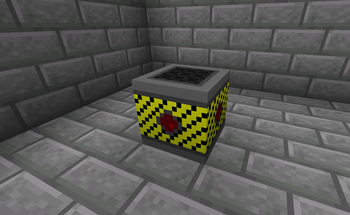
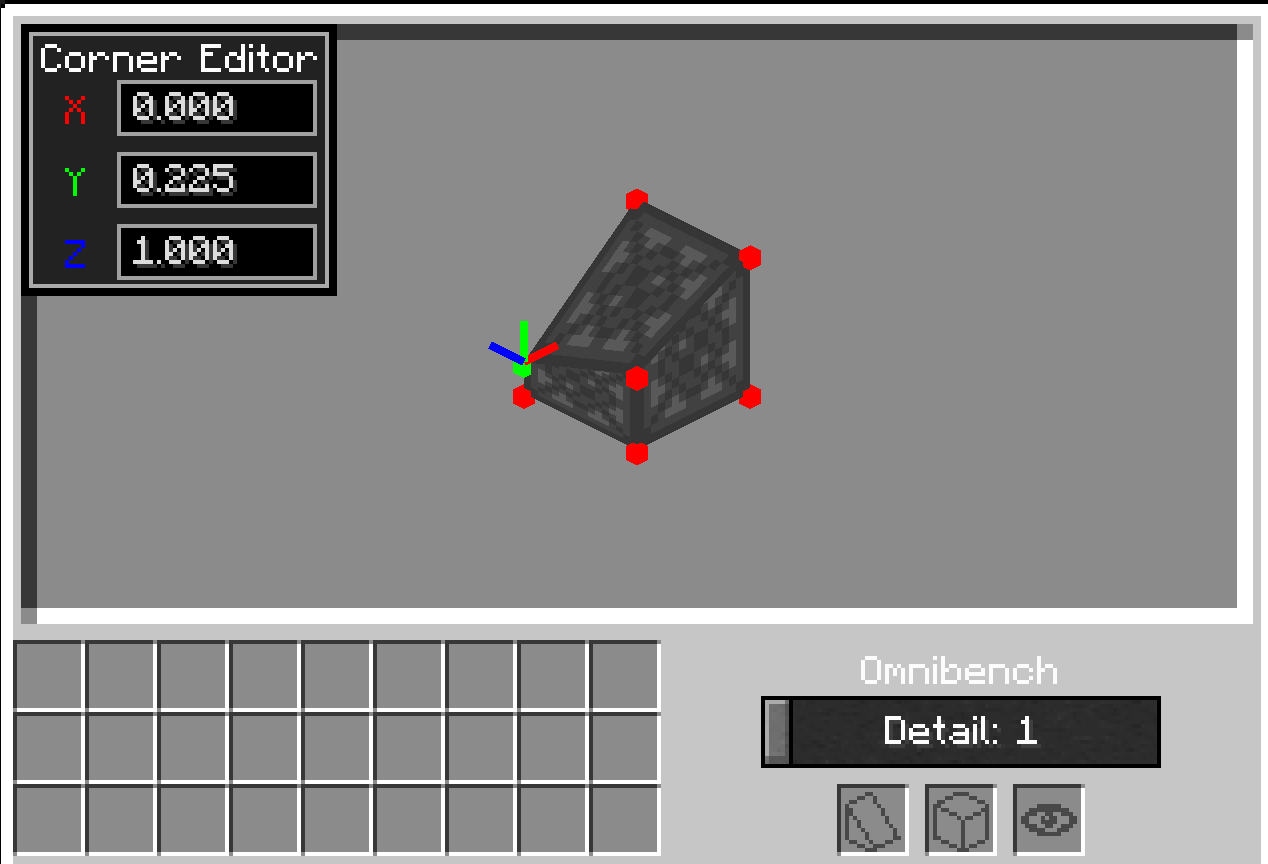
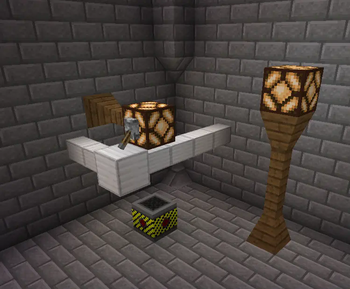
This mod adds a crafting block that allows players to take a frame block and combine it with any solid opaque block and then edit the corners via a 3d menu.
The mod is still in alpha so certain features may not work and there is a possibility of crashes however if you do encounter crashes please post the log/error in the following github issues page and I will hopefully be able to fix them.
https://github.com/maxryan008/omnishape/issues
(This mod also has compatability with Galacticraft 5 allowing you to use the frame blocks as covers on any of the wires from the mod)
- Edition: Minecraft Java
- File type: .jar
- Minecraft version listed: 1.21.1
- How to install: Install the matching mod loader (Forge, Fabric or NeoForge) for your Minecraft version. → Download the .jar. → Put it in the .minecraft/mods folder and launch that loader profile.
- Where to get it: Opens on Modrinth — not every file is mirrored on our own servers.
Install steps are the general flow for this file type — How to install Minecraft Java mods & modpacks walks through it step by step.
- Ships as omnishape-1.2.4.jar — drop this file into the mods folder
- Download size: 104 KB
- Download link checked 7 Sept 2026 — working
These come from our own check of the pack file, not from the source page.