
ModsJava
Journal
I don't know my version or loader
Open the Minecraft launcher and look at the profile you play on — it names both, like fabric-loader-1.21.4. The version also shows in the bottom-right corner of the game's main menu.
No loader in the profile name? Then it's plain Minecraft, and these mods won't run — you need Fabric or NeoForge installed first.
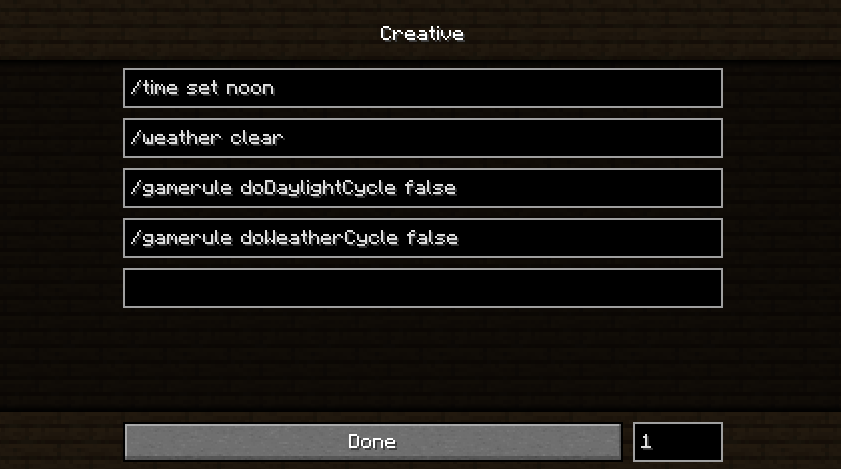
Journal is a client-side only mod that aims to provide various utilities and general "nice to have"'s. The mod is called Journal because like a real-life journal, it's not something you need but it's a nice thing to have with you in case you need it or have a good use for it.
Journal Features:
Functions
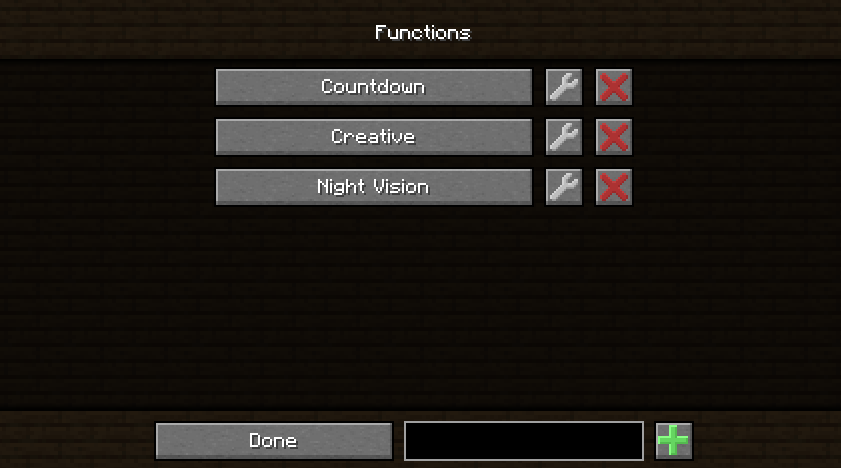
Create
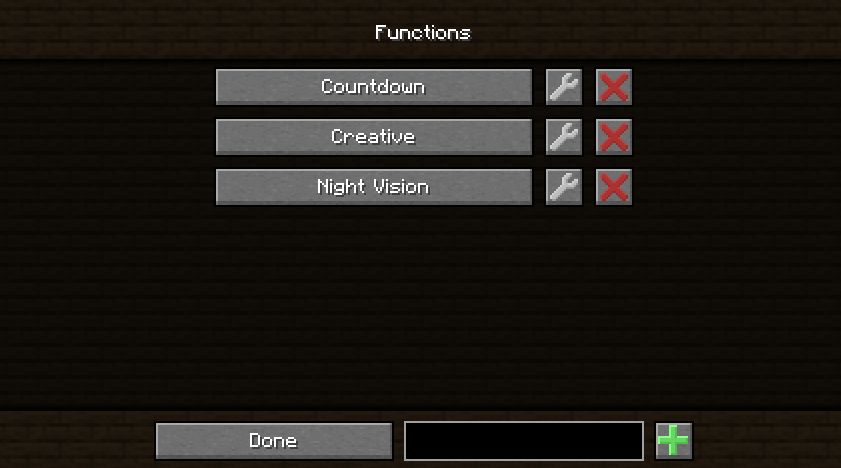
- Create functions that can execute several commands or send pre-written messages sequentially with a delay between sends to the server.
Run
- Functions can be easily run by pressing F8 (Remappable Keybind) to execute commands or send pre-written messages.
Share
- Functions are saved in .minecraft/journal/functions as .jfunc files. They can be opened in a text editor and can be manually edited or shared with others.
Built-in Resource Packs
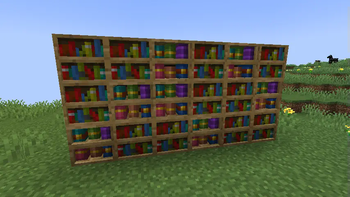
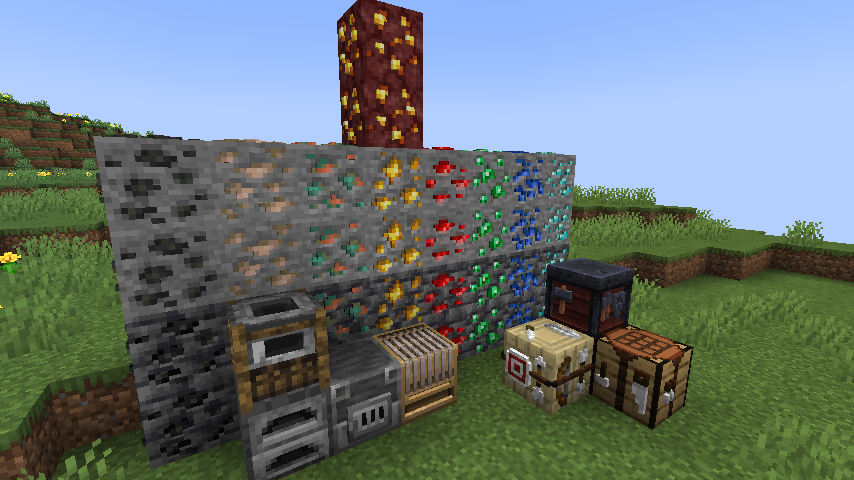
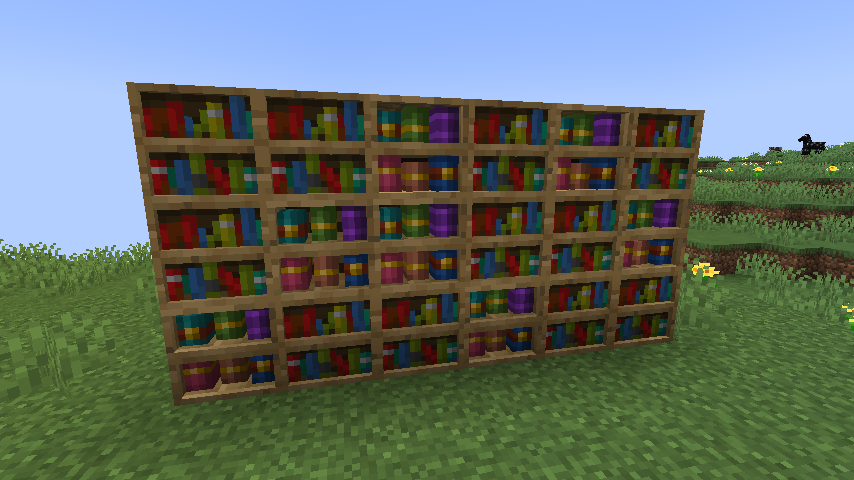
Default+
- A Completely remade from the ground-up version of my old resource pack for the latest Minecraft Version.
- Adds 3d models to workbenches, ores, and other blocks.
- Adds some minor texture changes for utility or consistency.
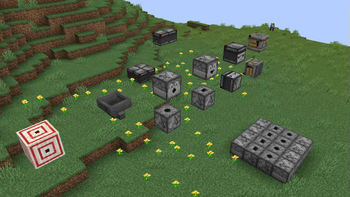
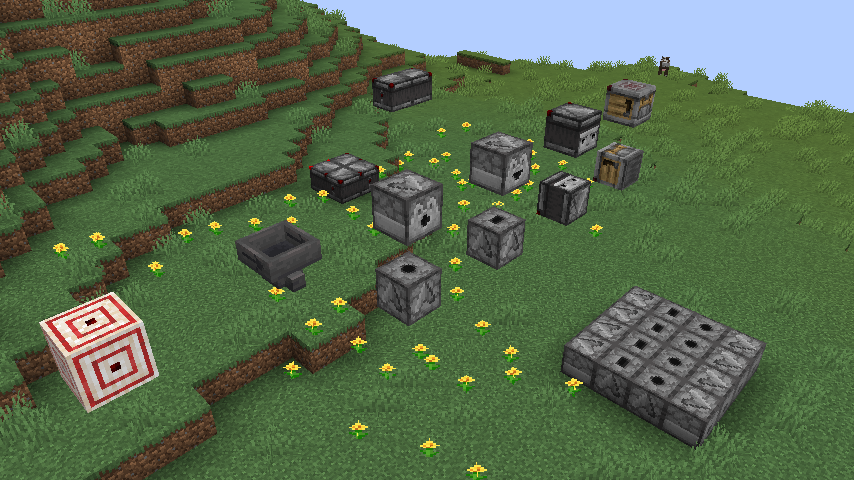
Redstone+
- Adds indicators to several redstone blocks of their facing direction and powered state.
- Good redstone utility.
Keybinds
Built-in Zoom Button
- Default Bound to 'M' but can be remapped in Keybinds.
- Menu to edit default zoom length, scroll sensitivity, and maximum zoom length.
Functions Keybinds
- Open menu with 'INSERT' (Rebindable) click a function to run it
- Unbound keybinds for up to 10 functions
Misc
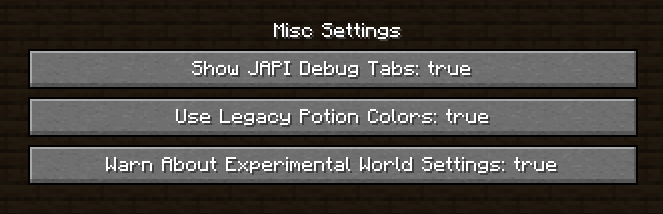
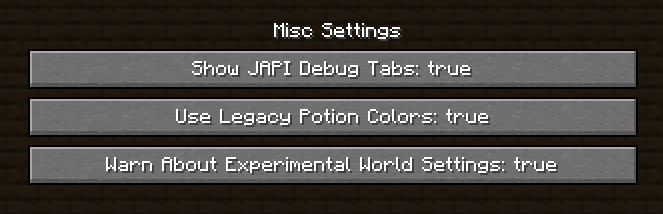
Toggle JAPI Debug Tabs
- When enabled all mods registered through JAPI will be given a creative inventory tab containing all items from that mod.
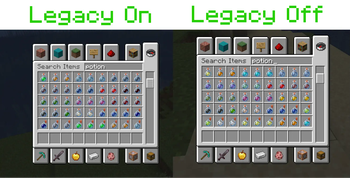
Legacy Potion Colors
- My Old Mod has been added as a toggleable feature to this mod. (Old Mod is discontinued)
Warn About Experimental World Settings
- Removes annoying 'Here Be Dragons' message that appears when playing in modded instances of worlds in single-player.
Quick facts
- Edition: Minecraft Java
- File type: .jar
- Minecraft versions listed: 1.21, 1.21.1
- How to install: Install the matching mod loader (Forge, Fabric or NeoForge) for your Minecraft version. → Download the .jar. → Put it in the .minecraft/mods folder and launch that loader profile.
- Where to get it: Opens on Modrinth — not every file is mirrored on our own servers.
Install steps are the general flow for this file type — How to install Minecraft Java mods & modpacks walks through it step by step.
Verified by MCModsHub
- Ships as journal-1.1.0.jar — drop this file into the mods folder
- Download size: 427 KB
- Download link checked 7 Sept 2026 — working
These come from our own check of the pack file, not from the source page.