
URS Player Radar's
A Fabric Minecraft player radar mod with multiple radar styles, player-head tracking, smooth movement, customizable coords display, and a polished in-game…
I don't know my version or loader
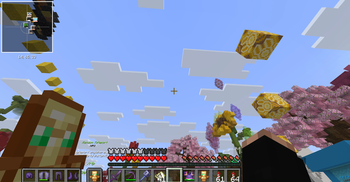
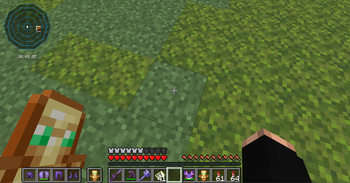
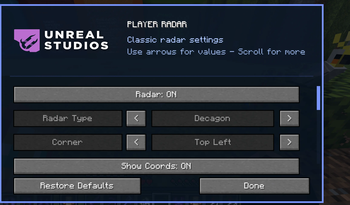

Latest News (July 15, 2026) - Player Radar is now available for Minecraft 26.2, featuring full compatibility with the latest Fabric API updates! This update includes optimized rendering for better performance while maintaining the sleek HUD experience you expect.
This mod is the result of hundreds of hours of development and is made possible thanks to players like you. If you would like to show a token of your appreciation for my work and help support the continued development of Player Radar, consider supporting the project.


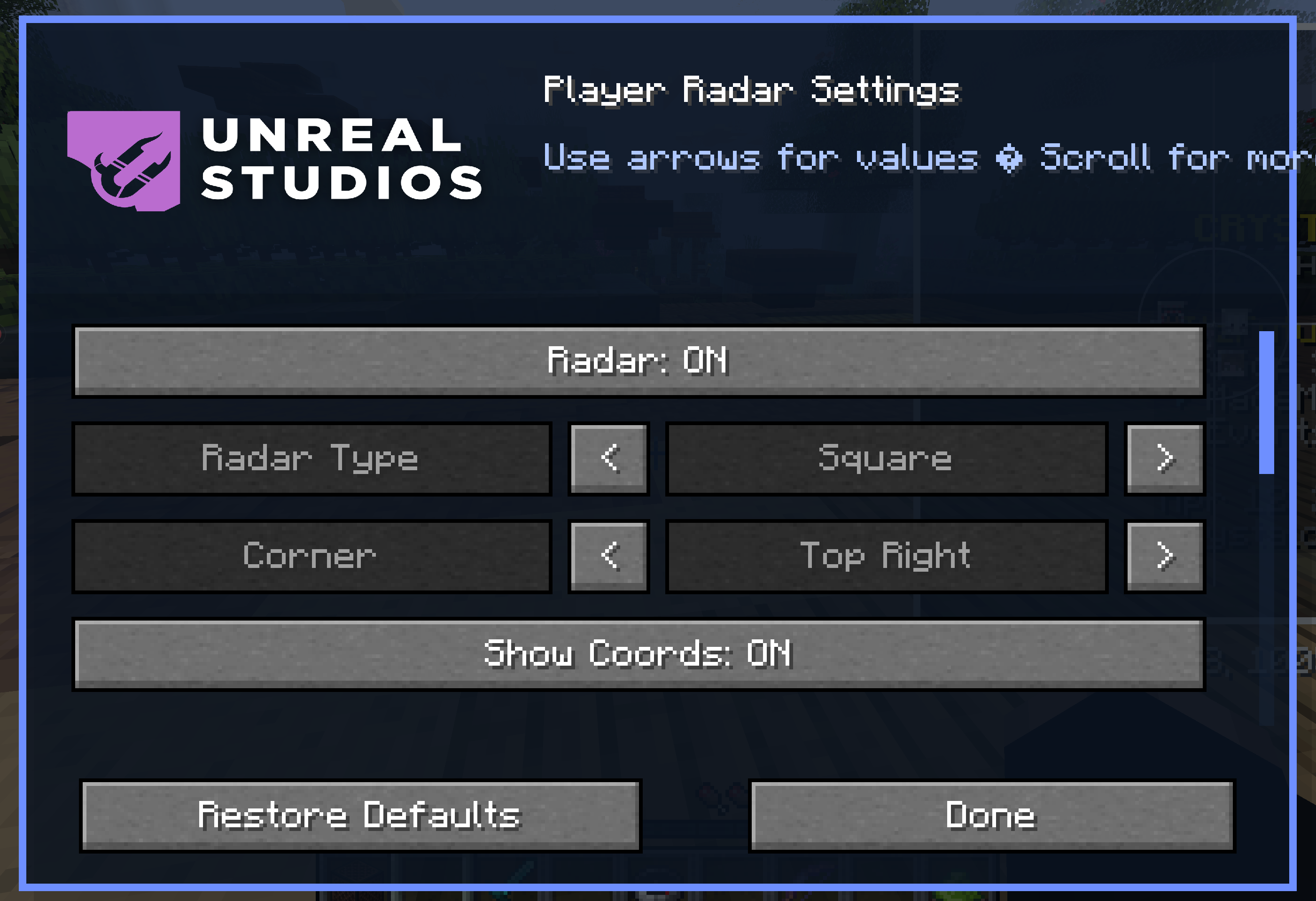
Player Radar is a polished Fabric Minecraft radar mod built for players who want a cleaner, more modern HUD experience. It provides smooth real-time player tracking, multiple radar styles, customizable coordinate placement, and a branded in-game settings menu so you can fine-tune the display to match your setup.

📥 Installation Guide
Player Radar is designed for Fabric. Once you have installed the loader, simply place the Player Radar file into your mods folder.
Not sure if you installed the mod correctly? Check your in-game settings menu, which will display the branded Player Radar configuration interface. You can adjust your radar size, padding, scaling, and coordinate placement directly from this menu, and use the "Restore Defaults" option if you ever need to reset your configuration.
✨ Features
Multiple Styles: Choose from various radar styles and layouts to fit your UI.
Smooth Tracking: High-fidelity, smooth player-head tracking.
Deep Customization: Adjust radar size, padding, scaling, and coordinate positioning.
Professional UI: Branded, intuitive in-game configuration menu.
✅ Built For
PvP-focused gameplay.
Survival servers.
Streamlined HUD setups.
Players who demand more control over their on-screen information.
🐛 How to Report Issues
Please use the Discord server to report bugs, graphical glitches, or crashes. When submitting a report, ensure you include your list of active mods and attach any relevant crash logs or stack traces to help us resolve the issue quickly.
Note: The performance and display of the radar may vary depending on your specific HUD layout and other installed interface mods.
- Edition: Minecraft Java
- File type: .jar
- Minecraft versions listed: 26.1, 26.1.1, 26.1.2
- How to install: Install the matching mod loader (Forge, Fabric or NeoForge) for your Minecraft version. → Download the .jar. → Put it in the .minecraft/mods folder and launch that loader profile.
- Where to get it: Opens on Modrinth — not every file is mirrored on our own servers.
Install steps are the general flow for this file type — How to install Minecraft Java mods & modpacks walks through it step by step.
- Ships as player radar v26.1.jar — drop this file into the mods folder
- Download size: 352 KB
- Download link checked 7 Sept 2026 — working
These come from our own check of the pack file, not from the source page.