
CineFOV
Java mod listed for Minecraft 1.21. Downloads from the MC Java Mods app on Android.
CineFOV enhances the Minecraft camera experience with dynamic field of view adjustments, smooth zooming, and customizable motion-based effects for a more…
⬇ Download on Modrinth

CineFOV
CineFOV is a client-side mod for Minecraft that enhances the camera's field of view (FOV) with smooth transitions, dynamic zoom, and cinematic motion effects.
Perfect for immersive gameplay, aesthetic builds, or content creation.

✨ Features
- 🎥 Dynamic FOV based on:
- Player movement
- Vertical motion (jumping/falling)
- Head rotation
- 🔍 Smooth zoom with:
- Scroll wheel
- Adjustable damping
- 🎯 Mouse sensitivity adjustment while zoomed
- 🌀 Optional vertical camera inertia
- 🎬 Cinematic look with smooth transitions
- 🧩 Full ModMenu integration
🔧 Settings Overview
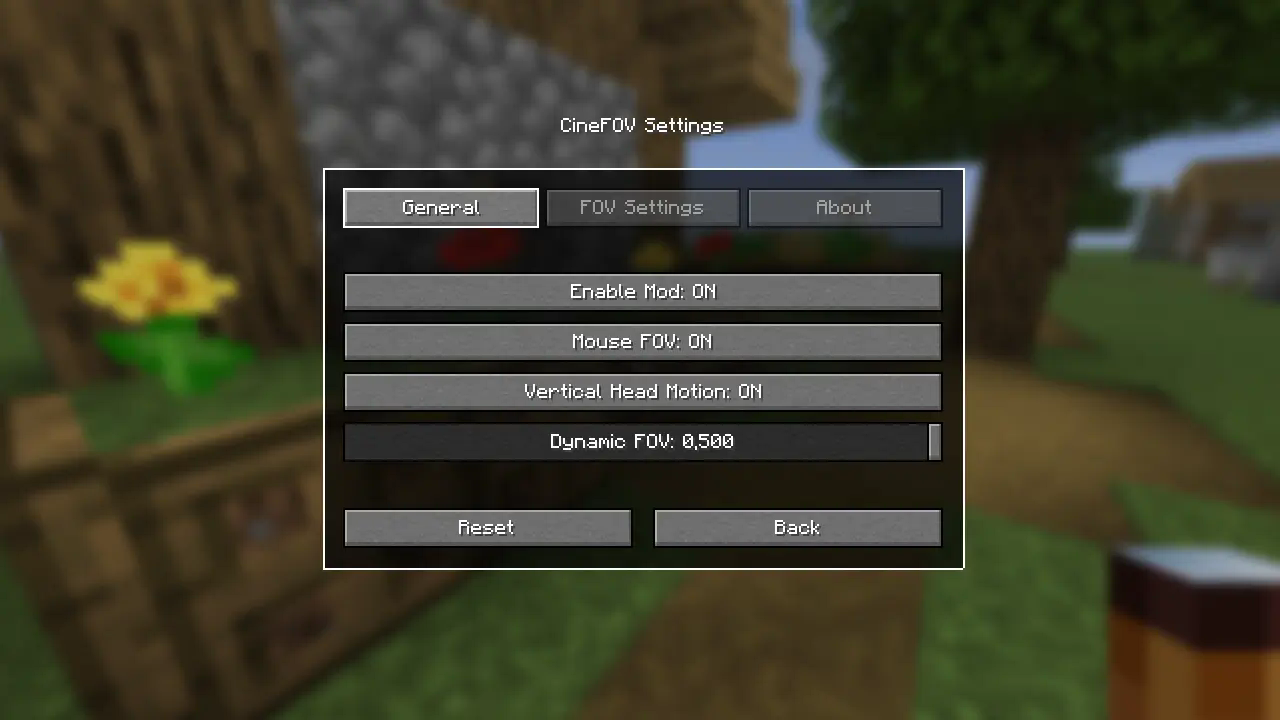
General- Enable Mod: ON/OFF toggle
- Mouse FOV: Enable or disable FOV based on mouse movement
- Vertical Head Motion: Enable vertical camera movement based on pitch
- Dynamic FOV: Slider to control base dynamic FOV strength
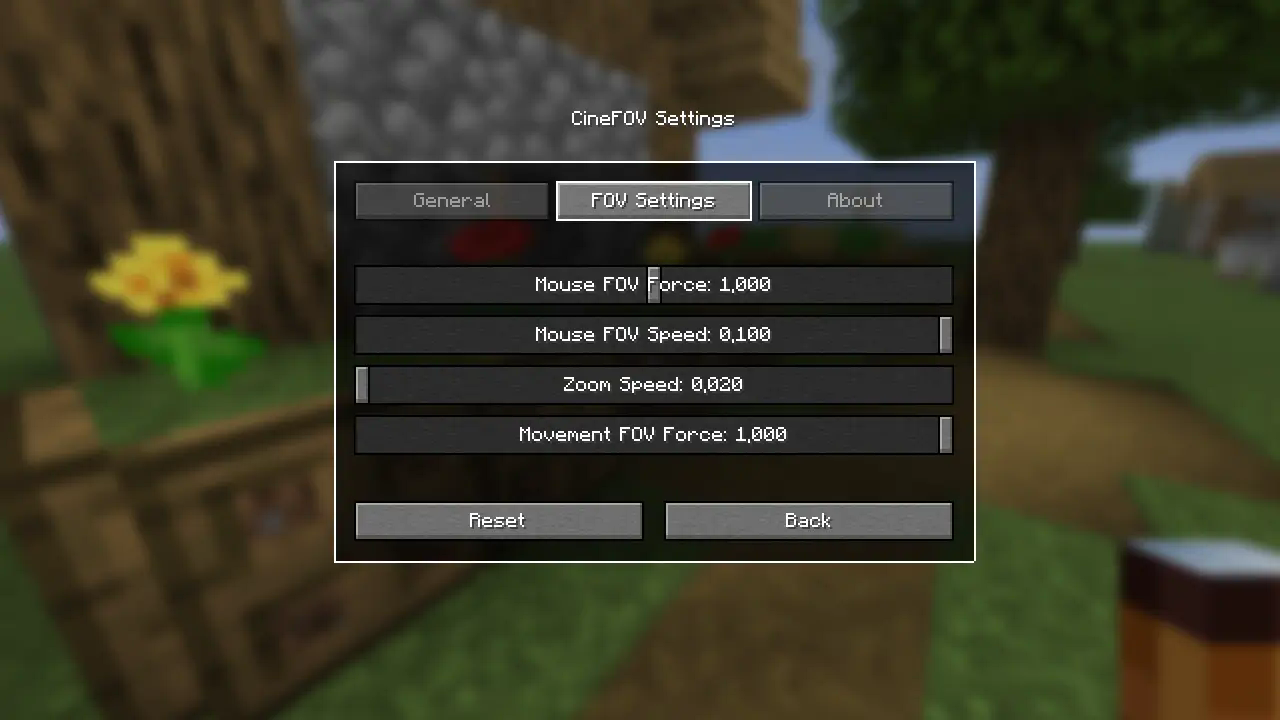
- Mouse FOV Force: Strength of FOV change when rotating
- Mouse FOV Speed: Speed of interpolation for mouse-based FOV
- Zoom Speed: Controls smoothness of zoom transitions
- Movement FOV Force: Controls how much movement affects FOV
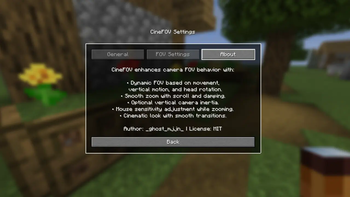
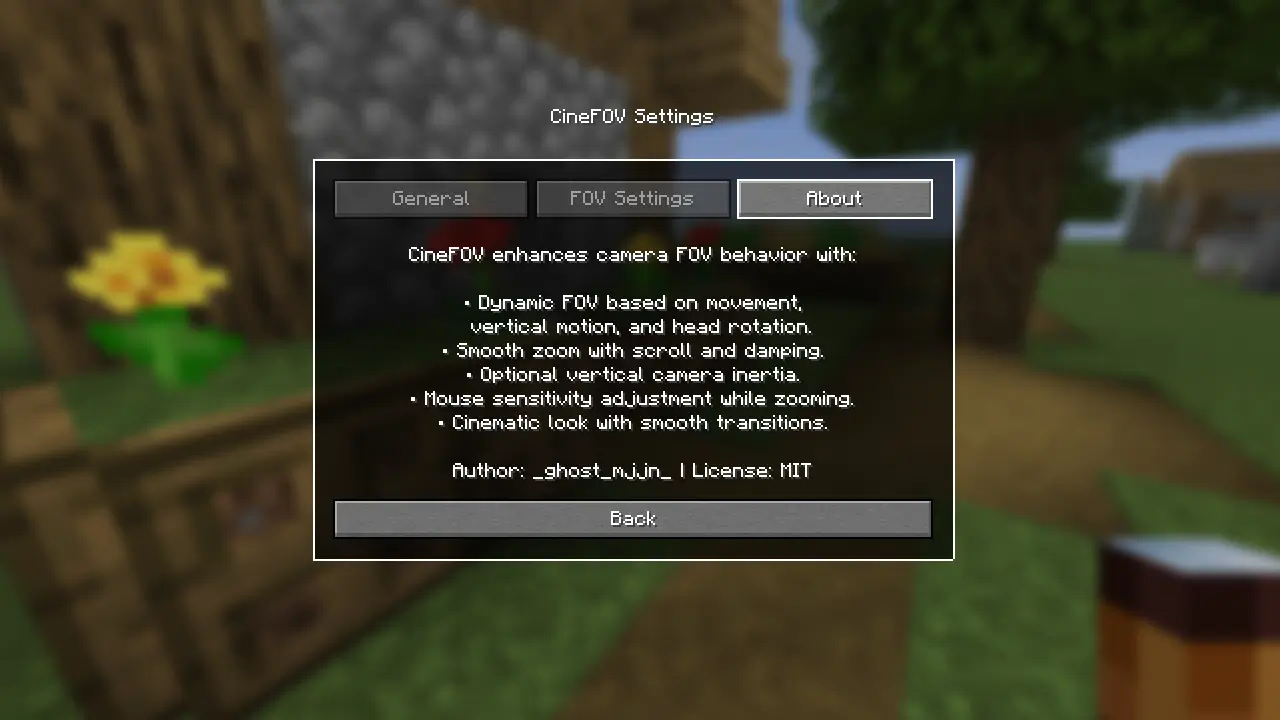
CineFOV enhances camera FOV behavior with:
- Dynamic FOV based on movement, vertical motion, and head rotation
- Smooth zoom with scroll and damping
- Optional vertical camera inertia
- Mouse sensitivity adjustment while zooming
- Cinematic look with smooth transitions
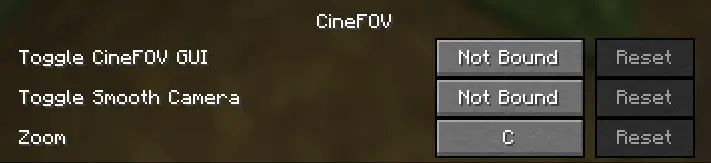
- Toggle CineFOV GUI
- Toggle Smooth Camera
- Zoom
All keybinds are fully rebindable.
This mod includes full translations for 27 languages:
- Arabic
- Czech
- Danish
- German
- Greek
- English
- Spanish
- Finnish
- French
- Hungarian
- Indonesian
- Italian
- Japanese
- Korean
- Dutch
- Norwegian
- Polish
- Portuguese (Brazil)
- Romanian
- Russian
- Swedish
- Thai
- Turkish
- Ukrainian
- Vietnamese
- Chinese (Simplified)
- Chinese (Traditional)
- Edition: Minecraft Java
- File type: .jar
- Minecraft version listed: 1.21.7
- How to install: Install the matching mod loader (Forge, Fabric or NeoForge) for your Minecraft version. → Download the .jar. → Put it in the .minecraft/mods folder and launch that loader profile.
- Where to get it: Opens on Modrinth — not every file is mirrored on our own servers.
Install steps are the general flow for this file type — How to install Minecraft Java mods & modpacks walks through it step by step.
- Ships as 1.21.7-cinefov-1.0.0.jar — drop this file into the mods folder
- Download size: 66 KB
- Download link checked 17 Oct 2026 — working
These come from our own check of the pack file, not from the source page.