
StoryScript
The storylines are right in Minecraft.
With StoryScript, you can create your own story maps in which, in the future, NPCs and camera controls.
How to use it?
- Create a
<name>.sscriptfile along the path<Minecraft folder>/SScripts/. - You can write various commands in this file (the full list of commands is given in the wiki).
- After you have written the commands you need, you need to run the script using
/ss <file path>.
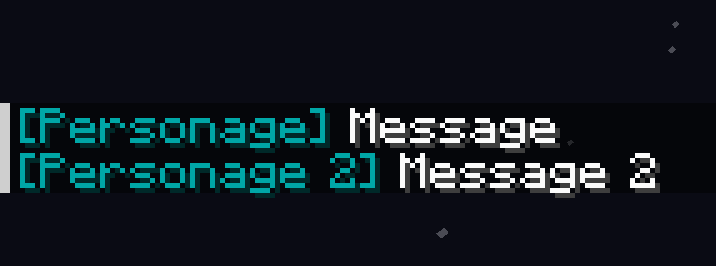
Warning! The mod is under development, so the functionality of the mod will be supplemented!
Quick facts
- Edition: Minecraft Java
- File type: .jar
- Minecraft version listed: 1.21.1
- How to install: Install the matching mod loader (Forge, Fabric or NeoForge) for your Minecraft version. → Download the .jar. → Put it in the .minecraft/mods folder and launch that loader profile.
- Where to get it: Opens on Modrinth — not every file is mirrored on our own servers.
Install steps are the general flow for this file type — How to install Minecraft Java mods & modpacks walks through it step by step.
Verified by MCModsHub
- Ships as storyscript-0.2.1+1.21.1.jar — drop this file into the mods folder
- Download size: 53 KB
- Download link checked 7 Sept 2026 — working
These come from our own check of the pack file, not from the source page.