
ModsJava
Reconnect Button Mod
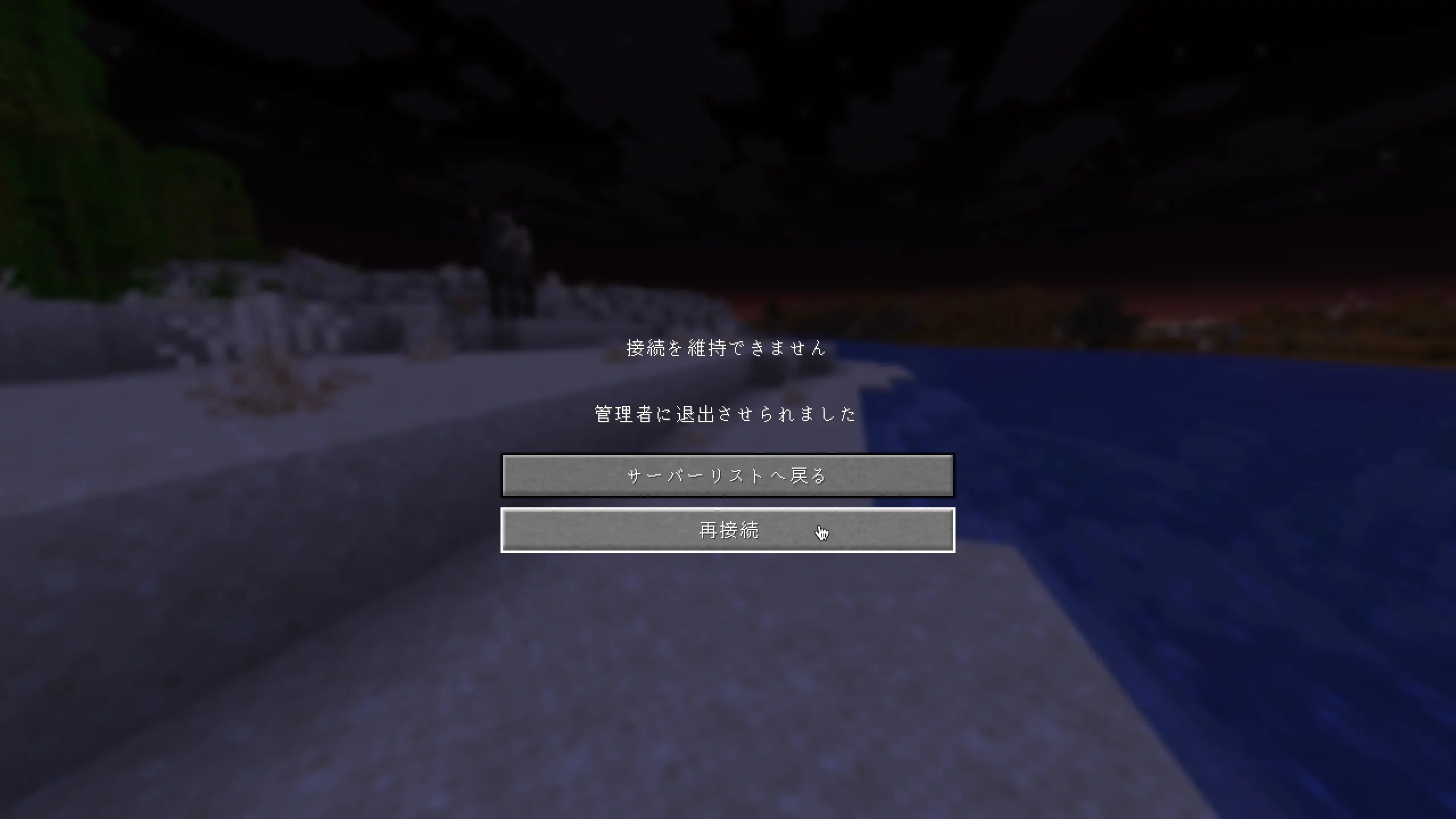
Adds a "Reconnect" button to the disconnect screen, so you can rejoin a server without going back to the server list.
⬇ Download on Modrinth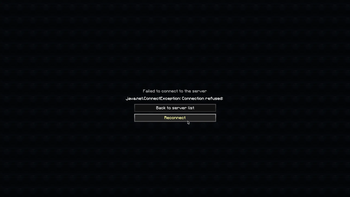
Reconnect Button Mod
English
Adds a Reconnect button to the disconnect screen.
No more going back to the server list just to rejoin — simply click Reconnect!
Features
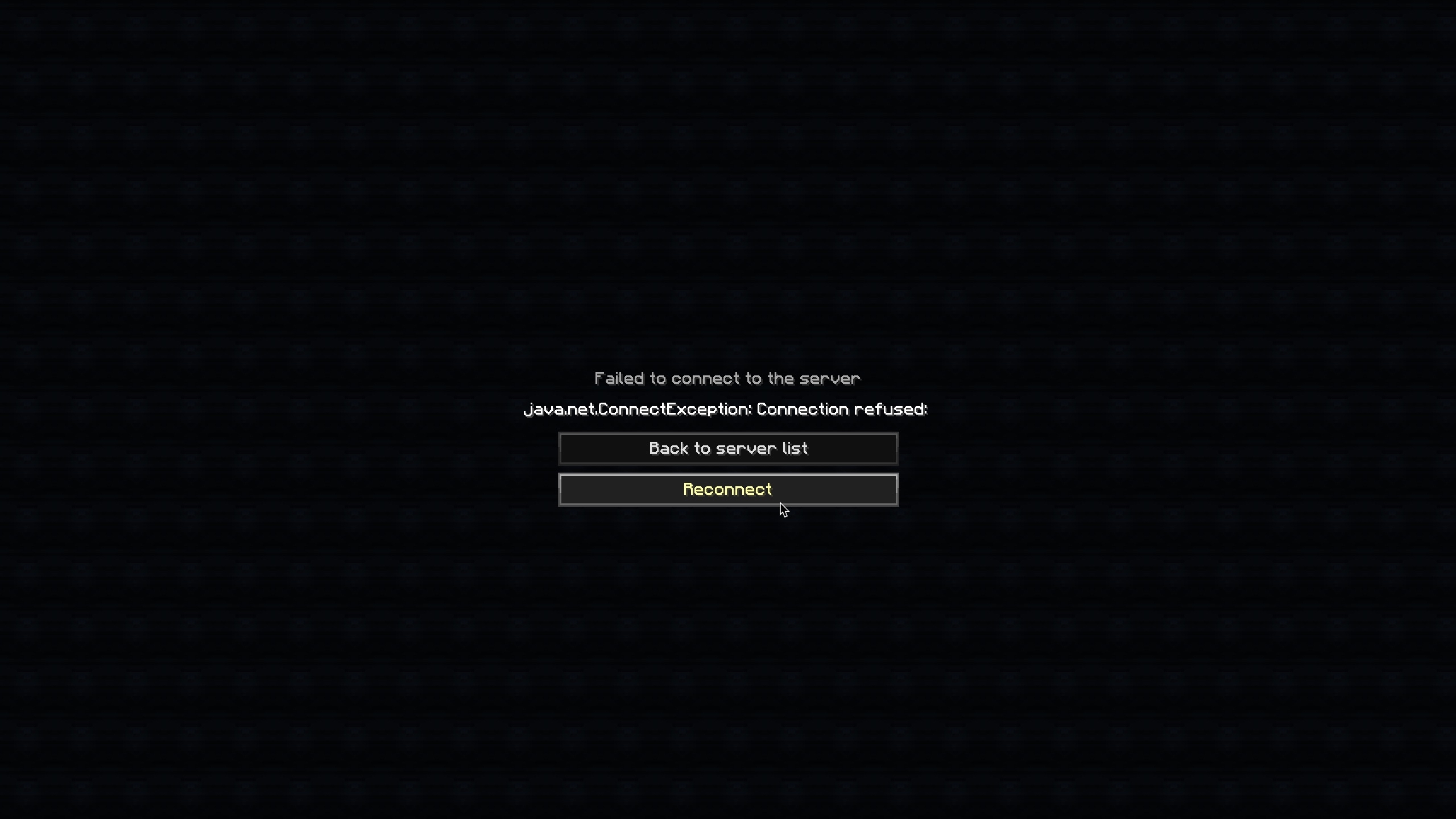
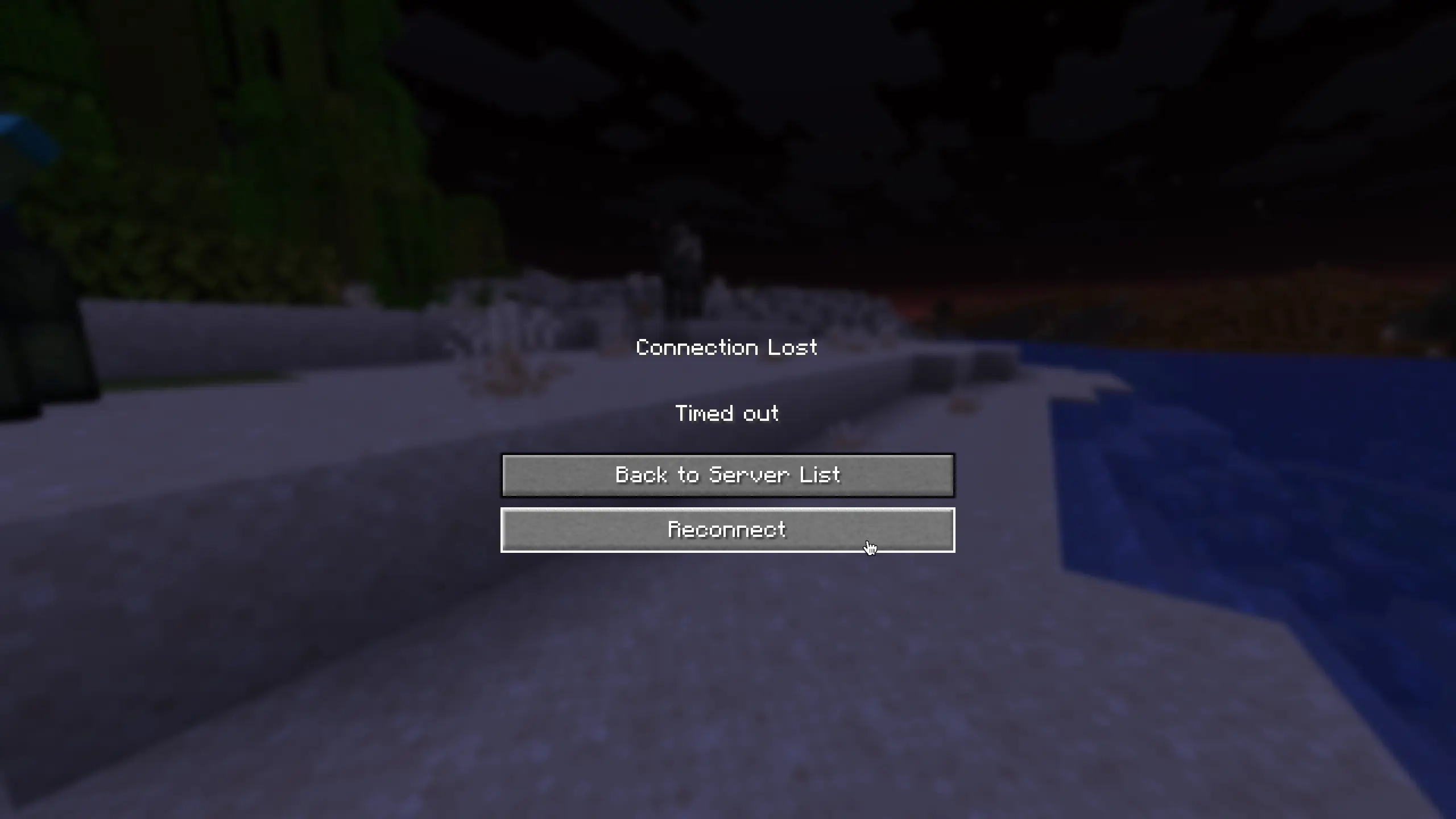
- Adds a Reconnect button below the "Back to server list" button on the disconnect screen
- Works on both the "Connection Lost" screen and the "Failed to connect to the server" screen
- Supports resource packs and custom translations
Supported Versions
| Version | Loader |
|---|---|
| 1.21.11 | Fabric |
| 1.8.9 | Forge |
Translations
Built-in languages:
- English (
en_us) - Japanese (
ja_jp)
Want to add your language? Contributions are welcome on GitHub!
日本語 (Japanese)
切断画面に「再接続」ボタンを追加します。
再接続するためだけにサーバーリスト画面に戻る必要はもうありません。「再接続」をクリックするだけでOKです!
機能
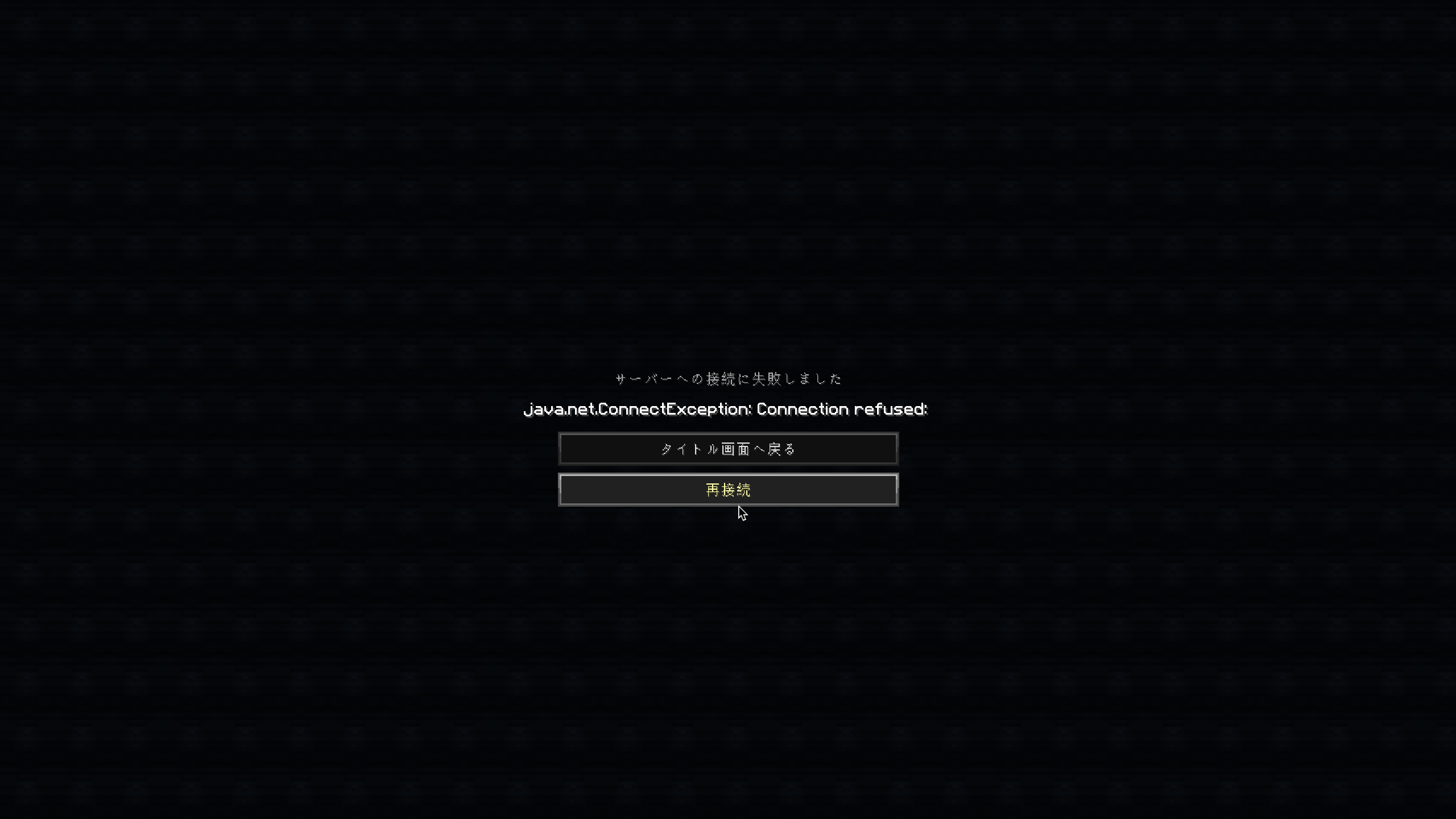
- 切断画面の「サーバーリストへ戻る」ボタンの下に「再接続」ボタンを追加しました。
- 「接続を維持できません」画面と「サーバーへの接続に失敗しました」画面の両方で機能します。
- リソースパックによるカスタム翻訳に対応しています。
サポートされているバージョン
| バージョン | ローダー |
|---|---|
| 1.21.11 | Fabric |
| 1.8.9 | Forge |
Quick facts
- Edition: Minecraft Java
- File type: .jar
- Minecraft version listed: 1.21.11
- How to install: Install the matching mod loader (Forge, Fabric or NeoForge) for your Minecraft version. → Download the .jar. → Put it in the .minecraft/mods folder and launch that loader profile.
- Where to get it: Opens on Modrinth — not every file is mirrored on our own servers.
Install steps are the general flow for this file type — How to install Minecraft Java mods & modpacks walks through it step by step.
Verified by MCModsHub
- Ships as ReconnectButtonMod-1.0.0+Fabric-1.21.11.jar — drop this file into the mods folder
- Download size: 6 KB
- Download link checked 7 Sept 2026 — working
These come from our own check of the pack file, not from the source page.