
ModsJava
Quick Right Click Options
Adds Quick Right Click Options to various screens, allowing you to navigate menus easier with configurable context menus!
⬇ Download on Modrinth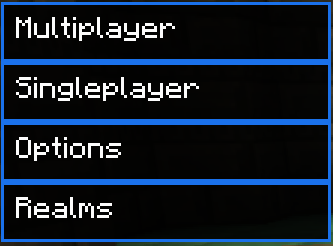




Features:
- Title screen context menu
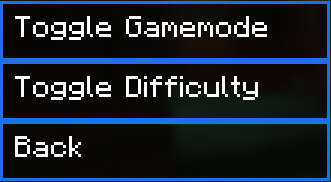
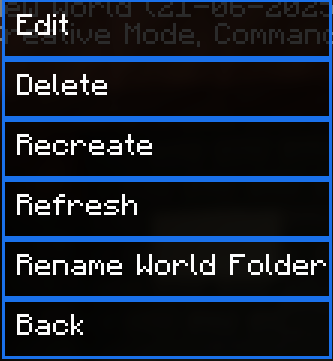
- Singleplayer screen context menu
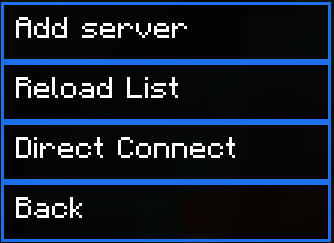
- Multiplayer screen context menu
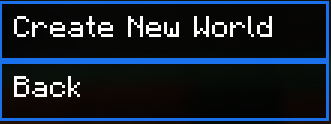
- Create world screen context menu
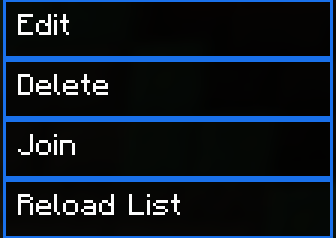
- Right click servers to edit, join or delete them!
- Right click singleplayer worlds to rename their folder, delete, join, recreate or edit them!
- Toggleable animation
- Configure on which screen the context menu's open!
- Configure the border color!
Check the gallery for all the context menus!
Join the Discord! You can ask for help, a mod, just suggest something, hangout or request the source code of any mod I have made (if I still have the source code)
Or donate to my Kofi incase you are feeling generous!
Conceptualist: SandWhoop on discord
Quick facts
- Edition: Minecraft Java
- File type: .jar
- Minecraft version listed: 1.21.1
- How to install: Install the matching mod loader (Forge, Fabric or NeoForge) for your Minecraft version. → Download the .jar. → Put it in the .minecraft/mods folder and launch that loader profile.
- Where to get it: Opens on Modrinth — not every file is mirrored on our own servers.
Install steps are the general flow for this file type — How to install Minecraft Java mods & modpacks walks through it step by step.
Verified by MCModsHub
- Ships as quick-right-click-options-1.0.0-1.21.1.jar — drop this file into the mods folder
- Download size: 97 KB
- Download link checked 7 Sept 2026 — working
These come from our own check of the pack file, not from the source page.