
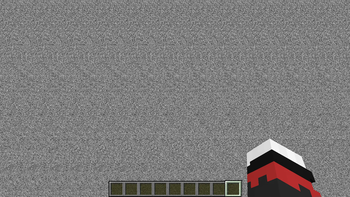
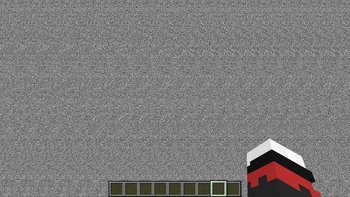
Renders the world as a 3D autostereogram.
Requirements
How to use
- Assign all keybindings from this mod in controls
- Open the config screen and fill out the parameters in the main category
- Use the toggle keybinding to enable/disable autostereogram view
- Use view distance keybindings to change autostereogram view distance
Since depth resolution in autostereograms is limited, to see close objects at higher depth resolution you will need to decrease autostereogram view distance.
Quick facts
- Edition: Minecraft Java
- File type: .jar
- Minecraft version listed: 1.19.2
- How to install: Install the matching mod loader (Forge, Fabric or NeoForge) for your Minecraft version. → Download the .jar. → Put it in the .minecraft/mods folder and launch that loader profile.
- Where to get it: Opens on Modrinth — not every file is mirrored on our own servers.
Install steps are the general flow for this file type — How to install Minecraft Java mods & modpacks walks through it step by step.
Verified by MCModsHub
- Ships as Autostereogram-1.0.0-1.19.2.jar — drop this file into the mods folder
- Download size: 990 KB
- Download link checked 7 Sept 2026 — working
These come from our own check of the pack file, not from the source page.