
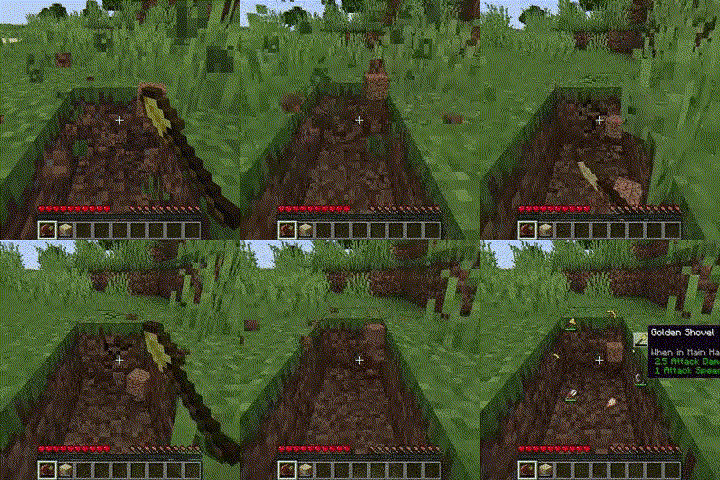
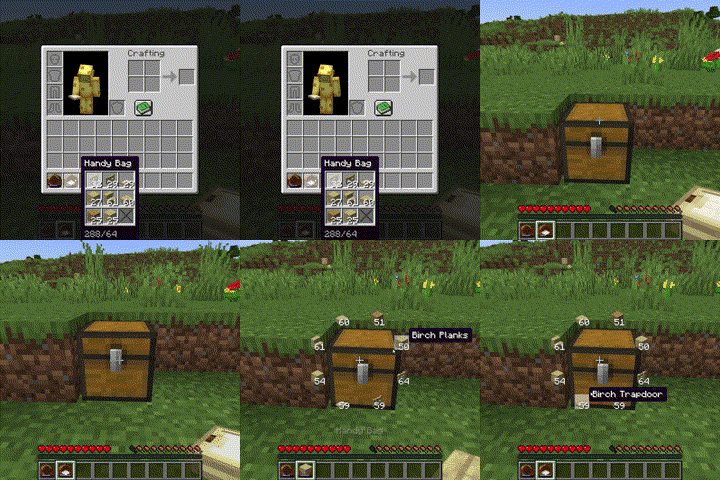
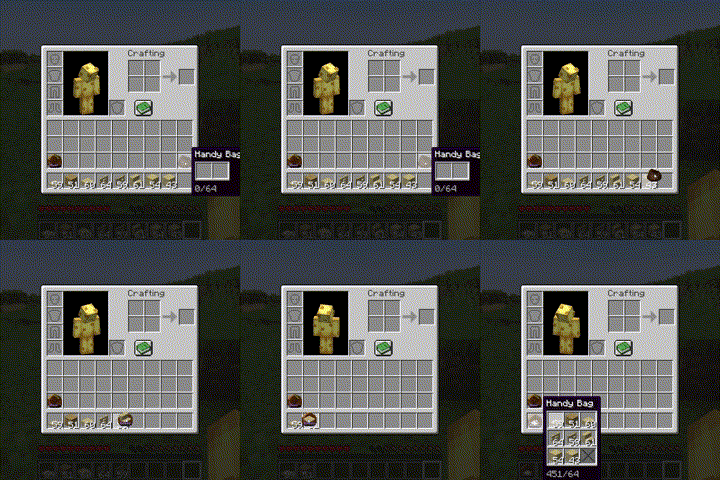
Adding Items to the Handy Bags
Same functionality as the bundle, except holds 9 unique stacks instead of 64 blocks total
Selecting Items within the Handy Bags
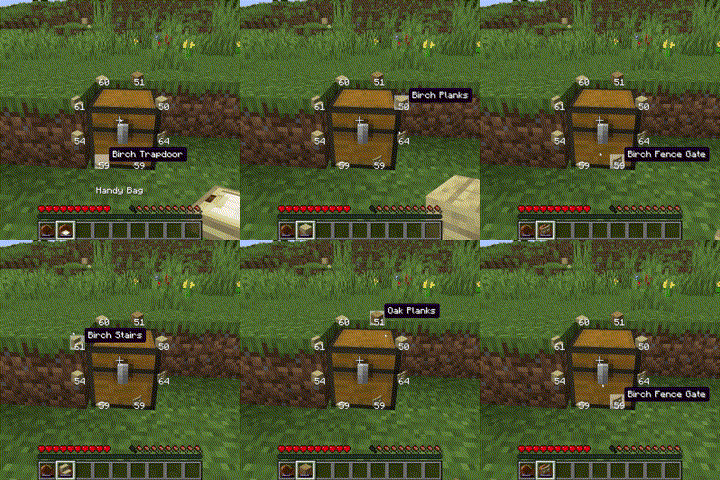
Through a radial menu (r)
Through scroll wheel + alt
Through cycle next/previous slot keys (arrow keys)
Using Blocks from the Handy Bags
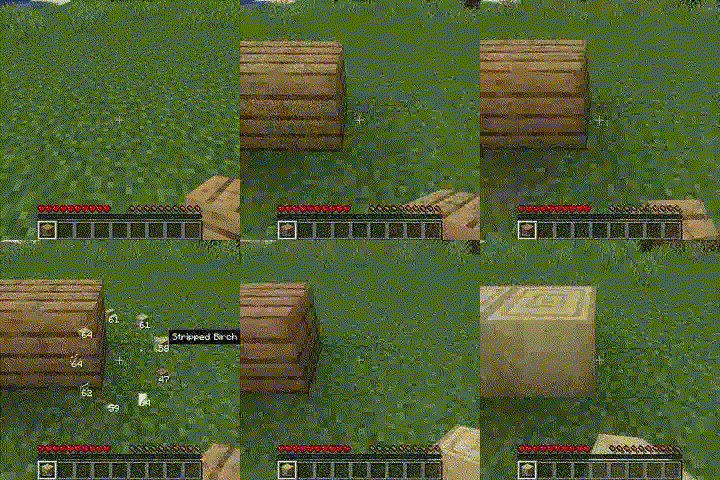
It never uses up the last block in the bag
Using Tools from the Handy Bags
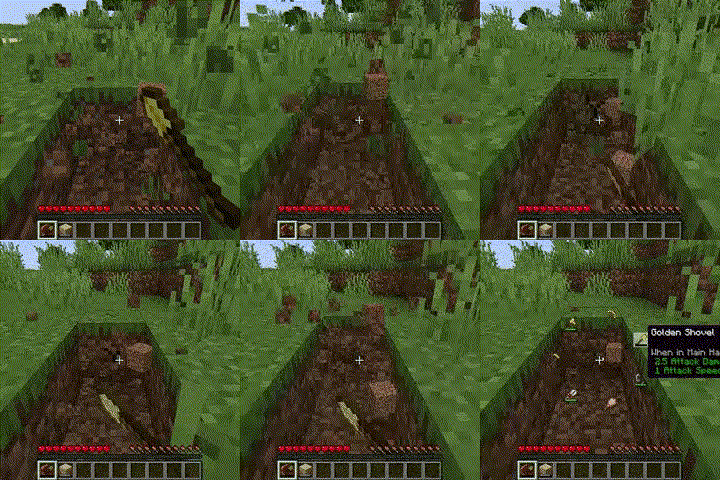
It never uses a tool without any durability
Refilling the handy bag
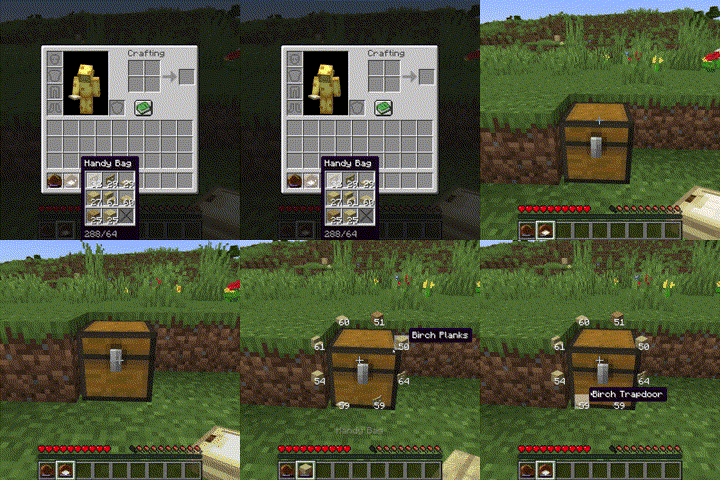
Shift Right Click on a container will refill all stacks in the handy bag if possible
Pick Block (middle mouse button)
Handy bags will be priorised over stacks in the inventory
Crafting recipe
1 chest, 1 iron ingot and 1 leather (shapeless)
Planned Features
Colored Handy Bags
Using weapons in Handy Bags
Using items in Handy Bags
Quick facts
- Edition: Minecraft Java
- File type: .jar
- Minecraft versions listed: 1.20, 1.20.1, 1.20.2
- How to install: Install the matching mod loader (Forge, Fabric or NeoForge) for your Minecraft version. → Download the .jar. → Put it in the .minecraft/mods folder and launch that loader profile.
- Where to get it: Opens on Modrinth — not every file is mirrored on our own servers.
Install steps are the general flow for this file type — How to install Minecraft Java mods & modpacks walks through it step by step.
Verified by MCModsHub
- Ships as build_box-1.0.3+1.20.1.jar — drop this file into the mods folder
- Download size: 42 KB
- Download link checked 7 Sept 2026 — working
These come from our own check of the pack file, not from the source page.