
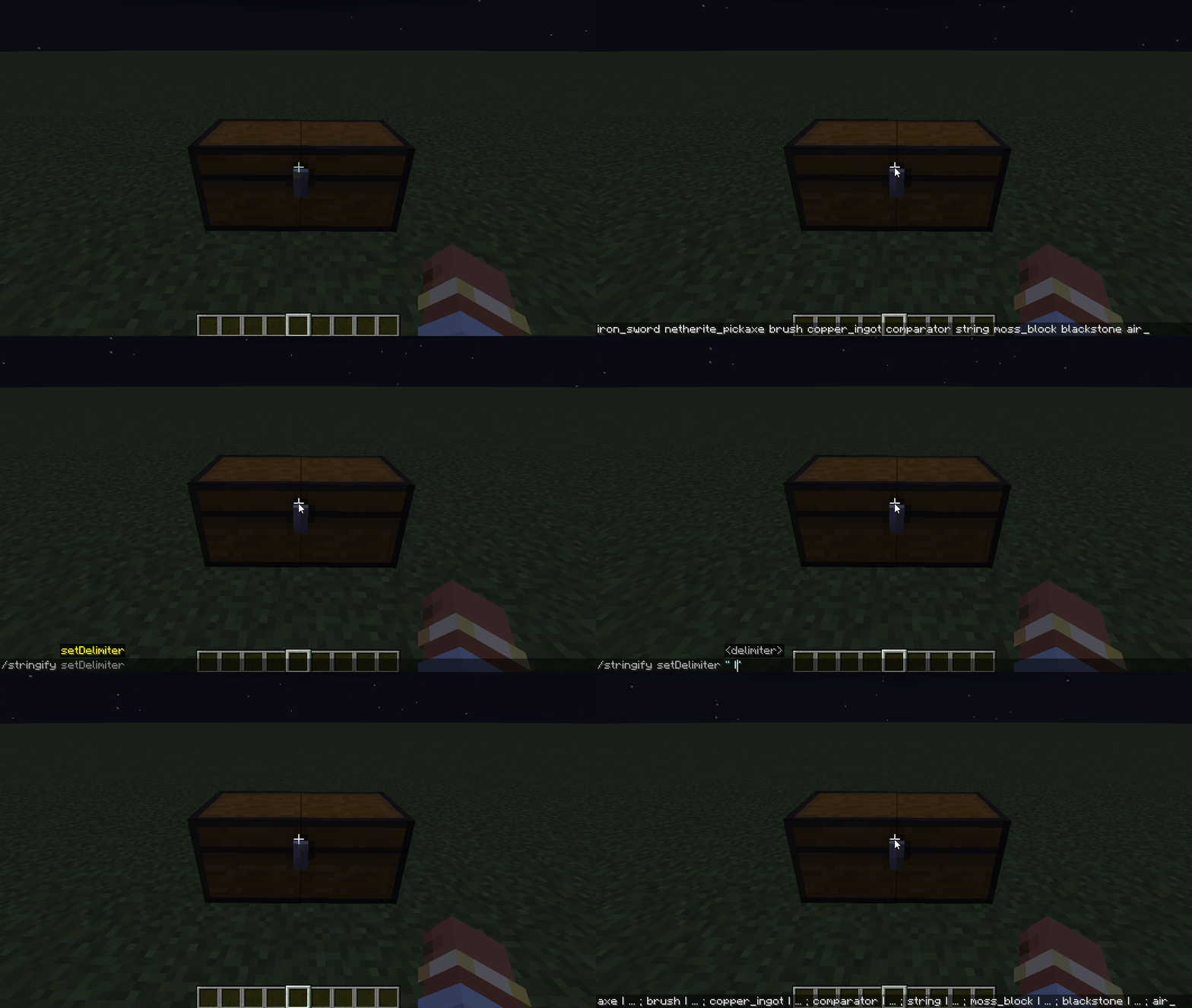
Stringify is a small clientside utility mod that enables you to export items present in an Inventory to your clipboard.
While adding a bunch of modded blocks to a shader I found it rather tedious to manually get the internal names and then manually add that to the shader file. With this mod you can simply fill a chest with leaves for example, press the large Stringify button in the top left of your screen and instantly get a list of all the items in that inventory added to your clipboard.
I've also added two commands:
- setDelimiter: Which allows you to specify a custom delimiter between the items if you need something specific
- toggleDuplicates: Which enables duplicates to also be added to the clipboard as by default each item will only be added once
Quick facts
- Edition: Minecraft Java
- File type: .jar
- Minecraft version listed: 1.20.1
- How to install: Install the matching mod loader (Forge, Fabric or NeoForge) for your Minecraft version. → Download the .jar. → Put it in the .minecraft/mods folder and launch that loader profile.
- Where to get it: Opens on Modrinth — not every file is mirrored on our own servers.
Install steps are the general flow for this file type — How to install Minecraft Java mods & modpacks walks through it step by step.
Verified by MCModsHub
- Ships as stringify-1.0.0.jar — drop this file into the mods folder
- Download size: 14 KB
- Download link checked 7 Sept 2026 — working
These come from our own check of the pack file, not from the source page.