
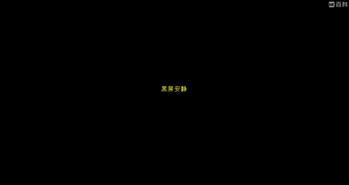
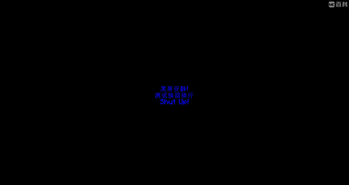
This is a mod that allows you to implement a black screen quiet function for players in the game, and it has been open-sourced on GitHub.
You can use the command /black <players> (seconds) (text) (textColor) (backgroundColor) to apply the black screen quiet effect to selected players. When the black screen quiet effect is active, players will not be able to press any keys and will not be able to close the interface on their own. The text displayed during the black screen quiet effect, as well as its color and background color, can be customized. The displayed text can use the “|” symbol for line breaks. This command requires an OP (Operator) level of 2.
If you want to remove the black screen quiet effect from someone, you can use the command /end-black <players> to解除 the black screen quiet effect for that person. This command also requires an OP (Operator) level of 2.
- Edition: Minecraft Java
- File type: .jar
- Minecraft version listed: 1.20.1
- How to install: Install the matching mod loader (Forge, Fabric or NeoForge) for your Minecraft version. → Download the .jar. → Put it in the .minecraft/mods folder and launch that loader profile.
- Where to get it: Opens on Modrinth — not every file is mirrored on our own servers.
Install steps are the general flow for this file type — How to install Minecraft Java mods & modpacks walks through it step by step.
- Ships as bsq-1.0-HOT.jar — drop this file into the mods folder
- Download size: 12 KB
- Download link checked 8 Sept 2026 — working
These come from our own check of the pack file, not from the source page.