
Frames Next Gen
The mod greatly expands interaction with frames, allowing you to take buildings and gameplay to the next level.
⬇ Download on Modrinth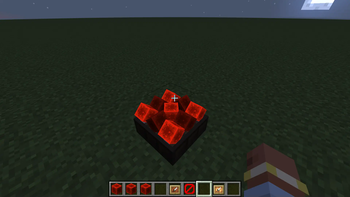
The mod allows you to improve interaction with frameworks, as well as expand their functionality, while remaining within the vanilla framework.
All parameters are customizable. The mod allows you to click through frames and signs, if the player is not crouched, and make frames with inserted objects invisible.
The main feature is the ability to configure the global displacement of an object within a frame along all three axes, as well as the ability to specify the local displacement of a specific object by renaming it according to a specific template.
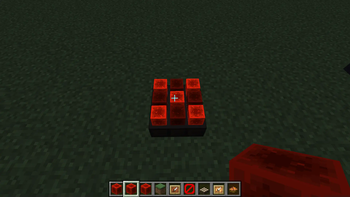
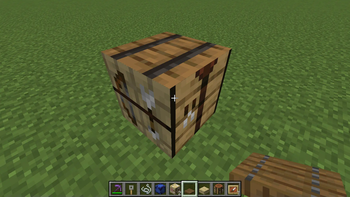
More details can be seen in the screenshots.
All changes will work on any server and players who also have this mod installed will see them.
- Edition: Minecraft Java
- File type: .jar
- Minecraft versions listed: 1.20.2, 1.20.3, 1.20.4
- How to install: Install the matching mod loader (Forge, Fabric or NeoForge) for your Minecraft version. → Download the .jar. → Put it in the .minecraft/mods folder and launch that loader profile.
- Where to get it: Opens on Modrinth — not every file is mirrored on our own servers.
Install steps are the general flow for this file type — How to install Minecraft Java mods & modpacks walks through it step by step.
- Ships as framesnextgen-0.1.0-1.20.2.jar — drop this file into the mods folder
- Download size: 24 KB
- Download link checked 8 Sept 2026 — working
These come from our own check of the pack file, not from the source page.