
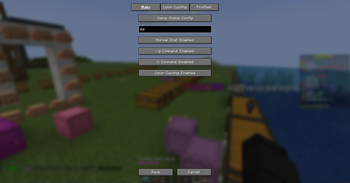
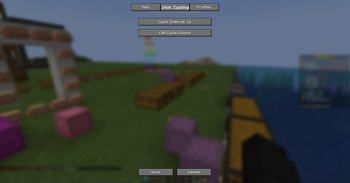
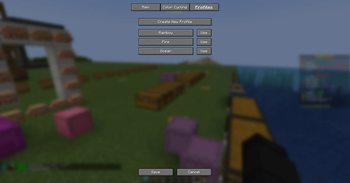

ColorMessage is a versatile chat-enhancing mod that lets you add colored prefixes to your chat messages. Features include:
- Add customizable color prefixes to normal chat messages
- Apply colors to global (/g) and local (/l) chat commands [Only tested on nChat]
- Create and save multiple color profiles for quick switching
- Dynamic color cycling with adjustable timing
- Server-specific configurations
- Convenient keyboard shortcuts
- Full in-game configuration screen with live preview
Example of a message:

Quick facts
- Edition: Minecraft Java
- File type: .jar
- Minecraft versions listed: 1.21, 1.21.1, 1.21.2
- How to install: Install the matching mod loader (Forge, Fabric or NeoForge) for your Minecraft version. → Download the .jar. → Put it in the .minecraft/mods folder and launch that loader profile.
- Where to get it: Opens on Modrinth — not every file is mirrored on our own servers.
Install steps are the general flow for this file type — How to install Minecraft Java mods & modpacks walks through it step by step.
Verified by MCModsHub
- Ships as colormessage-1.0.0.jar — drop this file into the mods folder
- Download size: 62 KB
- Download link checked 8 Sept 2026 — working
These come from our own check of the pack file, not from the source page.