
ModsJava
BundleInPalette
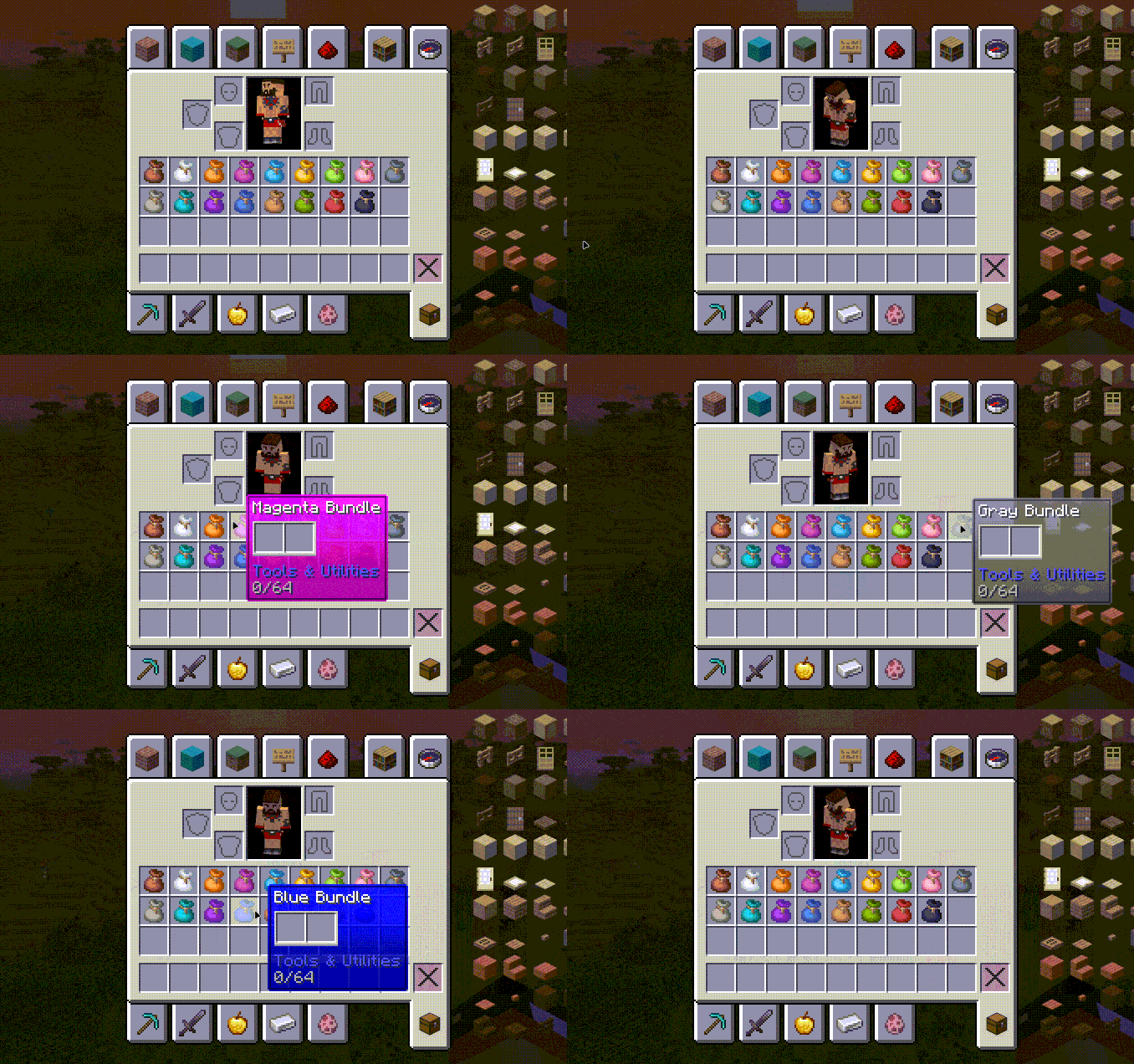
Bundle In Palette adds sixteen dyed variants of the vanilla bundle so you can color-code your inventory and storage.
⬇ Download on Modrinth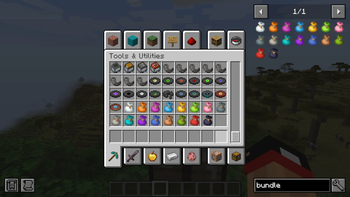
Bundle In Palette
Bundle In Palette adds sixteen dyed variants of the vanilla bundle so you can color-code your inventory and storage.
This mod requires Bundle In Creative (or any mod that restores the vanilla bundle recipe) so the new dyes have something to tint.
Features
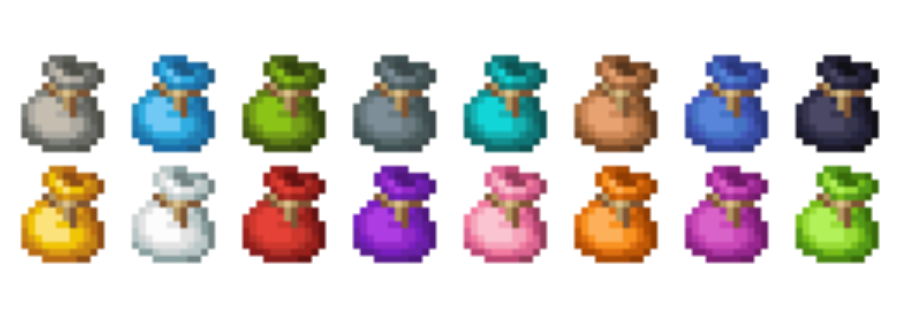
- 16 bespoke bundle textures covering every vanilla dye color.
- Shapeless recipes: combine one vanilla bundle with any dye to recolor it.
- Automatically injected into the Tools & Utilities creative tab.
- All bundles (vanilla + dyed) share the
forge:bundlesitem tag for compatibility. - Target platform: Minecraft 1.20.1 / Forge 47.x.
Optional Tooltip Tinting
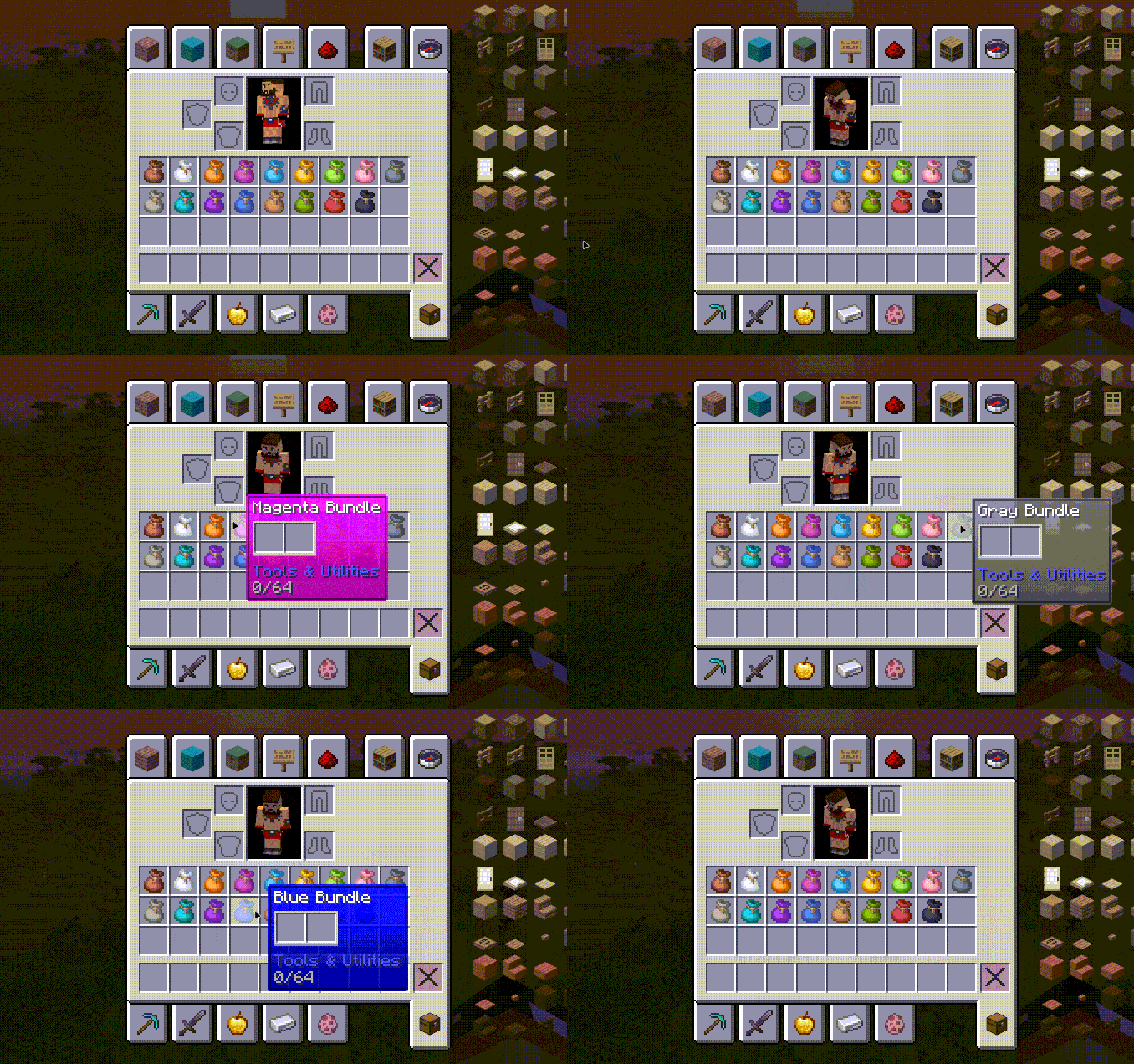
- Dyed bundles can tint their tooltip background to match their dye. This is off by default to keep vanilla styling.
- Enable via configs with a config UI mod like Configured. You can also edit
config/bundleinpalette-client.toml(dyedBundleTooltipColors=true).
Crafting
Bundle + Any Dye -> Matching Dyed Bundle
Recipes unlock once you obtain at least one vanilla bundle.
Quick facts
- Edition: Minecraft Java
- File type: .jar
- Minecraft version listed: 1.20.1
- How to install: Install the matching mod loader (Forge, Fabric or NeoForge) for your Minecraft version. → Download the .jar. → Put it in the .minecraft/mods folder and launch that loader profile.
- Where to get it: Opens on Modrinth — not every file is mirrored on our own servers.
Install steps are the general flow for this file type — How to install Minecraft Java mods & modpacks walks through it step by step.
Verified by MCModsHub
- Ships as bundleinpalette-1.1.0.jar — drop this file into the mods folder
- Download size: 40 KB
- Download link checked 8 Sept 2026 — working
These come from our own check of the pack file, not from the source page.