
Ninja Force
Java mod listed for Minecraft 1.20. Downloads from the MC Java Mods app on Android.
Become an Elemental of an Element, craft Ninja weapons and costumes to have a better fighting chance or have fun
⬇ Download on Modrinth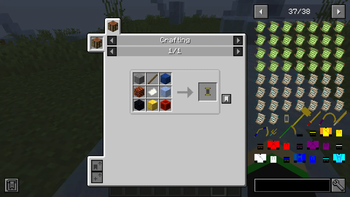
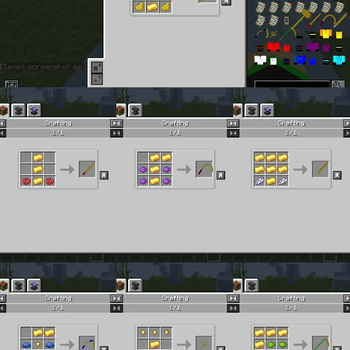
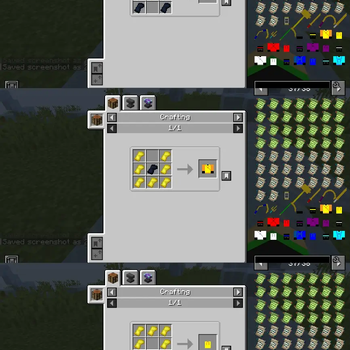
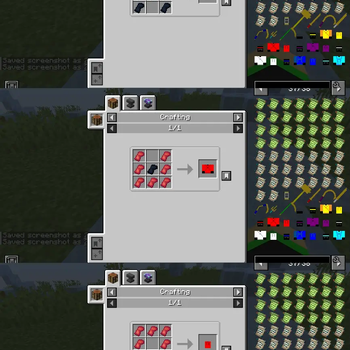
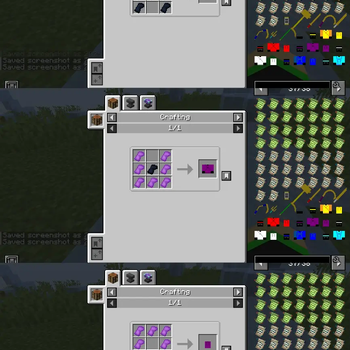
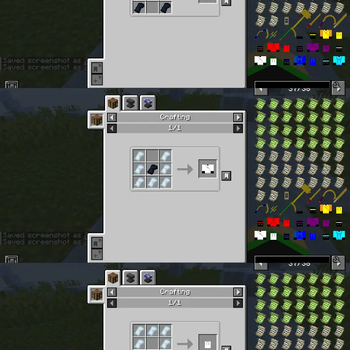
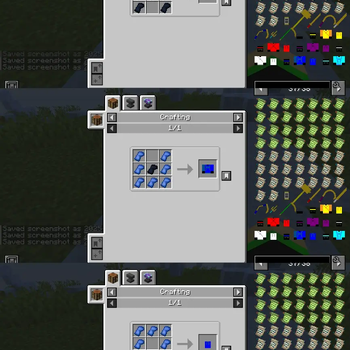
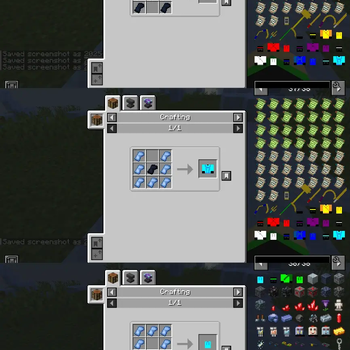
Become an Elemental Ninja to fight off evil in Minecraft. To get an Elemental Power, you must craft an Elemental Scroll (recipe is in the gallery), hold it in your mainhand and in your offhand, hold stone for Earth, magma block for Fire, obsidian for shadow, gold block for Light, redstone block for Lightning, ice for, well Ice and lapis block for Energy. Right click and you will become an Elemental of an Element, depending on what was on your offhand. You are only allowed one Element as it is very rare for an Elemental to have 2 or more Elements. There are also Ninja weapons that you can craft which are : Hammer (can be used as a pickaxe and for the Earth Ninja), Katana (for the Fire Ninja), Sickle (can be used as a how and is for the Shadow Ninja), Dao Blade (for the Light Ninja), Kusarigama (for the Lightning Ninja), Sai (can be used as a shovel and is for the Ice Ninja) and Scythe (can be used as an axe and is for the Energy Ninja). The weapons can also be placed on your back by right clicking when you have the Ninja gi respectively. Please subscribe to the channel Adeola10Green on YouTube and comment on how to improve my content.Write
- Edition: Minecraft Java
- File type: .jar
- Minecraft version listed: 1.20.1
- How to install: Install the matching mod loader (Forge, Fabric or NeoForge) for your Minecraft version. → Download the .jar. → Put it in the .minecraft/mods folder and launch that loader profile.
- Where to get it: Opens on Modrinth — not every file is mirrored on our own servers.
Install steps are the general flow for this file type — How to install Minecraft Java mods & modpacks walks through it step by step.
- Ships as Ninja Force.jar — drop this file into the mods folder
- Download size: 238 KB
- Download link checked 19 Oct 2026 — working
These come from our own check of the pack file, not from the source page.