


Swift Wheel Mod - Enhanced Inventory Management for Minecraft
Swift Wheel is a versatile client-side utility mod designed to revolutionize your Minecraft inventory management experience. This innovative mod introduces a dynamic item wheel interface that allows players to quickly access and select items from their inventory without tedious scrolling or hotbar swapping.

Usage
Simply bind a hotkey to activate the item wheel, then hover over your desired category to quickly equip or use items. You are also allowed to right click into the specified item list for every category.Perfect for combat situations, building projects, and any scenario where every second counts!

Keybinds Notice
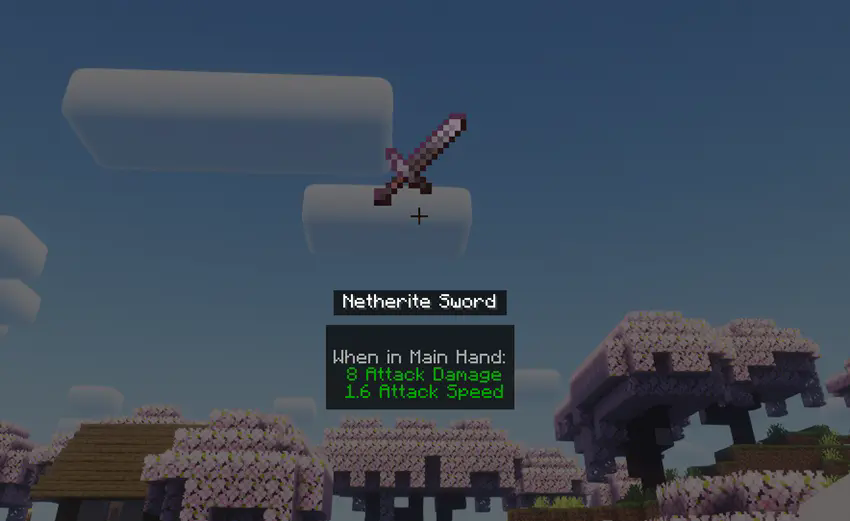
While holding the hotkey (default: "X"), standard mouse interactions are temporarily disabled. Left-click a category or release the hotkey to confirm your selection. Alternatively, right-click any category to enter Item List Mode, displaying all available items within that category. In this mode, middle-clicking an item reveals its detailed information.
Compatibility
Works with Forge only presently. Supports 1.20x game versions.
Configuration
Customize visible categories and rendering preferences through the mod's configuration file located at ".minecraft/config/swiftwheel-client.toml"
- Edition: Minecraft Java
- File type: .jar
- Minecraft version listed: 1.20.4
- How to install: Install the matching mod loader (Forge, Fabric or NeoForge) for your Minecraft version. → Download the .jar. → Put it in the .minecraft/mods folder and launch that loader profile.
- Where to get it: Opens on Modrinth — not every file is mirrored on our own servers.
Install steps are the general flow for this file type — How to install Minecraft Java mods & modpacks walks through it step by step.
- Ships as swiftwheel-1.0.0.jar — drop this file into the mods folder
- Download size: 170 KB
- Download link checked 8 Sept 2026 — working
These come from our own check of the pack file, not from the source page.