
Screen Stats
Java mod listed for Minecraft 1.20. Downloads from the MC Java Mods app on Android.
⬇ Download on Modrinth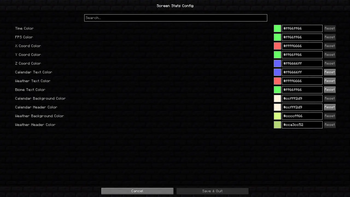
📊 Screen Stats
Screen Stats is a minimalist HUD mod for Minecraft that shows all essential information directly on your screen. See everything at a glance without opening menus. Perfect for survival, building, or exploring.
✨ Features
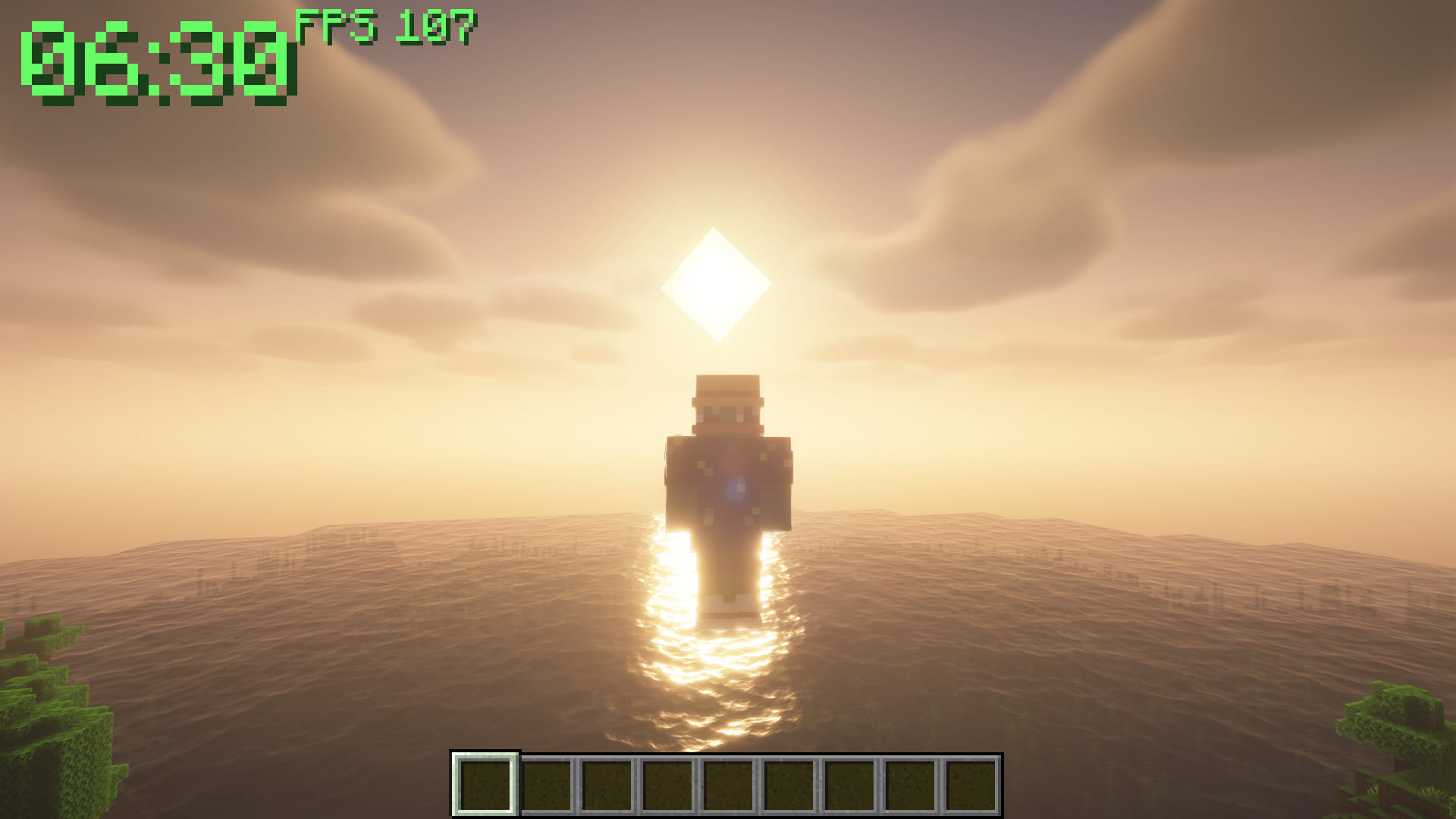
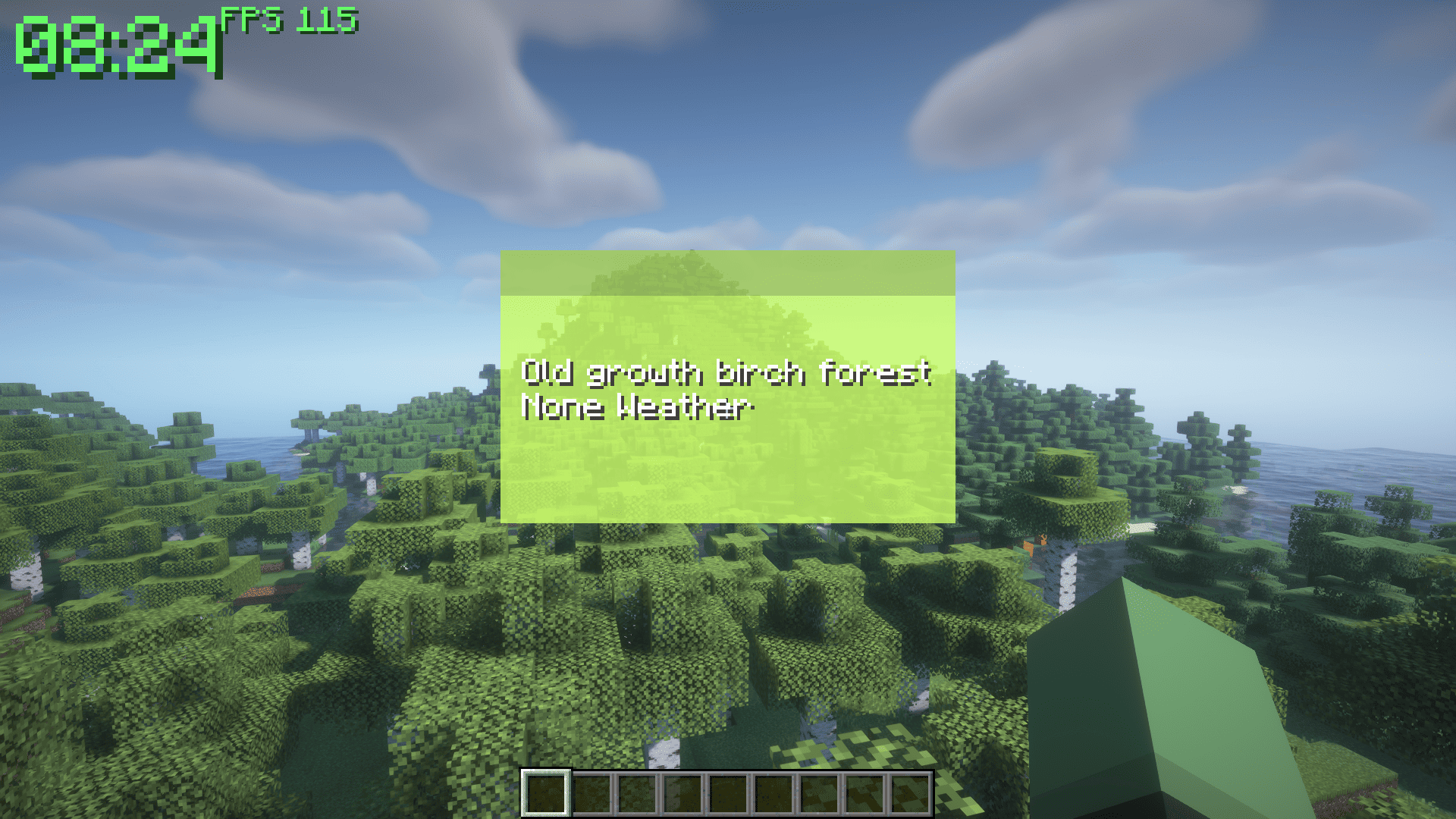
🕒 World Time
Quickly know the current in-game time. See when night is coming or when the sun is rising without checking the clock.
🎮 FPS Counter
Keep an eye on your game performance. Instantly see if your FPS drops so you can adjust settings or troubleshoot lag.
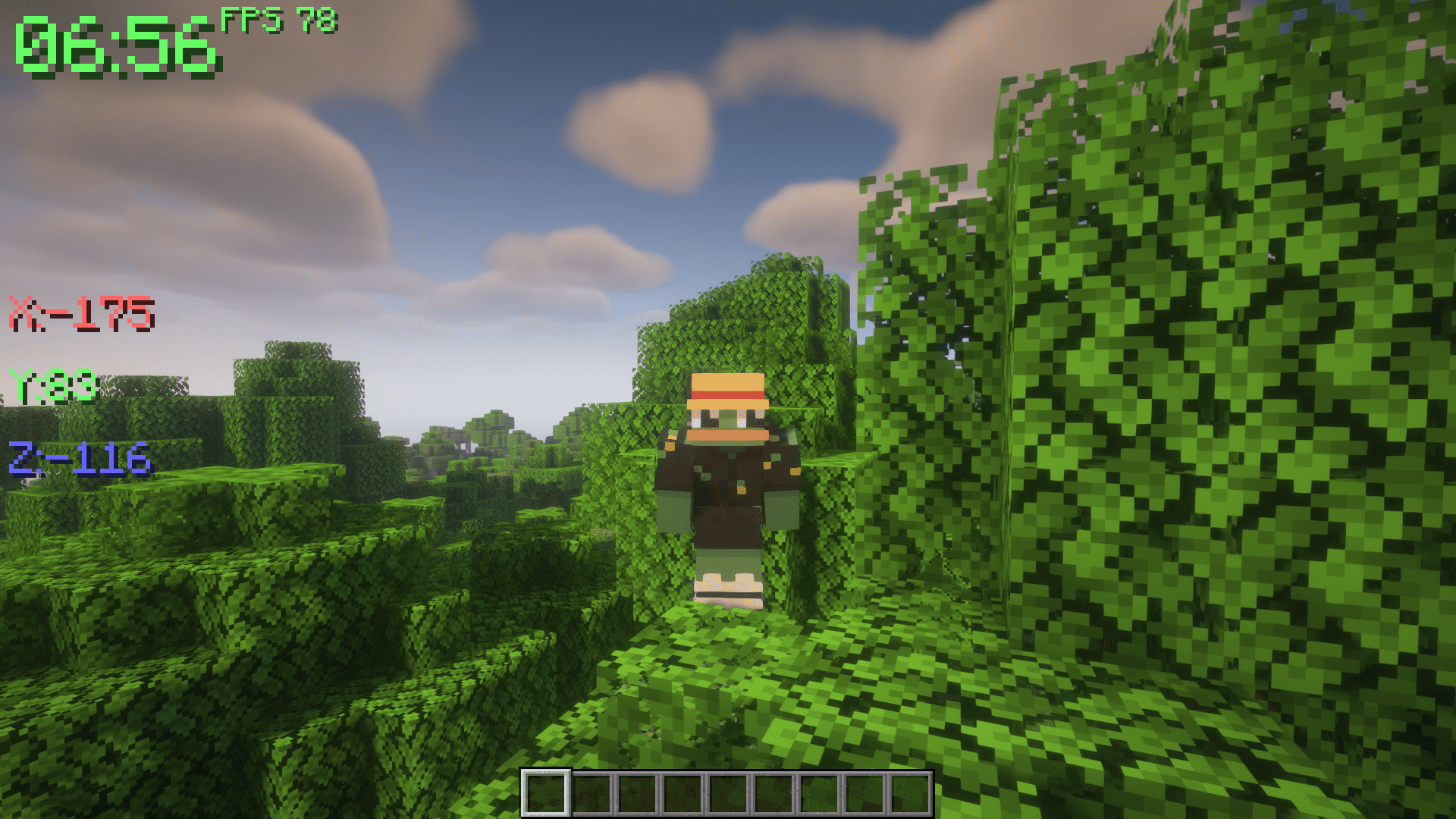
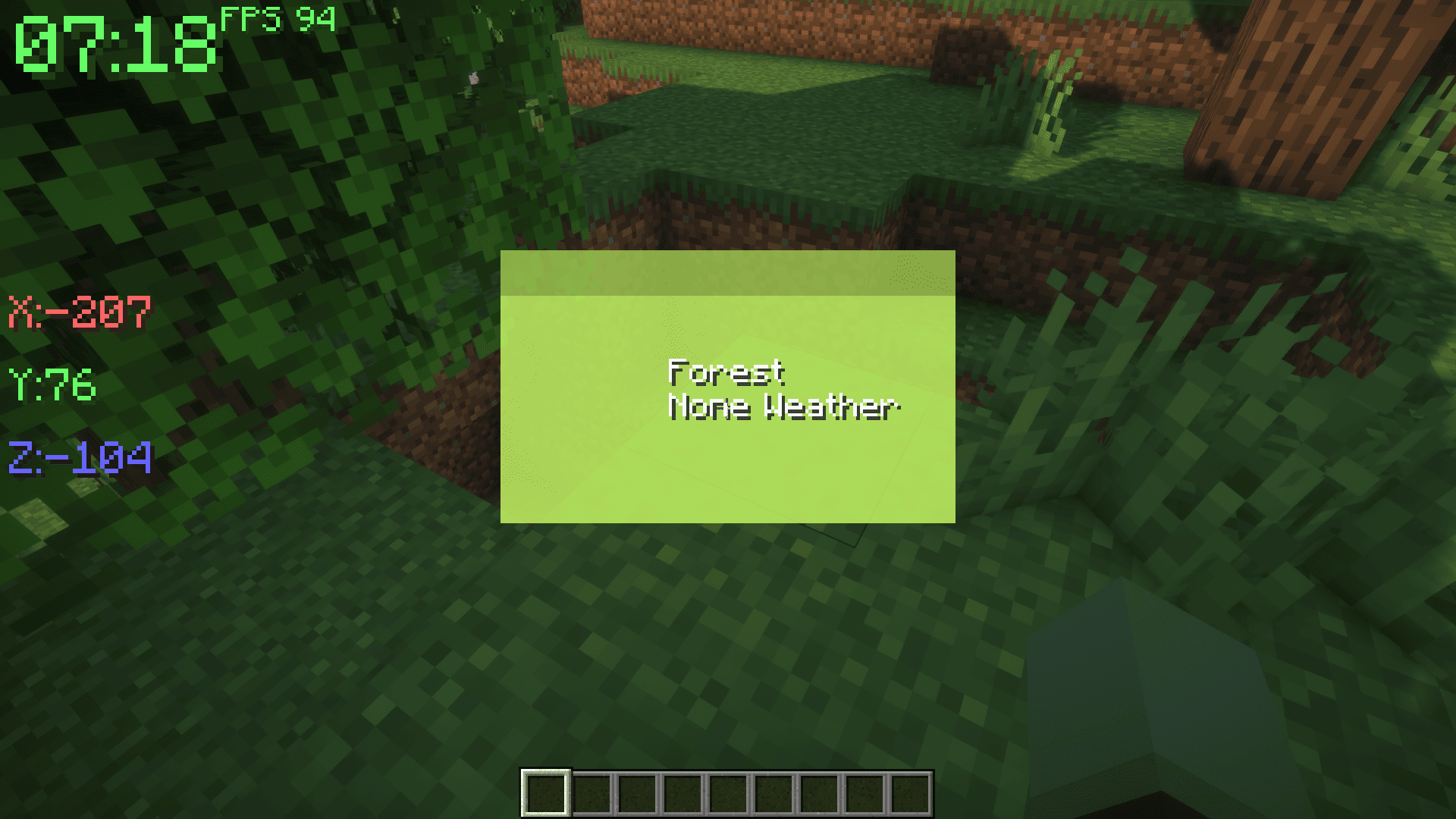
📍 Coordinates (Toggle: Z)
Know exactly where you are. Instantly check X, Y, and Z positions to navigate, mark locations, or share coordinates with friends.
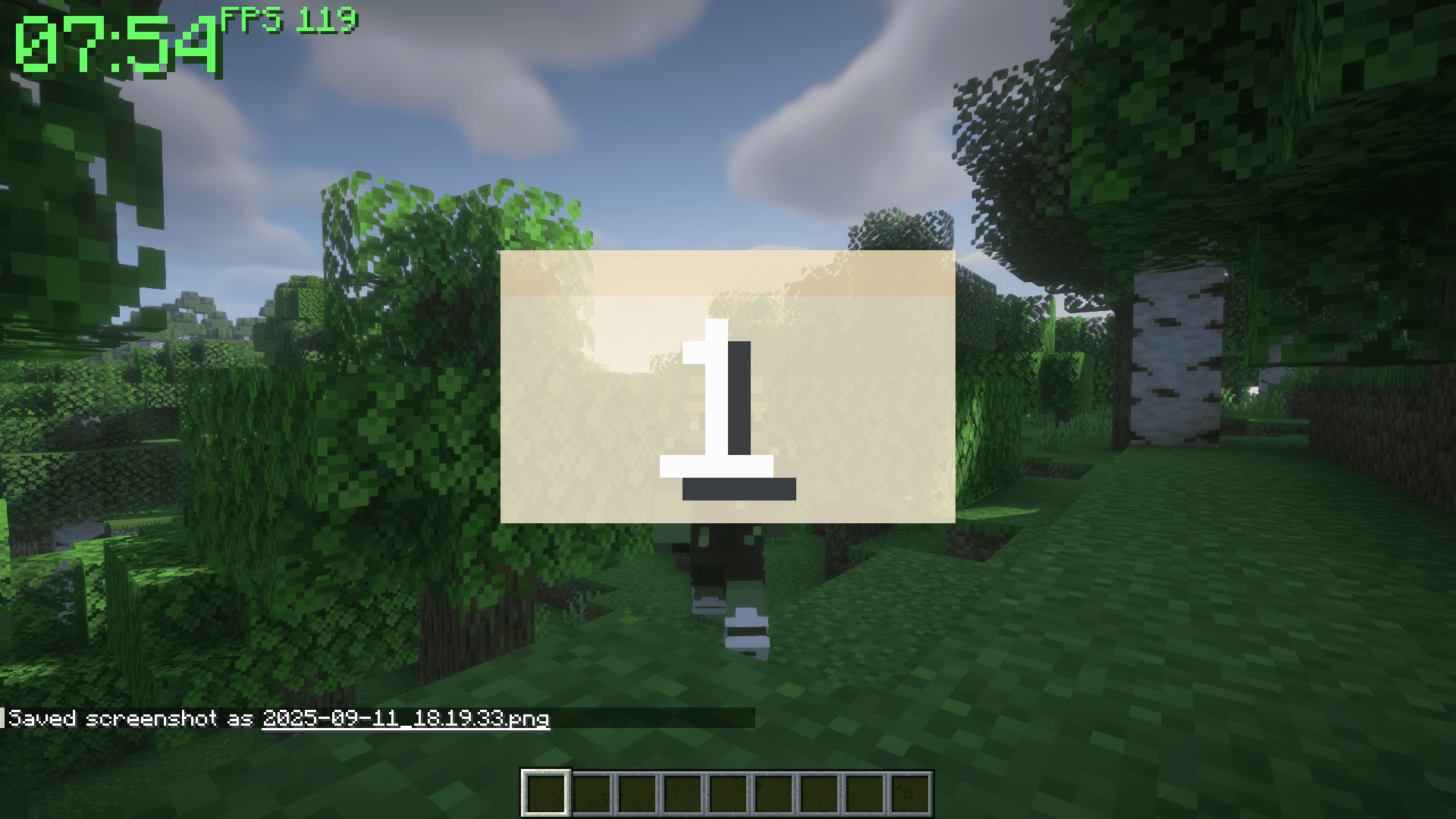
📅 Calendar (Toggle: C)
See the current in-game day and month at a glance. Plan events, track farming cycles, or just keep track of time in your world.
⛅ Weather & Biome (Toggle: X)
Always know your environment. See the current biome and weather: clear, rain, or thunder. Plan your activities or prepare for storms without surprises.
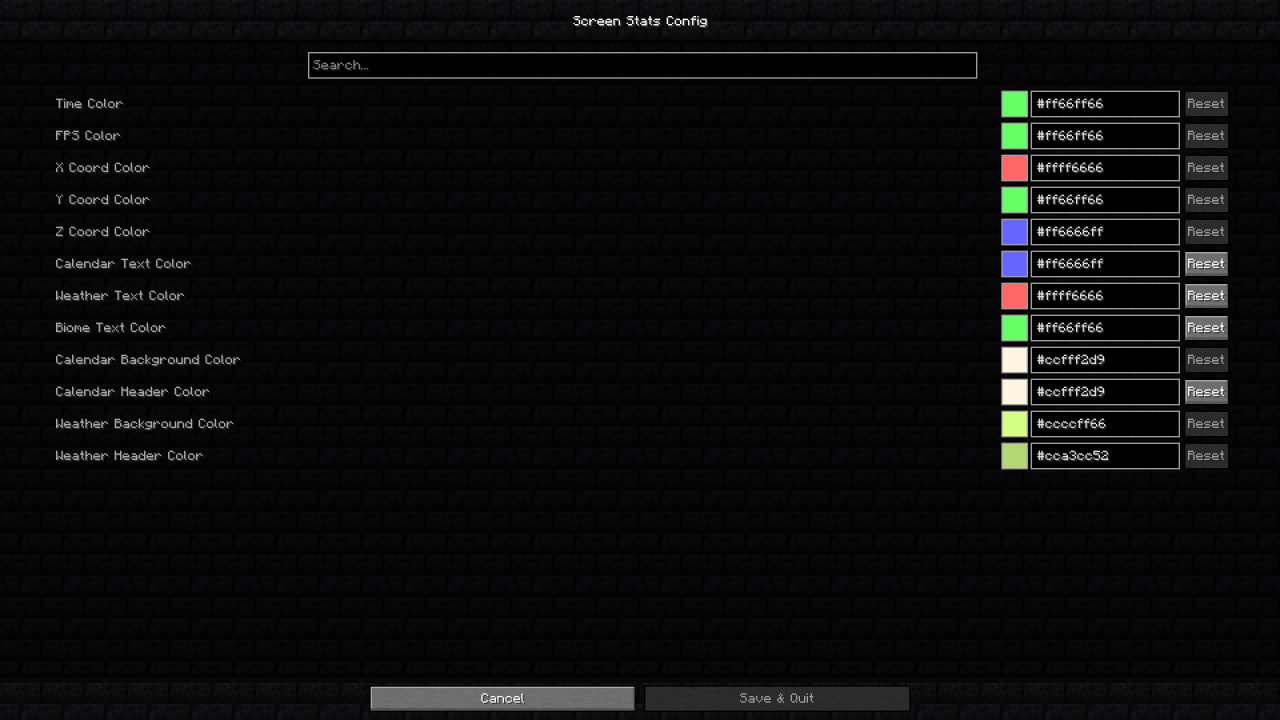
🎨 Customization
Make the HUD fit your style. Change colors, transparency, and scale to match your screen and preferences. Highlight important info in the colors you like.
⌨️ Controls
- Z — Show or hide coordinates
- C — Show or hide calendar
- X — Show or hide weather & biome
Everything is instantly visible, easy to read, and customizable to your taste.
- Edition: Minecraft Java
- File type: .jar
- Minecraft versions listed: 1.20.1, 1.20.2, 1.20.3
- How to install: Install the matching mod loader (Forge, Fabric or NeoForge) for your Minecraft version. → Download the .jar. → Put it in the .minecraft/mods folder and launch that loader profile.
- Where to get it: Opens on Modrinth — not every file is mirrored on our own servers.
Install steps are the general flow for this file type — How to install Minecraft Java mods & modpacks walks through it step by step.
- Ships as screen_stats-1.1.1.jar — drop this file into the mods folder
- Download size: 24 KB
- Download link checked 19 Oct 2026 — working
These come from our own check of the pack file, not from the source page.