


This mod adds a config value that limits a players xp level, so when the value, which is 250 by default, is set to for example 30, then when a player reaches over 30, their level gets set to 30 again.
The mod is required on serverside and optional on client side, the differences will be in videos below. The config is synced between client and server so the client will not have to do anything.
The gif below shows what would happen if the client doesnt have it installed but the server does. Note the XP bar changing from 10 to 11 and back to 10.
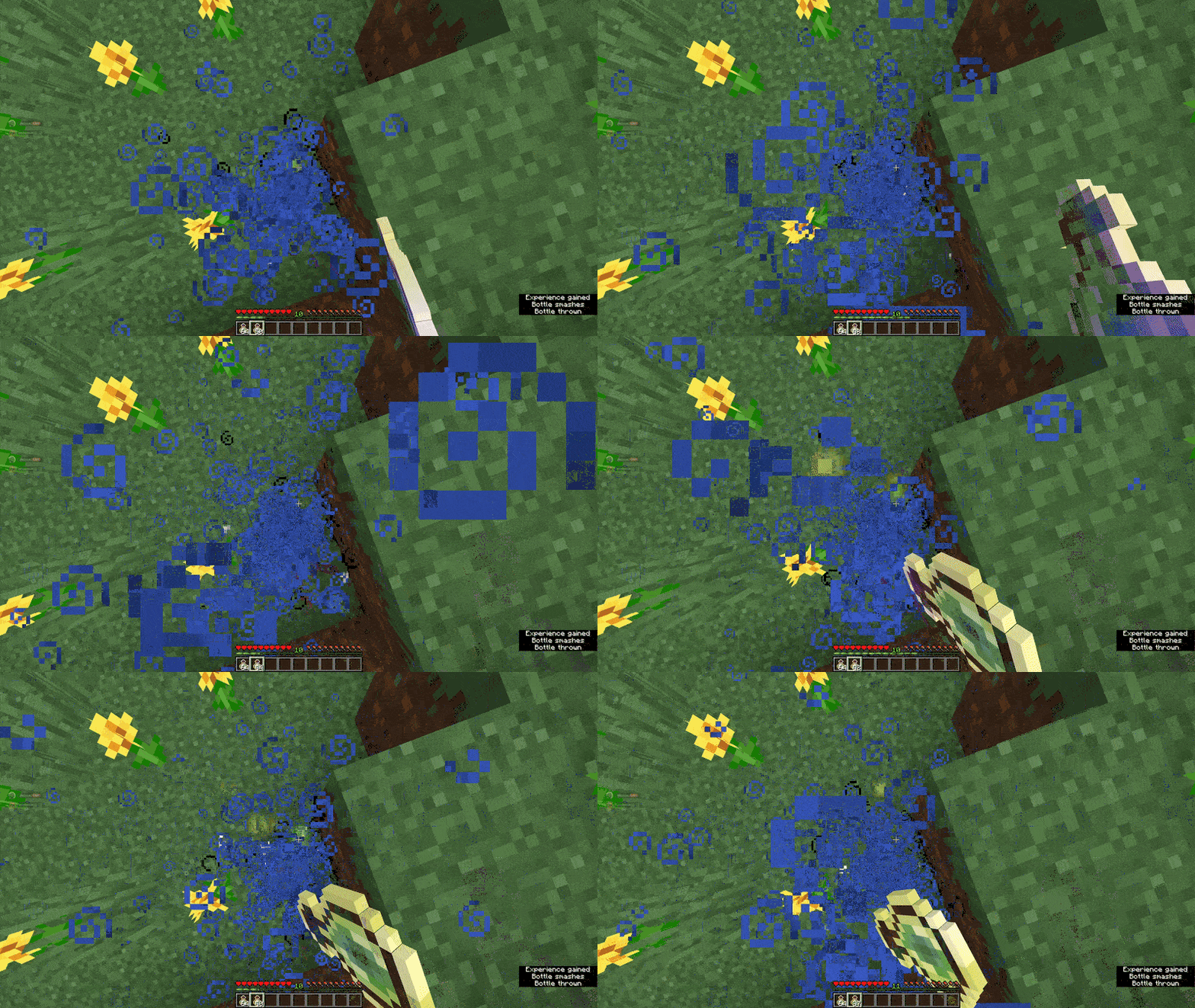
And this is if the client does have it installed, note the bar staying at 10:

Join the Discord! You can ask for help, a mod, just suggest something, hangout or request the source code of any mod I have made (if I still have the source code)
Or donate to my Kofi incase you are feeling generous!
- Edition: Minecraft Java
- File type: .jar
- Minecraft version listed: 1.21.5
- How to install: Install the matching mod loader (Forge, Fabric or NeoForge) for your Minecraft version. → Download the .jar. → Put it in the .minecraft/mods folder and launch that loader profile.
- Where to get it: Opens on Modrinth — not every file is mirrored on our own servers.
Install steps are the general flow for this file type — How to install Minecraft Java mods & modpacks walks through it step by step.
- Ships as xp-limiter-1.0.0-1.21.5.jar — drop this file into the mods folder
- Download size: 80 KB
- Download link checked 8 Sept 2026 — working
These come from our own check of the pack file, not from the source page.